



Work Anywhere With the FreshBooks Mobile Accounting App
Keep your finger on the pulse of your small business wherever you are. With the FreshBooks mobile accounting app, you will easily stay connected with your clients and be able to take care of your accounting anywhere – from coffee shop to mountaintop.



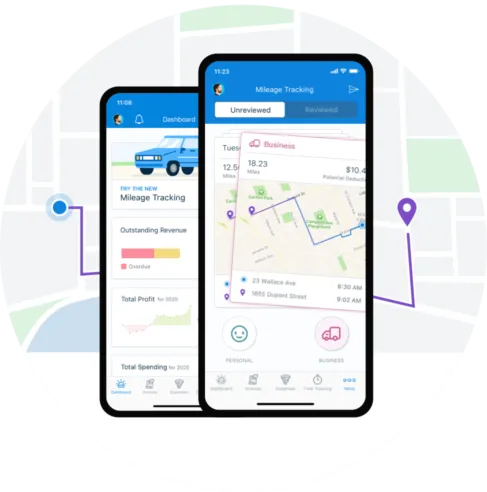
Track Your Mileage On-The-Go, as You Go
Automatically track your mileage as you drive, easily categorize business trips with a swipe, and view your potential tax deduction — right from your phone.
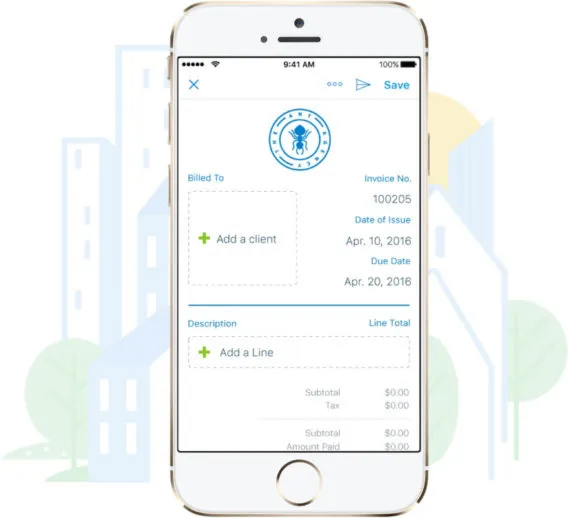
Create Professional Looking Invoices on the Go
Just finished delivering that big project? Send your client an invoice right from their office and get paid by the time you get home.
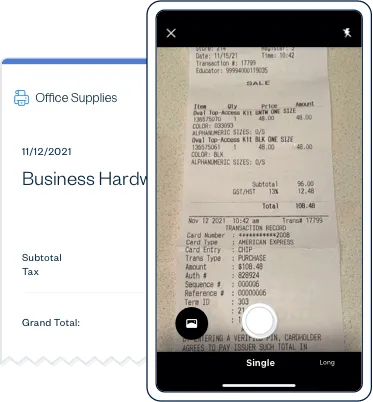
Say Goodbye to Paper Receipts
Picking up the tab for a client lunch or buying supplies for a new project? Snap a picture of the receipt and FreshBooks will automatically capture the merchant, totals, and taxes for you. Yep – expense tracking just got a lot easier.
Stay on Top of Your Important Conversations
Respond to your clients’ questions and feedback right from the mobile accounting so even when you’re on the go, your conversations are kept in one place.
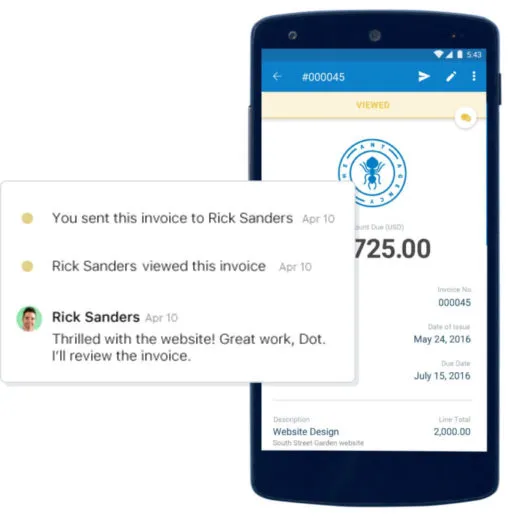
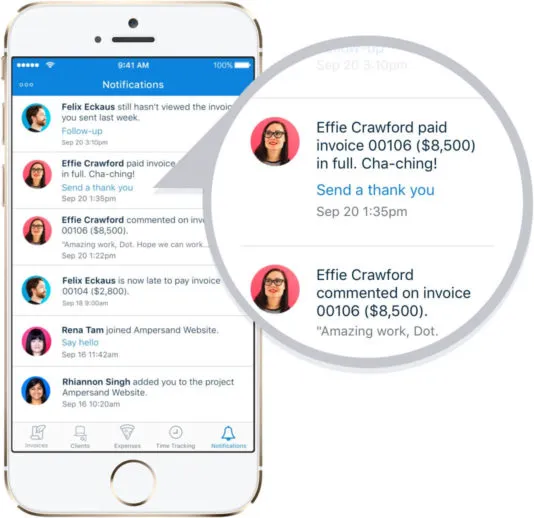
Never Miss an Update
Know instantly when a client has viewed their invoice or when an invoice has become overdue so you can always stay on top of your business.
Always Be in Sync
FreshBooks stays in sync across the desktop and the mobile accounting app so you can work on whatever device you prefer without missing any important information.
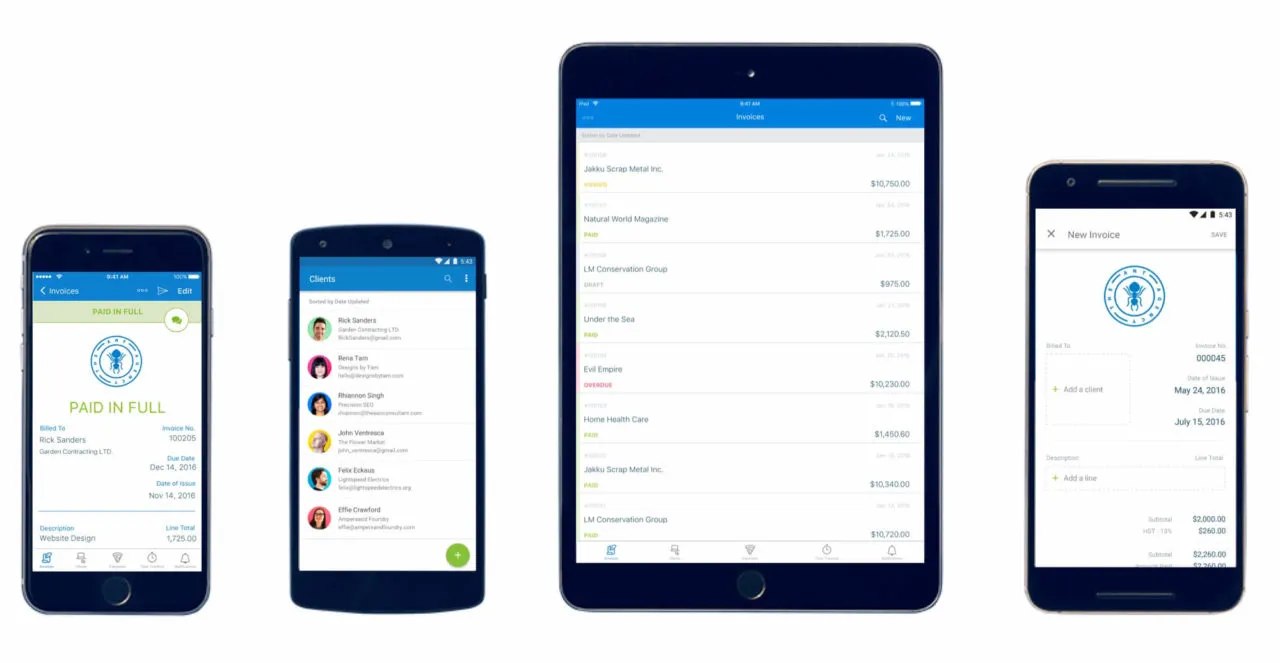
All the Powerful Features of the
FreshBooks App
- Create and send professional invoices
- Snap pictures of receipts
- Manage expenses on the go
- Stay on top of important updates
- Chat with clients
- Data synced across all devices
Download the Free FreshBooks App
Awards from



Frequently Asked Questions
Yep. Your information is synced across all your devices so you can always access your data wherever you are, on whichever device you’d prefer.
The mobile accounting app allows you to run your business right from your mobile device including sending invoices, logging expenses, and tracking time. Some features (like reporting) are only available from your desktop though.
You can download the FreshBooks mobile accounting app from any iPhone or iPad running iOS 9.0 or higher and any Android device running Android 4.2 or higher. You can access your FreshBooks account from any mobile browser though, regardless of device.