Looking for proposal software? Show value, win clients With FreshBooks

No credit card required.
Cancel anytime.
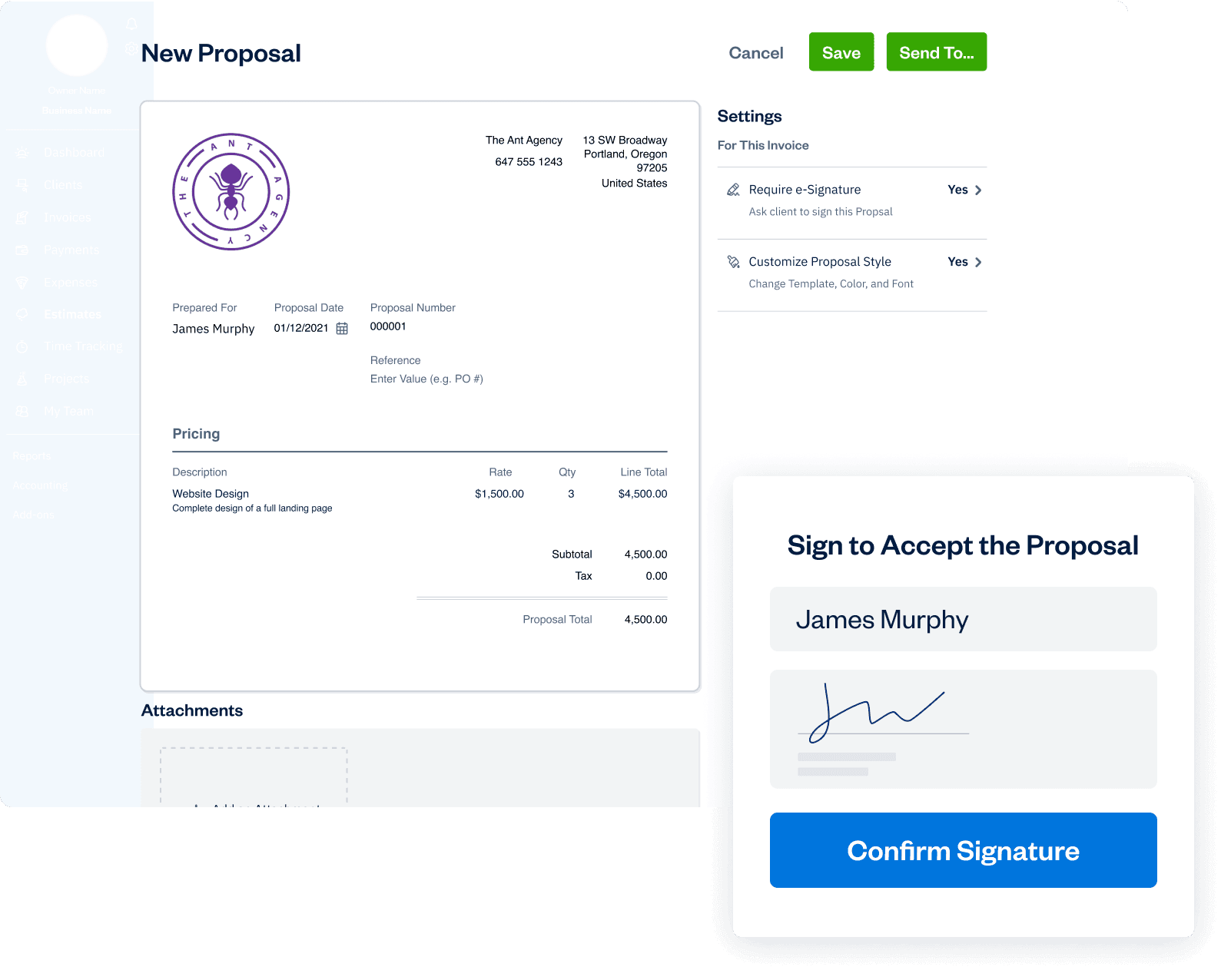




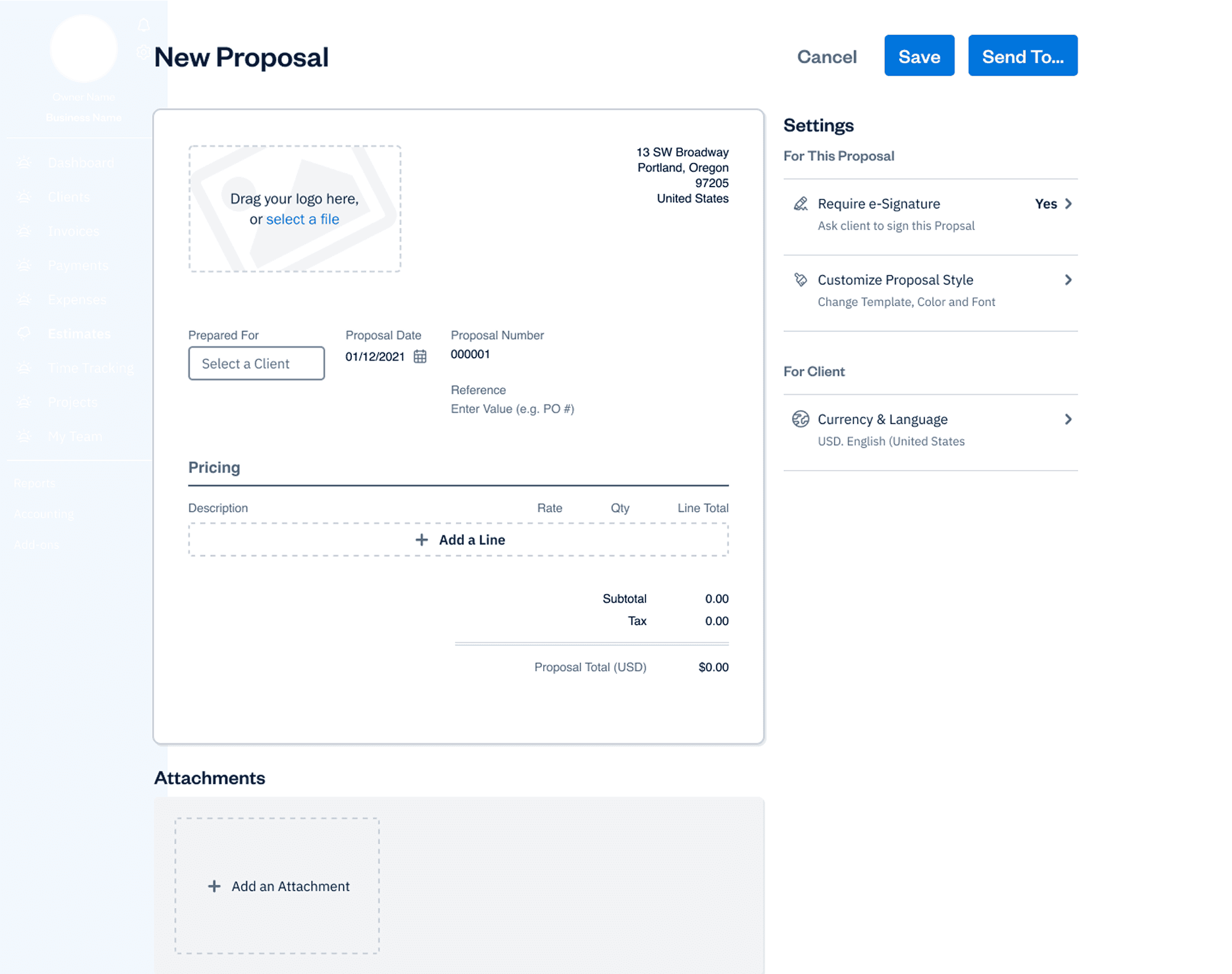
Polish up your elevator pitch
Close and get paid, here’s how
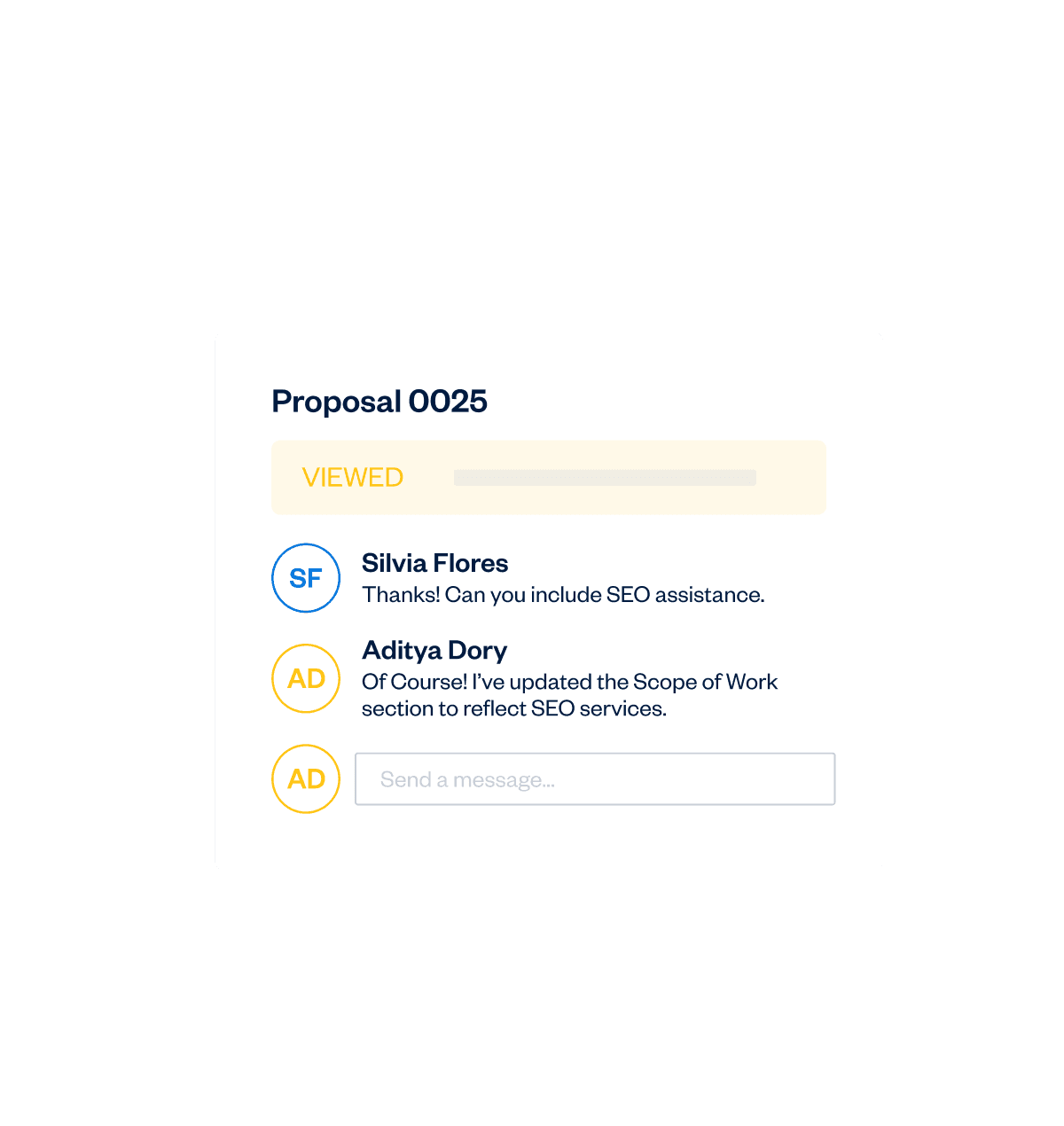
Have they read it? Check proposal status!
Polish up your elevator pitch
Close and get paid, here’s how
Have they read it? Check proposal status!

Polish up your elevator pitch
Close and get paid, here’s how
Have they read it? Check proposal status!




More Ways Proposal Software Connects You to Clients

Notifications
Get notified about Proposal client activity
Reuse a Proposal
Easily recycle an old Proposal to use for a new client
Downloadable
Download Proposals as PDFs
Stay Organized
Vendor proposals are always organized and easily accessible
Frequently Asked Questions
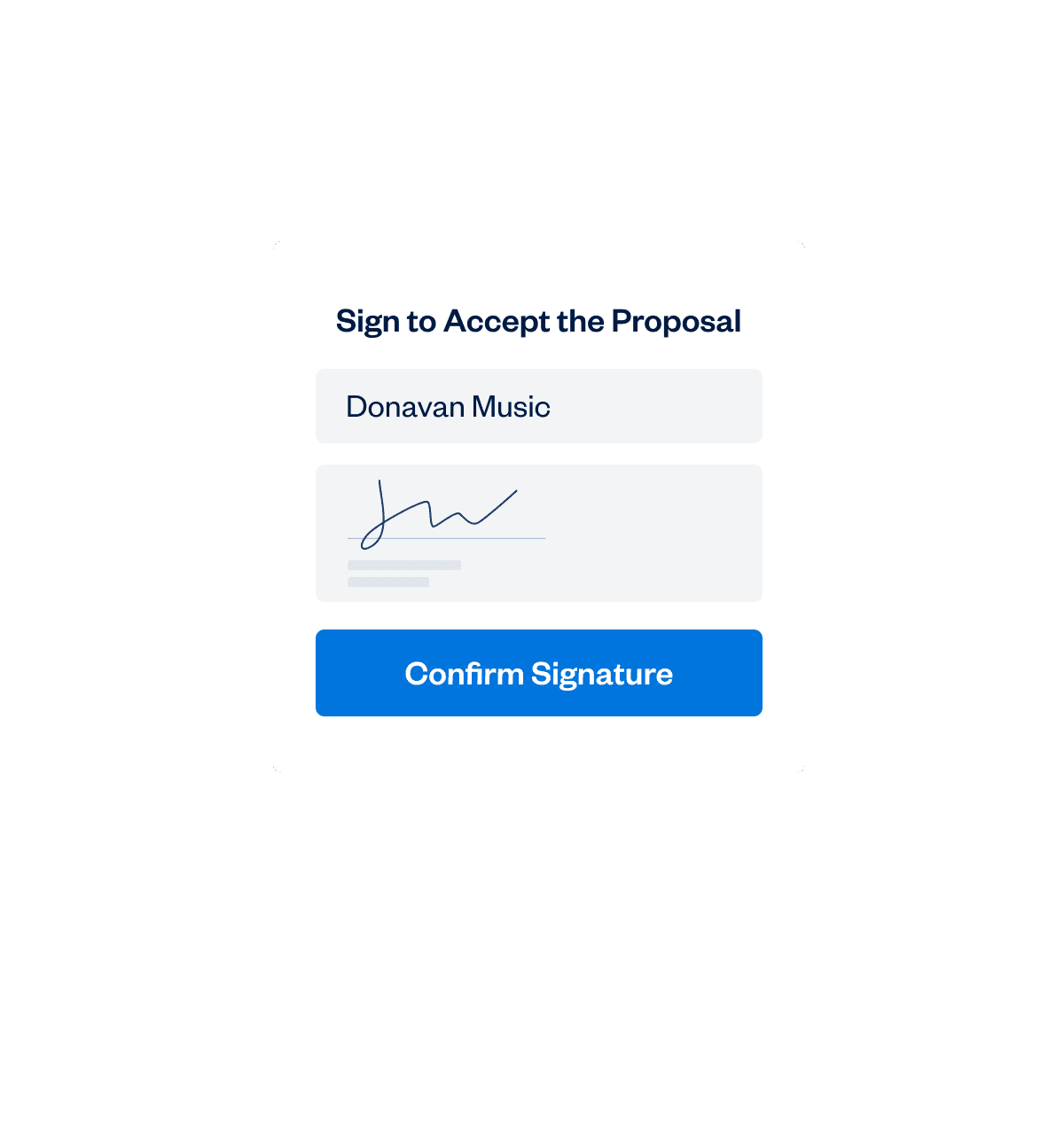
Yes, clients can access your professional-looking proposal whenever it’s convenient for them. They can accept, ask you questions, and add their electronic signature all from within FreshBooks. The user interface and workflow are designed to be easy for you and your clients.
Learn more about how your clients can interact with proposals: https://support.freshbooks.com/hc/en-us/articles/115013162648-How-do-I-create-a-Proposal-#accept
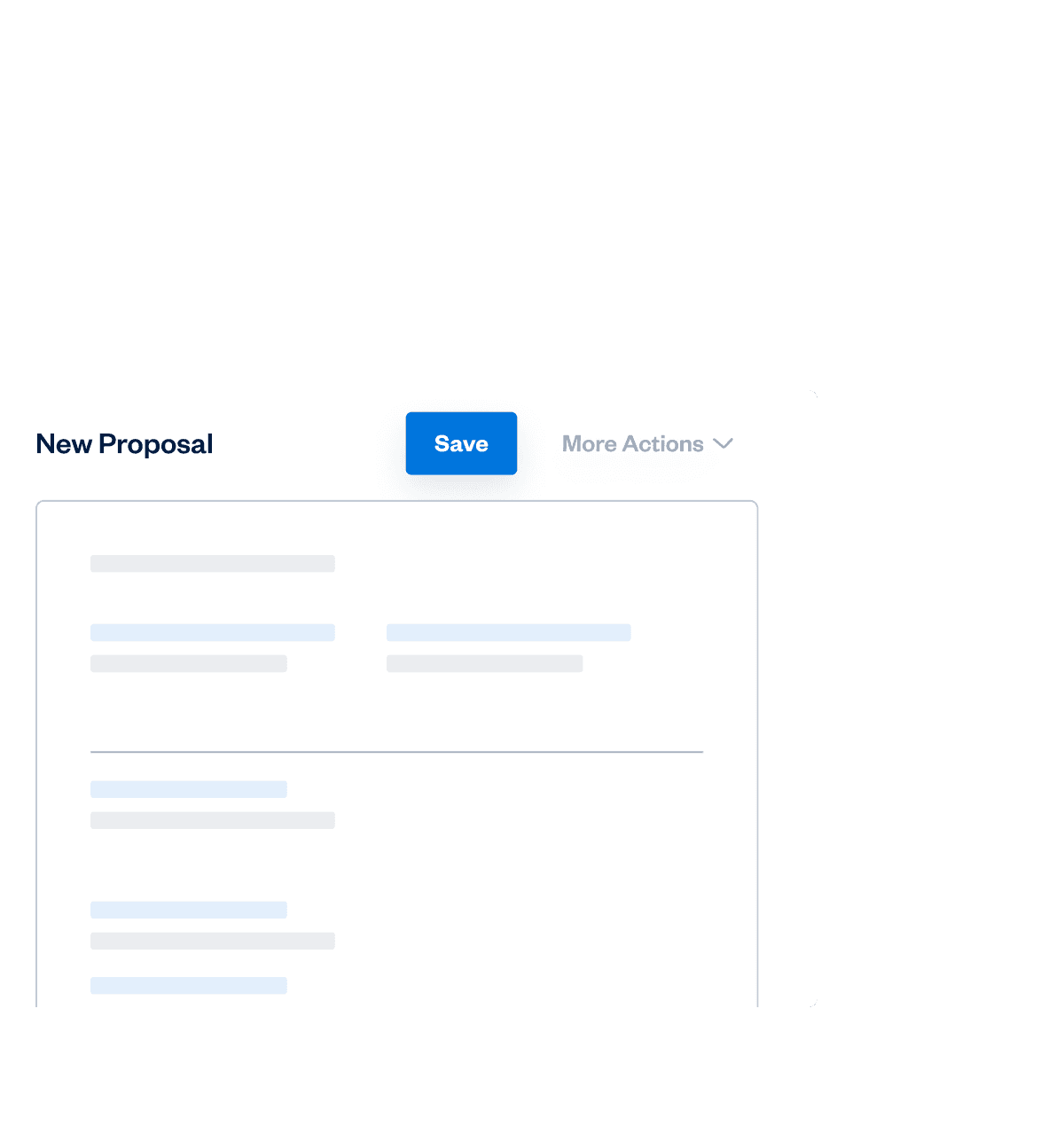
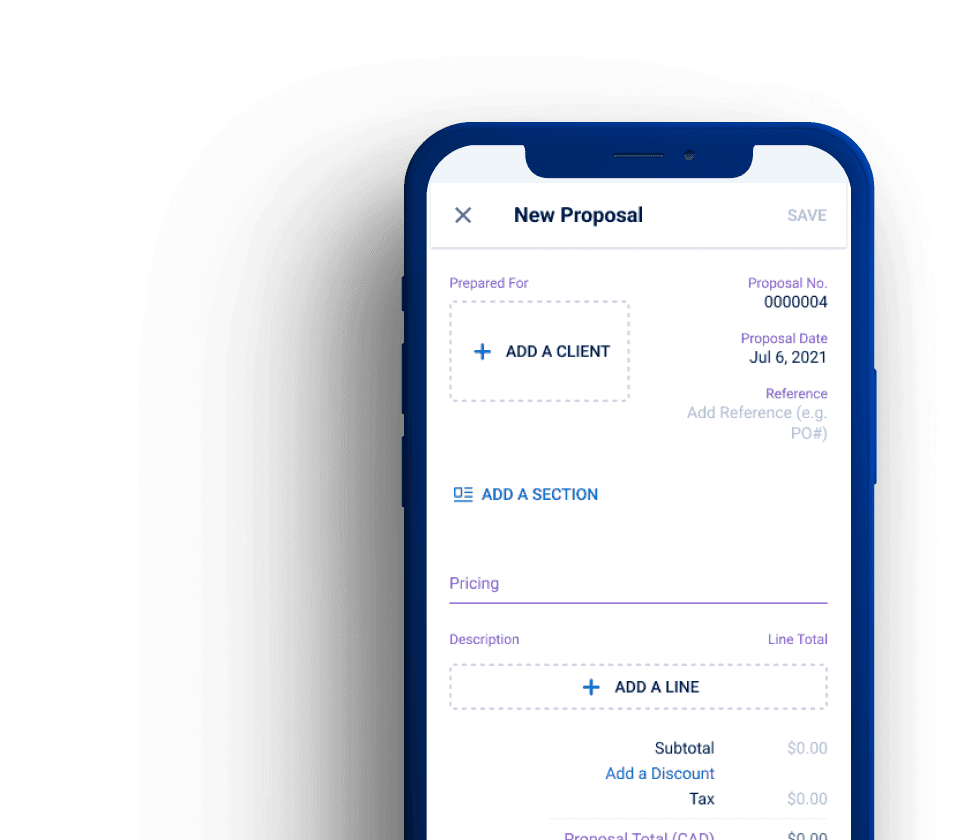
Yes, you can use proposals on your iOS device. Once you’re logged into your account, tap “More” at the bottom of your screen, then tap “Estimates”. From the Estimates screen, tap the “+” at the top right of the screen and then tap “Proposal”. From here, you can add all your Proposal content and details like Client, Proposal date, description, and more. When you’re done creating your Proposal, you can either save it or send it to your Client.
Learn more about creating proposals on your iOS device here: https://support.freshbooks.com/hc/en-us/articles/360027629331-How-do-I-create-Proposals-on-iOS-
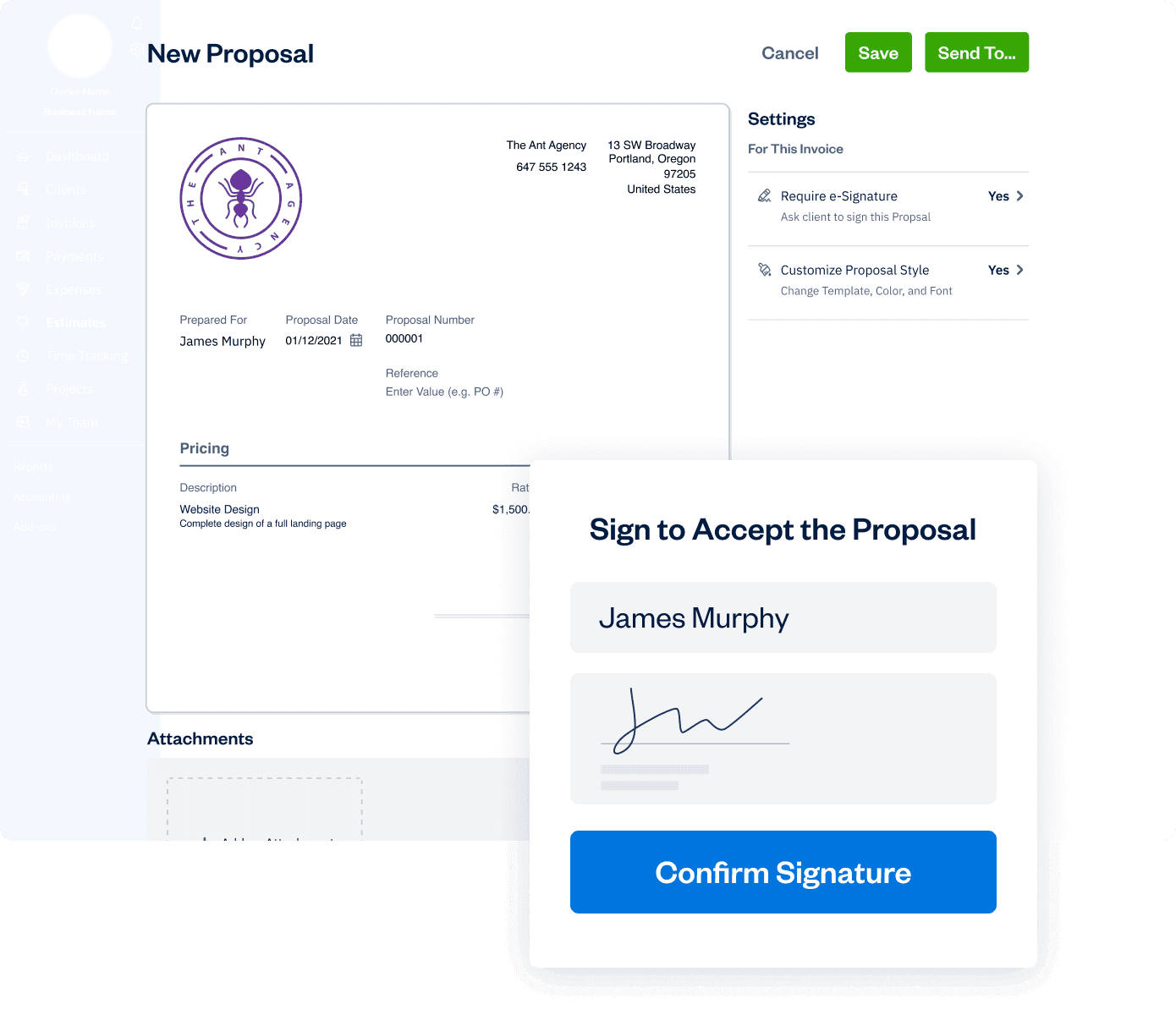
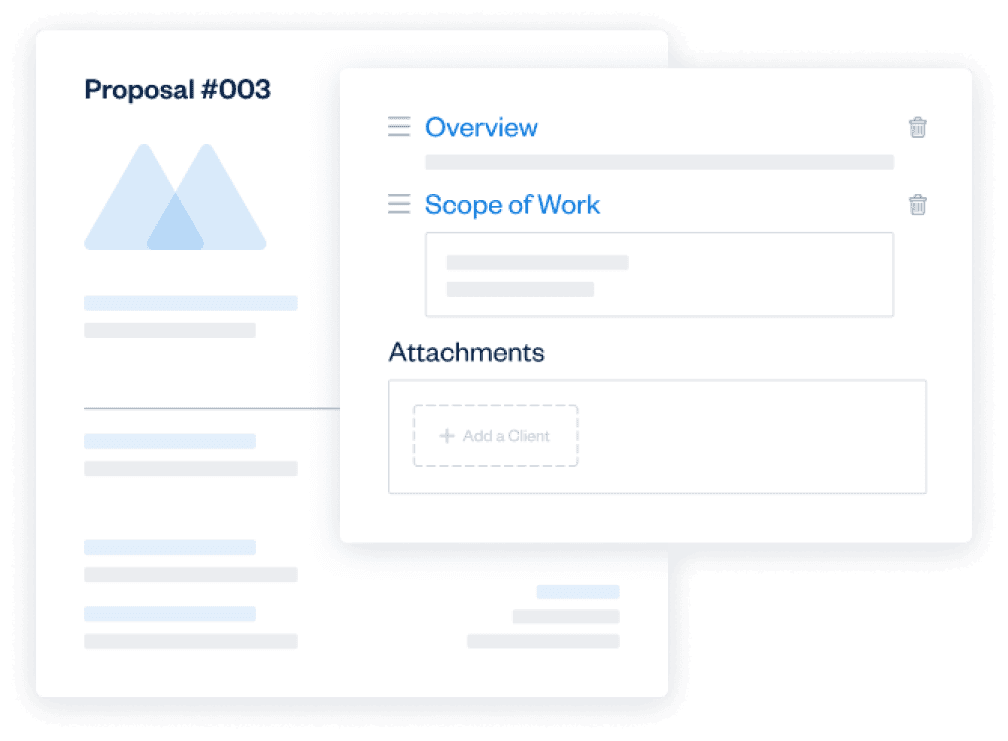
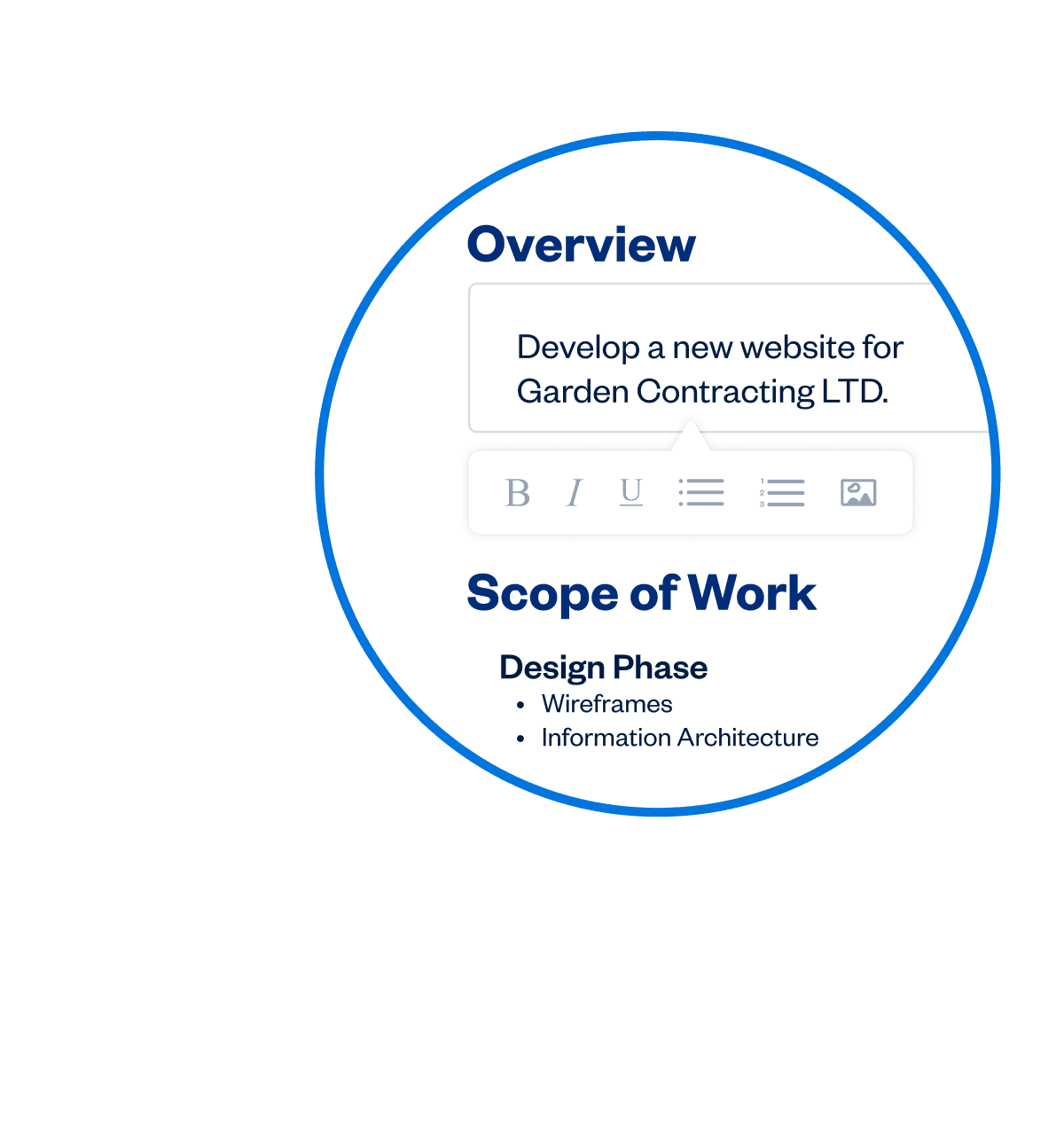
FreshBooks professional proposal software lets you customize a lot of the design and all of the content! The sections of your proposal like the overview, scope of work, and timelines include rich text formatting capabilities as well as the ability to insert images. You can also customize the template type, theme color, and fonts, as well as enable e-Signatures. Overall, the proposals you create in FreshBooks will look like perfectly branded proposals from your company. That’s a lot more than you can do in Microsoft Word  If you’re ready to start creating better proposals give it a try.
Learn more about customizing your proposals here: https://support.freshbooks.com/hc/en-us/articles/115013162648-How-do-I-create-a-Proposal-#proposalcontent
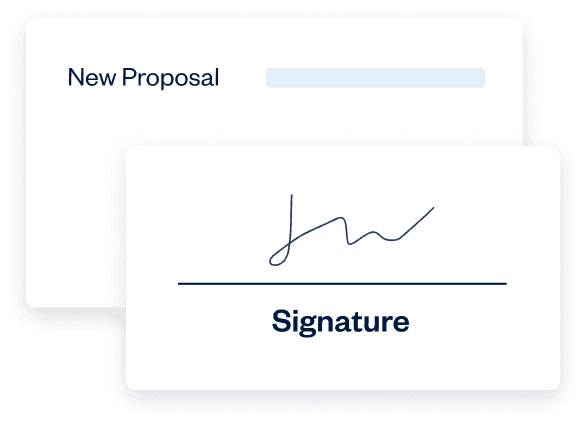
Electronic signatures have carried the same legal weight as traditional, paper-based ones since the United States Electronic Signatures in Global and National Commerce Act (ESIGN) was passed in 2000. This legislation ensures that electronic signatures are legally binding in every state where federal law applies.
In Canada, contractual relationships are generally governed by provincial law. Electronic signatures will generally be acceptable for many most contractual arrangements, including corporate/commercial agreements and many consumer contracts.
All FreshBooks features