Limited-time: Buy now and get 80% off for 4 months. Buy now & save
80% Off for 4 Months Buy now & save


Stay connected to clients with better client management

No credit card required.
Cancel anytime.
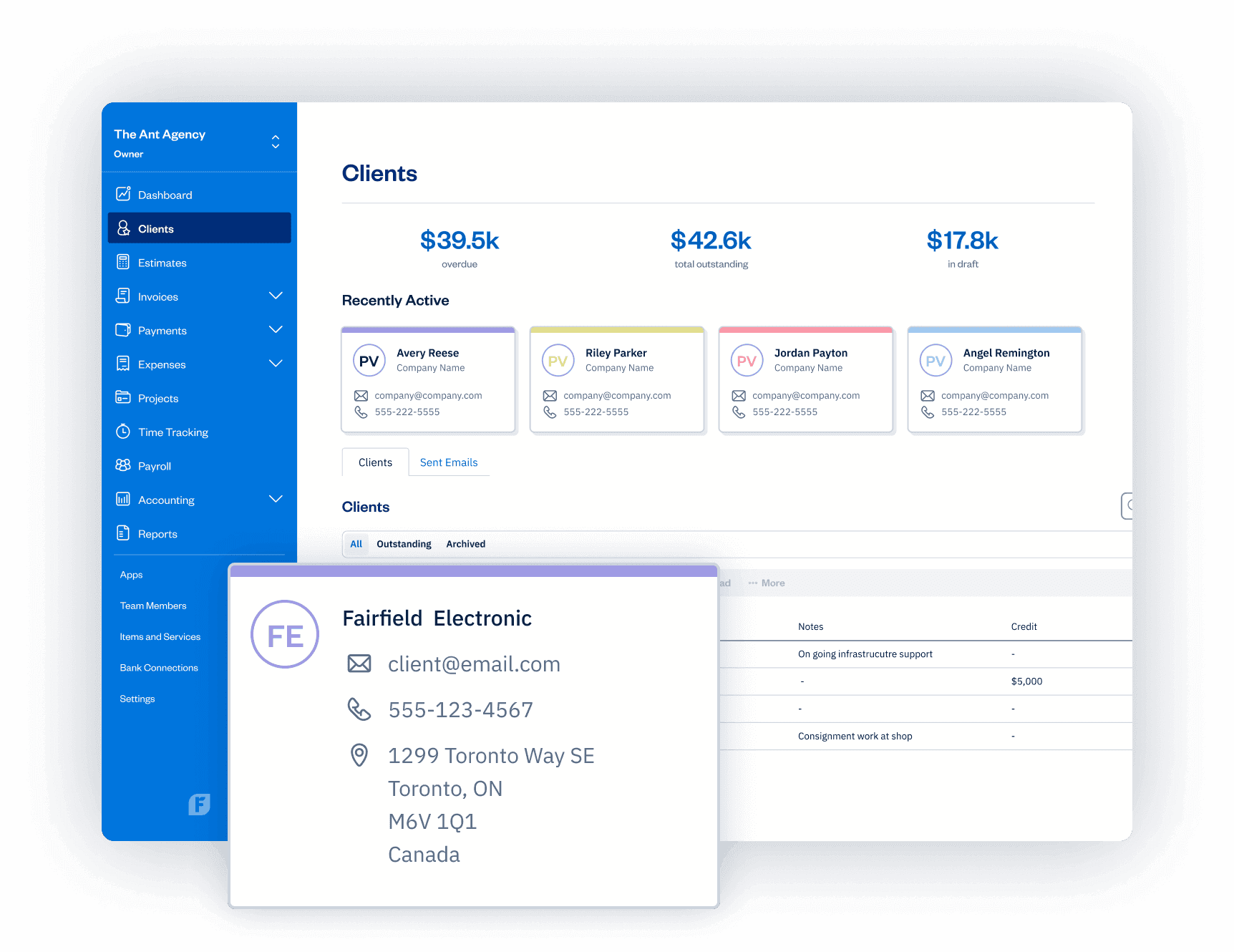





Know Where You Stand
With Each Client
With all client estimates, invoices, payments, credits, and other financial info
in one place, it’s easy to keep track of clients. And, a better grasp of clients helps you serve them better.
Accurate Billing Starts by Tracking Client Work
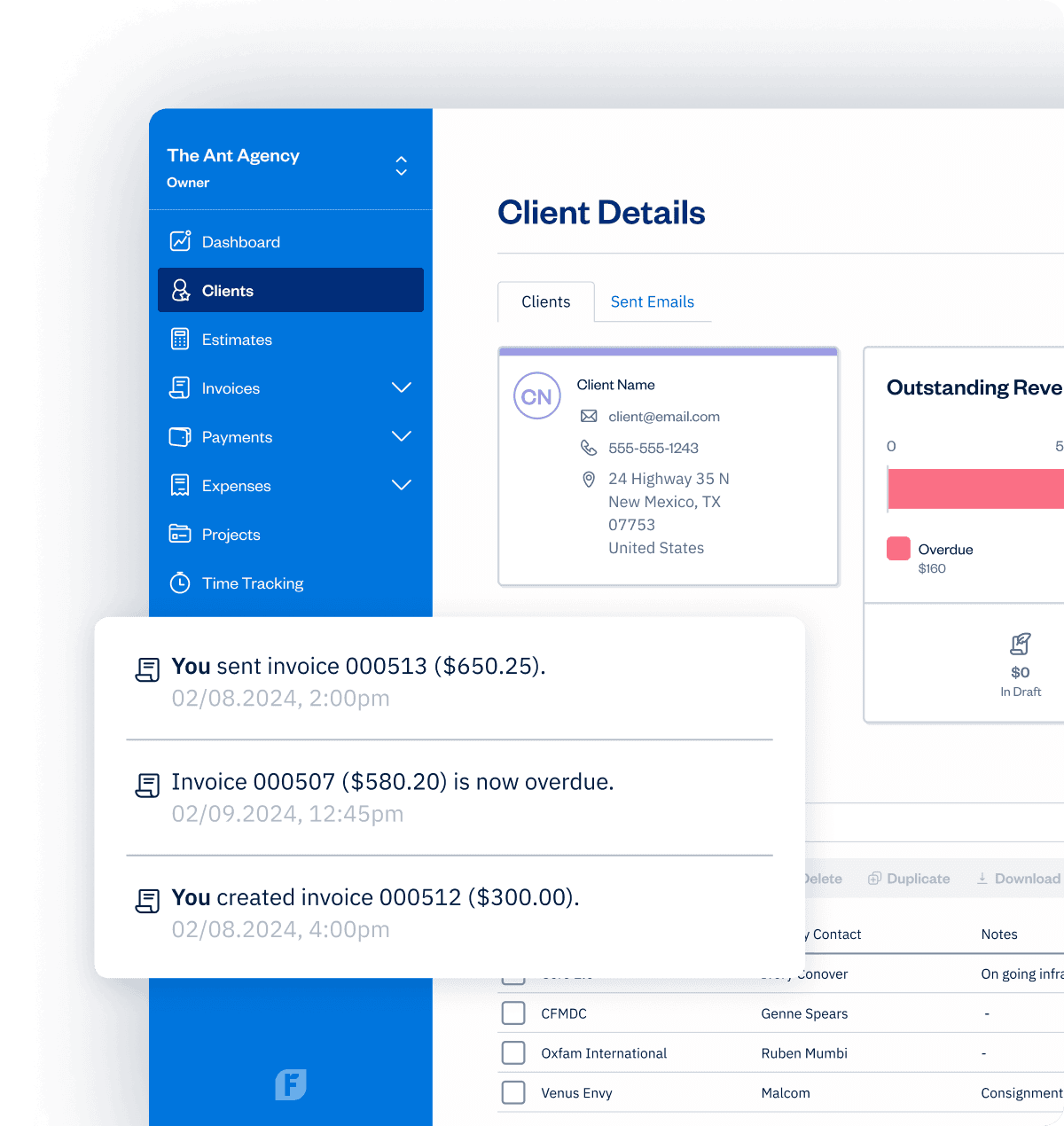
Build Client Trust by Staying Connected
Use Client Info to Grow Your Business
Foster Loyalty With Client Credits
Accurate Billing Starts by Tracking Client Work
Build Client Trust by Staying Connected
Use Client Info to Grow Your Business
Foster Loyalty With Client Credits

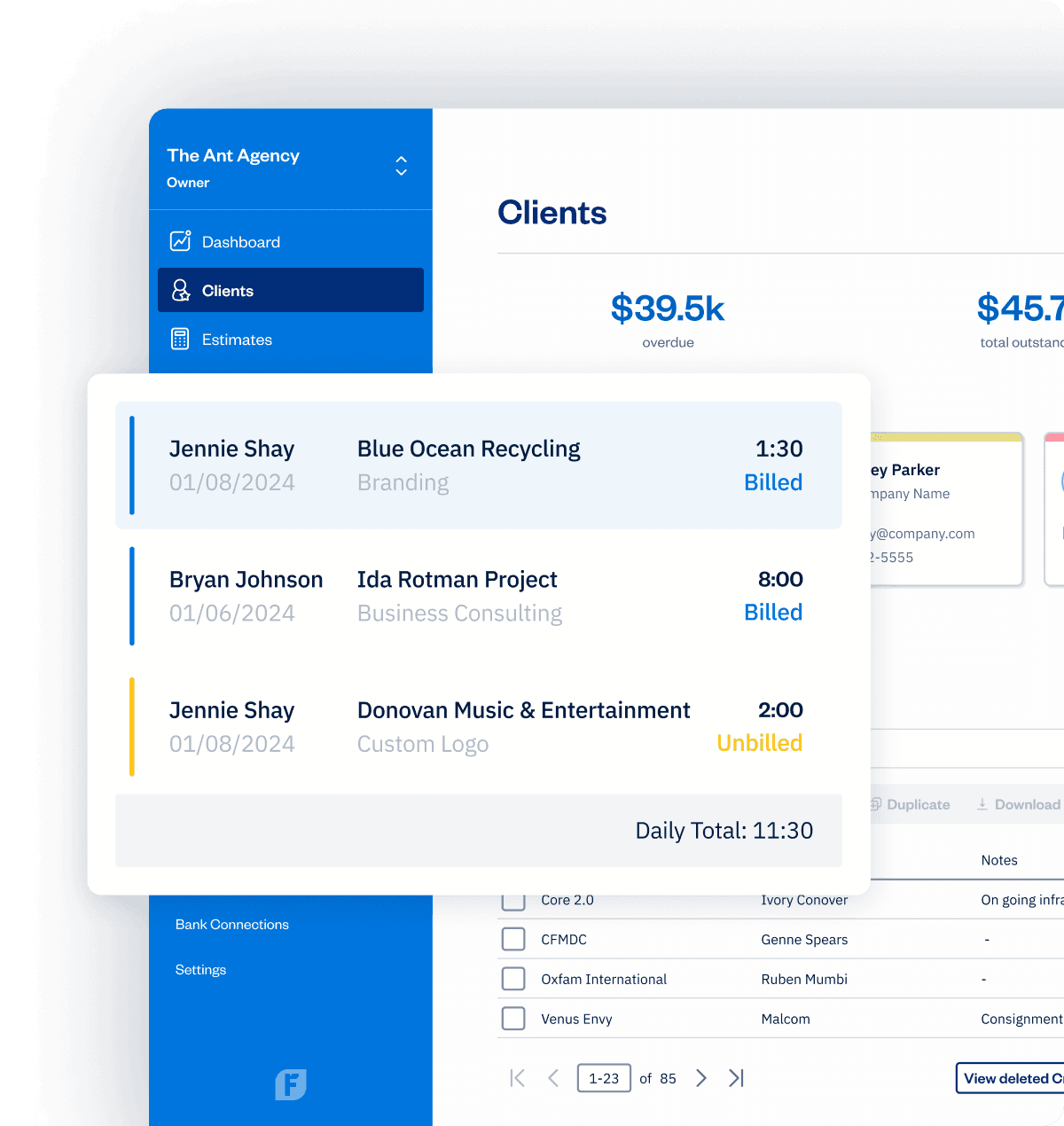

Accurate Billing Starts by Tracking Client Work
Build Client Trust by Staying Connected
Use Client Info to Grow Your Business
Foster Loyalty With Client Credits
More Ways to Connect to and Track Clients
Get Your Team on Board
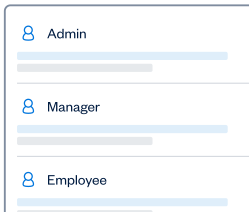
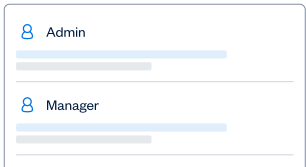
Specify team member access to client info
Client Account Statement
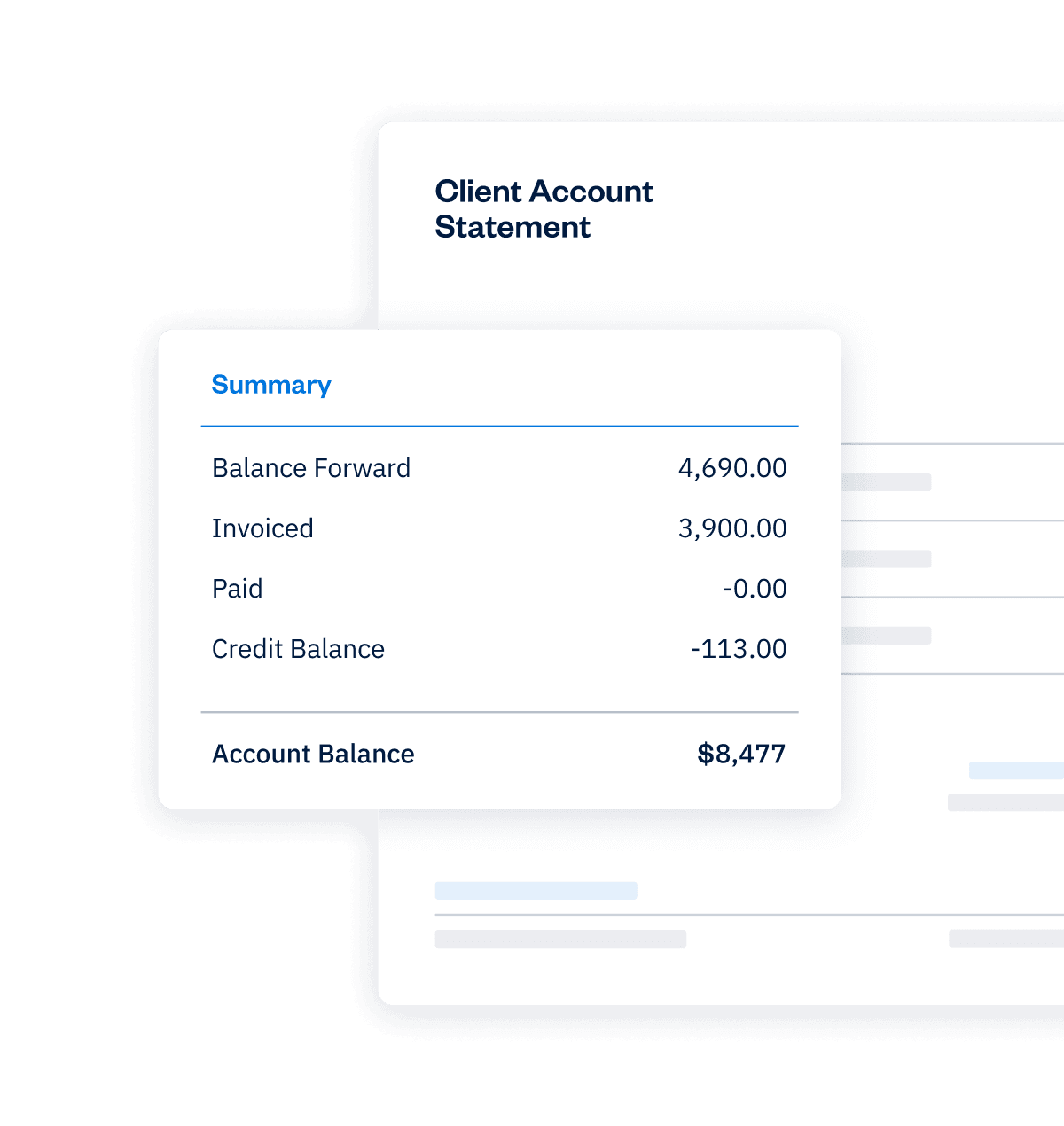
Know where you stand with each Client (outstanding balances, Invoices, payment history, and Credits)
Revenue by Client Report
Understand billed, collected, and outstanding revenue by Client over a specified time period
Time Entry Details Report
Review how much time you and your team have logged over a particular time period
Invoice Details Report
An overview of invoices created in a specified time period (filter by client, issue date, paid date, currency, and status)
Retainer Summary Report
The details of tracked time against a particular Client and Retainer
Client Portal
Review all of a client’s info in one convenient place
Payments Collected Report
A breakdown of received payments, including which invoice a payment was for, the date, and the client
Easy Collaboration
Invite clients to collaborate on Projects
Credit Tracking
Easily keep track of all client credits
Frequently Asked Questions
Clients can view, print, and pay Invoices, Estimates and Proposals with the link you send them, without having to sign up for an account in the FreshBooks platform. You’ll have a birds-eye-view of client activity making it easy to follow up and support clients.
A Client Account lets clients take action by commenting on Invoices, Estimates and Proposals, as well as collaborating on any Projects they’re invited to. Client Accounts also let clients save payment information safely, making it easy to pay future Invoices.
You can prompt Clients to create an account by sending them an Invoice, Estimate, or Proposal. Your Client can then click the “Save this Invoice/Estimate/Proposal” button or the “Log in to view all Invoices/Estimates/Proposals” link. From here, they can create a password, and then they can view their new account.
If you invite your Client to a Project instead, they can click the button in the email inviting them to the Project. They can then create a password and fill out some information before being taken to their account.
https://support.freshbooks.com/hc/en-us/articles/115011425548-How-do-Client-accounts-work-
FreshBooks client management system makes every process easy for clients. Client Accounts can be used to save any credit card and pre-authorized debit details for re-use on any new Invoice. A client must log into a Client Account in order to use the saved information to pay an Invoice. Saved payment information can then be used with payment automation to create recurring payments on invoices and subscriptions.
https://support.freshbooks.com/hc/en-us/articles/115011425548-How-do-Client-accounts-work-#savecard
A Client Account lets clients collaborate on any Project they’re been invited to. This collaboration includes commenting, sharing files (images, gifs, PDFs, documents, spreadsheets) and posting links.
A Client can click on the Project section of their account anytime. From here, they can share any comments, files, or links in the “discuss” area.
A great way to foster client relationships in FreshBooks is by collaborating on Projects by sharing files, attachments or comments with your Client and Team Members. Everything is stored inside the project for easy reference anytime you need it.
Learn more about client management and project collaboration here: https://support.freshbooks.com/hc/en-us/articles/115011425548-How-do-Client-accounts-work-#projects
- Manage the Project by editing it as needed (file sharing, commenting, etc)
- View Invoices and Expenses associated with a Project
- Generate Invoices for the Project including rebilling all associated Expenses created by the team
- View all time entries for the Project – both theirs and the team’s
Learn more about project managers here: https://support.freshbooks.com/hc/en-us/articles/115002261367-What-permissions-can-I-assign-to-my-team-member-#projectmanager
All FreshBooks features