Limited-time: Buy now and get 80% off for 4 months. Buy now & save
80% Off for 4 Months Buy now & save


Manage your business with team member roles

No credit card required.
Cancel anytime.





Run Your Business
All the tools you and your team need to grow your business, get work done, and bill clients, all in one place.
Get Visibility and Create Collaboration
Give yourself a direct line of sight into your team’s performance on each project. Manage time, keep your team coordinated, and make sure that you’re always on time and on budget.
See the Bigger Picture
Keep track of all the money coming in and out of your business, so you can always have a snapshot of your financial health.


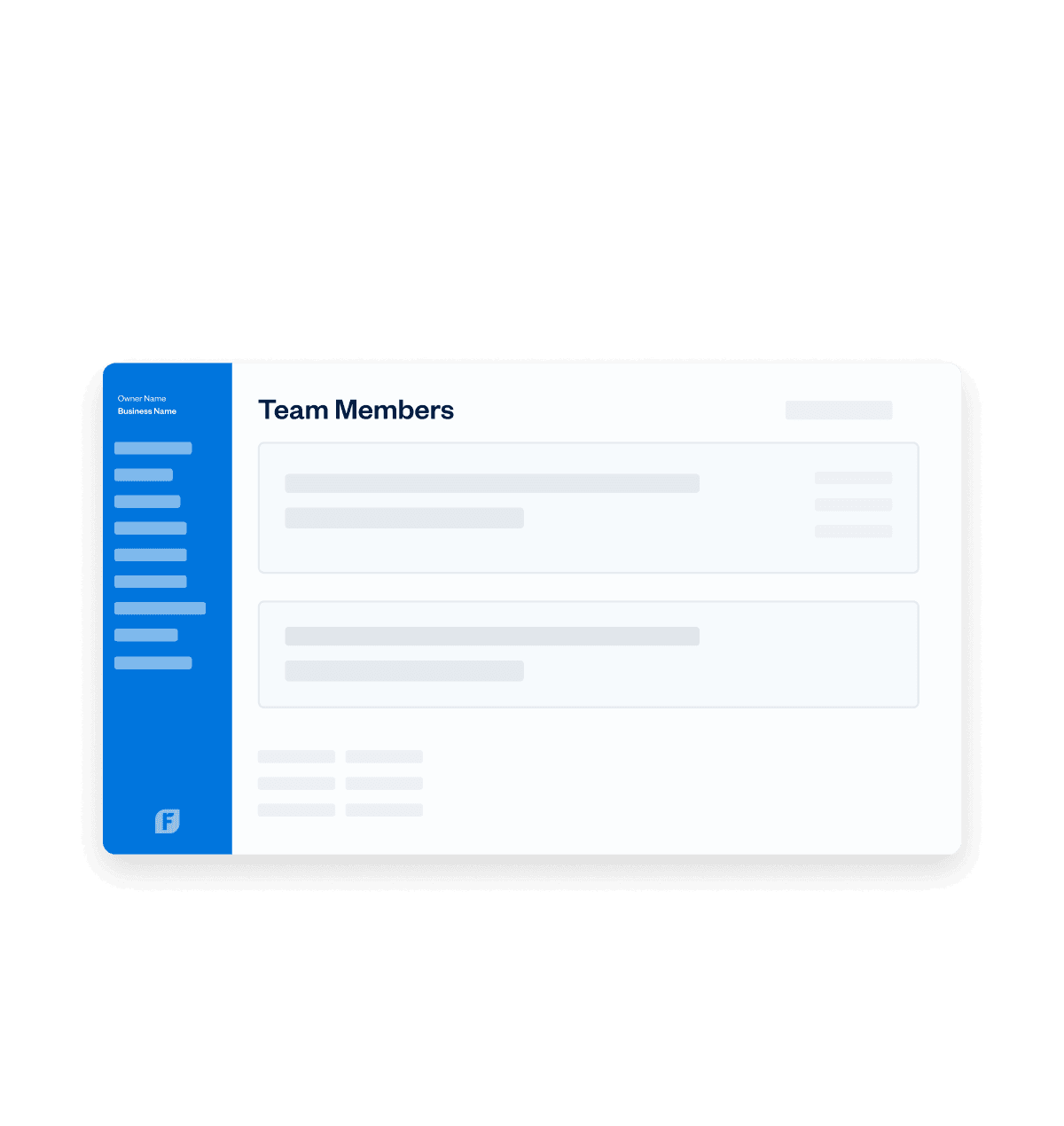
Add team members to keep your productivity going
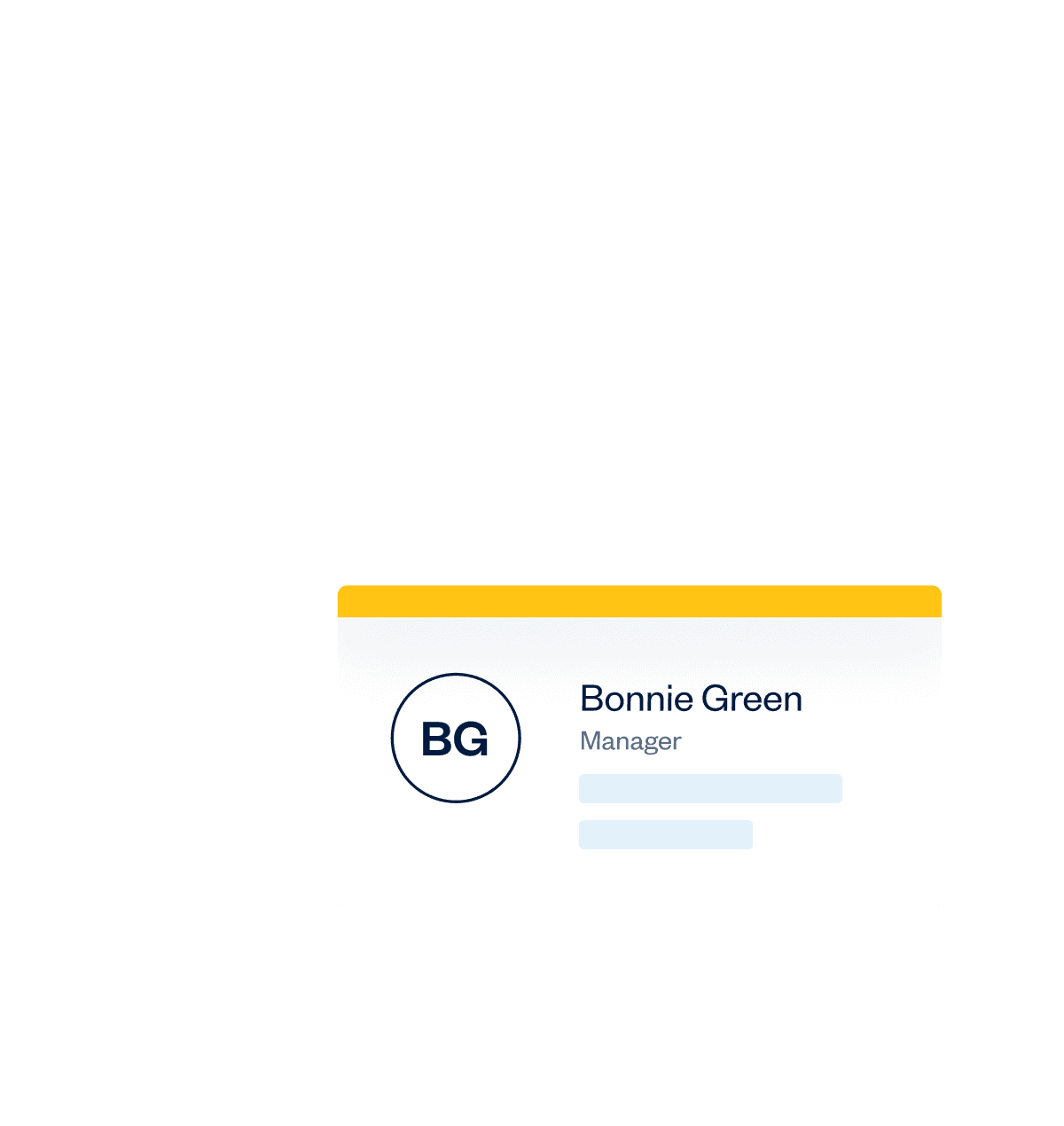
Keep your team
organized with team member profiles
Add team members to keep your productivity going
Keep your team
organized with team member profiles

Add team members to keep your productivity going
Keep your team
organized with team member profiles
The Right Role for Every Team Member
Team management is the opposite of micromanagement. With Team Member Roles, you can give your team the tools to do their best work so you can focus on doing yours.
Try It Free
Admin
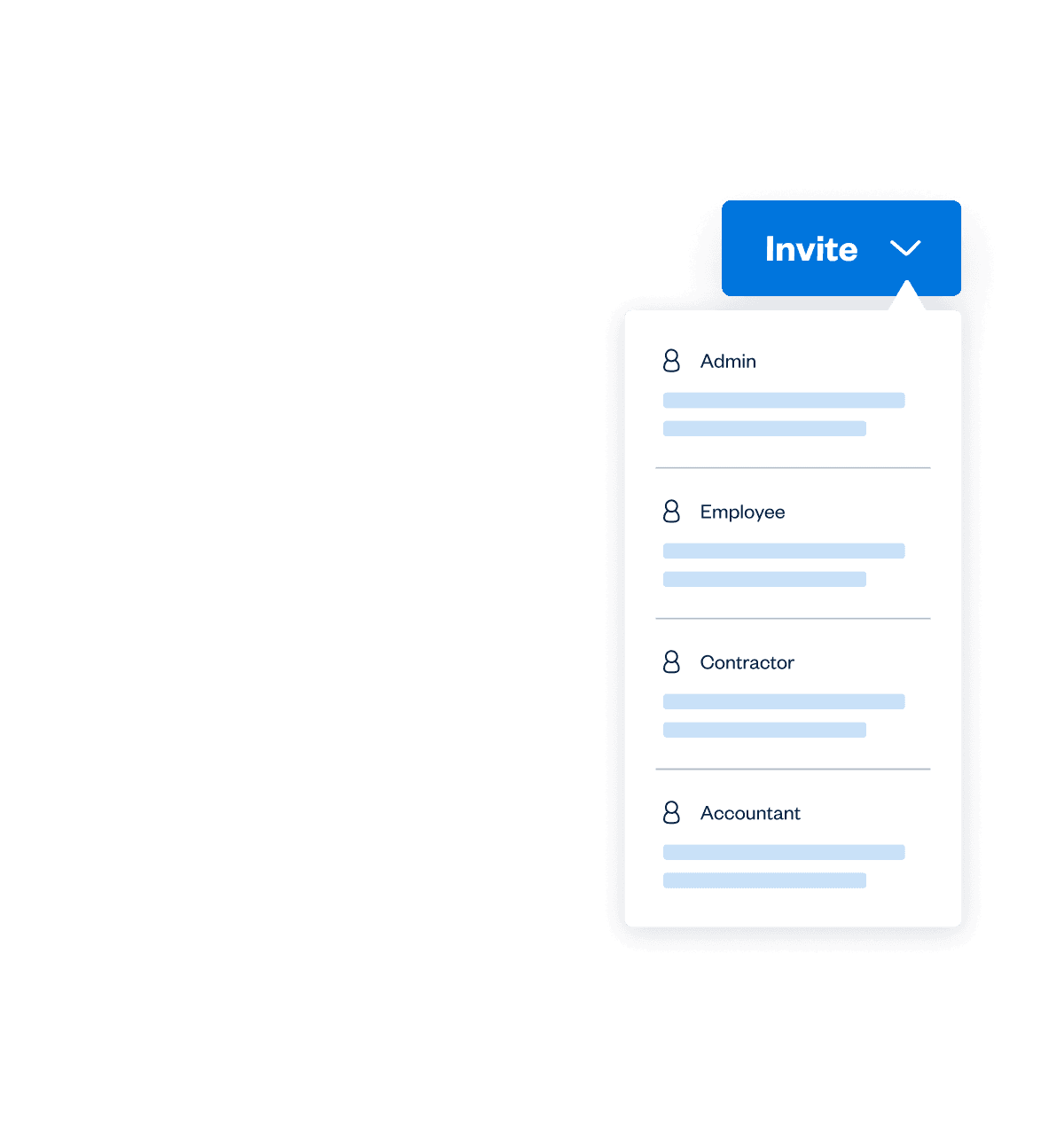
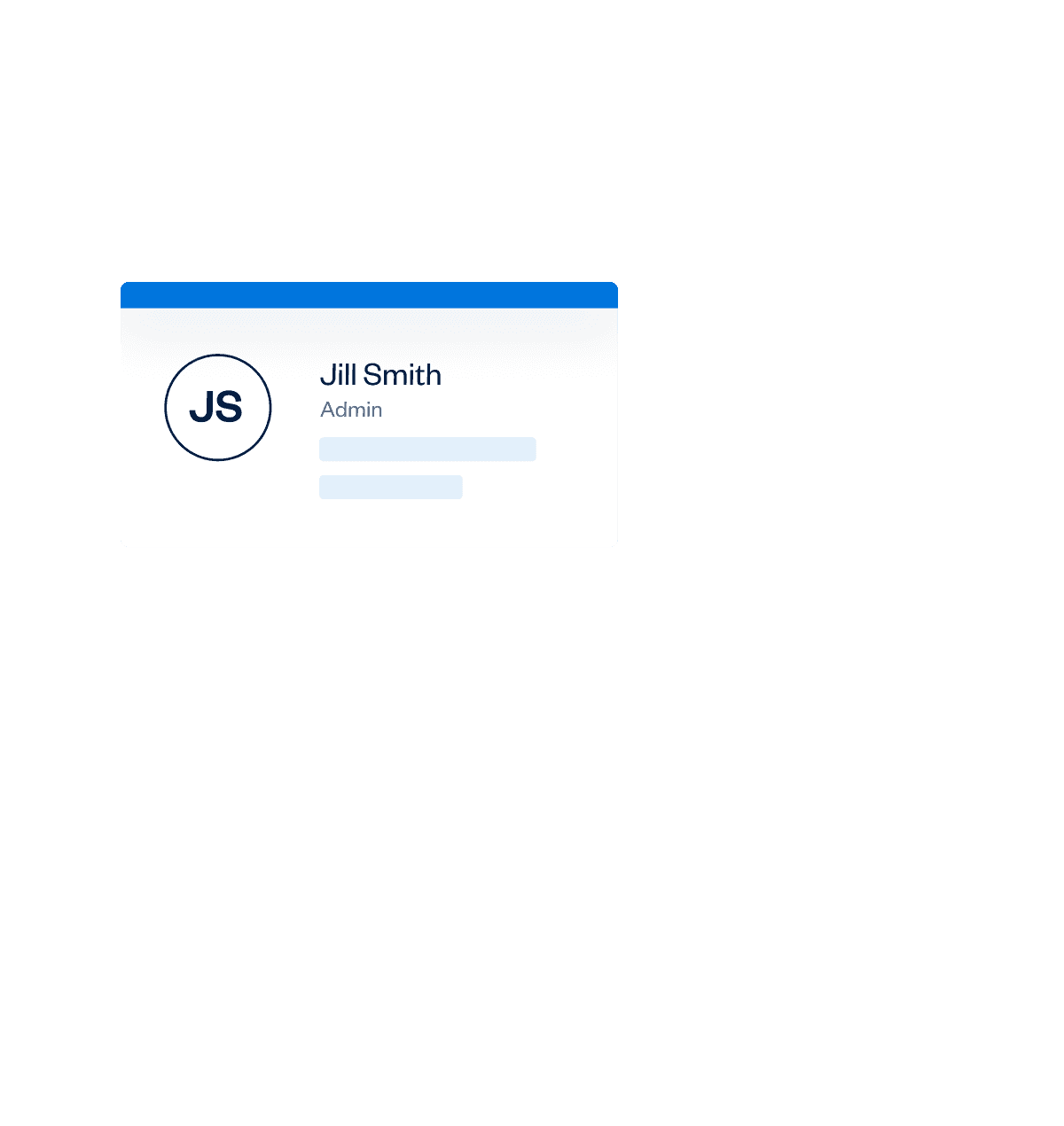
Bring your partners or top-level administrators into FreshBooks and share the load of keeping the business running. From invoicing and reporting to time tracking and bank connections, the Admin Role is a perfect mix of visibility and autonomy.
Manager
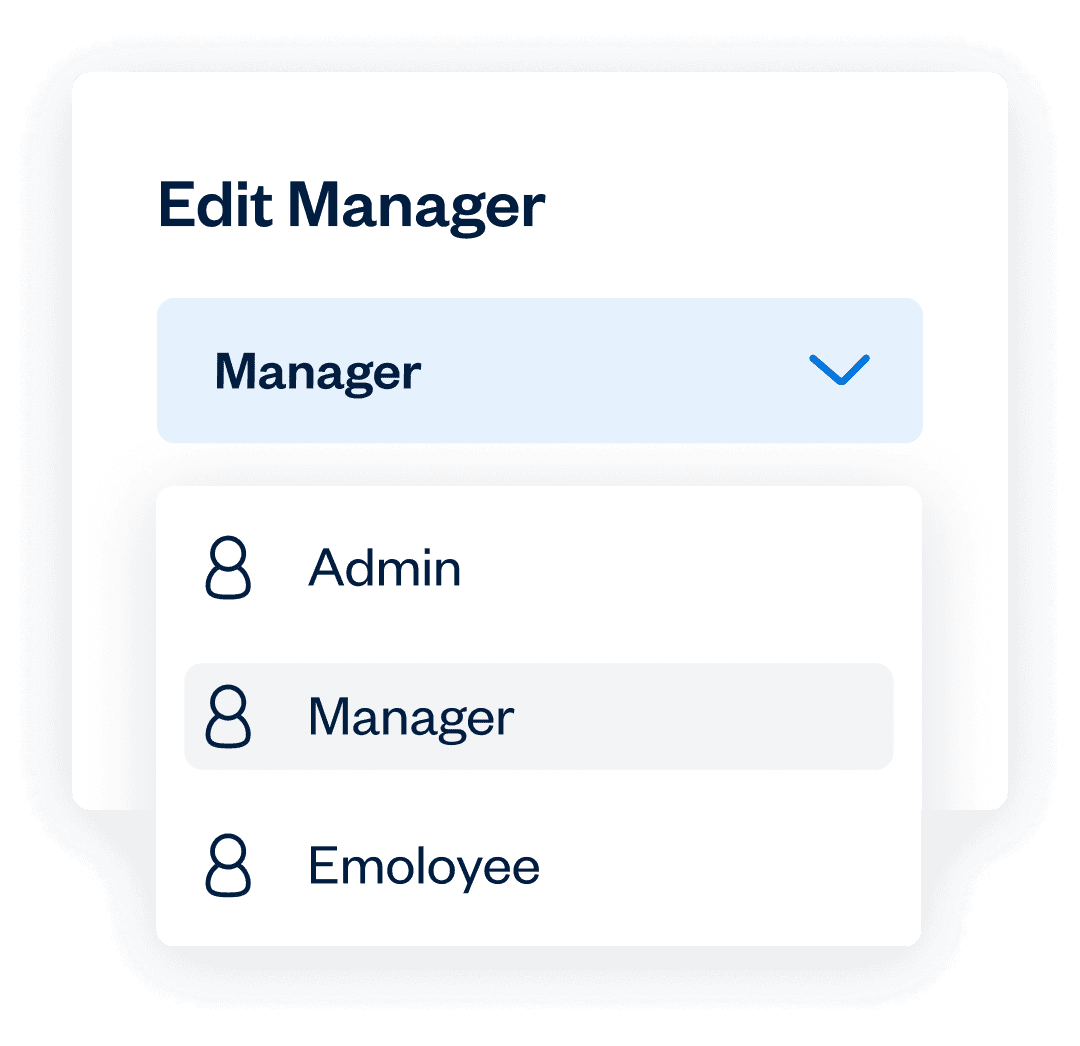
It's never been easier to give your Managers the tools and context they need to help their teams grow and succeed. The Manager Role is a perfect way to empower a team member in their day-to-day leadership tasks, allowing you to keep an eye on the financial side of things.
Employee
Keep things clear and simple so your staff can focus on what they do best and minimize time spent wrestling with paperwork and documents. The Employee Role allows your Team Members to collaborate on projects while tracking their time and expenses on the same platform, so you can maintain visibility and support them when needed.
Contractor
To ensure everyone's in the loop, invite your contractors to FreshBooks as a Team Member. With the tools to collaborate, track time, and monitor their dashboard for expenses, invoices, and estimates, the Contractor Role is another way for your team to stay on the same page.
Accountant
Nothing should be a surprise at tax time, and inviting your accountant to FreshBooks ensures that you have another set of eyes on the financial health of your business. The Accountant Role can access exclusive tools, like the Chart of Accounts and bank reconciliation, and can create Journal Entries. With everyone on the same platform, there’s no room for crossed wires or lost reports.
Frequently Asked Questions
As explained here, start by going to your FreshBooks account’s Dashboard or Team Members section and selecting the Add Team Member button. Once you have entered all the required information, hit the Add button. Now select Save and Close to finish. The Team Member will now appear in your FreshBooks account with a role of Unassigned.
When viewing the list of Team Members, hover over any individual name and select the trash icon to delete a Team Member. You can view all deleted Team Members by selecting the View Deleted Team Members button at the bottom of the list.
PLEASE NOTE that deleting a Team Member with any Role other than Unassigned will not stop you from getting billed for that Role. To avoid this, change their Role to Unassigned before deleting.
Each Role has its own set of Permissions, which can be seen here. The only Roles with full access to your FreshBooks account are the Business Owner and Accountant – Full Access Roles.
In addition to this, the Role and Permissions for each Role can be adjusted in the Team Member Profile, as explained here.
Yes. The only exception is the Contractor Role. Any time entries assigned to this Role can only be edited by the Team Member.
All FreshBooks features