Limited-time offer: 80% off for 4 months + free onboarding support with FreshBooks.* Buy now & save
80% off for 4 months + free onboarding support*. Buy now & save


Ask Claude about your business and get real answers
Connect your FreshBooks account to Claude and ask plain-language questions about your invoices, expenses, and cash flow. Answers come from your data—no guesswork.
Free add-on. Read-only. Disconnect at any time from your Claude settings.
How it works
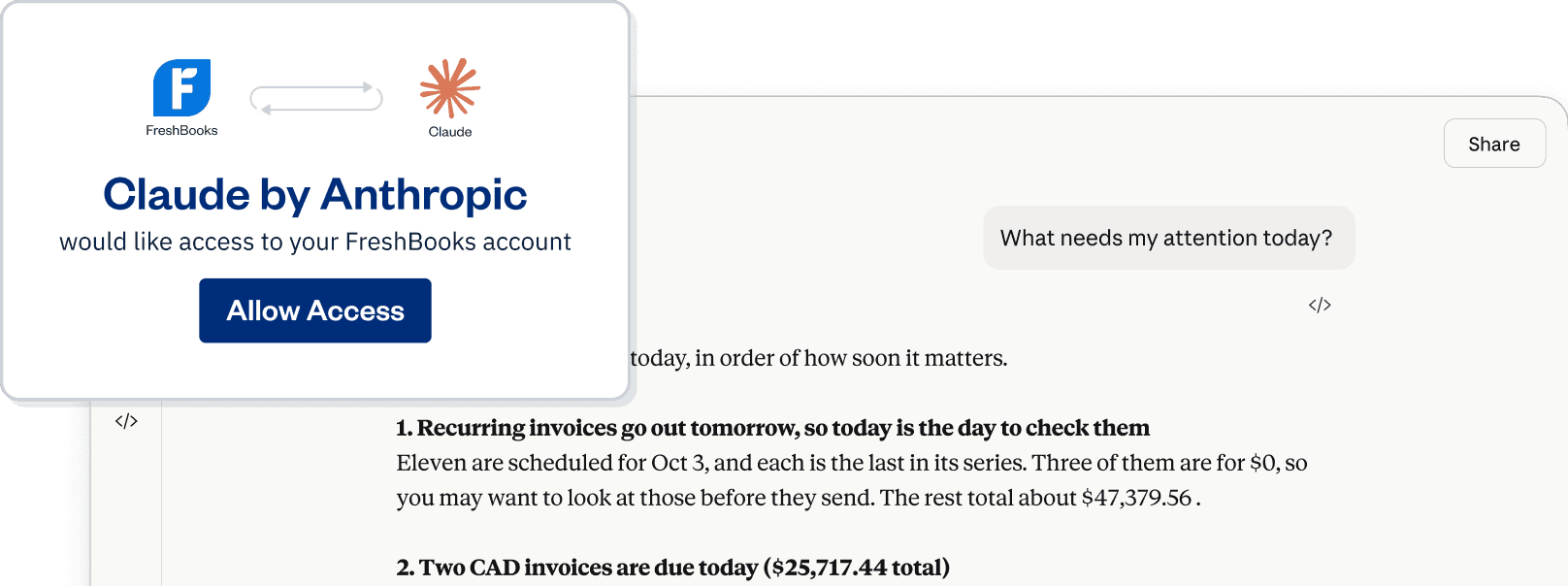
The FreshBooks connector links your FreshBooks account to Claude so Claude can see what’s happening in your business and answer questions about it. You ask in plain language, and Claude pulls answers from your invoices, expenses, reports, and more.
The FreshBooks Connector is read-only. Claude can look at your data, but can't make changes to your account. We started here so you can see what AI does with your numbers before it does anything to them.
What you can do:
Ask plain-language questions about your business
Create summaries and reports without opening FreshBooks
Get a quick pulse on your cash, clients, or expense categories
Why connect FreshBooks to Claude?
Real answers from real data
Get answers based on your actual FreshBooks data—not generic advice or template responses. Claude pulls from your invoices, expenses, cash flow and more, so the answers reflect your full picture.
You decide what to act on
Claude helps you spot patterns and opportunities, but you're always in control. Claude shares what it finds—you choose what to do with it.
Less time on admin, more time on your work
No more exporting reports and digging through spreadsheets to get the information you need. Ask a question in plain language and get an answer in seconds—every minute you're not hunting for a number is a minute back for the work that pays you.
How Claude can help you master your finances
Whether you want a quick answer between meetings or a deeper look at your numbers, here are some ways to put the connector to work.
Managing your day-to-day
Prompts to try"How many unpaid invoices do I have right now, and when did I last send reminders?"
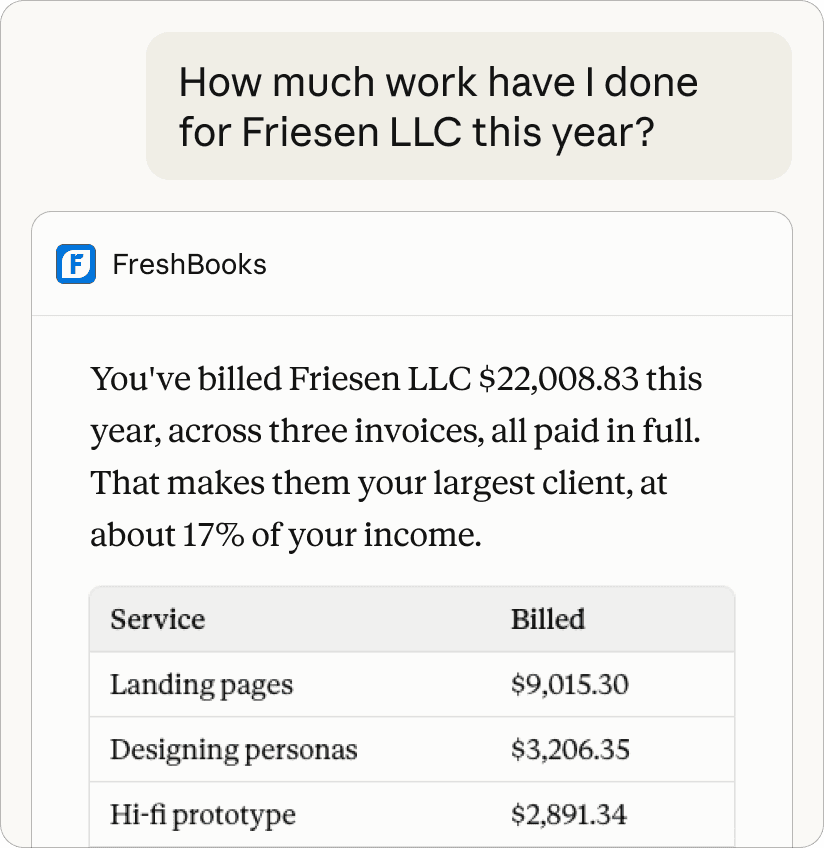
"How much work have I done for this client this year? When did I last bill them?"
level up
Add instructions to your Claude profile so Claude gives you answers the way you prefer—tables, bullet points, or summaries. Try: "When I ask about FreshBooks or business data, organize the answers using bullet points."

How to connect in minutes
Connecting your FreshBooks account to Claude is simple. Here’s what to do:
Sign in to Claude, or sign up for a free account at claude.ai.
Go to the Connectors Directory and search for "FreshBooks."
Select Connect.
Choose your authorization settings. Read-only access is what’s available today, but selecting write access now means you won't need to reconnect later.
New to FreshBooks? Start a free 30-day trial.
Tips to get the most out of the connector
See more tips and the full prompt library in our support article.
The more detail you give, the better the answer. "What's my cash flow?" is fine, but "What's my cash flow for September compared to August?" will give you a clearer answer.
Tell Claude how you like to receive information—bullet points, tables, summaries—so you don't have to repeat your preferences every conversation.
Claude pulls from your real data, but it's always worth confirming important numbers in FreshBooks before acting on them. You know your business best.
Try a straightforward question, like "How many unpaid invoices do I have?" before moving to more complex prompts. You'll understand what works quickly.
Free add-on. Read-only. Disconnect any time from your Claude settings.
Frequently Asked Questions
Use reports when you need the authoritative numbers for your accountant, for tax filing, or anything you’re acting on. Use Claude when you want an immediate answer or if you have a question that doesn’t map to an existing report. Claude is quicker, but reports should remain the record.
You can install the FreshBooks Connector on a free Claude plan, but free accounts are limited to one connector. Paid plans (Pro, Max, Team, or Enterprise) let you add multiple connectors and access additional features.
The connector is read-only—Claude can view your FreshBooks data to answer questions, but can't make changes to your account. You can disconnect the connector at any time from your Claude settings.
Claude can read the client records in your FreshBooks account, including names and invoice history. It can’t read card or banking details, contact clients, send invoices, or make any changes. Your clients don’t see Claude, and nothing is shared with them.
Right now, Claude is the first AI assistant to connect with FreshBooks. We're being intentional about building one connection at a time and will share information on new connections as they become available.
The FreshBooks Connector in Claude is available worldwide, though availability may vary based on regional regulations and your Claude plan type.
No. The FreshBooks Connector is a free add-on for all FreshBooks accounts.
