Limited-time offer: 80% off for 4 months + free onboarding support with FreshBooks.* Buy now & save
80% off for 4 months + free onboarding support*. Buy now & save


Pay your bills without leaving FreshBooks

No monthly fees through 2026.**
Transaction fees apply.
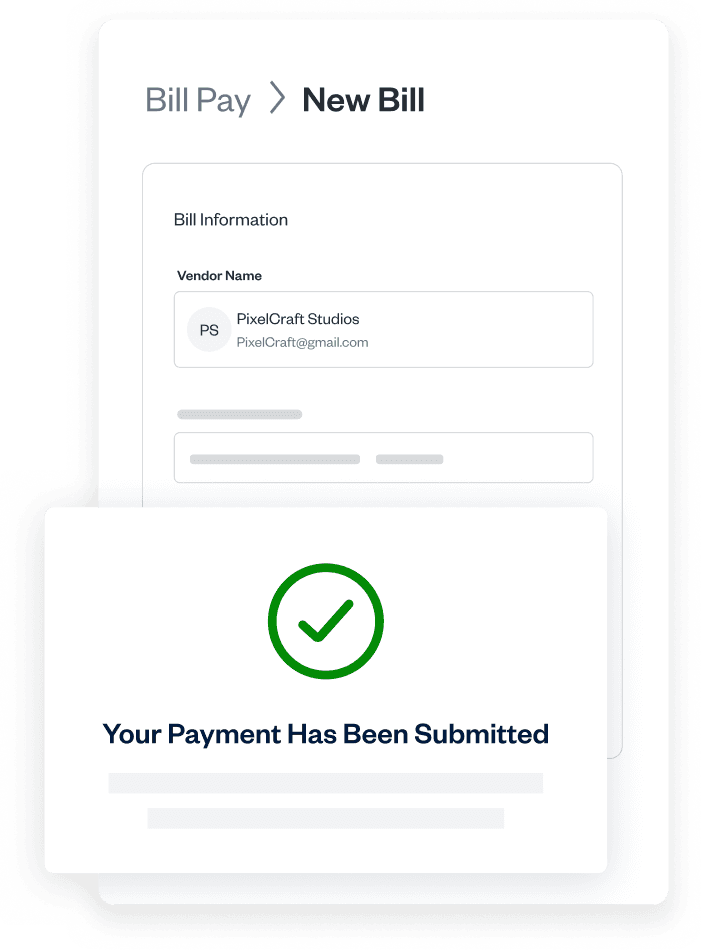
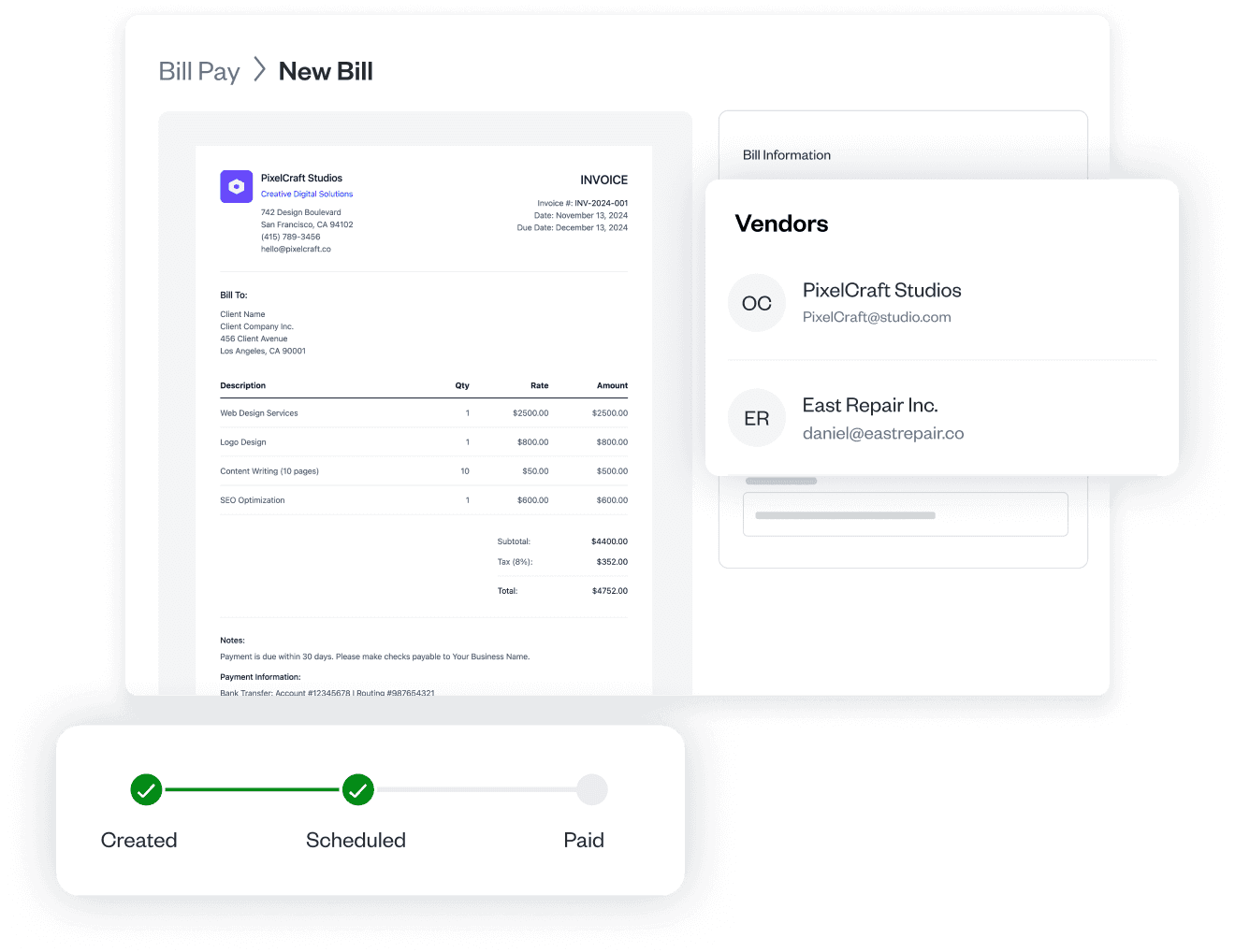




Manage expenses and pay your bills in one place
Forward your bills to your FreshBooks account, schedule vendor payments, and watch each payment move from created to paid. You invoice clients and track expenses in FreshBooks, now pay your vendors too, so nothing slips, and you get a complete picture of your finances.
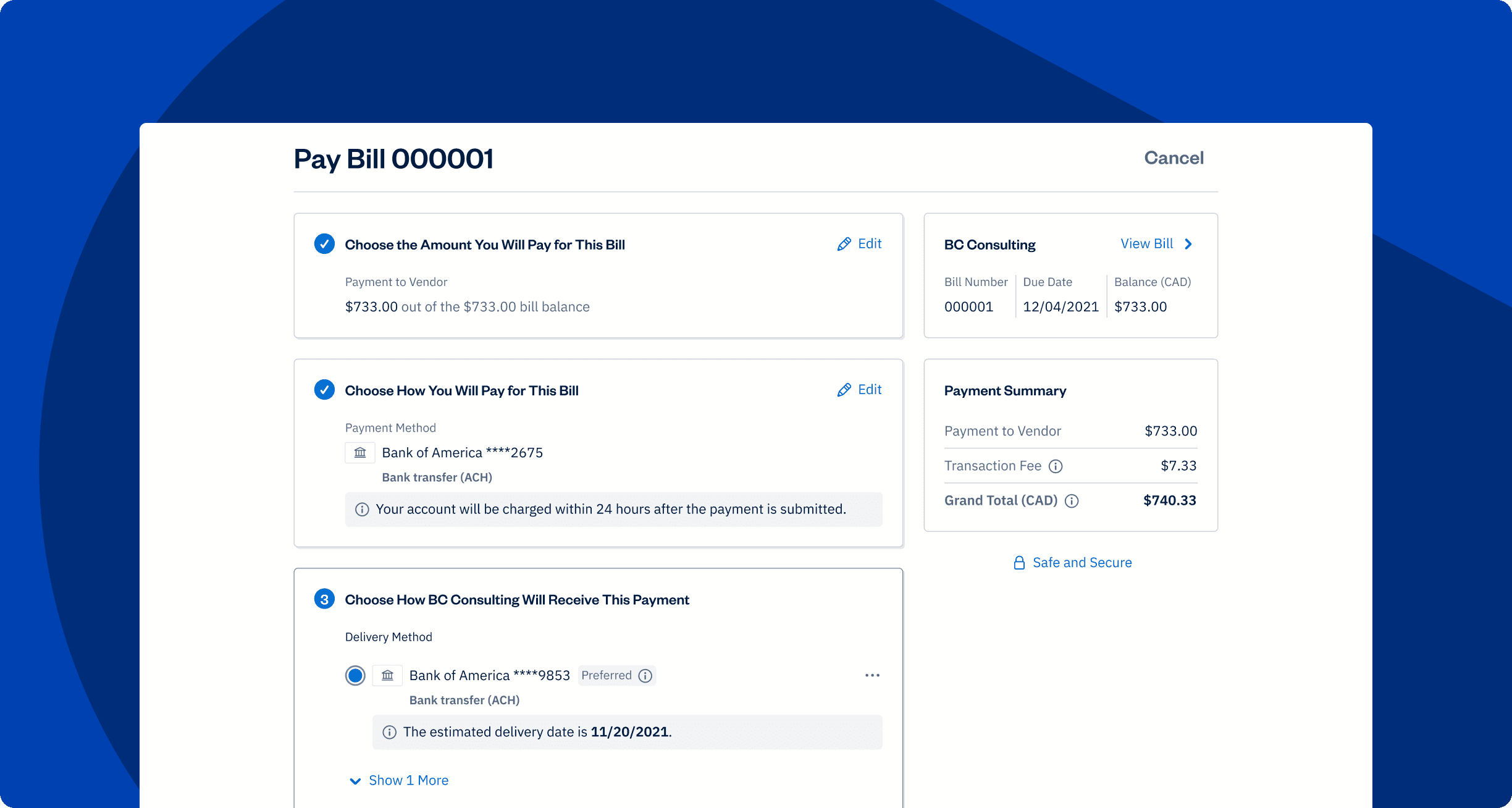
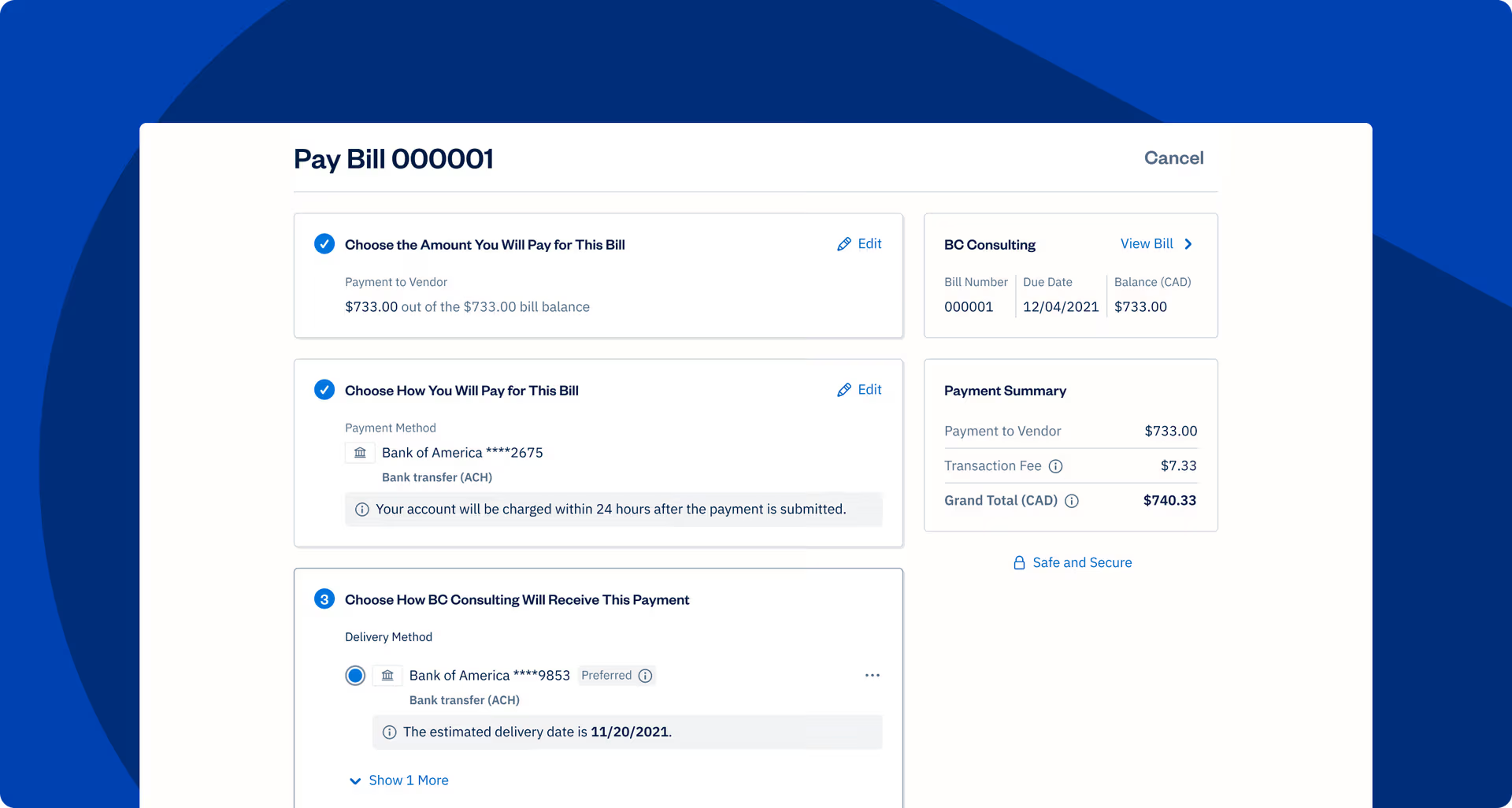
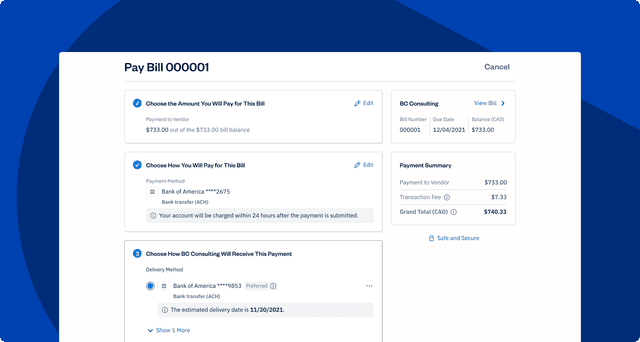
How Bill Pay puts you back in control
Manage expenses and pay your bills in one place
Track, schedule, and pay every vendor bill without leaving FreshBooks, by ACH or check. One login, one workflow, and no manual entry or copy/paste between tools.
Tracked payments + automatic bookkeeping
Every bill and payment is recorded, categorized, and reconciled for you. Your books stay clean and accountant-ready, with no manual cleanup at month-end.
Better cash flow, never a missed payment
Schedule payments and see exactly what’s due and when. Clear visibility into your outgoing cash means fewer late fees, fewer surprises, and more control over spending.
Save 10+ hours a month
Never dig for a bill again
Upload a file or snap a photo; Bill Pay reads the details and recreates the bill in FreshBooks.
Books that stay clean
Every vendor payment is categorized and reconciled.
Know where every payment stands
See any bill’s status, from submitted to paid, at a glance.
No more sticky-note deadlines
Bill Pay tracks due dates and executes your scheduled payments so nothing slips.
All your vendors, one place
Find any vendor and pay them in a couple of clicks.
Always know what you can spend
See what’s due and when, so cash flow never catches you off guard.
Never dig for a bill again
Upload a file or snap a photo; Bill Pay reads the details and recreates the bill in FreshBooks.
Frequently Asked Questions
FreshBooks Bill Pay is a way to manage and pay your vendor bills without leaving FreshBooks. Capture a bill, schedule the payment, and track it through to paid. Payments are made by ACH or check, powered by our partner company Unit. In short, it’s accounts payable for small business, built into the software you already use.
Yes, FreshBooks Bill Pay is included on every FreshBooks plan with no monthly fee for the rest of 2026. You only pay a per-transaction fee set by our partner company, Unit, and you’ll always see it before you confirm.
Payment method Fee per transaction
Standard ACH $0.50 USD
Expedited ACH $5 USD
Check (mailed for you) $1.50 USD
Yes. FreshBooks Bill Pay is secure because all payments and information are handled by Unit, a SOC 2 compliant provider, with bank services through i3 Bank.
Paying bills through FreshBooks keeps your bills, vendors, bookkeeping, and payments all in one place—automatically categorized and reconciled—instead of split across a bank portal, spreadsheets, and your inbox. That means there are no separate logins, no copying account numbers, and no manual cleanup.
To get started with Bill Pay in FreshBooks, open Bill Pay from your Expenses menu, confirm a few business details, and agree to the terms. Most people are approved in seconds and set up in about 5 minutes, with no new login required.
All FreshBooks features
