The easy way to get paid

4.5 ExcellentStar rating(Based on 4,496 GetApp reviews)
Try It Free

No credit card required. Cancel anytime.
Payments
Hero FeaturesHero FeaturesHero FeaturesHero Features

More Payment Options and No Hidden Fees

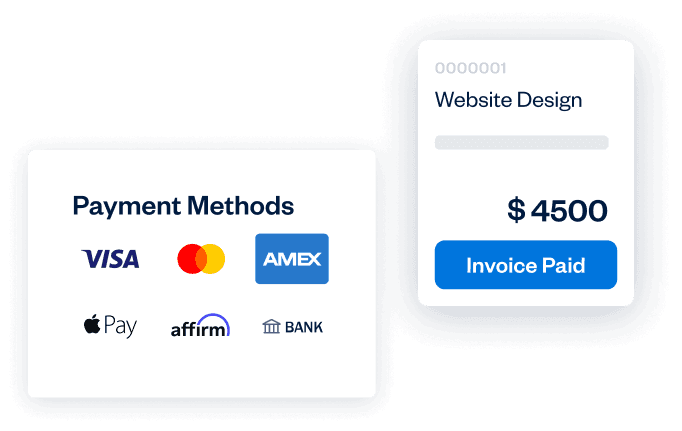
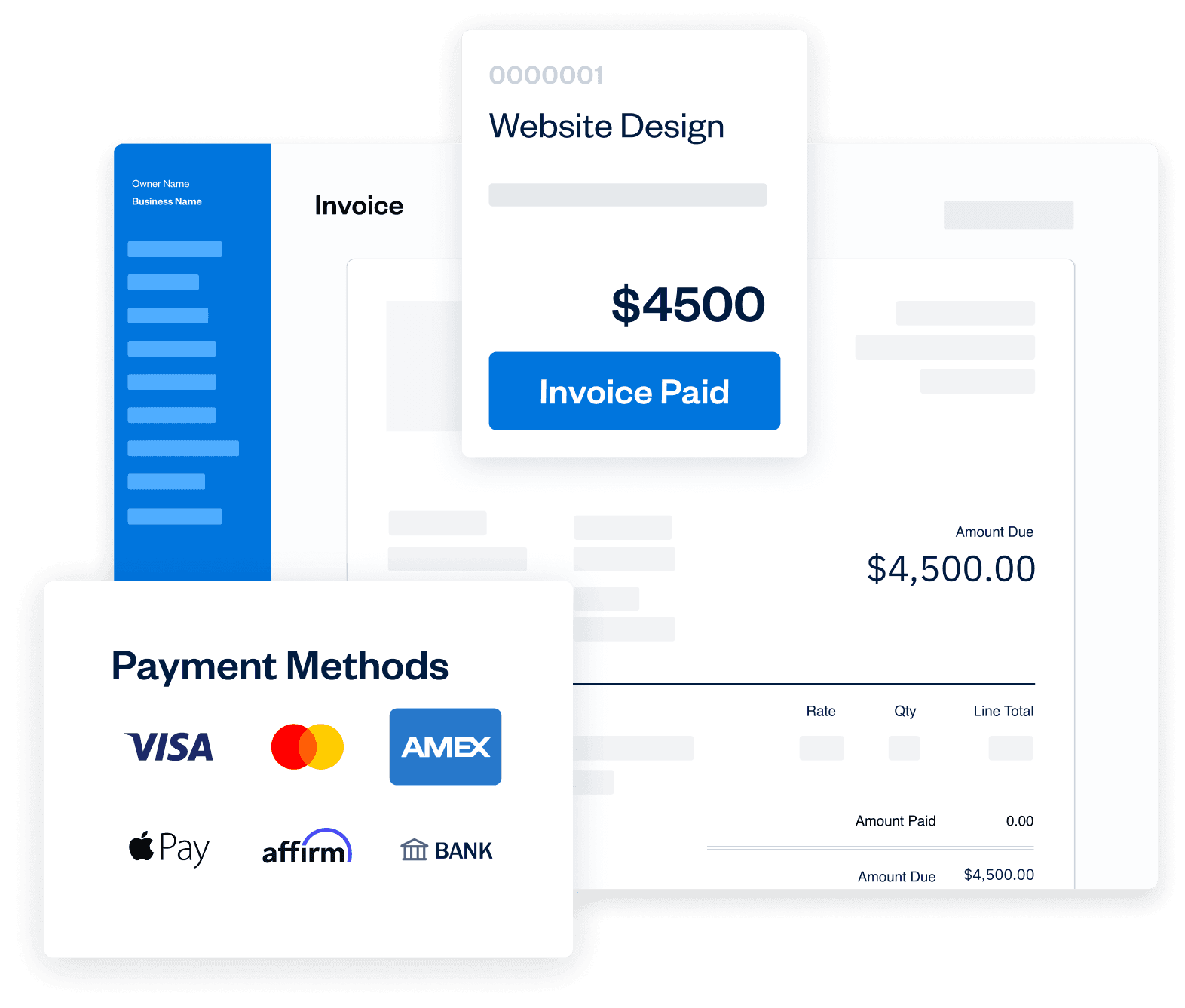
Providing your clients with multiple ways to pay means you get paid faster. You’ll always know exactly how much money you’re taking in because pricing is transparent.

Try It Free
FreshBooks Payments Powered by Stripe
Simple, transparent pricing with no hidden fees

Clear rates on every transaction, with no setup costs or surprise fees, backed by best-in-class security.

Credit and debit cards

Starting at 2.9% + $0.30 per transaction

See detailed transaction feesPayment methods

Bank Transfers

1% per transaction

ACH only available for US customers

Bank

Buy Now, Pay Later

6% + $0.30 per transaction

Subject to eligibility

Affirm Logo

We also accept PayPal, starting at 2.9% + $0.30 per transaction.

NEW

Buy Now, Pay Later

Let your clients pay for your work over time, while you get paid upfront. It's a win-win: flexible for them, and risk-free for you.
Learn More

Advanced Payments: a better virtual terminal

Take payments however you work: online, in person, or over the phone.

  • Securely save client cards on file for future billing.
  • Set up automated recurring billing profiles for repeat services.
  • Create subscription-based client profiles with predictable, automatic payments.
Learn More

Unlock cash flow, 24/7

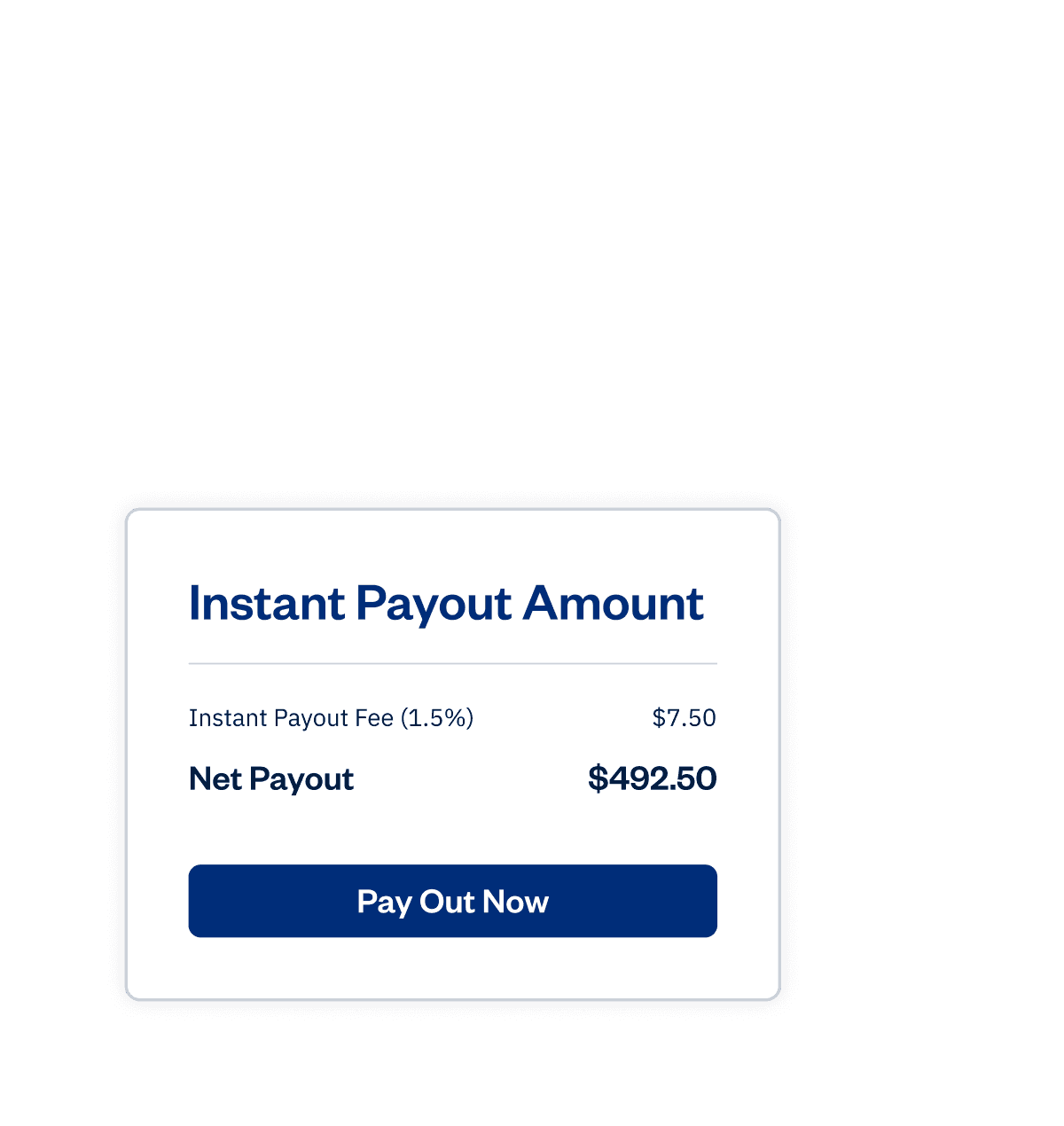
Access your earnings in minutes with Instant Payouts, 24/7, even on weekends and holidays. Cover expenses and keep your business moving.
Learn More

Online payments seamlessly link with FreshBooks

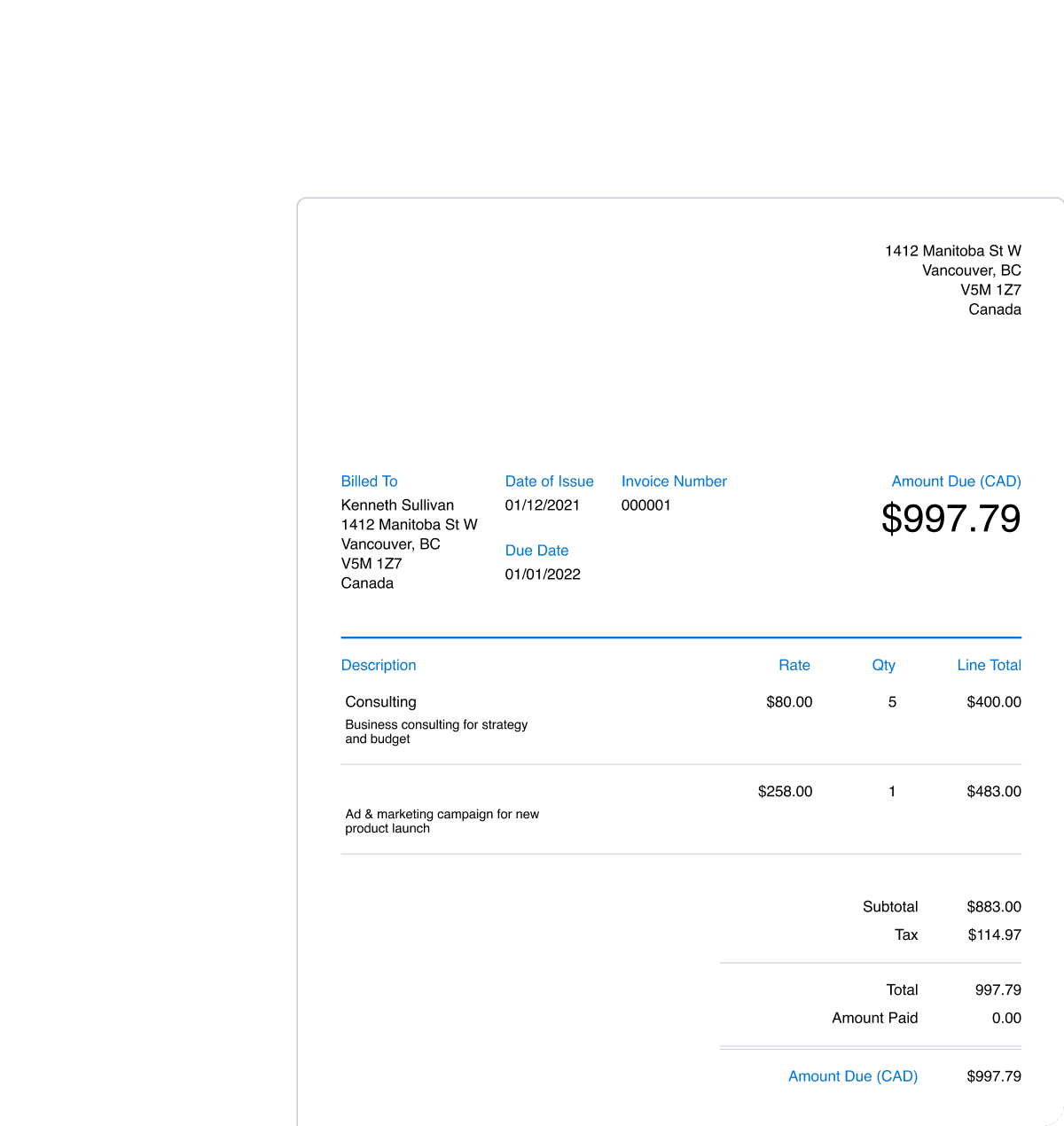
FreshBooks Payments powered by Stripe lets your customers pay directly through invoices and automatically records each payment in your account. It’s fast, easy, secure, and perfectly integrated.
Try It Free

Set up online payments in a single click

One click is all that’s needed to accept credit and debit card payments right on invoices. Then it’s just a few more steps, so FreshBooks deposits your money into the right account. Fast and easy, just like you’d expect.
Try It Free

Checkout links: Accept payments…fast!

Add Checkout Links to your website, social profiles, or anywhere else online so customers can click and pay in just a few steps.

  • Get paid without creating an invoice.
  • Accept credit cards and bank transfers online.
  • Automatically send receipts and record payments in FreshBooks.
Learn More

NEW

Buy Now, Pay Later

Let your clients pay for your work over time, while you get paid upfront. It's a win-win: flexible for them, and risk-free for you.
Learn More

Advanced Payments: a better virtual terminal

Take payments however you work: online, in person, or over the phone.

  • Securely save client cards on file for future billing.
  • Set up automated recurring billing profiles for repeat services.
  • Create subscription-based client profiles with predictable, automatic payments.
Learn More

Unlock cash flow, 24/7

Access your earnings in minutes with Instant Payouts, 24/7, even on weekends and holidays. Cover expenses and keep your business moving.
Learn More

Online payments seamlessly link with FreshBooks

FreshBooks Payments powered by Stripe lets your customers pay directly through invoices and automatically records each payment in your account. It’s fast, easy, secure, and perfectly integrated.
Try It Free

Set up online payments in a single click
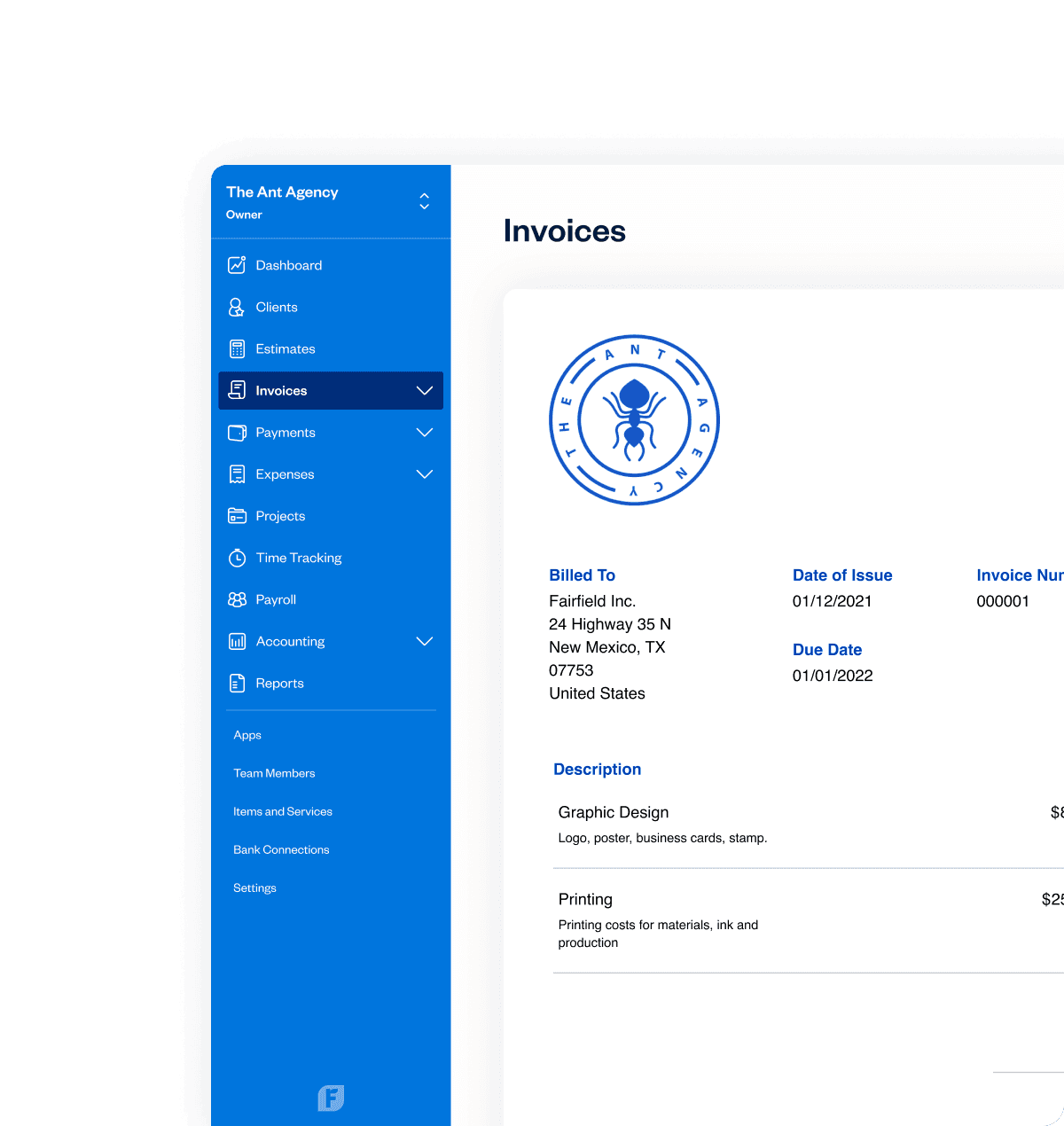
One click is all that’s needed to accept credit and debit card payments right on invoices. Then it’s just a few more steps, so FreshBooks deposits your money into the right account. Fast and easy, just like you’d expect.
Try It Free

Checkout links: Accept payments…fast!

Add Checkout Links to your website, social profiles, or anywhere else online so customers can click and pay in just a few steps.

  • Get paid without creating an invoice.
  • Accept credit cards and bank transfers online.
  • Automatically send receipts and record payments in FreshBooks.
Learn More

NEW

Buy Now, Pay Later

Let your clients pay for your work over time, while you get paid upfront. It's a win-win: flexible for them, and risk-free for you.
Learn More

Advanced Payments: a better virtual terminal

Take payments however you work: online, in person, or over the phone.

  • Securely save client cards on file for future billing.
  • Set up automated recurring billing profiles for repeat services.
  • Create subscription-based client profiles with predictable, automatic payments.
Learn More

Unlock cash flow, 24/7

Access your earnings in minutes with Instant Payouts, 24/7, even on weekends and holidays. Cover expenses and keep your business moving.
Learn More

Online payments seamlessly link with FreshBooks

FreshBooks Payments powered by Stripe lets your customers pay directly through invoices and automatically records each payment in your account. It’s fast, easy, secure, and perfectly integrated.
Try It Free

Set up online payments in a single click
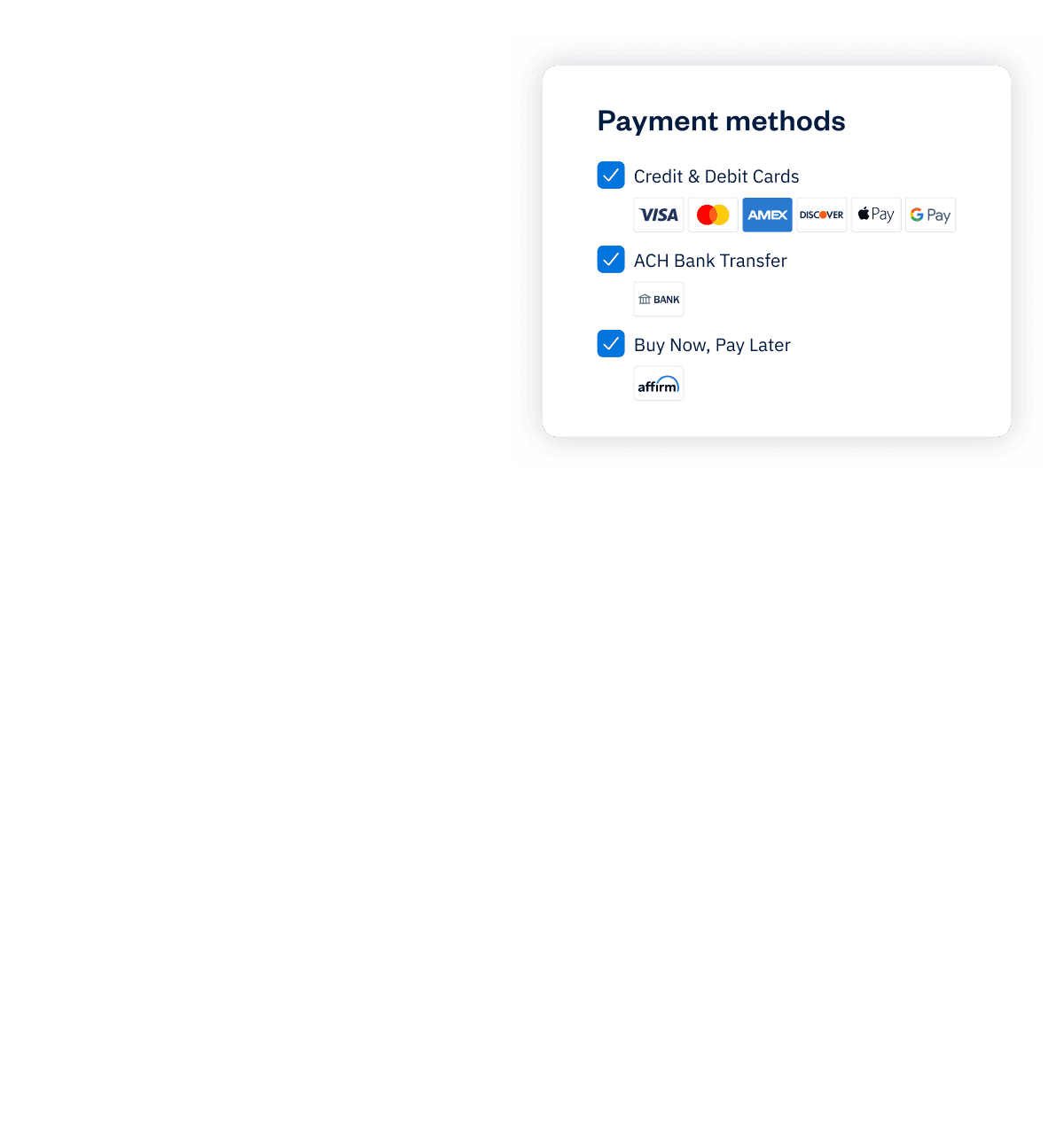
One click is all that’s needed to accept credit and debit card payments right on invoices. Then it’s just a few more steps, so FreshBooks deposits your money into the right account. Fast and easy, just like you’d expect.
Try It Free

Checkout links: Accept payments…fast!

Add Checkout Links to your website, social profiles, or anywhere else online so customers can click and pay in just a few steps.

  • Get paid without creating an invoice.
  • Accept credit cards and bank transfers online.
  • Automatically send receipts and record payments in FreshBooks.
Learn More

Want even lower transaction rates?

Our FreshBooks Select plan could be the right fit. Get preferred credit card and debit card rates, dedicated Select support, customized training for your team, and a payments setup designed for your growing business.

More About Select Plan

Frequently Asked Questions

Turn on FreshBooks Payments powered by Stripe in your account settings, then enable online payments on your invoices. Your clients will see a “Pay Now” button and can pay instantly by credit or debit card. Payments are processed securely and recorded automatically in FreshBooks, so you always know what’s been paid and what’s still outstanding.

When you send an invoice with online payments enabled, your client chooses how they want to pay: by card, bank transfer, digital wallet, or Buy Now Pay Later (subject to eligibility). Once they pay, the transaction is processed through FreshBooks Payments, securely encrypted, and automatically matched to the invoice and your reports. You get a clear, real-time view of your cash flow without manual data entry.

Yes. With FreshBooks Payments, you can set up recurring invoices and automatic payments for clients you bill on a regular schedule. Store a client’s card on file (with their permission), create a recurring billing profile, and FreshBooks will charge them automatically on the dates you choose, no more chasing payments.

FreshBooks supports multiple ways for your clients to pay:
credit and debit cards
  • bank transfers (ACH in the US, PAD in Canada)
  • digital wallets like Apple Pay and Google Pay
  • Buy Now, Pay Later (BNPL) with Affirm (subject to eligibility)

These options are powered by Stripe and other integrated partners, allowing you to offer flexible, modern payment experiences from a single platform.

FreshBooks Payments uses Stripe’s global infrastructure and industry-leading security standards to help keep every transaction safe. All payment information is encrypted, processed in a PCI-compliant environment, and never stored in plain text. This helps protect your business from fraud and gives your clients confidence every time they pay you online.

All FreshBooks features

Don’t take our word for it, take theirs

4.5 ExcellentStar rating(Based on 4,496 GetApp reviews)
Buy Now
Take Our WordTake Our WordTake Our WordTake Our Word