Small business software for businesses with contractors
No credit card required. Cancel anytime.

Track time, expenses, and project profitability in one place
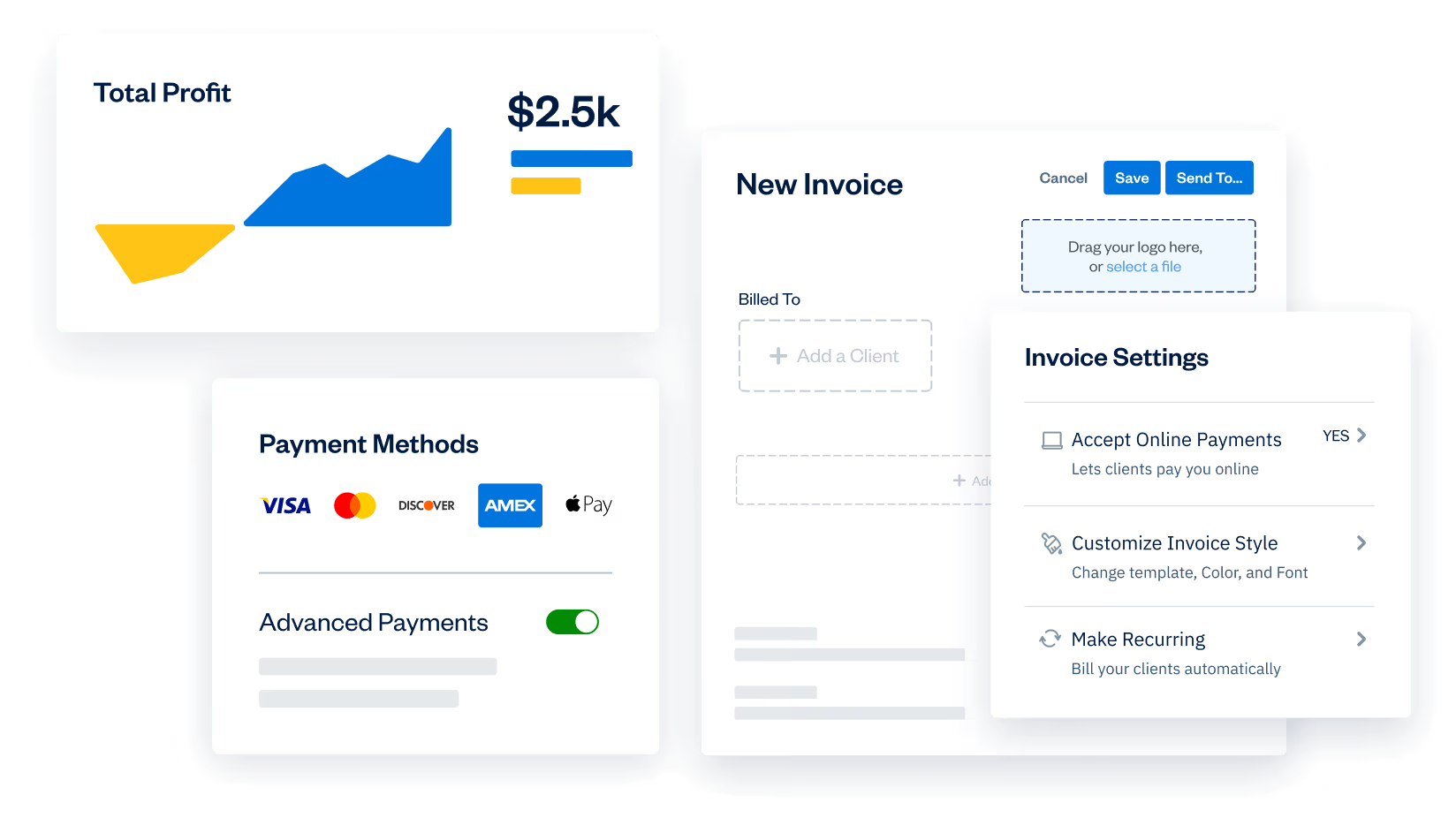
Allow contractors to track time, log expenses, and update projects with unique roles and permissions. Plus, put your payroll on autopilot with the Gusto integration and automate every pay day.
Manage your bills and Bill payments with accounts payable
Track exactly where you stand with every bill and vendor, so that you never miss another payment.
Set your team up for success with custom onboarding
Get a helping hand from the start with training for you and your team to ensure everyone can hit the ground running.
Get the tools you need to empower your team
Allow your team to invoice, manage projects, and collaborate all in one place. Plus, put your payroll on autopilot with FreshBooks Payroll that help automate every pay day.
Manage your bills and Bill payments with accounts payable
Track exactly where you stand with every bill and vendor, so that you never miss another payment.




Payroll, fast and easy like it should be
Get payroll done in minutes with unlimited payroll runs, automated tax calculations and filings, plus improved compliance, all seamlessly integrated within FreshBooks.
Don't take our word
for it, take theirs
4.5 Outstanding

FreshBooks offers a well-rounded, intuitive, and attractive double-entry accounting experience. It anticipates the needs of freelancers and small businesses well—better than competitors in this class.

4.5 Excellent
FreshBooks automates daily accounting activities namely invoice creation, payment acceptance, expenses tracking, billable time tracking, and financial reporting.

4.5 Excellent
FreshBooks is an online accounting and invoicing service that saves you time and makes you look professional – Fortune 500 professional.

4.7 Excellent
FreshBooks makes it easy to stay organized, keep track of payments owed and expenses made, send invoices and accept payments.

4.5 Outstanding
FreshBooks offers a well-rounded, intuitive, and attractive double-entry accounting experience. It anticipates the needs of freelancers and small businesses well—better than competitors in this class.















100+ apps.
Infinite possibilities.
Fuel growth and save time with the FreshBooks AppStore.
See All Apps




Support that actually supports you 

Help From Start to Finish
Our Support team is knowledgeable and never transfers you to other departments.
4.8/5.0 Star Reviews
Yup, that’s our Support team approval rating across 120,000+ reviews
Global Support
We’ve got over 100 Support staff working across North America and Europe
Help From Start to Finish
Our Support team is knowledgeable and never transfers you to other departments.
Frequently Asked Questions
FreshBooks is built specifically with small business owners in mind. And this includes those that work with contractors (including construction professionals, marketing teams, human resources, etc).
You not only get accounting software that’s easy to use and really helps boost your cash flow, but you get customized onboarding. While FreshBooks is simple to use, we want to ensure the contractors you work with can hit the ground running, so you don’t skip a beat.
On top of that, you can assign specific user permissions to contractors to limit the amount of access they have to company information and financials. For contractors, they can use FreshBooks project management software as a task management tool by viewing and tracking time for any Projects they’re invited to.
- Plus Plan Premium Plan (lots of advanced features)
- Select Plan (a customizable plan for growing businesses with contractos)
Most businesses with contractors speak to one of our plan specialists to customize a Select plan to specifically suit the needs of their business. Click here to talk to a Specialist.
All of your information stays in your account.
Want to know how much FreshBooks costs? We know every small business is different, which is why there are different plans to choose from. You can review them here. Our advice? Take a moment and take stock of:
- Where your small business is today?
- Where you hope to grow your business in the next 6 months?
- Your overall income and expenses
- The features you need to help your business accomplish all its goals
- You not only get accounting software that’s easy to use and really helps boost your cash flow, but you get customized onboarding for you and your employees. While features like expense tracking, credit card payment, invoicing, connecting bank accounts, and more are simple in FreshBooks, we want to ensure you and your team hit the ground running. That’s why we help you get set up and have your books ready to, so you don’t skip a beat.Do you need business health reports?Do you need mobile mileage tracking?
Read this article for even more information to help you choose the right FreshBooks plan for your business with employees: Wondering Which FreshBooks Plan Is Right For You?
The biggest difference for our customers between FreshBooks and Quickbooks is that FreshBooks was designed to be easy for them to use, while also having all of the functionality and reporting capabilities that accountants need.
This means as a business owner you have the ability to easily handle daily tasks, bookkeeping, connect with your clients, improve your cash flow and lots of other things. At the same time, you can give your accountant special accountant access to your account to get the information they need to provide advisory services, help you grow your business, and effectively deal with tax time.
On top of all the easier-to-use features, many of our customers made the switch because of our award-winning support team. They actually pick up, don’t transfer you, and stick with you until you have the information you need.
FreshBooks customer Heidi Smith tried Quickbooks, went to days of training and then realized it shouldn’t have to be that hard. Learn more about her journey to FreshBooks here: How Heidi’s Glass Services Business Got Clear on a Better Accounting Solution
The long answer is as follows:
When setting up a FreshBooks account, you can start fresh, or transfer over existing data from any previous software like QuickBooks Online, Zoho Books, or Xero. If you’re not a fan of manual entry, Clients, Expenses, and Items can be imported by you with the steps below. For Taxes, you can email us the below details and we’ll take care of it for you.
NOTE: If you choose a Select Plan, your information will be migrated for you by one of our account specialists.
Below are the types of data FreshBooks can import:
Clients
Clients can be imported using the steps here yourself.
Expenses
You can now import Expenses yourself with the steps here.
Items
Import Items using the steps outlined here.
Taxes
For Taxes, you can put together a CSV file for each type of data with the required columns below first. Then send this from your owner’s email (that matches your account) with written permission for us to upload.
Required Fields
- Tax Name – i.e. ‘HST’
- Percentage – i.e. ’13’ for a 13% tax
Optional Fields
- Tax Number – Government-registered tax number
Vendors
Import Vendors using the steps outlined here.
It really depends on you as a business owner. While FreshBooks is super-easy to use, when it comes to using all the tools available to you as a business owner, your accountant should definitely be at the top of your toolbox.
Not only does FreshBooks allow business owners to add their accountant to their account, but FreshBooks also has an Accountant Partner Program that pairs business owners with accountants. This ensures that businesses are matched with accountants that suit their specific needs.
Learn all about the Accountant Partner Program here.
Want to hear what it’s like to be part of the Accountant Partner Program? Here’s a great article: How FreshBooks’ Accounting Partner Program Helps CMA Lindsay Support Clients
Invite up to 10 Accountants per business at no extra cost! If your Accountant wants to learn more and familiarize themselves with FreshBooks’ accounting features, they can sign up for the Accounting Partner Program to become a FreshBooks certified partner, which comes with a bunch of cool benefits. If you don’t have an Accountant yet, reach out to us and we can help you get matched with one of our partners based on your geographical location, industry, and your accounting needs.
If you’re not sure about things like accounts receivable, general ledger, balance sheets, or doing your business taxes, not to worry. Getting your accountant on board and working with you in FreshBooks can be done in just a few clicks.
Learn more about working effectively with your accountant on FreshBooks in this great article.
FreshBooks is such an intuitive accounting / bookkeeping software, you can easily access accounting reports, add Journal Entries, manage Chart of Accounts, perform administrative tasks, as well as review and manage other data in each Client account. All-in-all it’s easy to get your clients ready for tax season.
We also have an Accounting Partner Program where you can become a certified FreshBooks accounting partner. The program is designed to help you offer services such as advisory, reporting, analytics, or business coaching. Accounting partners also get:
- Free FreshBooks training and Certification as part of the onboarding process
- Connections with potential FreshBooks users looking for help from an accountant
- Referral commissions for recommending FreshBooks to your clients
- Dedicated Accountant support and account management
- Free subscription to use as a demo environment to discover FreshBooks’ accounting functionalitiesOngoing resources and product information
- Access the Dashboard and Reports of your business’ financials
- Create Journal Entries and custom Sub-Accounts in Chart of Accounts
- View Invoices and manage payments
- Create Other Income
- Create and manage Expenses
- Switch between businesses using the Manage Businesses link if you’ve been invited to other Clients’ accounts
- Join the Accounting Partner Program here
- Learn more about our Accounting features here
- Review how all the Reports work
- Familiarize yourself with managing Invoices here and Expenses here
Here’s a testimonial with some great insights too: Why Visionary Bookkeeper Kate Chooses to Serve FreshBooks Customers
FreshBooks joins forces in a partnership with other companies to provide an “integrated” service. Once connected, integrations help you sync data and transfer information from one software to another (from Company X to FreshBooks and vice versa), thereby automating otherwise menial tasks and saving your team tons of time. Customer experiences are at the heart of integrations in an effort to automate as much as possible and provide business owners like you with the tools they need to run and scale their businesses.
Check out the benefits of FreshBooks’ suite of Integrations in this short video.
FreshBooks integrates with over 100 other third-party apps, so when visiting the FreshBooks AppStore you can easily find great apps to handle things like payroll, scheduling, and inventory tracking to help optimize your business even more.
Check out the FreshBooks AppStore here.
If you’ve had a business for years you’ve likely solved bookkeeping problems, tackled financial statements, managed tax payments, and even have a bit of an understanding about your financial health…to some extent, but if not or you’re just starting out here’s what you need to know.
Keeping tight books year-round will save you more time and effort than not doing a good job of it and waiting until tax time.
There’s no question that best-in-class accounting software like FreshBooks is an essential part of running a business these days. Beyond that, if you have a more complex business with lots of moving parts and growth, you likely don’t have time to take care of your books. Here are a few articles that can help:
Should You Hire a Bookkeeper for Your Small Business?
Conquer Business Finances at Different Stages of Growth
Sara Uses FreshBooks Because She Knows Accounting and Getting Paid Are Tough
FreshBooks has connections to third-party apps that seamlessly integrate with your account to run and automate payroll (our payroll partner for US based businesses is Gusto). This makes it easy to run payroll, while also tracking the transactions directly in your FreshBooks account.
So instead of worrying about missing an employee or contractor’s hours when running payroll, our Gusto integration handles everything for you. Plus, it’s fast to set up, easy to use, and allows you to track the transactions as expenses, which are reflected in reports.
- Time Tracking – Can also track time for any specific Projects they’re invited to
- Projects – Can also see any Projects they’re invited to, only time entries logged by them are visible
It’s the easiest way to ensure your contractors feel like they’re on the same page as you (like a team of construction laborers working together on one large project). But it also allows you to monitor and manage their work and workload.
Ready to get started?