Save up to 500 Hours on Paperwork 🙌 50% Off for 3 Months. Buy Now & Save
50% Off for 3 Months Buy Now & Save



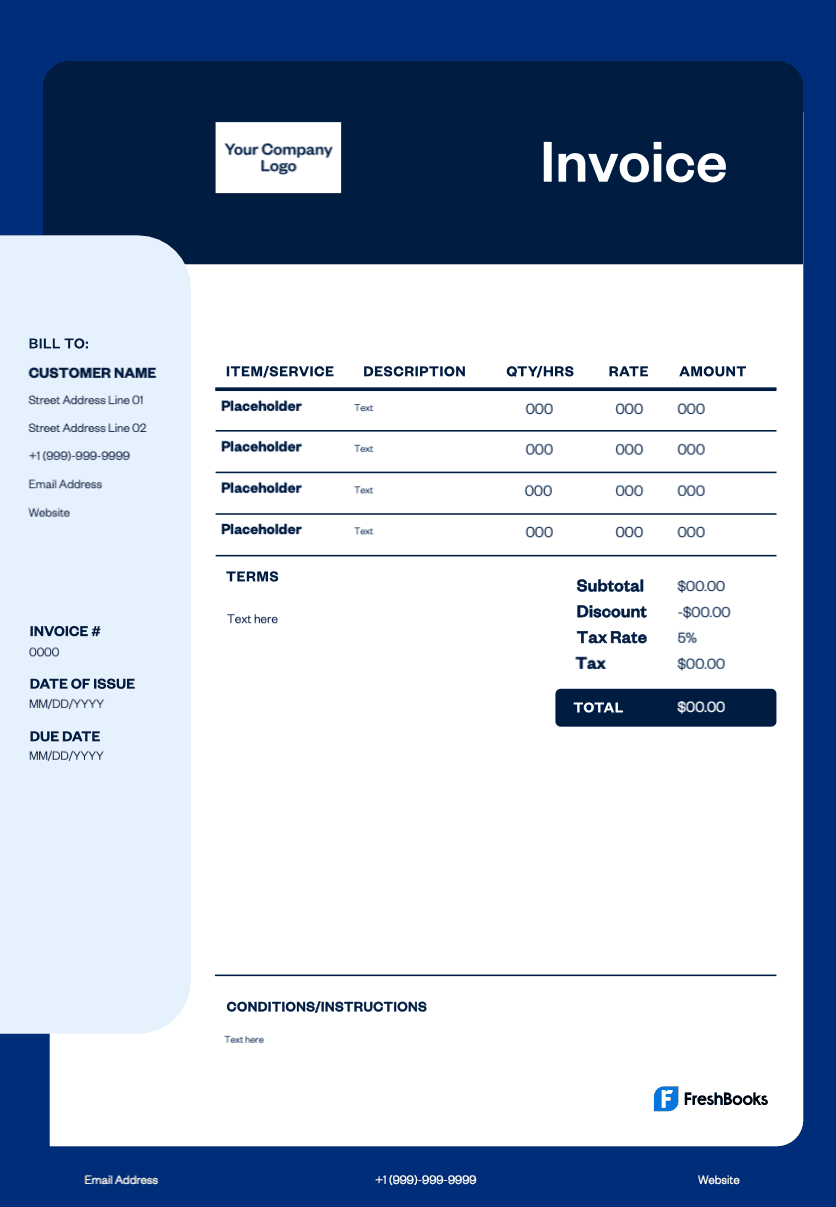
Microsoft Word invoice template
Skip the hassle of creating invoices from scratch. Our free Word invoice template features automatic calculations, necessary fields, and a clean layout that keeps you organized. Professional invoices with your company logo boost credibility and help you accept payment faster. Save hours on billing processes while ensuring accurate invoice numbers and outstanding invoice tracking for better cash flow management.
Get your free invoice template today
No design skills required—simply download our fully customizable Word template and personalize it in minutes. Add your business name, customize color schemes, and modify terms in Word. Available in multiple formats, including PDF invoice, Excel invoice, and Google Docs. Fill in client details, print or send invoices electronically, and streamline your billing needs effortlessly.
Note: Now available in DOC, XLS, PDF, Google Docs, and Google Sheets. View the entire free invoice library here.
Download a free invoice template for Microsoft Word
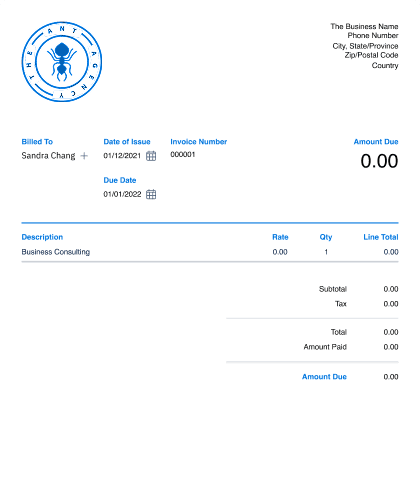
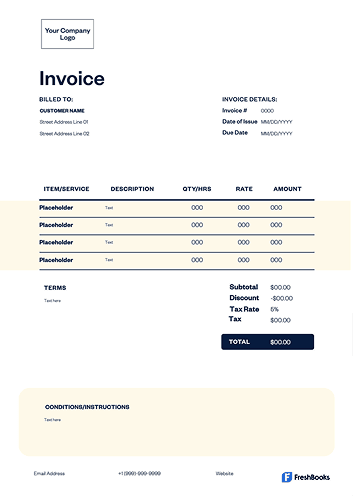





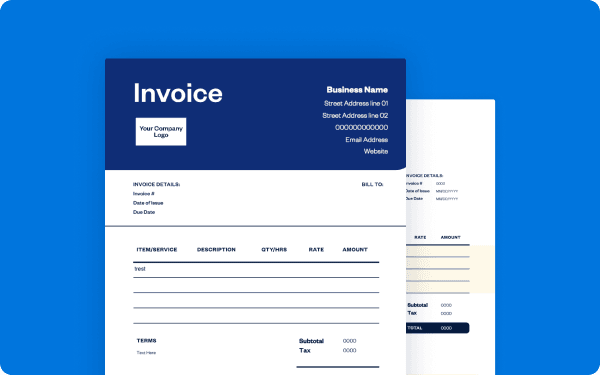
How do I customize my invoice
in word?
To customize an invoice in Word, open a new document, search for "invoice" templates, and select one to download. Replace the placeholder text with your company details, client information, and invoice specifics, then use the Insert tab to add your logo and the Home tab to adjust fonts and colors to match your brand. Save the customized template for future use or export as a PDF to send to clients.
Create Word invoices instantly
Free. No credit card required.
How to make a professional invoice in Word
Creating a professional invoice in Word requires including essential elements like your company information and logo, client details in a "bill to" section, unique invoice numbers, key dates, and an itemized table listing services or products with quantities, rates, and totals. FreshBooks users can enhance their invoicing by ensuring clear payment terms, tax calculations, and a professional thank-you message to build client relationships.
The easiest approach is to use Word's built-in invoice templates. Simply open Word, search for "invoice" templates, select one that matches your brand, and replace placeholder text with your business information. While Word templates provide a starting point, FreshBooks offers purpose-built invoicing tools that automatically handle calculations, tracking, and professional formatting to streamline your invoicing.
Download free Word invoice templates
FreshBooks' free invoice template for Microsoft Word features a clean layout that's easy to use and highly customizable for your business needs. You can download this Word template or explore our Excel invoice template options to start managing your finances more efficiently, cutting down time on daily billing tasks.
Whether you're creating a new invoice for clients or need templates that work for freelancers and small businesses, FreshBooks provides professional solutions to manage your invoicing workflow. Download the free template and start streamlining your billing process immediately.
Ready to get started?