



Accounting Software Built for Business Owners and Accountants

Get 50% Off for 3 Months

Accounting Software Built for Business Owners and Accountants
Easy-to-Use Accounting & Bookkeeping Features
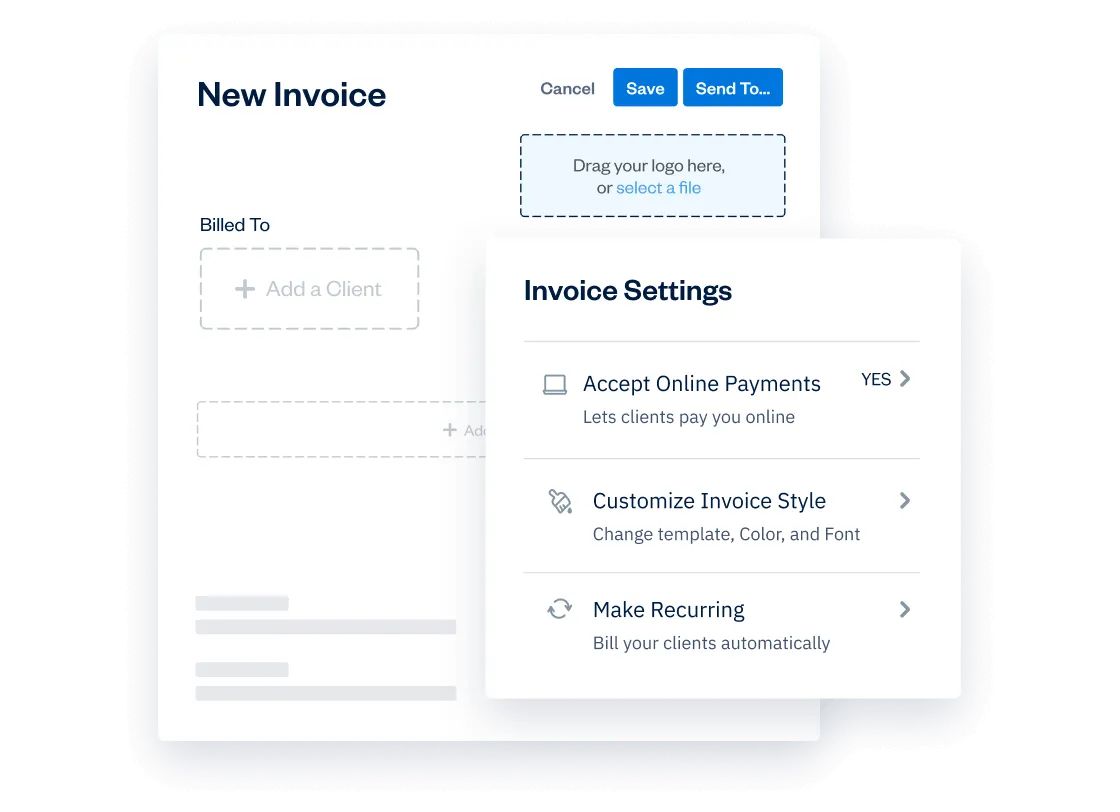
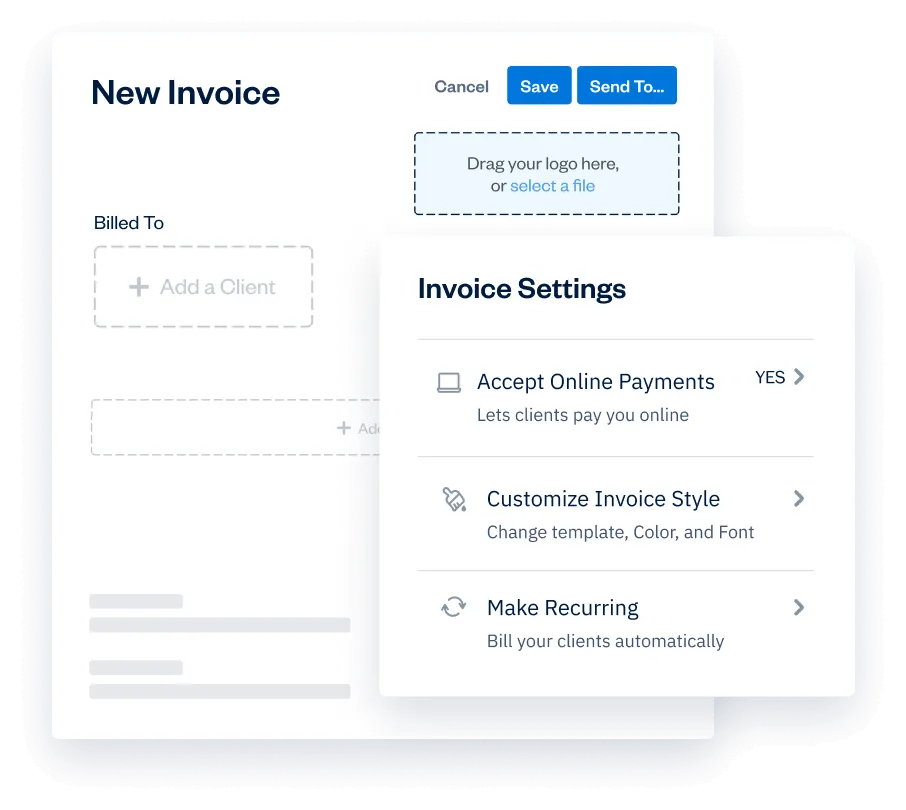
Professional Invoicing
Try it free for 30 Days. No credit card required. Cancel anytime.
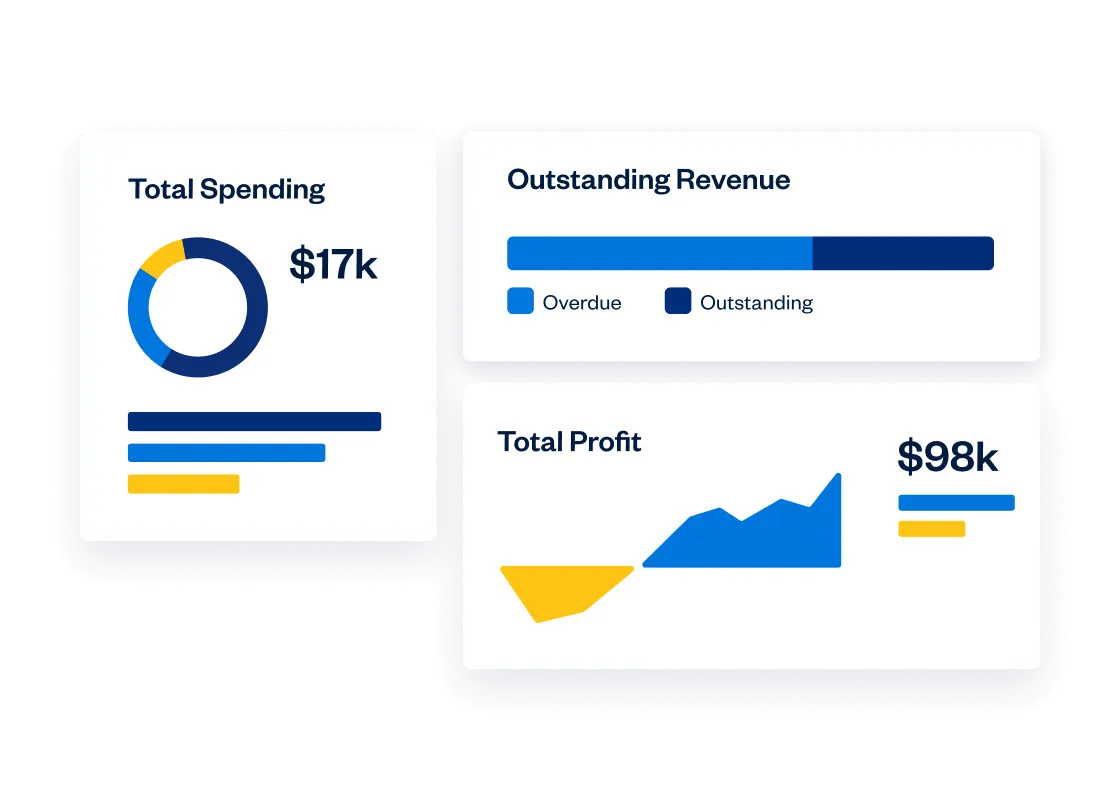
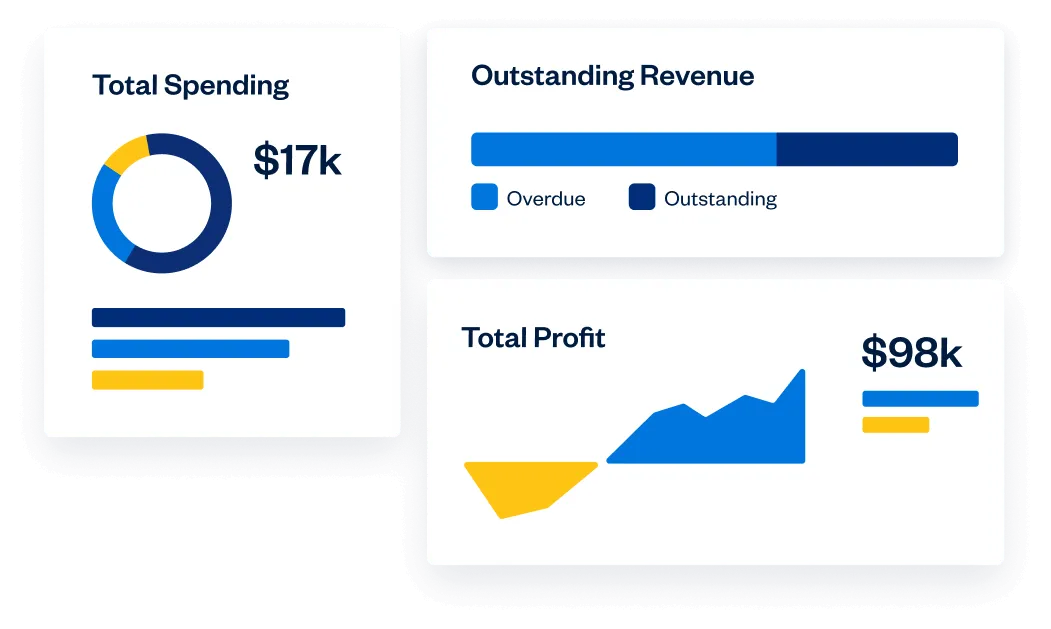
Keep an Eye on the Big Picture
Try it free for 30 Days. No credit card required. Cancel anytime.
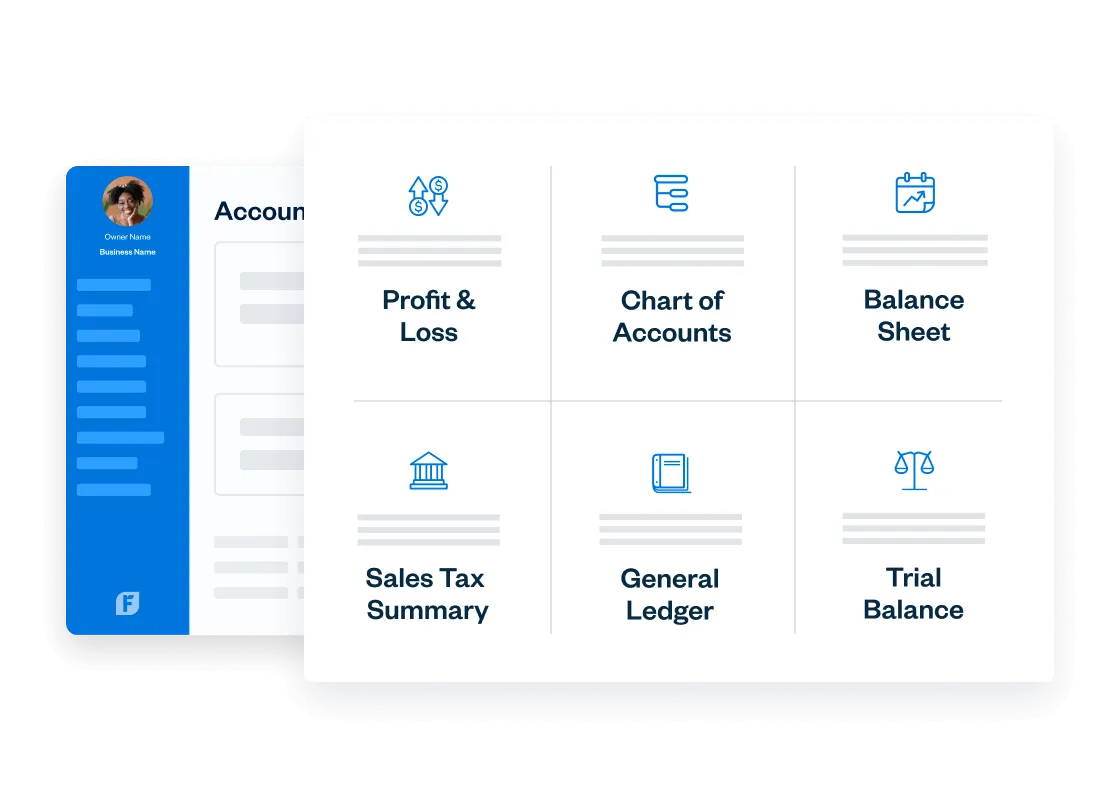
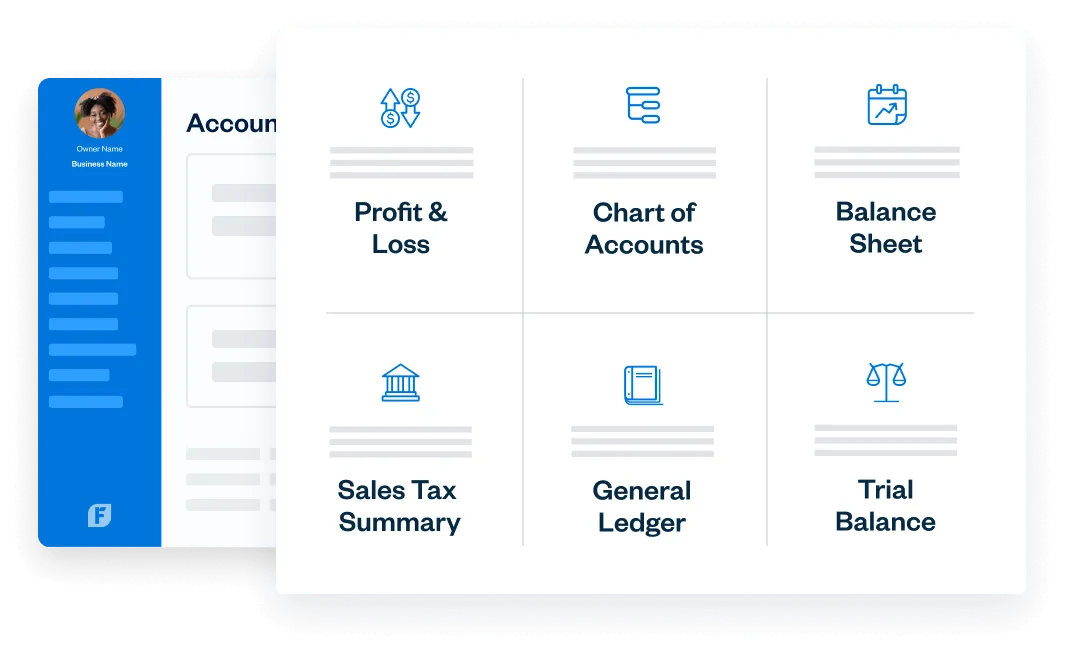
Fast & Easy, for You and Your Clients
Try it free for 30 Days. No credit card required. Cancel anytime.
Never Miss an Expense
Try it free for 30 Days. No credit card required. Cancel anytime.
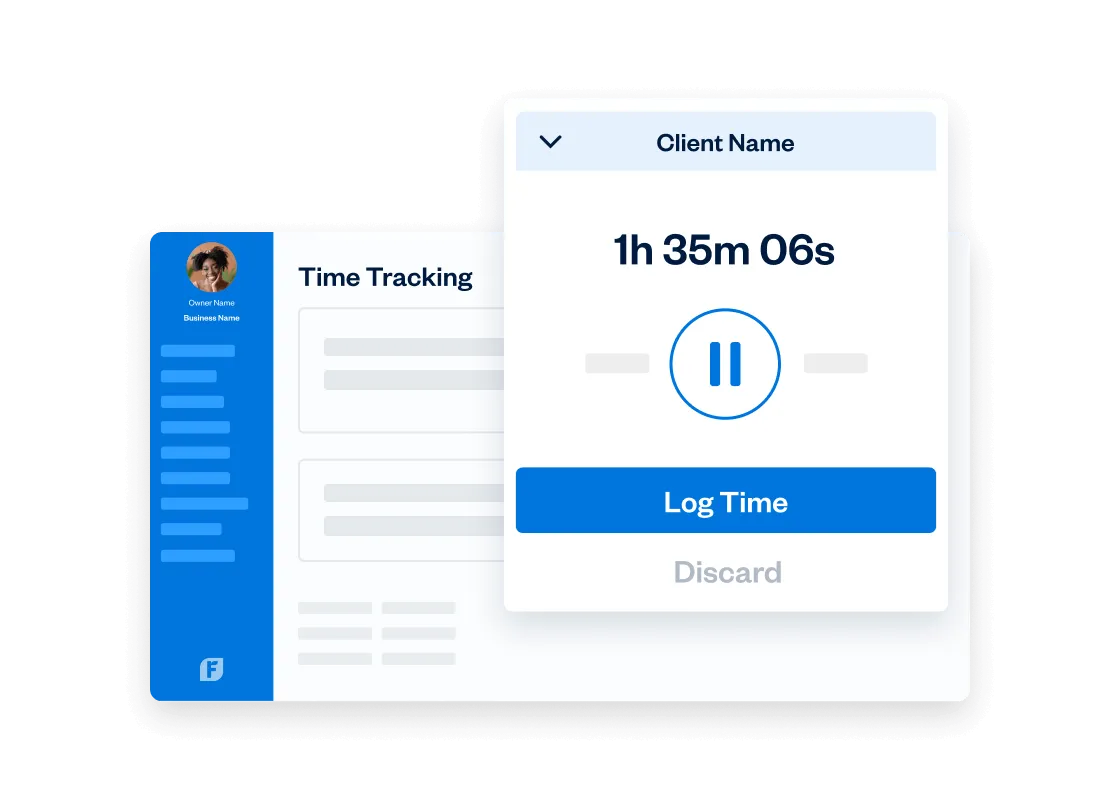
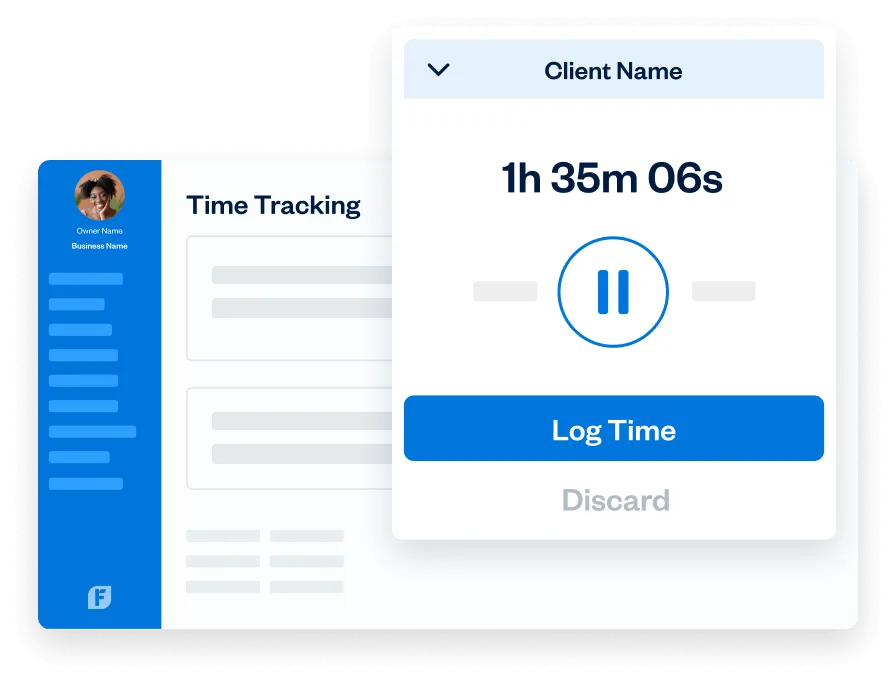
Track Time to the Minute
Try it free for 30 Days. No credit card required. Cancel anytime.
Keep Everyone on the Same Page
Try it free for 30 Days. No credit card required. Cancel anytime.
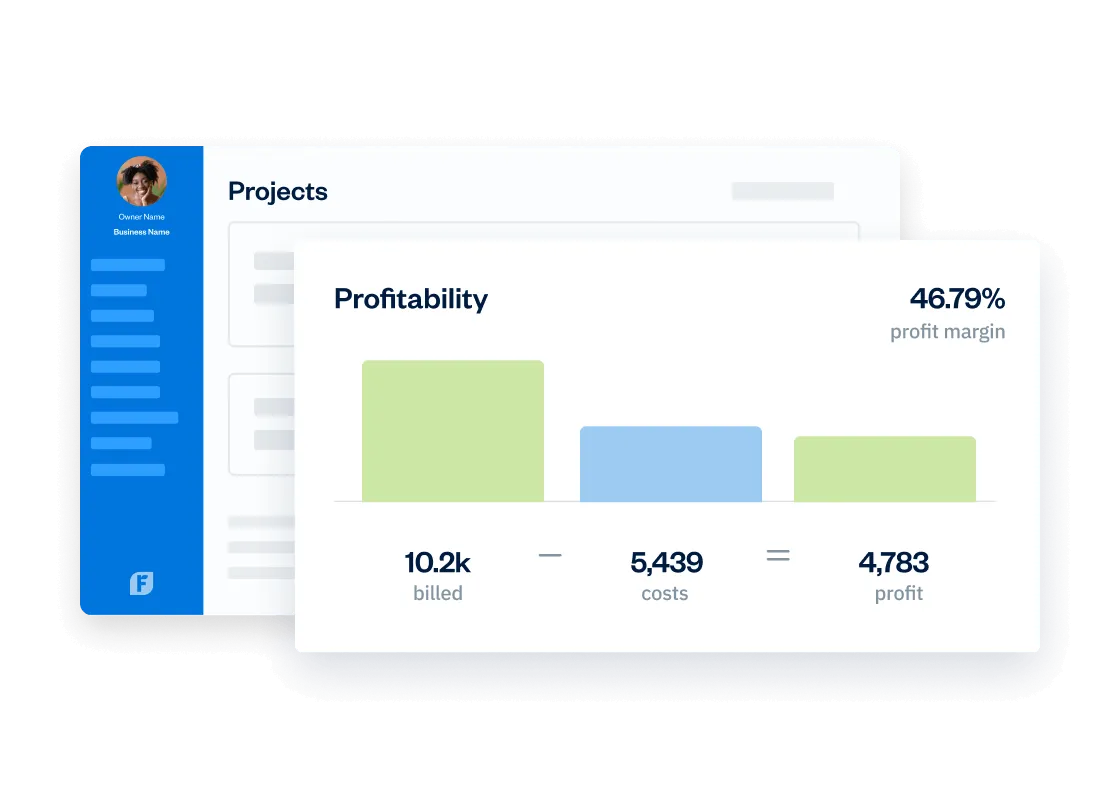
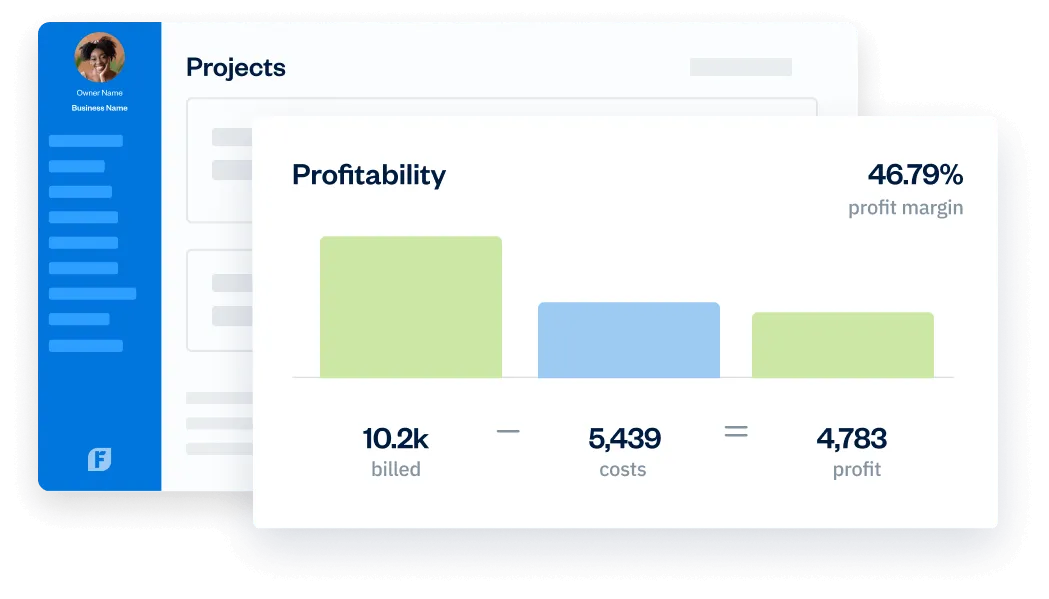
Know Your Business Better
Try it free for 30 Days. No credit card required. Cancel anytime.
Take FreshBooks Anywhere
Try it free for 30 Days. No credit card required. Cancel anytime.
Invoicing and Accounting Tools Built for Any Sized Business

For Freelancers
Keep your books in check, your clients happy, and deliver the work you love doing.

For Self-Employed Professionals
Get more time for your business and clients, and even a little extra to plan for the future.

For Businesses With Contractors
Work better with your partners by staying organized and always knowing where you stand.

For Businesses With Employees
Empower your staff to help grow your business and build lasting client relationships.
Why 30+ Million People Have Used FreshBooks

“FreshBooks has really helped me to be more efficient throughout the year so that tax time…it’s less stressful”

“Accounting’s not that scary. It can be easy or easy-ish. FreshBooks definitely makes it easier for us ‘non-numbers’ people”

“We’re basically saving $2000 a month. And that doesn’t include all the things that we were able to do in place of all that admin.”
“FreshBooks has really helped me to be more efficient throughout the year so that tax time…it’s less stressful”
“Accounting’s not that scary. It can be easy or easy-ish. FreshBooks definitely makes it easier for us ‘non-numbers’ people”
“We’re basically saving $2000 a month. And that doesn’t include all the things that we were able to do in place of all that admin.”
4.5 Excellent
“FreshBooks offers a well-rounded, intuitive, and attractive double-entry accounting experience. It anticipates the needs of freelancers and small businesses well—better than competitors in this class.”

4.5 Excellent
“FreshBooks automates daily accounting activities namely invoice creation, payment acceptance, expenses tracking, billable time tracking, and financial reporting.”

4.5 Excellent
FreshBooks is an online accounting and invoicing service that saves you time and makes you look professional – Fortune 500 professional.”

4.7 Excellent
“FreshBooks makes it easy to stay organized, keep track of payments owed and expenses made, send invoices and accept payments.”

4.5 Excellent
“FreshBooks offers a well-rounded, intuitive, and attractive double-entry accounting experience. It anticipates the needs of freelancers and small businesses well—better than competitors in this class.”
4.5 Excellent
“FreshBooks automates daily accounting activities namely invoice creation, payment acceptance, expenses tracking, billable time tracking, and financial reporting.”
4.5 Excellent
“FreshBooks is an online accounting and invoicing service that saves you time and makes you look professional – Fortune 500 professional.”
4.7 Excellent
“FreshBooks makes it easy to stay organized, keep track of payments owed and expenses made, send invoices and accept payments.”
An AppStore for All of Your Business Needs
FreshBooks integrates with over 100 great apps to streamline work for business owners, keep teams and clients connected, and better understand your business.

Add Value and Grow Your Business, Become a Partner
Build an integration, use our API, or grow your business with our Accounting Program. Or reap the rewards of our Affiliate and Referral programs – look no further for your next growth opportunity.
The Support You Need, When You Need It
- Help From Start to Finish: Our Support team is highly knowledgeable and never transfers you to another department.
- 4.8/5.0 Star Reviews: Yup, that’s our Support team approval rating across 120,000+ reviews
- Global Support:We’ve got over 100 Support staff working across North America and Europe

Frequently Asked Questions
During a trial, small business owners get access to all FreshBooks features except Advanced Payments (like FreshBooks invoicing, time tracking, and expensing). So you’ll know exactly why it’s the accounting software used by over 30 million business owners. That doesn’t mean your small business doesn’t get access to some online payment features, you can still craft time-saving workflows.
But, once you sign up for a FreshBooks plan, check out our Advanced Payments feature, which includes recurring billing. Advanced Payments lets your small business accept credit cards online and accept payments like bank transfers, payments over the phone, and invoice-free payments with Checkout Links.
Also, check out this article about how service-based businesses can make the most of a free 30-Day FreshBooks trial.
At the end of your free 30-day FreshBooks trial, you get to choose a plan specifically built for small business owners. But which one is right for small businesses? How do you know which accounting software features are right for your small business, to save you time and get you paid faster?
First off, you don’t need to worry about your business being interrupted when you transition from a free trial to a paid plan. FreshBooks plans are as follows:
- Lite Plan (add up to five clients)
- Plus Plan (our most popular plan)
- Premium Plan (lots of advanced features)
- Select Plan (a customizable plan for growing businesses)
All of your information stays in your account.
Want to know how much FreshBooks costs? We know every small business is different, which is why there are different plans to choose from. You can review them here. Our advice? Take a moment and take stock of:
- Where your small business is today
- Where you hope to grow your business in the next 6 months
- Your overall income and expenses
- The features you need to help your business accomplish all its goals
- Do you need business health reports?
- Do you need mobile mileage tracking?
Read this article for even more information to help you choose the right FreshBooks plan for your business: Wondering Which FreshBooks Plan Will Be Right For You?
Accounting software is a tool that allows you to track and manage the day-to-day finances of your businesses. It should allow you to create professional invoices, manage expense tracking, run double-entry accounting reports, accept online payments, and monitor all parts of your business’s money – both in and out.
FreshBooks accounting software allows you to do all of this – and more. It includes invoicing features, expense tracking, time tracking, online payments, industry-standard double-entry accounting, balance sheets, mileage tracking, project profitability, bank reconciliation, client retainers, and the list goes on. It’s the reason we’re one of those most popular small business invoicing software – having been used by over 30 million people worldwide.
All features are built to be easy to use for small business owners and their teams, clients, and accountants. Plus, as a cloud accounting software – your data is stored and ready to be accessed wherever you are in the world.
FreshBooks accounting software gives you instant access to the tools you need to manage your finances. It’s perfect for everyone from self-employed professionals to growing business owners.
All you have to do is sign up for a FreshBooks account, add your business details, and you’re ready to go. From the FreshBooks dashboard, you can explore the invoicing features, add billable clients, choose to accept credit card payments with FreshBooks payments, run accounting reports, discover the project management tools, and a whole lot more.
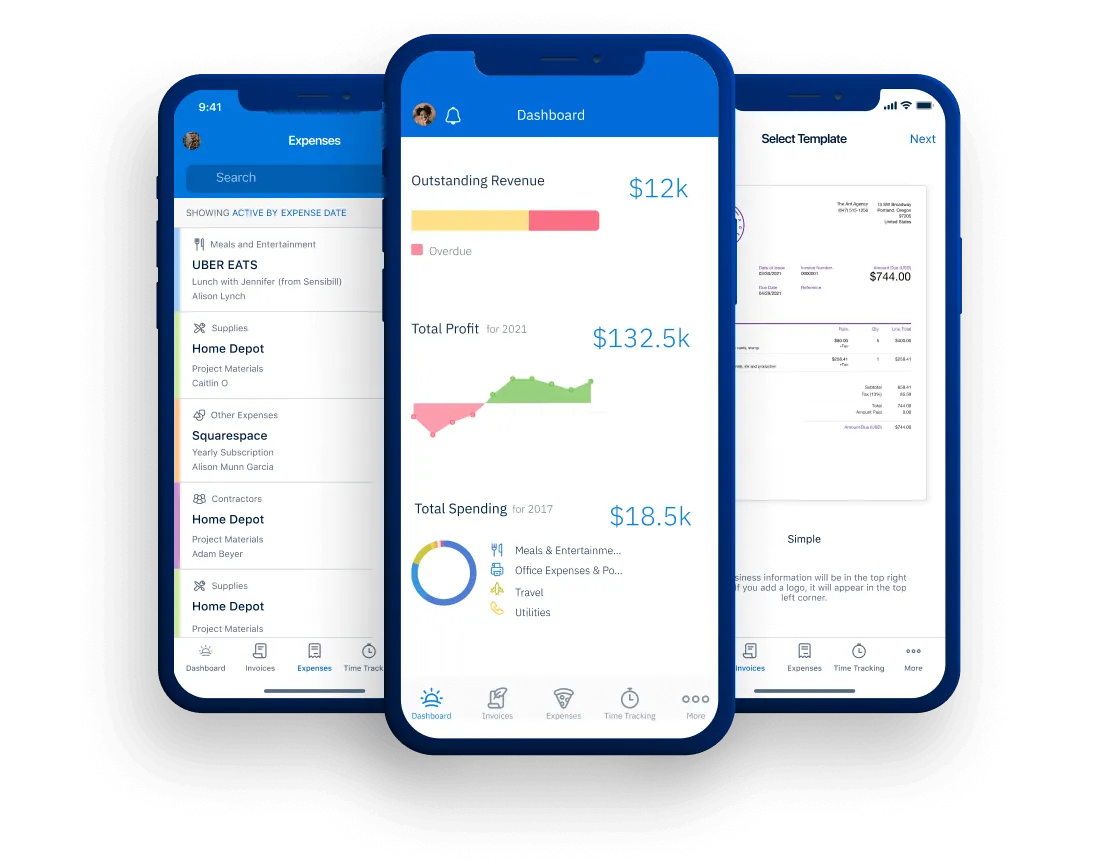
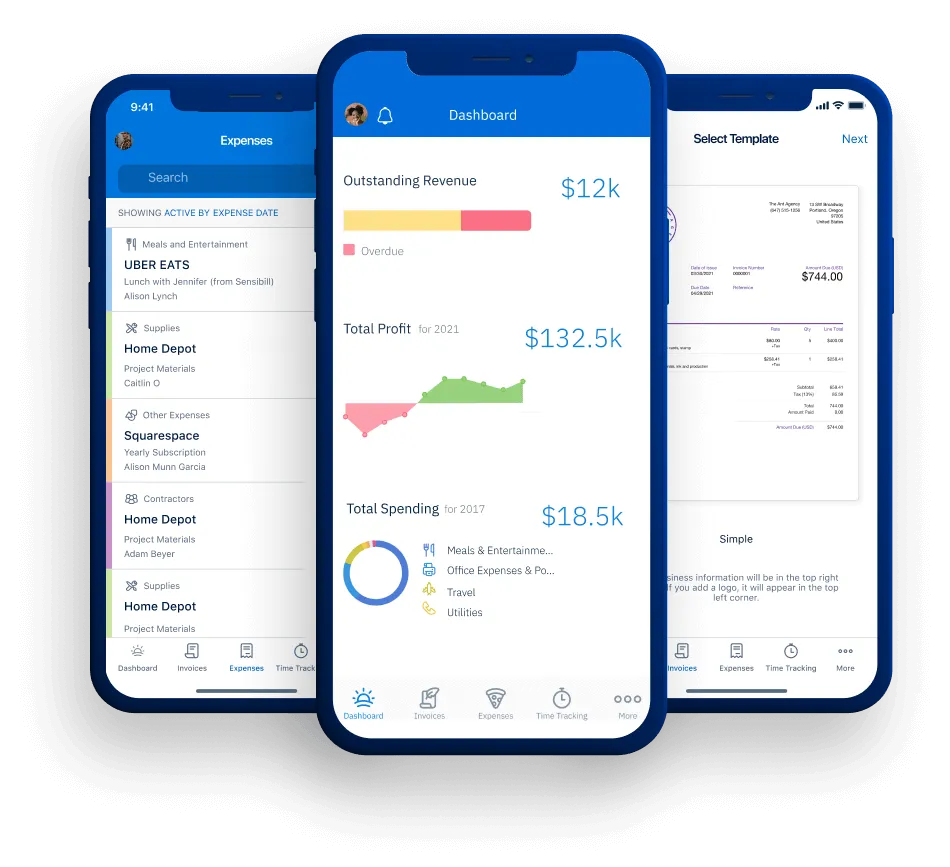
Plus, if you prefer to manage your business on the go with a mobile device, you can download the FreshBooks mobile app – and handle your accounting from anywhere.
FreshBooks works in any web browser on all your devices (desktop computer, laptop, tablet, or phone). There’s also a FreshBooks mobile app for both iPhone and Android, which includes mileage tracking.
Do much more than just bill clients. Small businesses can run their business, create invoices, set up recurring invoices, log expenses, track financial data, get paid online, track revenue streams, connect bank accounts, and easily create new customers in their account…all on the mobile app.
FreshBooks offers small businesses amazing support. Our customer support team has won 11 Stevie Awards, which are international awards given out to the absolute best customer support department in the world. While we all think our support team is the best, they have the hardware to prove it.
Get in touch with customer support here.
We also have a massive help center that has answers to just about every question we’ve ever been asked by our customers. Check it out here.
Invite up to 10 Accountants per business at no extra cost, on Plus and Premium plans. If your Accountant wants to learn more and familiarize themselves with FreshBooks’ accounting features, they can sign up for the Accounting Partner Program to become a FreshBooks certified partner, which comes with a bunch of cool benefits. If you don’t have an Accountant yet, reach out to us and we can help you get matched with one of our partners based on your geographical location, industry, and your accounting needs.
If you’re not sure about things like accounts receivable, general ledger, balance sheets, or doing your business taxes, not to worry. Getting your accountant on board and working with you in FreshBooks can be done in just a few clicks.
Learn more about working effectively with your accountant on FreshBooks in this great article.
Yes! It’s called Easy Switch, and you can chat with a specialist to learn about your options today.