Best Time Tracking Apps for Freelancers in 2026
Updated on June 4, 2026 | 8 min. read



Explore the best time tracking apps for freelancers in 2026, with their key features, ideal use cases, and honest pros and cons.
If you're a freelancer or run a small service-based business, every untracked minute is revenue you'll never bill. The right time tracking app makes it easy to log hours accurately, invoice faster, and get paid what you're owed.
Desktop app, browser extension, or mobile: the right tool helps you log hours accurately and keep your billing airtight. Below, we compare the best options on features, pricing, and ease of use.
🌟 KEY TAKEAWAYS

A good time tracking app keeps your invoices accurate, so you never undercharge or overcharge.
Beyond billing, your time data shows you where your hours actually go.
Freelancers track their own time, so accurate data from a quality app matters even more.
Best time tracking apps comparison (2026)
App | Pricing | Best for | Key features |
|---|---|---|---|
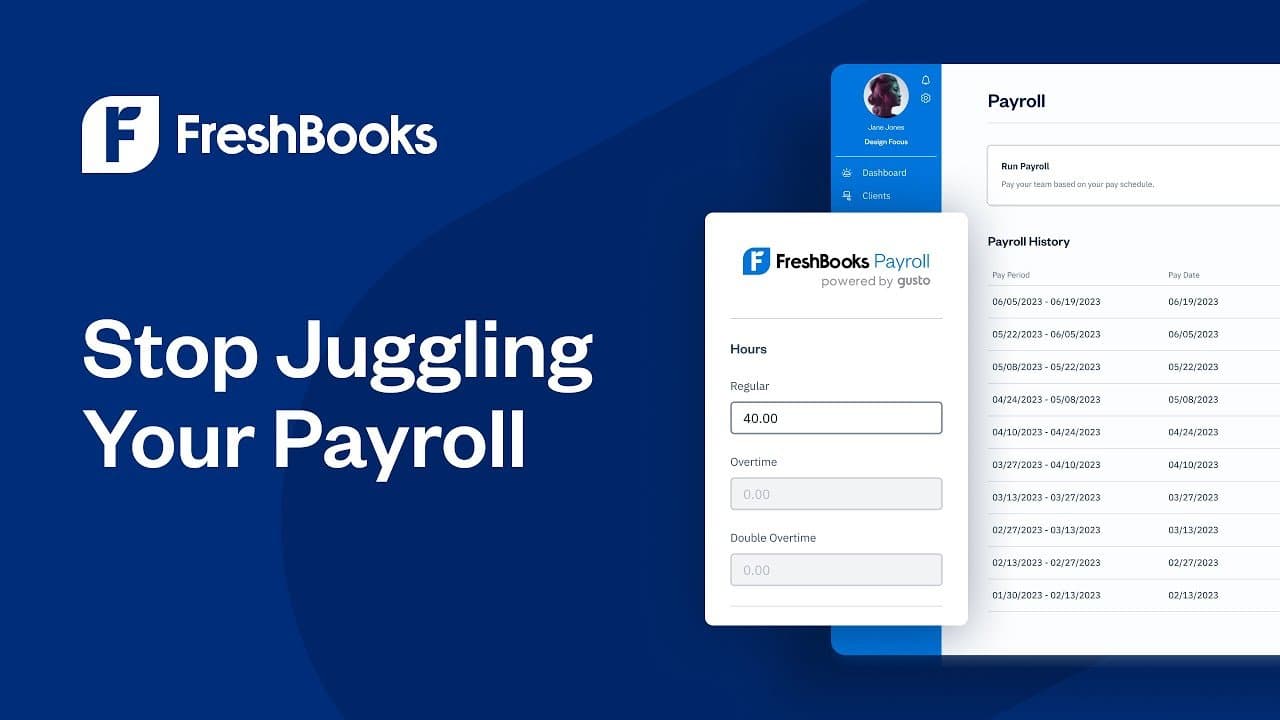
FreshBooks | 30-day free trial, four paid tiers | Freelancers who bill by the hour and want invoicing built in | Auto-populated invoices from tracked time; time entry reports; billable vs. unbillable tracking; project time allocation; mobile and browser tracking |
Toggl Track | Free version; paid plans from $9/month per user | Freelancers who need a free tracker | Start/stop timer; offline tracking; idle detection; quick access to logged entries; export to accounting tools; shared entries for collaborative work |
Clockify | Free plan; paid plans from $3.99/month for each seat | Freelancers who want a low-cost, feature-rich option | Timesheet templates; untracked-gap detection; PIN or QR check-in; filtered analysis; unlimited projects and users on free |
Harvest | Paid plans from $9/month per seat | Small freelance teams needing collaboration and invoicing | Time tracking and invoicing; automated reminders; integrated time imports; secure SSO; activity logs |
RescueTime | Paid plans from $7/month | Freelancers focused on productivity | Automatic activity tracking; activity categorization; website and app blocking; productivity goals; threshold alerts; post-session summaries |
What is a time tracking app?
A time tracking app records how much time you spend working. Business owners often use these apps to monitor hours for remote teams. Freelancers use the same tools to log time on each project, so they can bill clients accurately and see exactly where their time goes. The result: less time on admin, and more spent on the work that pays.


6 key features to look for
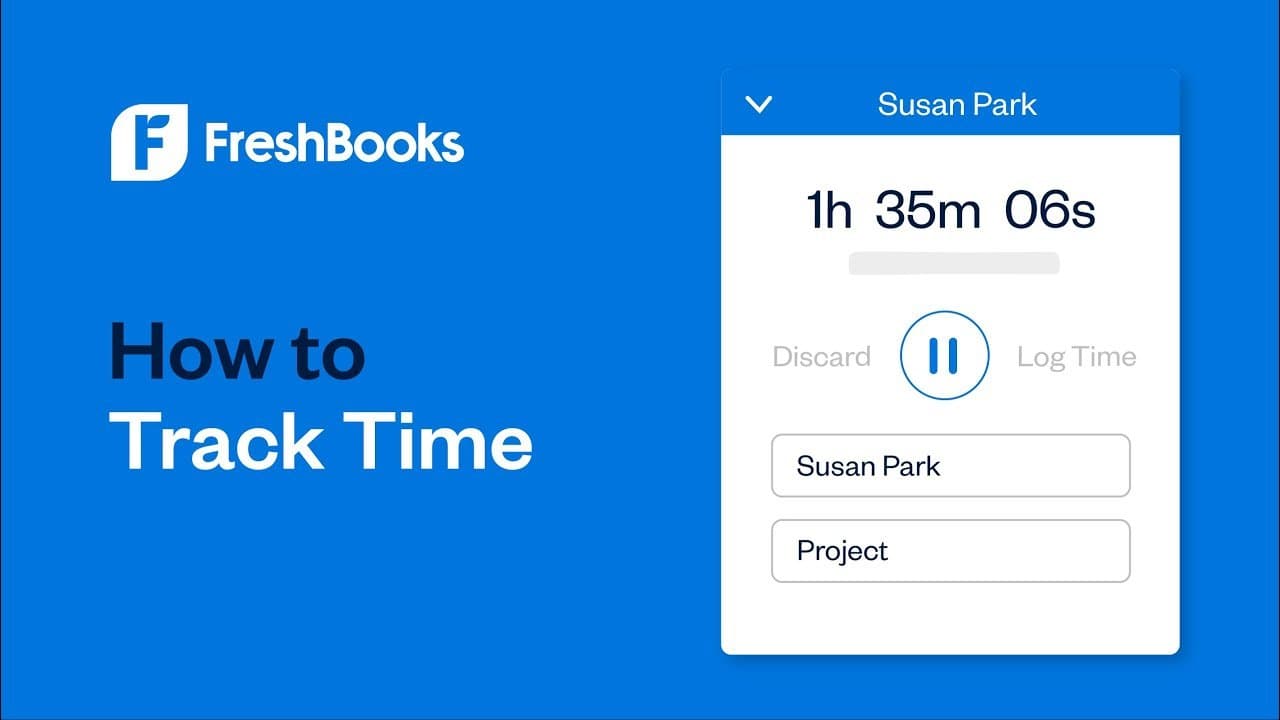
1. One-click time tracking. Start and stop your timer instantly on desktop or mobile, so you can take breaks or switch projects without losing tracked time.
2. Retrospective entry. Life happens. Look for an app that lets you log or edit hours after the fact, so a missed entry doesn't become lost billable time.
3. Client and project tagging. Tag entries by client or project as you go. No manual sorting later, and your reports stay clean.
4. Invoicing built in or connected. If you bill by the hour, your tracker should feed invoices directly to your system, either natively or via an integration. It's far more precise than typing hours in by hand.
5. Clear reporting. Good reports show where your hours go by client, project, or task. Over time, that's how you set better rates and catch where you're undercharging.
6. Ease of use. You need a tool you'll actually open every day. If it's cluttered or fiddly to set up, you'll stop using it, and that defeats the point.
The top 5 time tracking apps for 2026
We chose these tools based on ease of use, invoicing features, and how well they fit the way freelancers work.
1. FreshBooks: Best for time tracking with built-in invoicing
FreshBooks is business management software built for service-based solopreneurs and small teams. Its time tracker does one thing especially well: it turns the hours you work into invoices that go out faster.
Best for: busy freelancers who want their billable hours on an invoice in seconds.
Ideal users: consultants, designers, coaches, tradespeople, and other service pros who bill by the hour and want tracked time to flow straight into a polished invoice.
Key features
- One-click invoicing. Track your time, then turn it into an invoice with a single click. FreshBooks pulls your unbilled hours into a draft automatically, so nothing gets missed.
- Get paid for every minute. Each hour you log becomes an invoice line item, so the time between doing the work and billing for it all but disappears.
- Time entry reports. Check exactly when you logged hours on a clear Time Entry Detail report.
- Billing status at a glance. Mark each entry as billable, unbilled, or unbillable, so you bill accurately and never slip non-billable time onto a client invoice.
- Day, week, and month views. Log time daily, enter it in bulk for recurring work, or see weekly and monthly totals on a calendar. Assign every entry to a client, project, or service.
- Track anywhere. Works in your browser and on mobile, including Android and iOS.
Pros
- Everything lives in one place. Time tracking, invoicing, expenses, and payments all connect, so you're not stitching tools together to get paid.
- It's built for service businesses, not retrofitted from general accounting software, so the time-to-invoice flow matches how you actually work.
- Your clients get a polished experience. Tracked hours land in a branded invoice with several ways to pay (credit card, ACH, Apple Pay, and Buy Now, Pay Later), which tends to get you paid faster.
- When you need help, you reach a real person quickly, on every plan, rather than a chatbot queue.
Cons
- Extra team members cost more.
- The desktop version does more than the mobile app.
- It's built for freelancers and small service businesses, so it's not the right fit for inventory-heavy or multi-entity operations.
Pricing: 30-day free trial, then four tiers: Lite, Plus, Premium, and Select.
Integrations: Asana, Basecamp, Trello, and Teamwork.
2. Toggl Track: Best free time tracking software
IToggl Track is a free time tracker with a simple start/stop interface, available as a browser extension or mobile app.
Best for: freelancers who need a free app that handles the basics well.
Ideal users: new freelancers on a budget who want solid time tracking without the cost.
Key features
- Offline tracking. Log billable time without an internet connection.
- Idle detection. If your timer runs while you're away, Toggl flags the idle time and lets you keep or discard it before it hits your timesheet.
- Favorites. Pin frequent entries so they're easy to find.
- Export to invoicing tools. Send tracked time to QuickBooks Online or other accounting tools on paid plans.
- Shared entries. Add teammates to entries to track collaborative work.
Pros
- A generous free tier.
- Cross-platform tracking, so you can follow the same project across browsers and mobile.
- Integrates with many popular tools, including Asana, Trello, and Slack.
Cons
- No built-in invoicing.
- The range of tools can feel complex.
- QuickBooks is the only accounting integration for invoicing.
- The mobile app is less polished than the browser extension.
Pricing: free plan available; paid plans from $9/user per month.
Integrations: over 100 apps.
3. Clockify: Most feature-rich free option
Clockify is another free time tracker for freelancers. Its free plan offers more than most, though invoicing only comes through a paid integration.
Best for: freelancers and small businesses who want a feature-rich tracker, free or cheap.
Ideal users: anyone who wants a budget-friendly tool for a wide range of time and project management tasks.
Key features
- Continue. Restart your timer and pick up work without re-entering project details.
- Timesheet templates. Save your standard week as a template for recurring work.
- Untracked gaps. Spot gaps between entries to fill in missing hours.
- PIN or QR check-in. Check in with a PIN or by scanning a QR code.
- Filtered analysis. Drill into what was done on specific projects.
Pros
- Easy to learn and use.
- A powerful free version, with affordable paid tiers.
- Unlimited projects and users on the free plan.
Cons
- What counts as a "seat" can be confusing.
- The interface gets crowded with many features and active projects.
- The mobile app can be slow.
Pricing: free plan available; paid plans from $3.99/seat per month.
Integrations: over 100 apps, listed in Clockify's integration directory.
4. Harvest: Best for freelancers who work with teams
Harvest combines time tracking and invoicing, and lets you build and share reports so everyone stays on the same page.
Best for: freelancers who collaborate and want a simple way to invoice together.
Ideal users: small teams who want one platform for both time tracking and invoicing.
Key features
- Reminders. Set automated nudges so you track time consistently.
- Integrated time tracking. Pull tracked time from other apps into your Harvest log.
- Secure sign-in. SAML-based SSO through Microsoft or Okta.
- Invoices. Create invoices in Harvest and send them to your accounting software.
- Activity log. Review changes made to any time entry.
Pros
- Strong visibility across time logged by different users, which suits collaborative projects.
- The mobile, desktop, and web apps are equally easy to use.
- Good value if you only need basic time tracking and invoicing.
Cons
- Limited project management and no proposal tools.
- No automatic tracking; you start and stop the timer yourself.
- Limited options for visual reports.
Pricing: paid plans from $9/seat per month.
Integrations: over 50, listed in Harvest's integration directory.
5. RescueTime: Best for sharpening your focus
RescueTime is a productivity tracker that automatically records the time you spend on websites and apps during work hours.
Best for: using your time more efficiently each day.
Ideal users: freelancers who want to improve their habits by spotting where time drains away.
Key features
- Activity categorization. Label sites and apps as productive, neutral, or distracting.
- Blocking. Block chosen sites or apps during work to cut distractions.
- Goals. Set personal productivity goals and track your progress.
- Threshold alerts. Get reminded to take a break after a set number of hours.
- Post-session summaries. See how productive you were at a glance.
Pros
- Runs in the background without constant pop-ups.
- Settings adjust to how you work.
- Blocks apply across devices, so there's no need to reblock on each one.
Cons
- The interface takes a little learning.
- Lower-cost versions have fewer features.
- Blocking sites and apps takes manual setup.
Pricing: from $7/month.
Integrations: Trello, Asana, Slack, GitHub, Google Calendar, and Outlook Calendar.
Other tools worth mentioning
Timeneye: a Microsoft-integrated tracker that keeps teams aligned.
TMetric: provides detailed reports on time spent on each project, including screenshots of the work and timestamps.
Hubstaff: suits freelancers managing a small team, with visibility into how employees spend time across workflows.
Desklog: built for rich automation and tracking time with minimal manual effort.
My Hours: a cloud-based billing and time tracking app, free for five users or fewer.
Timing: tracks automatically from the start of your day, then lets you approve logs afterward.
Timely: uses AI to fill your timesheets for you.
Memtime: offers automatic tracking with a stronger focus on keeping your time data private.
Jibble: offers full access to its features for free, though the browser version runs only on Chrome.
WorkingHours: packs a lot into its free tier, but that tier includes in-app ads.
Frequently asked questions
1. How do freelancers track billable hours?
Either with a time tracking app or by hand. An app is easier and far less error-prone than jotting hours down yourself.