Limited-time offer: Get 60% off for 3 months. Buy now & save
60% Off for 3 Months Buy now & save



Professional legal billing template
Attorneys handle complex cases and busy schedules. Using a legal invoice template as part of a reliable billing system helps streamline the invoicing process, save time, reduce errors, and ensure clients receive a clear breakdown of services and payment terms, simplifying the entire process.
Get your free attorney invoice template
Are you managing multiple clients, handling casework, or preparing for court deadlines? While your focus is on legal strategy, billing can quickly become overwhelming. Using templates, an invoice generator, or dedicated legal billing software can help. With FreshBooks' law firm invoice templates, you can outline fees clearly, easily send invoices, simplify payment collection, and keep your law firm’s finances organized without extra effort. A well-structured law firm invoice is essential for maintaining client trust and ensuring timely payments.
Note: Now available in DOC, XLS, PDF, Google Docs, and Google Sheets. View the entire library of free invoice templates here.
Download an attorney invoice template for your practice





How do I bill legal clients?
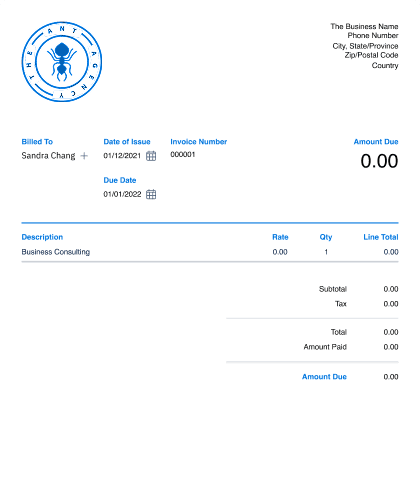
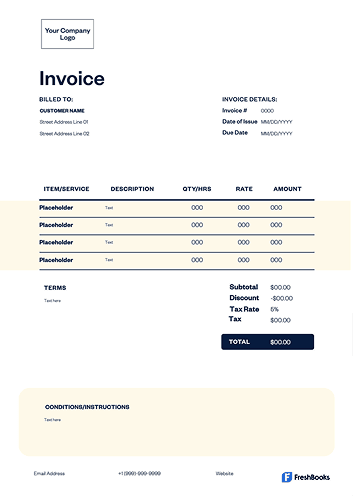
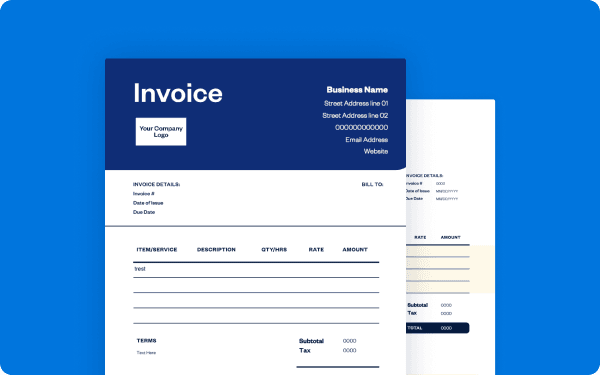
To bill legal clients effectively, start by recording all hours worked, legal services provided, and related expenses. A professional attorney invoice template ensures all information (such as tasks performed and related charges) is itemized clearly, including consultation fees, filing costs, or retainers.
Always include all the key elements and necessary invoice details, such as your law firm information, a unique invoice number, invoice date, payment terms, due date, and accepted payment methods. Clear billing information helps reduce disputes and encourages clients to get you paid faster, making for a smoother billing process and healthier cash flow.
Create attorney invoices instantly
Free. No credit card required.
How do I create an attorney invoice?
Begin by downloading a professional invoice template in your preferred format, like Word, Excel, PDF, or Google Docs. Choose an invoice format that best represents your practice. Add your firm’s name, contact information, and logo to customize it and ensure your branding looks clear and professional.
Next, provide a detailed description of the services rendered, whether hourly or flat fee, and include any additional charges such as travel or filing fees. Add applicable taxes if required, state payment terms, and provide a clear total. This creates a professional invoice ready to send, completing an essential step in your billing process.
Different invoice types for attorneys
Law practices often need different invoices depending on the legal services provided.
Here are common options for legal billing:
STANDARD INVOICE
A standard invoice is used for one-time legal services like consultations or document drafting.
HOURLY invoice
An hourly invoice bills clients based on time tracked for client meetings, research, and court appearances.
retainer invoice
A retainer invoice is applied when clients pay upfront for a set number of legal services.
pro bono invoice
A pro bono invoice shows the value of services provided at no cost for record-keeping.
Contingency free invoice
A contingency fee invoice is used when attorneys are paid a percentage of a settlement or judgment.
Flat fee invoice
Flat fee billing is best for predictable services, such as will drafting or contract review.
Recurring memo
A recurring invoice is for ongoing clients with monthly or quarterly billing cycles.
Download a free attorney invoice template
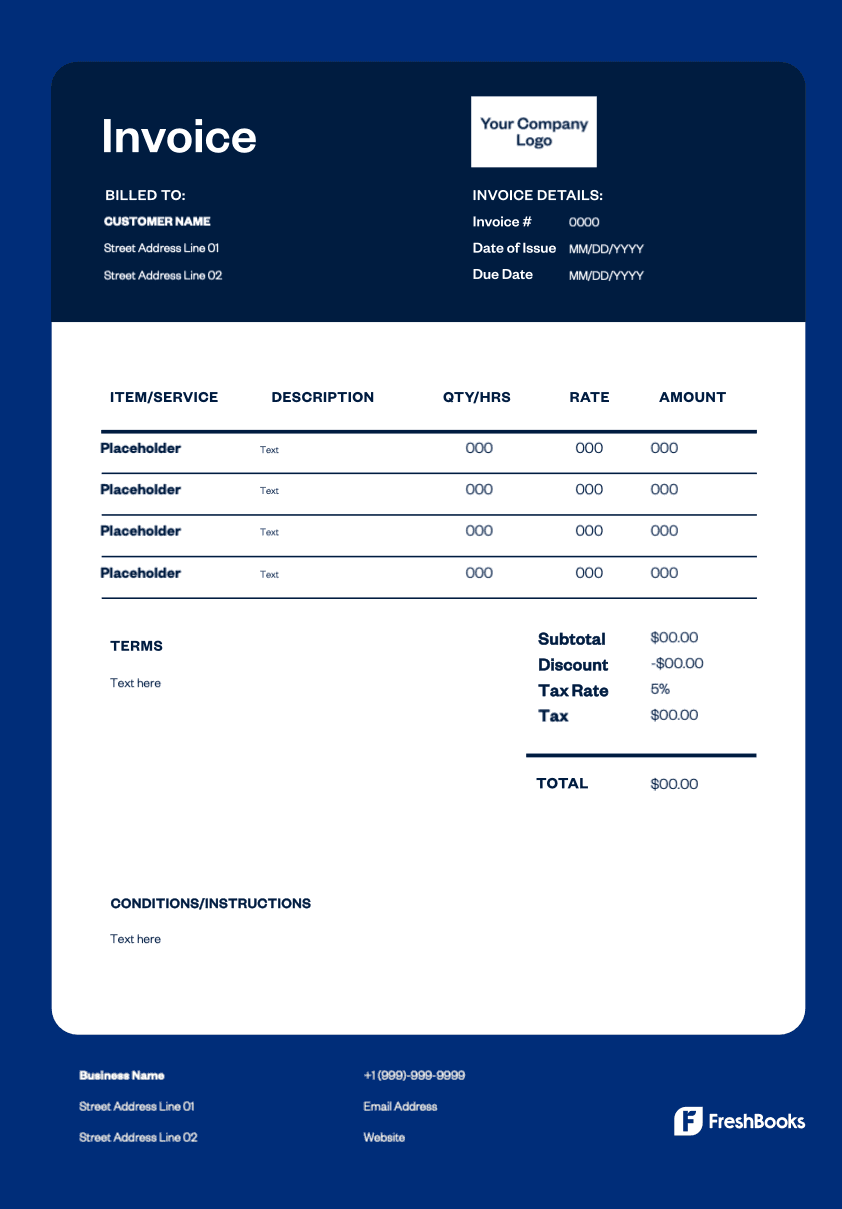
Simplify your legal billing with a free attorney invoice template. Customize it to fit your practice, record services with clarity, and deliver professional invoices every time. Our free invoice templates allow you to choose Word, Excel, PDF, or Google Docs to manage invoices more efficiently.
Ready to get started?