Limited-time offer: Get 60% off for 3 months. Buy now & save
60% Off for 3 Months Buy now & save


Why use a professional child care invoice template
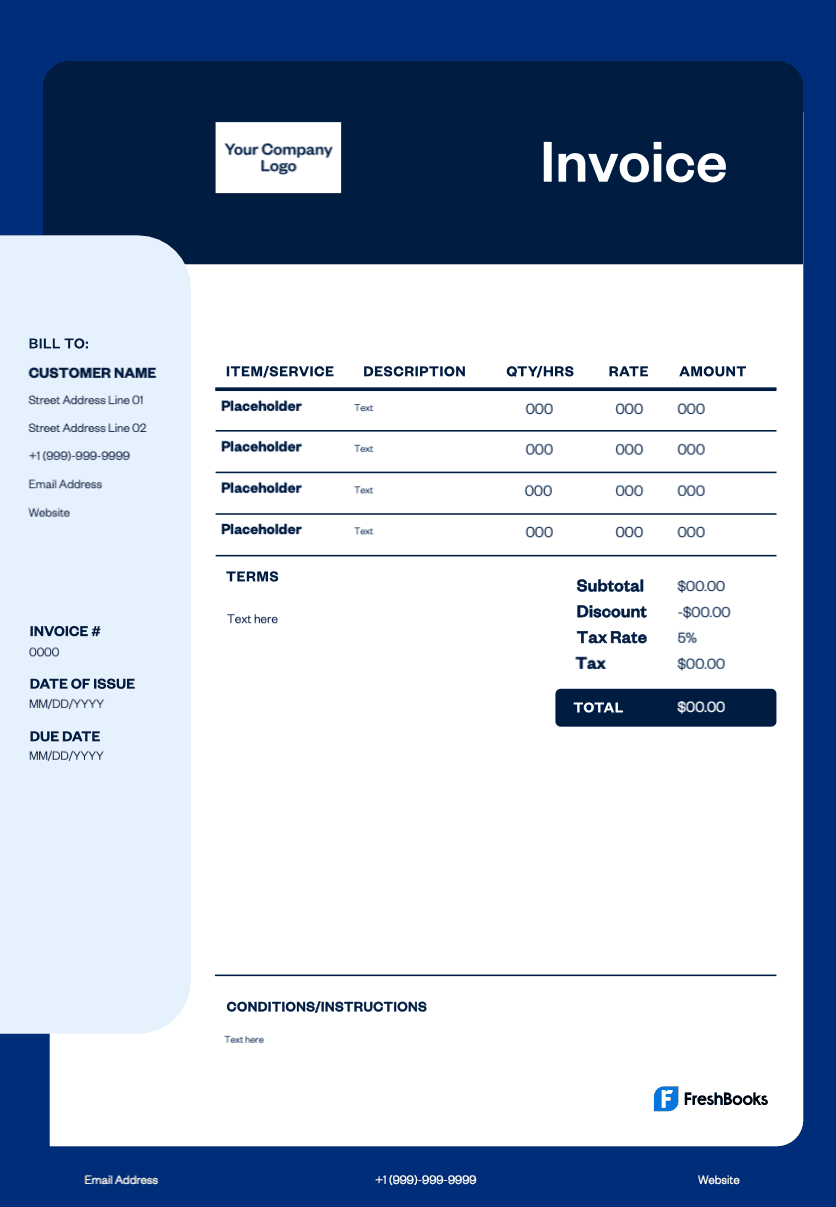
Save hours each week on administrative work by replacing manual invoice creation with a structured template. The template ensures billing accuracy and includes essential details such as invoice date, due date, a unique invoice number, and a list of services provided. Clear invoices improve cash flow because they outline fees, payment terms, and accepted payment methods, which reduces late payments.
Many parents require organized receipts for tax purposes, and a standardized daycare receipt template provides exactly that while helping you maintain trust and credibility.
Get your free child care invoice template
You can customize the template to match your daycare’s needs without design experience. Add your business name, contact information, and logo. Personalize fields for services such as meals, flat fee care, late pickup fees, or special activities. Download the template in Excel, PDF, Word, or Google Sheets. Adjust payment options, apply discounts, and add notes about hours, room assignments, or child-specific details. The template adapts to your process and helps maintain accurate records with every invoice you send.
Download a daycare invoice template





How to create an invoice for your daycare center
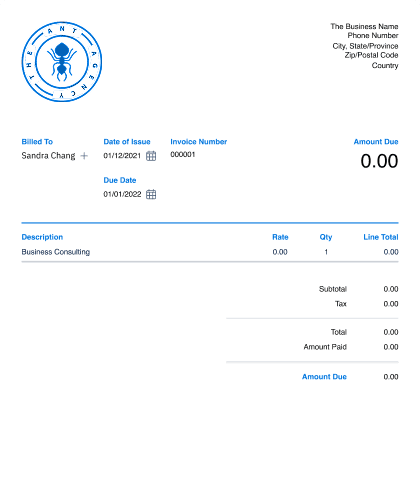
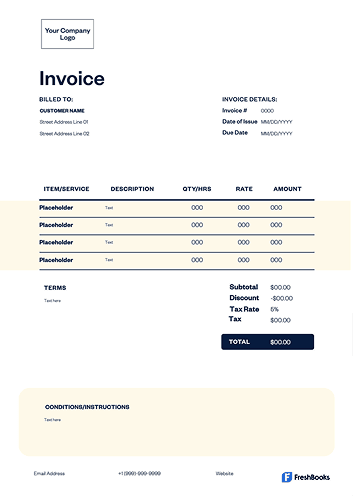
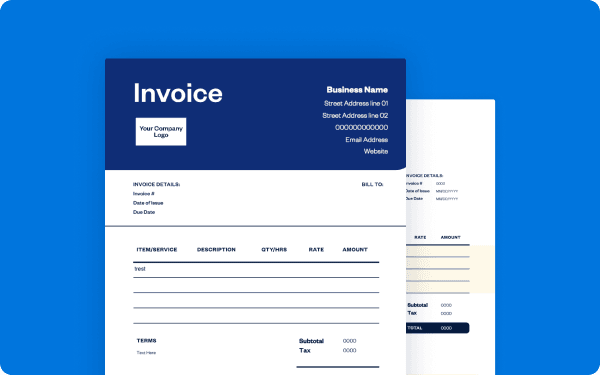
To create a professional daycare invoice, start by choosing a template in Word, Excel, or an invoicing platform such as FreshBooks. Add your daycare’s contact information, logo, and the parents’ details at the top. Assign a unique invoice number for tracking, then include the invoice date, due date, and the billing period to establish clear payment terms.
Itemize childcare services such as tuition, meals, late pickup fees, and special activities. Specify the hours or flat fee for each child and apply any discounts for siblings or multiple children in the same family.
Calculate the subtotal, add applicable taxes, and clearly state the total amount due. Review the invoice for accuracy before sending. This ensures parents have the information needed to pay on time and helps maintain healthy cash flow.
Browse free daycare invoice templates designed for childcare providers, babysitters, and preschools.
Create childcare invoices instantly
Free. No credit card required.
How to fill out your daycare provider invoice template
Begin by entering your daycare business name, address, and contact information, followed by the parents’ details in the "bill to" section. Add key invoice information, including a unique invoice number, the invoice date, the payment due date, and the service dates for the billing period. This helps you stay organized and reduces administrative tasks.
For each child, list the services provided. Include the child’s name, date of service, drop-off and pickup times or total hours, and the applicable rate. Add any discounts, special activity fees, or additional charges. Calculate the subtotal before tax, add any local taxes, and list the final amount due.
In the payment terms section, state your accepted payment methods and clearly specify when payment is expected. Refer parents to your website or contact information if they need help with outstanding invoices or want to discuss payment arrangements.
Invoice types for daycare and childcare services
The daycare invoice template makes it easy to itemize tuition, hours, meals, late pickup fees, and activities in a clean, professional layout that parents can understand at a glance.
Here are the most common invoice types used by childcare providers:
Standard invoice
A standard invoice is a clear bill listing regular childcare services such as weekly tuition, meals, or activity fees.
Recurring invoice
A recurring invoice is ideal for ongoing childcare arrangements like full-time daycare, after-school programs, or weekly nanny services.
PREpayment invoice
A prepayment invoice is used when requiring a deposit before securing a child’s spot, registering for a program, or covering initial enrollment fees.
Time-based invoice
A time-based invoice is perfect for babysitters or nannies who bill hourly for care, travel time, or extended hours beyond the standard schedule.
Credit invoicE
A credit invoice is issued when adjusting a previous invoice due to schedule changes, overpayments, discounts, or billing corrections.
Debit invoice
A debit invoice is sent when additional charges occur, such as late pickups, special events, extra meals, or drop-in care added after the initial agreement.
Mixed invoice
Combining credits and new fees into one document, a mixed invoice is useful when childcare schedules shift or multiple adjustments occur during a billing cycle.
Download a free child care invoice template
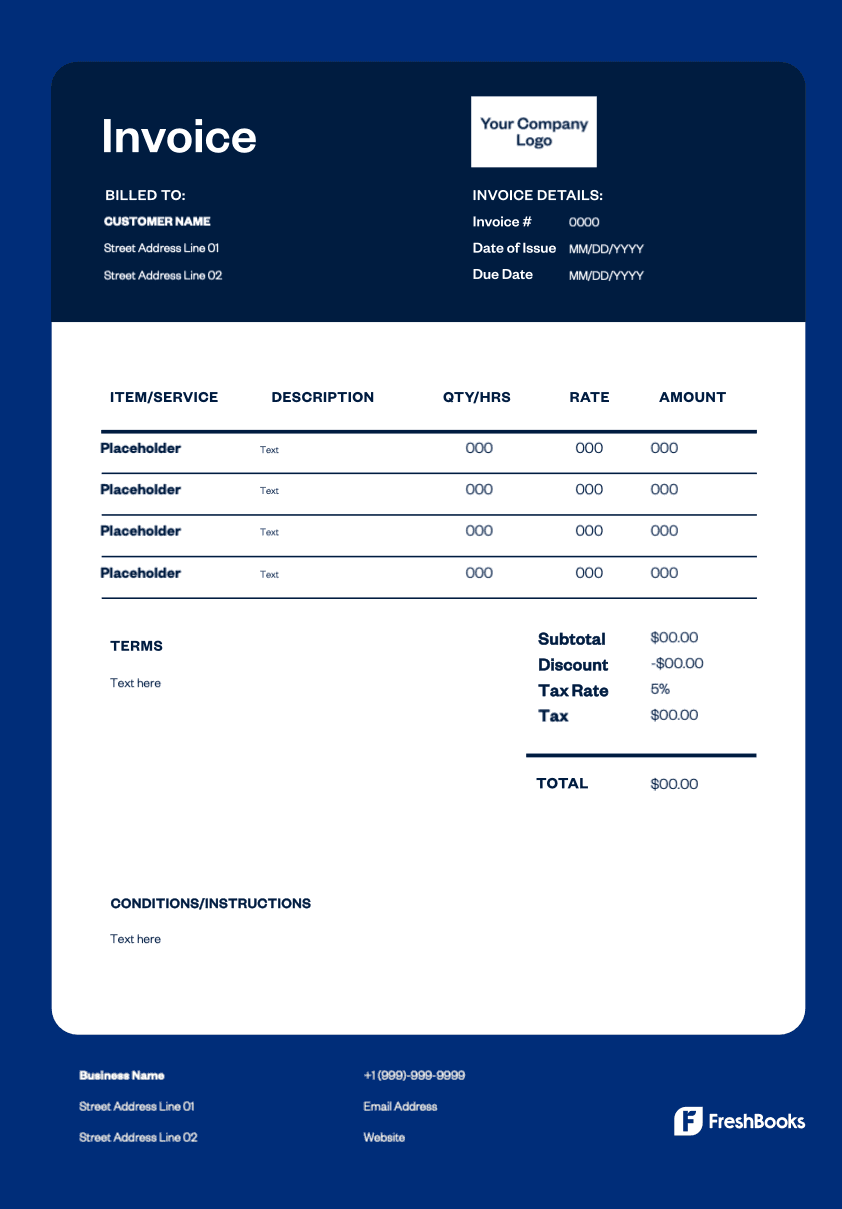
Streamline your billing process with a free template designed for childcare providers. Customize it and begin creating invoices in minutes. These templates help you automate administrative tasks, capture all essential information for each child, and easily bill for additional services such as meals, late pickup fees, or special programs.
Choose the format that fits your daycare business. You can send digital invoices or print copies to provide parents with clear and detailed records that support reliable payments and improved cash flow.
Ready to get started?