Limited-time offer: Get 60% off for 3 months. Buy now & save
60% Off for 3 Months Buy now & save



Freelance billing template
A freelance invoice template ensures your invoices look professional, cover all essential details, and make payment requests clear. Simplify client billing, prevent disputes, and keep your freelance company running smoothly so you can focus on your freelance work.
Get your free freelance invoice template
Are you a freelancer juggling multiple clients and projects? Keeping track of payments and creating polished invoices can be a challenge, especially when sending multiple invoices. With a free invoice template from FreshBooks, you can reduce time spent on administrative tasks and easily customize and send professional bills, ensuring you get paid accurately and on time for your hard work.
Note: Now available in DOC, XLS, PDF, Google Docs, and Google Sheets. View the entire free invoice library here.
Download a freelance invoice template for your business





How to bill your clients as a freelancer
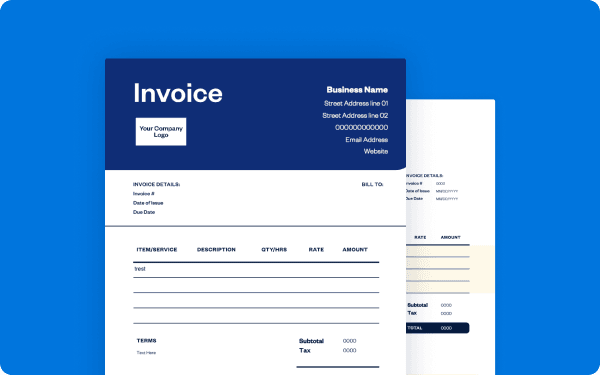
To bill clients effectively, first agree on payment terms before work begins. This helps to set expectations and is crucial for avoiding payment issues further down the line for your freelance business. Track your hours and expenses meticulously for each project. When it's time to bill, use a professional freelance invoice template to ensure you include all necessary information.
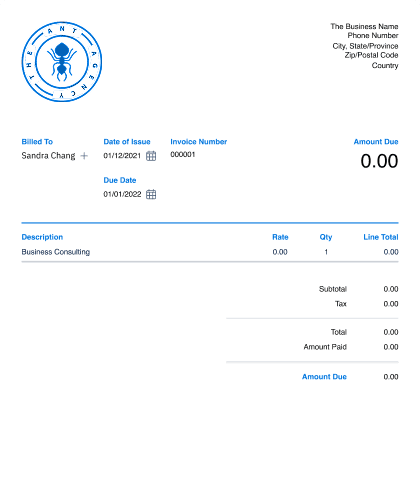
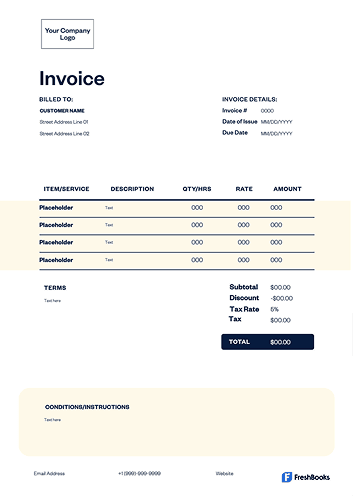
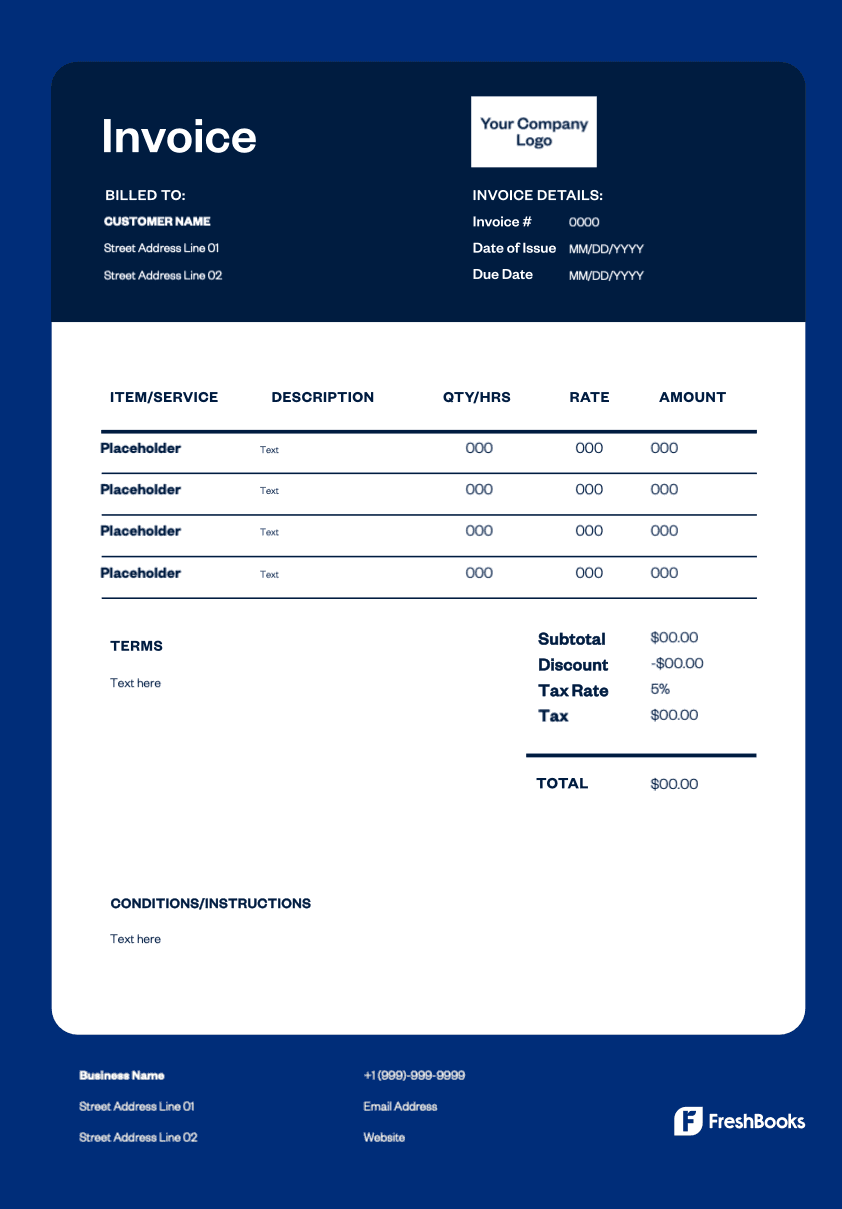
Provide an itemized list of every service or product provided with a clear service description, rate, and quantity. Calculate the subtotal, add any applicable taxes, and display the total amount due. Clearly state your payment terms, including the due date, preferred payment method, and any applicable late fees, to avoid confusion, encourage prompt payment, and maintain a healthy cash flow. Don't hesitate to send reminders for overdue payments.
Browse free freelance invoice templates for different types of projects and professionals.
Create invoices instantly
Free. No credit card required.
How to create a freelance invoice
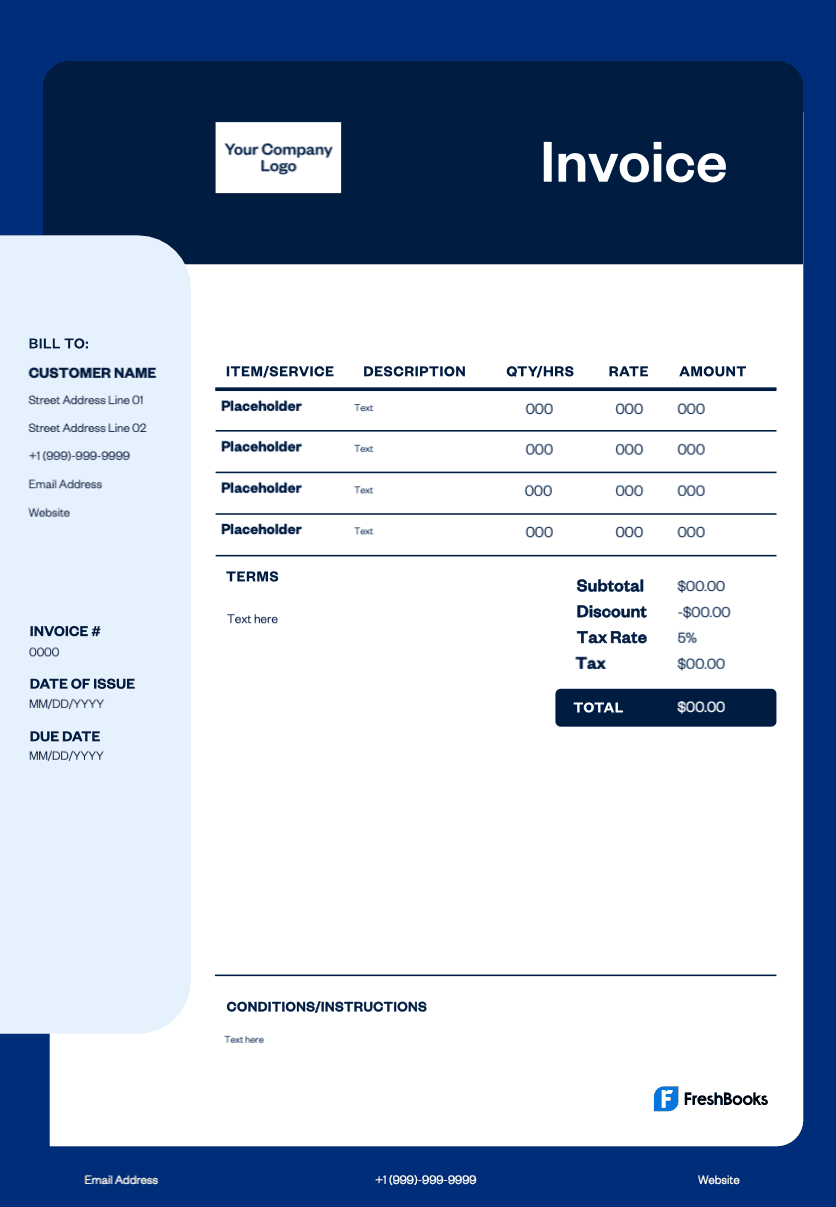
It's simple to create invoices with a ready-made template. Start by selecting a format like Microsoft Word, Microsoft Excel, or PDF. Add your company logo to reinforce your brand, contact details, invoice number, and invoice date. Clearly list all your freelance services or tasks with costs and totals, and specify taxes if required. Finish with payment terms and instructions. Always double-check the details before sending. This helps clients pay you easily and reduces the chance of missed payments.
To make a photography invoice:
Download your free “photography invoice template”
Enter your business name (or your name) and your contact information
Include your business website URL, if you have one
Fill in your client’s information, including their name, business and contact details
Add a unique invoice number, the invoice date and the payment due date
List all photography services provided and descriptions of each
Add in pricing for each service
Calculate the total cost and note this at the bottom of the invoice
Be sure to include payment terms, your privacy policy and additional information
Save
You can create custom photography invoices in no time with the free photography invoice template. This template includes blank fields to add in your business details, photography services, prices and more. You will also include payment methods and terms to ensure you get paid the right way.
Don’t worry about messing with confusing or expensive accounting software. You can now make your own invoices and begin billing your photography clients in just a few minutes, completely free.:
Common invoice types for freelancers
Different freelance projects may require different types of invoices. Using the right format provides clarity for your clients, helps you maintain accurate financial records for your client accounts, and streamlines the billing process. Here are common types you might use:
STANDARD INVOICE
The most common type, a standard invoice is sent after a project is completed to request final payment.
hourly INVOICE
This is used to track time worked and bill clients per hour.
project INVOICE
This covers large projects, often for a flat rate, including milestones or stages.
recurring INVOICE
Sent automatically at regular intervals (e.g., monthly), recurring invoices are for ongoing retainer services or subscriptions.
CREDIT memo
This is issued to a client to show a refund or a credit applied to their account for adjustments.
timesheet INVOICE
This details the hours worked on a project, ideal for freelancers who charge an hourly rate.
Download your free freelance invoice template
Ready to streamline your client billing and get paid quicker for your freelance work? Download your free freelance invoice template to start creating professional invoices today. By simplifying the invoicing process, these templates save you time, reduce errors, and ensure you present a clear, more professional invoice to every client. Spend less time on paperwork and more time helping your business grow. Choose from Microsoft Word, Microsoft Excel, PDF, or Google Docs formats.
Ready to get started?