Limited-time offer: Get 60% off for 3 months. Buy now & save
60% Off for 3 Months Buy now & save



Professional hourly billing template
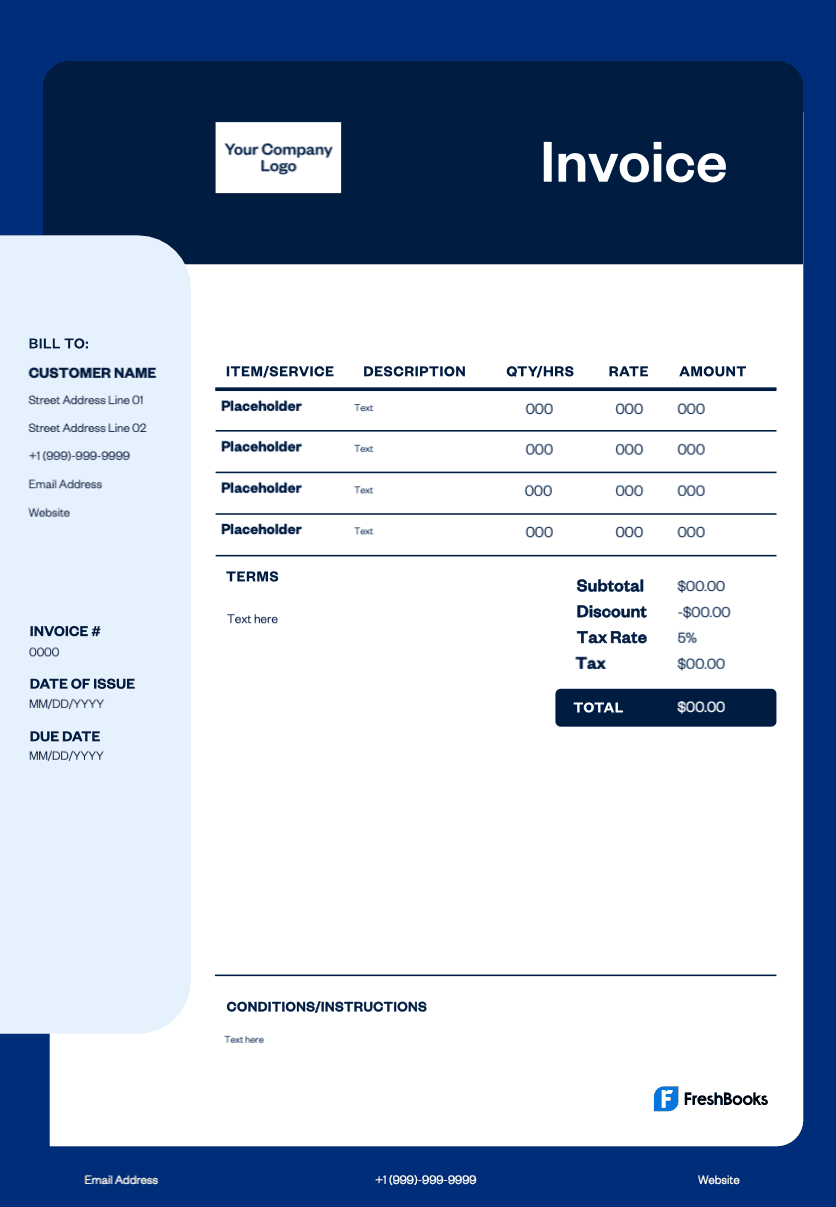
Instead of creating invoices from scratch, use a customizable hourly billing template to save time and make your invoices clear and consistent. Display hourly charges, total hours worked, taxes, due dates, and payment terms accurately to avoid confusion, prevent payment delays, and maintain a healthy cash flow.
Get your free hourly invoice template online
Whether you’re a freelancer, contractor, small business owner, or managing remote teams, billing by the hour can get complex. Are you tracking multiple projects or working with several clients? With FreshBooks' hourly invoice templates, you can present hourly charges clearly, list time spent, and keep your records organized while maintaining a professional image.
Now available in DOC, XLS, PDF, Google Docs, and Google Sheets. View the entire free invoice library here.
Download an hourly invoice template for your business





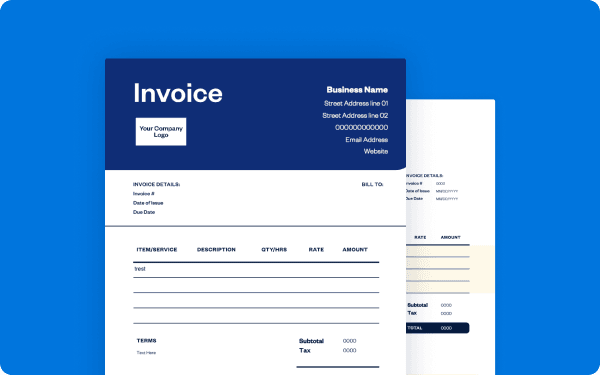
How do I bill for hours worked?
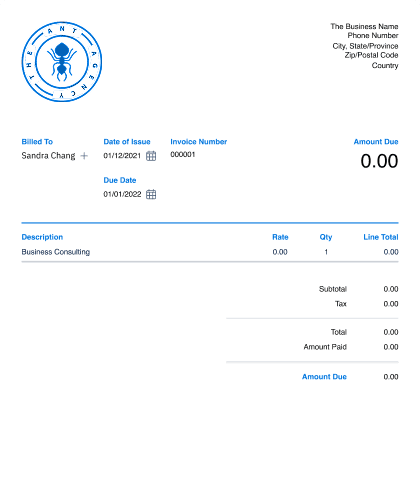
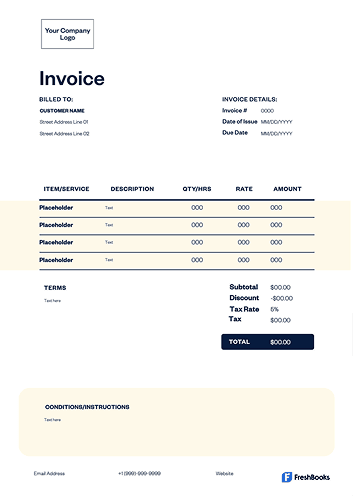
Start by tracking every hour worked for each client using a time sheet or time-tracking tool. Calculate the total hours and multiply by your hourly rate. Include this breakdown clearly in your invoice so clients understand exactly how many hours were dedicated to their project and how the total was calculated.
Add any extra costs, apply taxes if needed, and set clear payment terms. A professional hourly invoice template makes hourly billing simple, accurate, and transparent, helping reduce delays and misunderstandings.
Create hourly invoices instantly
Free. No credit card required.
How to create an hourly invoice template
Download a free hourly invoice template in your preferred format, such as Word, Excel, or PDF. Add your business name, logo, and contact details. Fill in your client’s information, invoice number, issue date, and payment due date.
Enter a detailed list of services performed, the hours spent on each task, and your rates. Calculate subtotals and taxes. Finish by stating payment terms and accepted payment methods clearly before sending the invoice to your client.
Invoice types for hourly service billing
Different hourly engagements call for formats that keep your invoicing process clear, help you create invoices quickly, and support accurate billing.
Choose the option that fits how you track time and charge:
Standard hourly invoice
A standard hourly invoice captures itemized services, total hours, single rate, taxes, and payment terms for one-off jobs.
Contractor hourly invoicE
Built for independent contractors, this invoice tracks tasks by time and collects payments once approved.
Time sheet hourly invoice
Suited for daily or weekly time logs, it pairs with a simple invoice template for quick edits.
Retainer hourly invoice
Best for recurring work, a retainer hourly invoice includes regular entries and a summary each cycle.
Overtime hourly invoicE
An overtime hourly invoice separates standard time from overtime with clear rate multipliers.
Project hourly invoicE
A project hourly invoice groups tasks and hours under one project with subtotals and notes.
Pro forma hourly invoice
A pro forma hourly invoice provides an estimated breakdown before starting work, then converts it to a final invoice.
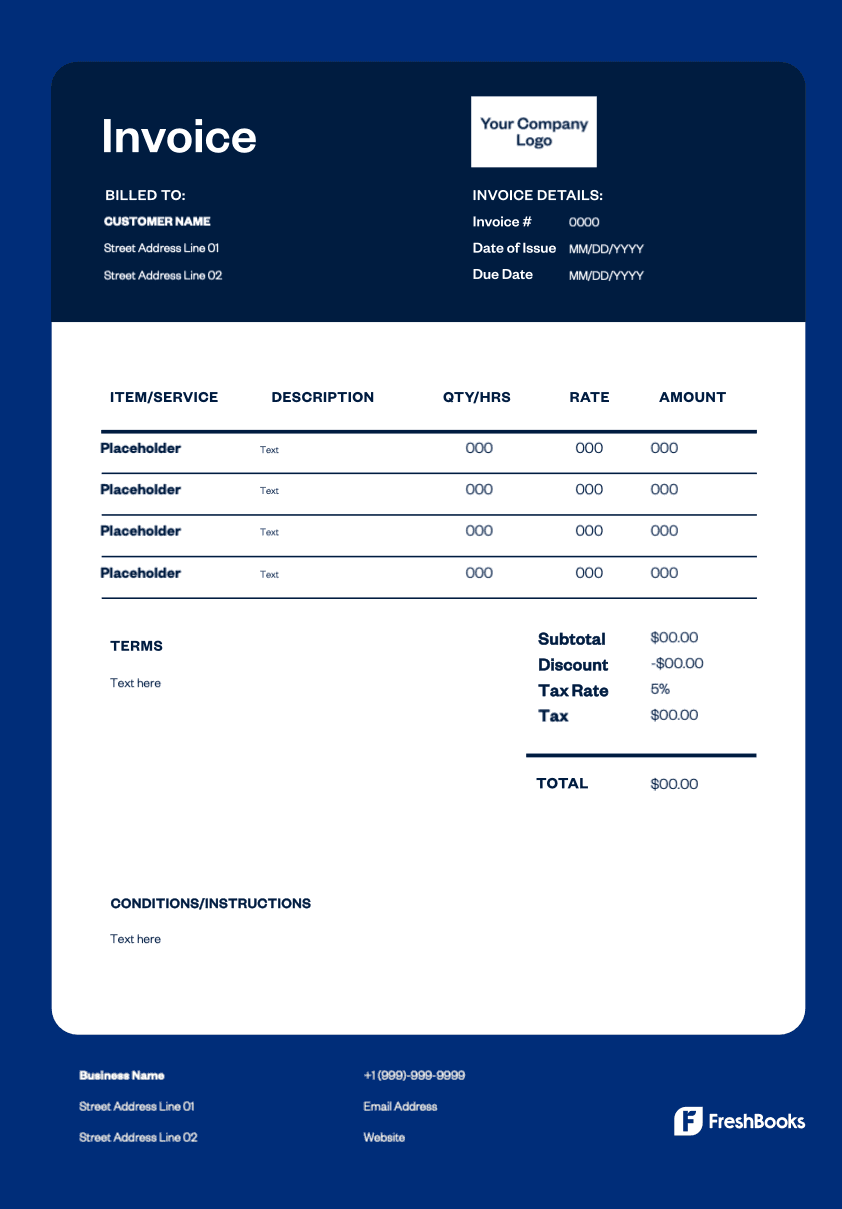
Download a free hourly invoice template
Start billing your clients accurately with a professional hourly invoice template. Whether you’re tracking billable hours for freelance projects or managing multiple contracts, these templates help you stay organized, get paid faster, and maintain clear records.
Choose from Word, Excel, PDF, or Google Docs formats.
Ready to get started?