Limited-time offer: Get 60% off for 3 months. Buy now & save
60% Off for 3 Months Buy now & save


Why use a professional invoice template for logo design services
Stop losing money to disorganized billing and unpaid invoices. Logo design invoice templates help you capture all payment details, such as project costs, payment options, due dates, and taxes, so nothing slips through. Without a template, graphic designers often spend hours creating invoices from scratch and risk missing important information. A professional invoice helps you get paid faster and builds client trust. Free templates also allow you to focus on creative work while maintaining accurate financial records for your business.
Get your free logo design invoice template
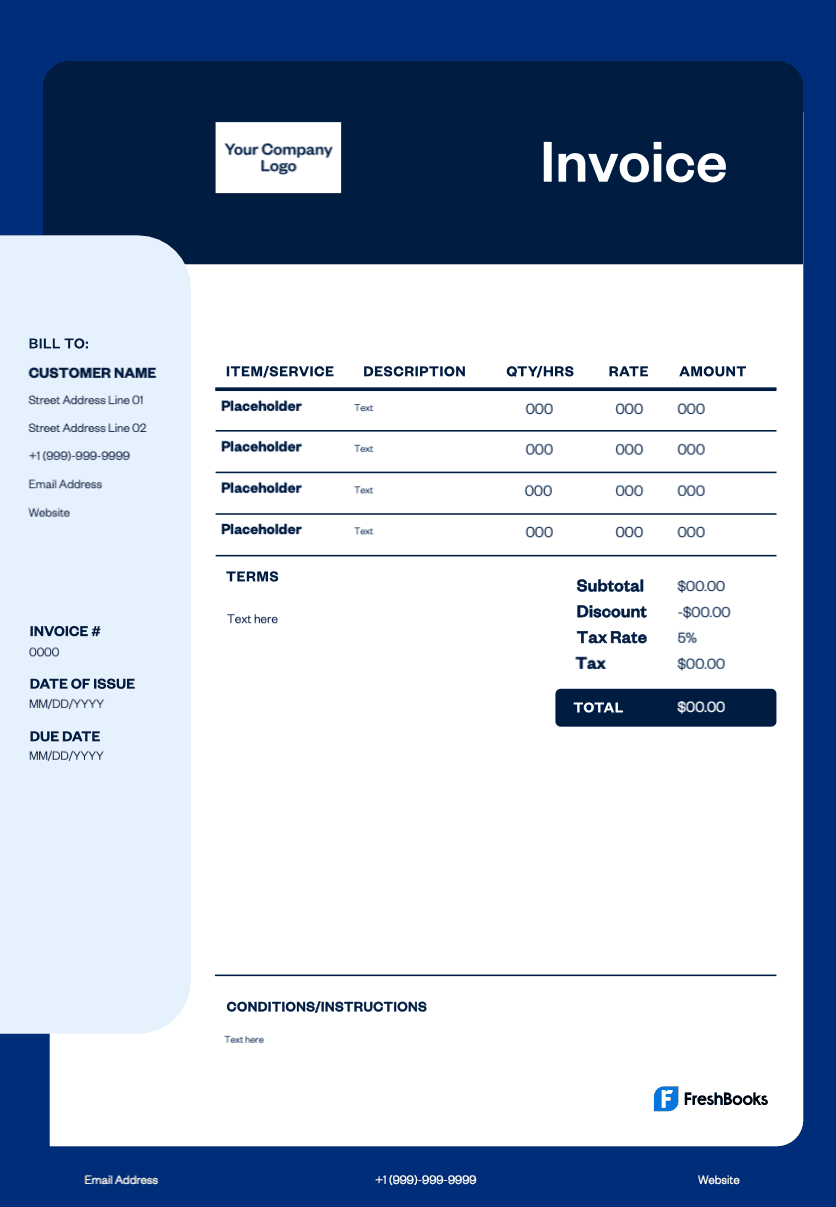
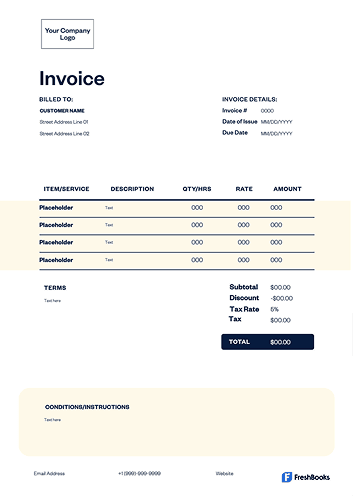
Customize this graphic design invoice template to match your brand by adding your business logo, adjusting colors, choosing fonts, and editing the layout. Download as a PDF to print or email, or work directly in Excel, Word, Google Sheets, or Google Docs. No design experience is required. Simply enter client information, services, quantities, and costs. You can also include payment options such as PayPal or online payments. Create invoices that support your design expertise and simplify billing for freelance and agency work.
Download an invoice template for logo designers





The essential fields of a professional logo design invoice template
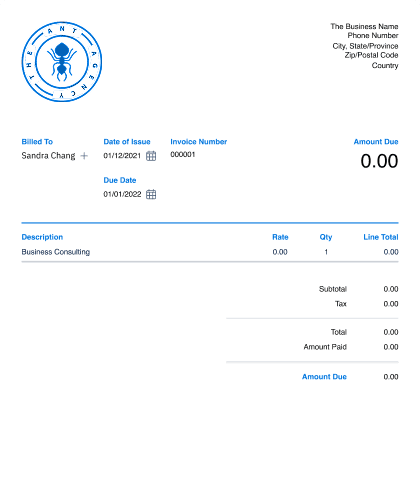
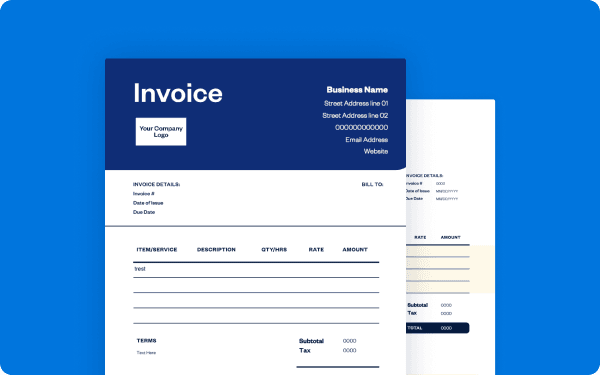
A complete logo design invoice template includes your business name, logo, address, and contact details, along with your client's information for clarity. Assign a unique invoice ID and include both the issue date and payment due date to support smooth tracking and project management.
The service section should include a clear description of your logo design work with itemized pricing, any project expenses, and applicable tax calculations. Complete the invoice with the total amount due, clear payment terms, accepted payment methods, and any late fee policies. Add optional notes to personalize the communication or clarify additional details. These elements help reduce follow-up questions and maintain professionalism.
Explore free logo design invoice templates designed for logo creation, brand identity, and design agencies.
Create logo design invoices instantly
Free. No credit card required.
How to create an invoice using a FreshBooks logo design invoice template
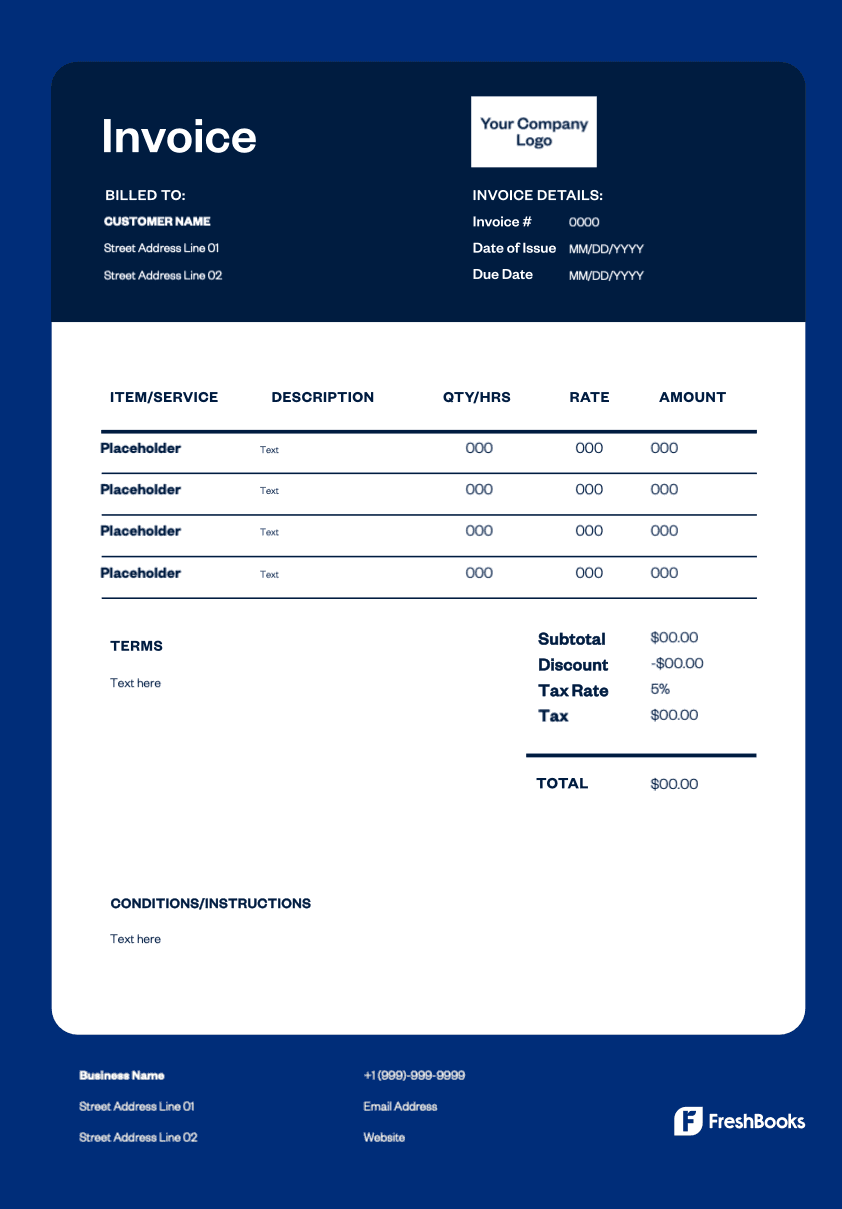
To create an invoice, start by downloading the free template from FreshBooks. Upload your business logo and fill in your name, address, and contact details. Enter your client's information and assign a unique invoice number.
List your design services with clear descriptions, including quantities, hours, or project-based fees. Apply the correct tax rate, and add any notes related to payment policies or important project terms. Specify your accepted payment methods. FreshBooks templates provide a consistent structure that improves clarity and helps you focus on creative work rather than administrative tasks.
Invoice types for logo designers
The logo design invoice template lets you itemize project stages, revisions, licensing fees, and design deliverables in a clean, professional layout that reflects your branding expertise.
Here are the most common invoice types used by logo designers:
Standard invoice
A standard invoice is a straightforward bill for completed logo designs, variations, or branding elements delivered to the client.
Recurring invoice
A recurring invoice is ideal for designers offering ongoing creative support, monthly brand maintenance, or retainer-based design services.
PREpayment invoice
Used when requiring a deposit before beginning a logo design project, a prepayment invoice helps secure commitment and covers upfront research or concept development time.
Time-based invoice
A time-based invoice is perfect when charging hourly for design iterations, consultation sessions, brand strategy work, or additional revisions beyond the original scope.
Credit invoicE
A credit invoice is issued when adjusting a previous bill, offering a refund, or reducing charges after scope changes or client feedback.
Debit invoice
A debit invoice is sent when additional services are added mid-project, such as extra concepts, alternate logo formats, or expanded brand collateral.
Mixed invoice
Combining credits and new charges in one document, a mixed invoice is ideal for brand projects that evolve over multiple stages.
Download your free invoice template for logo design services
Skip simple invoice generators. FreshBooks' logo design invoice template provides full customization, multiple format options, and professional-grade layouts. Track payments, maintain accurate records, and get paid for your creative services. Download your free invoice template today and streamline your billing process.
Ready to get started?