Limited-time offer: Get 60% off for 3 months. Buy now & save
60% Off for 3 Months Buy now & save



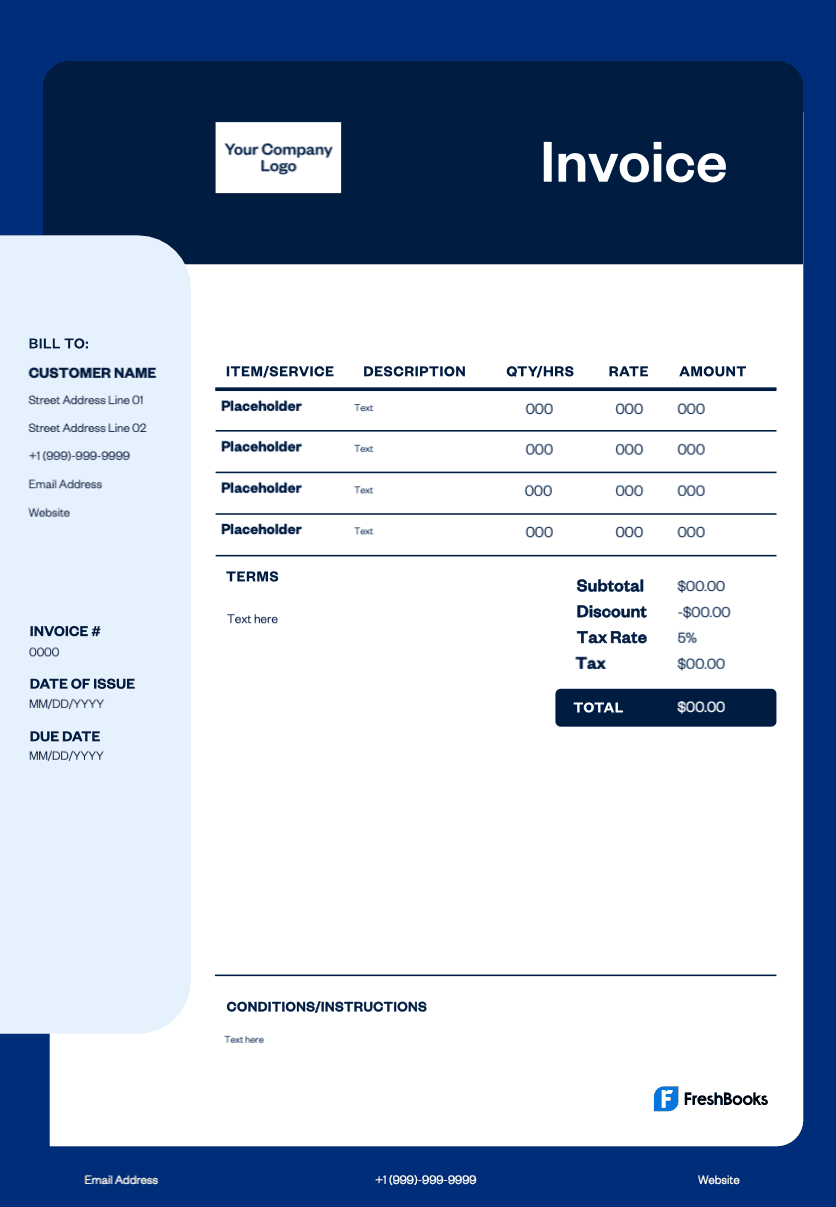
Professional vet bill template
A professional and customizable invoice helps you include treatments, medications, taxes, and the client’s account details. Use a customizable invoice template to align with insurer requirements, add your logo, and clearly display the invoice issue date for easy processing and record keeping, so you get paid quickly.
Get your free veterinary invoice template
Running a veterinary business means balancing surgeries, diagnostics, wellness plans, and front desk tasks. With FreshBooks' veterinary invoice templates, you can create professional and detailed invoices, track payments, and manage compliance-ready records while focusing on patient care. Use a free invoice template to streamline approvals, present detailed invoices that clients understand, and maintain consistent branding.
Now available in DOC, XLS, PDF, Google Docs, and Google Sheets. View the entire free invoice library here.
Download a veterinary invoice template for your clinic





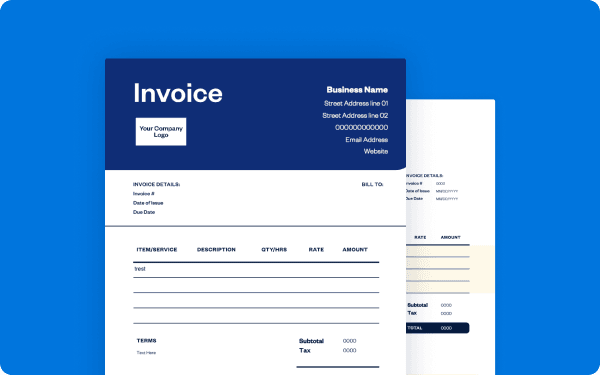
How to bill your veterinary clients
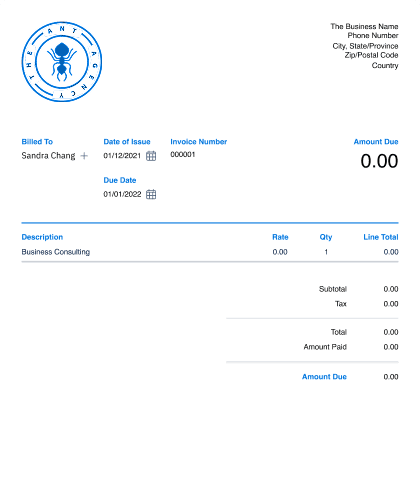
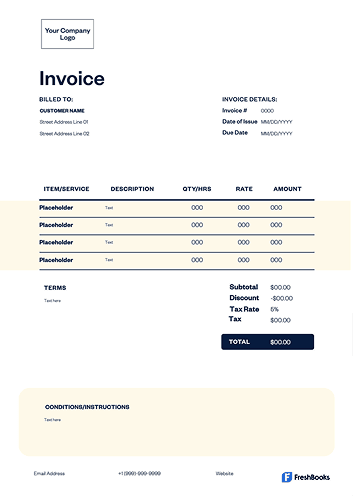
Start by listing all services provided, such as procedures, medications, diagnostic tests, boarding services, and consumables used during the visit. Include quantities, unit prices, and applicable tax. Provide payment terms, any late fee rules, and accepted payment methods so clients know how to proceed and bills can be paid immediately.
Record a reference number for each transaction and attach receipts where applicable to simplify insurance follow-ups and any future questions.
Find free veterinary invoice templates designed for clinics, routine exams, and animal care services.
Create veterinary invoices instantly
Free. No credit card required.
How to create a veterinary invoice
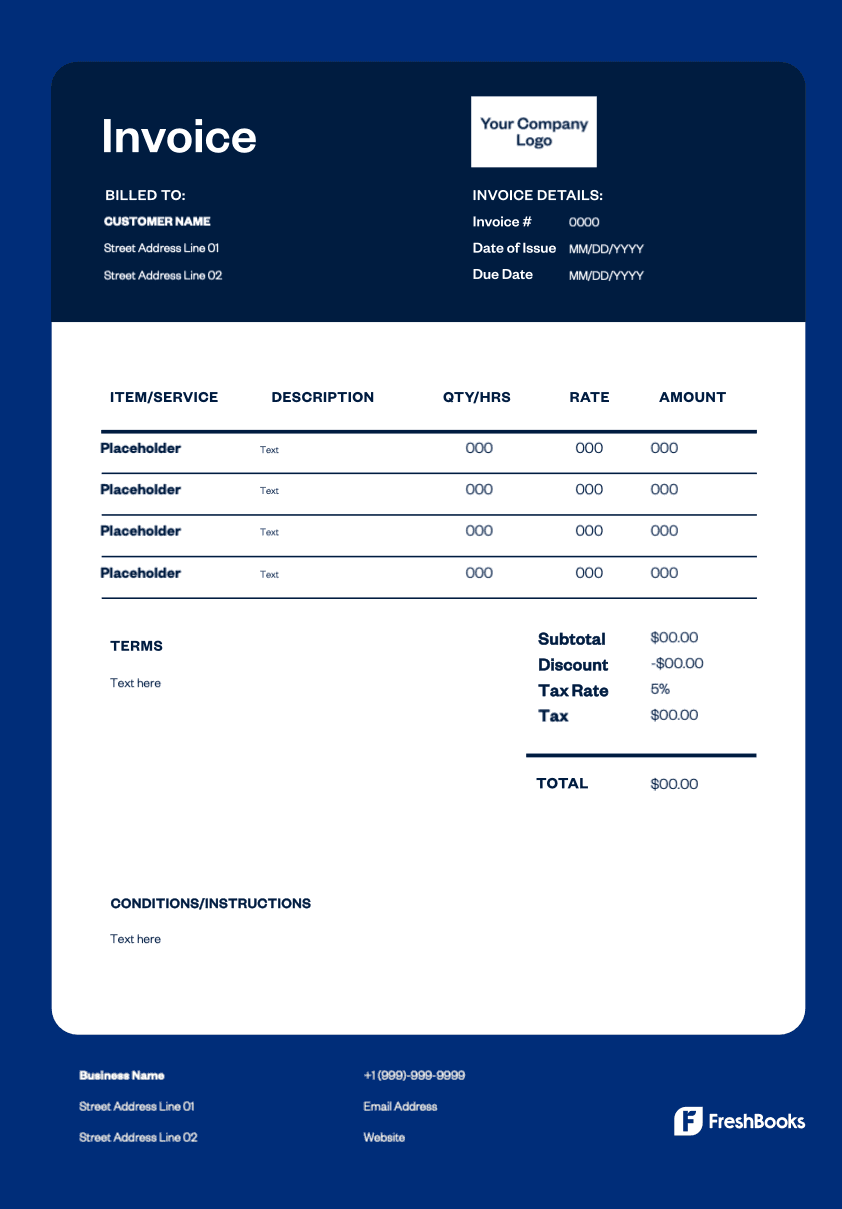
Download a professional veterinary invoice template in Word, Excel, Google Docs, or PDF and add your clinic name, business logo, and contact details. Assign a unique invoice number and include the invoice issue date. Add patient and owner information, itemize services and medications, and describe each clearly.
Finish with payment terms, due date, instructions, and any other relevant payment information. Export or print the invoice and share it securely with the client and insurer.
Veterinary invoice types for your practice
Your veterinary business serves wellness visits, emergencies, and ongoing care. Matching the billing format to the scenario improves cash flow, supports insurers, and keeps records accurate:
Standard invoice
A standard invoice is used after exams, vaccinations, diagnostics, or discharge. It lists treatments, medications, taxes, and totals.
Recurring invoice
A recurring invoice is ideal for wellness plans, long-term medications, recurring services, or rehabilitation billed monthly.
Prepayment invoice
A prepayment invoice collects deposits before surgeries, dental work, or specialty diagnostics to reserve time and materials.
Time-based invoice
A time-based invoice is suited for extended consultations, behavior evaluations, or after-hours stabilization billed by the hour.
Estimate or pro forma
An estimate provides an anticipated cost breakdown before treatment so owners and insurers can approve the plan.
Credit invoice
A credit invoice documents refunds or discounts after adjustments for accurate billing histories.
Debit invoice
A debit invoice adds missed items (such as medications dispensed at discharge) to maintain complete records.
Download
a free veterinary invoice template
Improve your billing process with a professional and customizable invoice that helps teams produce detailed invoices quickly. Choose a template in Word, Excel, PDF, or Google Docs to create professional invoices that support claims and keep clients informed. Equip your staff to work efficiently and serve pet owners with confidence.
Ready to get started?