Limited-time offer: Get 60% off for 3 months. Buy now & save
60% Off for 3 Months Buy now & save



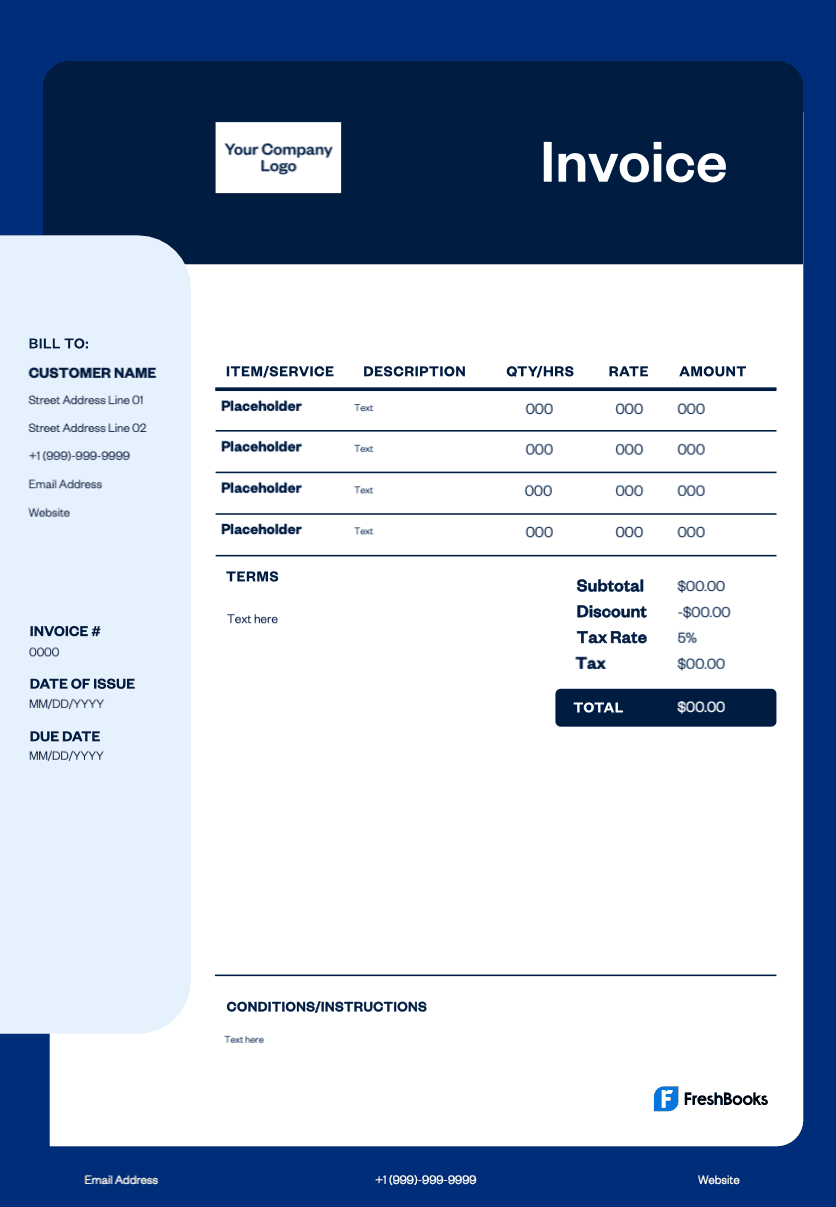
Professional jewelry invoice templates
Streamline your billing process: Eliminate time spent creating invoices from scratch—simply customize with your company details, logo, total amount, and services provided.
Professional brand image: Send invoices that reflect your craftsmanship quality, building client trust and credibility.
Track payments efficiently: Include clear payment instructions, due dates, and unique invoice numbers to manage outstanding payments and maintain accurate financial records.
Reduce billing errors: Pre-formatted fields for gemstones, materials, labor costs, and taxes ensure accuracy and transparency in every transaction.
Get your free jewelry invoice template now
Our jewelry invoice template is designed for simplicity—no design skills required. Customize with your company logo, payment terms, and service descriptions in minutes. Download in multiple formats, including PDF, Excel, and Word, to match your workflow preferences. Whether billing for repairs, custom designs, or gemstone purchases, the template adapts to your specific business needs effortlessly.
Note: Explore our library of detailed and professional invoices, now available in DOC, XLS, PDF, Google Docs, and Google Sheets.
Download your jewelry invoice template
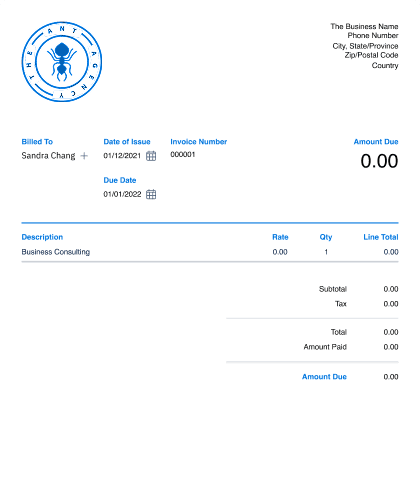
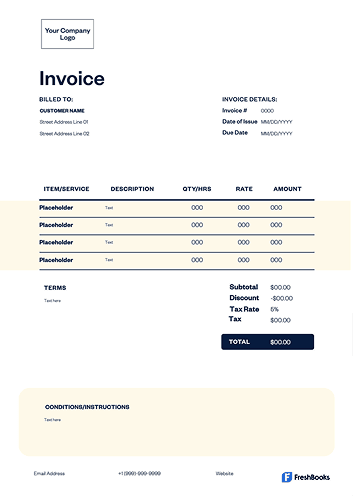





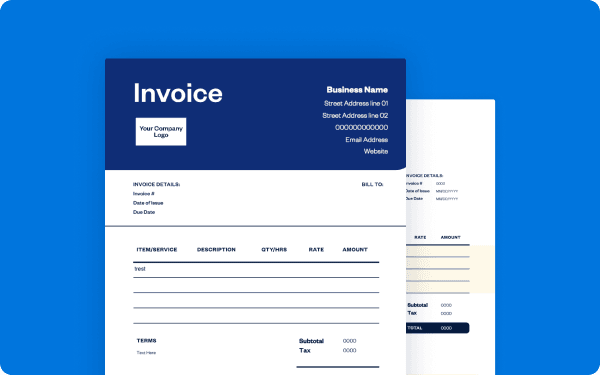
How to create a jewelry invoice
Follow this step-by-step guide to create your jewelry invoice:
Download the jewelry invoice template from FreshBooks.
Add branding: Insert your logo and business colors.
Enter business details: your name, address, phone, and email.
Input the client information: customer name, address, and contact details.
Generate the invoice number: Create a unique identifier for tracking.
Itemize services or products: List each item with detailed descriptions and individual prices.
Calculate totals: Sum all items, total cost, and add taxes if applicable.
Set payment terms: Include the due date and payment instructions.
Add notes: Include any special terms or additional information.
Send the invoice: email it directly or mail it to the client.
Save a copy: Store it for your records and tax purposes.
Find free jewelry invoice templates designed for sales, repairs, and custom design.
Create jewelry invoices instantly
Free. No credit card required.
How can I make changes to my jewelry invoice template?
FreshBooks makes it simple for jewelers to customize invoice templates through the Settings menu and Custom Form Styles option. Using the built-in visual editor, you can adjust layouts, colors, fonts, and add your company logo to maintain professionalism when billing clients. The drag-and-drop interface allows you to rearrange fields, modify custom notes, and hide or display specific sections to match your business needs.
The customization process ensures accuracy in your billing by letting you tailor templates to your specific jewelry services and pricing structure. After making changes through the visual editor or advanced editing options, simply save and publish your updated template. This streamlined approach helps jewelers present polished, branded invoices that reflect their professionalism while maintaining consistent formatting for all client transactions.
Invoice types for jewelers
Different situations at your jewelry shop may require different invoice formats. Choosing the right one helps you bill accurately for sales, repairs, and custom work while keeping your records clear for accounting and customer service.
Here are the most common types:
STANDARD INVOICE
This is used for completed jewelry sales or repair services with final pricing. It's sent after delivery to request payment for finished work.
Pro forma invoice
This preliminary invoice shows estimated costs before starting custom jewelry work or repairs. It helps customers approve pricing and serves as a formal quote.
Interim invoice
An interim invoice is partial billing for large custom jewelry projects or extensive repairs that span multiple weeks. It allows you to collect progress payments during longer jobs.
Final invoice
The concluding bill for multi-stage projects, a final invoice shows the remaining balance after interim payments. It often includes final adjustments or any additional work completed.
Credit memo
A credit memo is issued for returns, exchanges, or billing corrections. It reduces the customer’s balance and is used when refunding money or crediting future purchases.
Recurring invoice
A recurring invoice is automated billing for ongoing services such as jewelry cleaning plans or rental fees. It generates on a set schedule without manual creation.
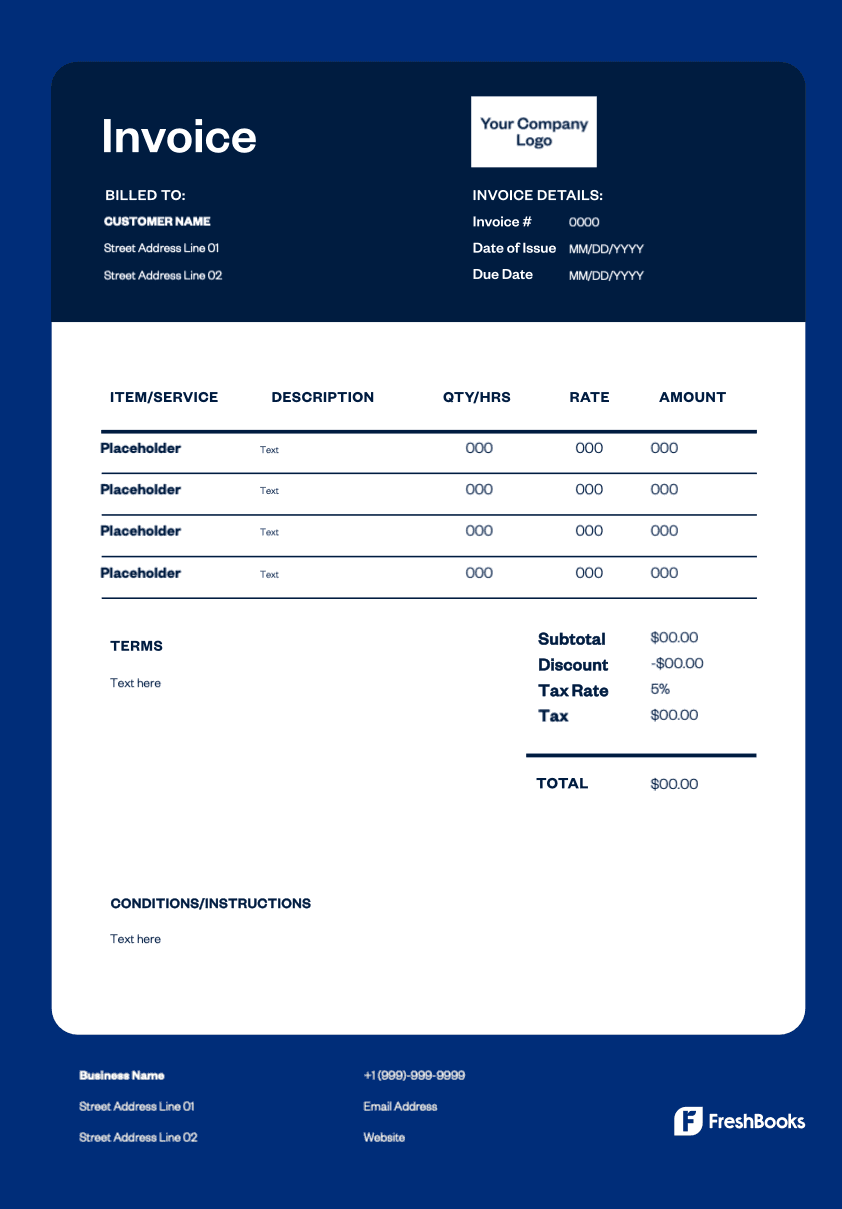
Download a free jewelry invoice template
Ready to improve your billing process for your jewelry business? As a jeweler, you can download and customize your free invoice template to send professional invoices in minutes. These templates simplify your paperwork by clearly displaying the total amount owed, tracking what's been paid, and applying discounts automatically. Choose from Word, Excel, PDF, or Google Docs to find the format that works best for you. You can print a copy or send it digitally, presenting your customers with a clear, detailed, and professional bill every time.
Ready to get started?