Limited-time offer: Get 60% off for 3 months. Buy now & save
60% Off for 3 Months Buy now & save


Why use a software development invoice template?
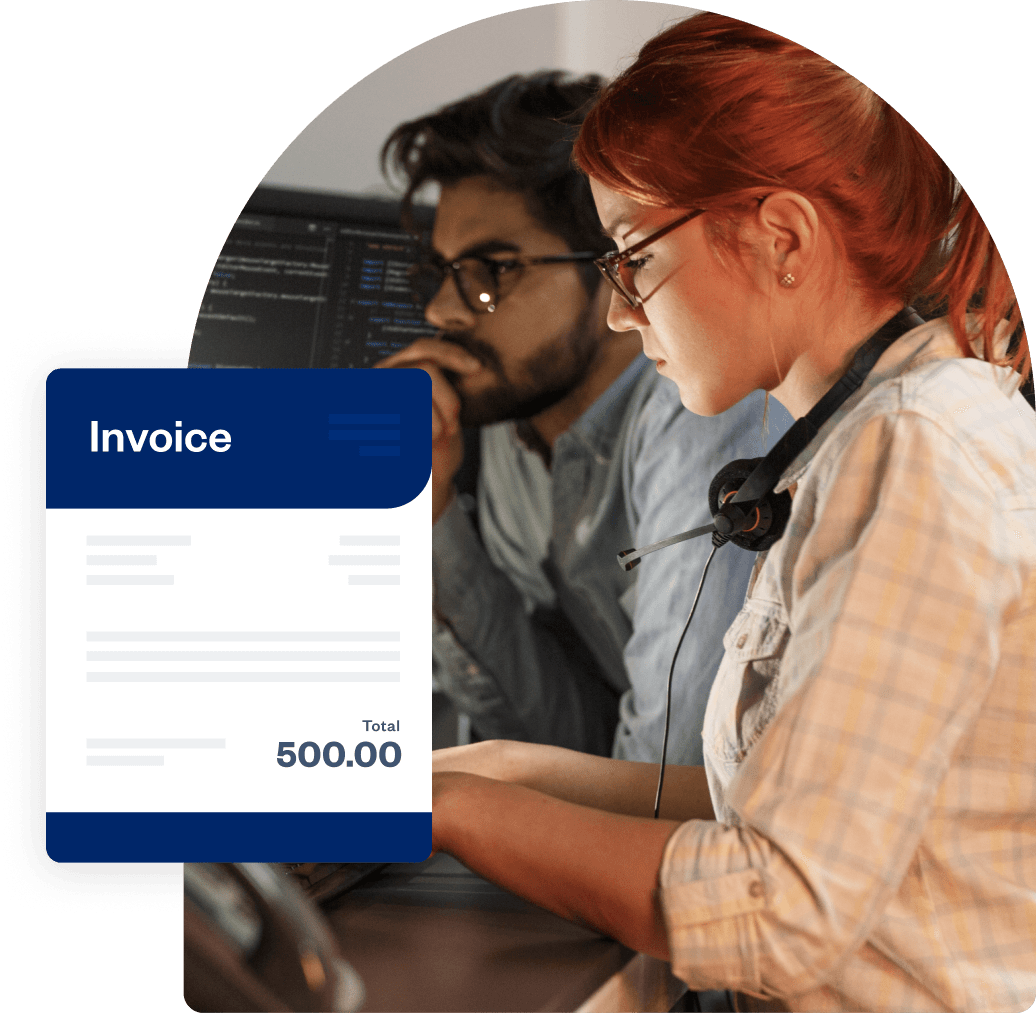
A developer invoice template eliminates time-consuming manual invoice creation and lets you focus on development work instead of paperwork. Send professional invoices that include essential details such as unique invoice numbers, payment terms, sales tax calculations, and your business logo. This builds credibility and trust with clients.
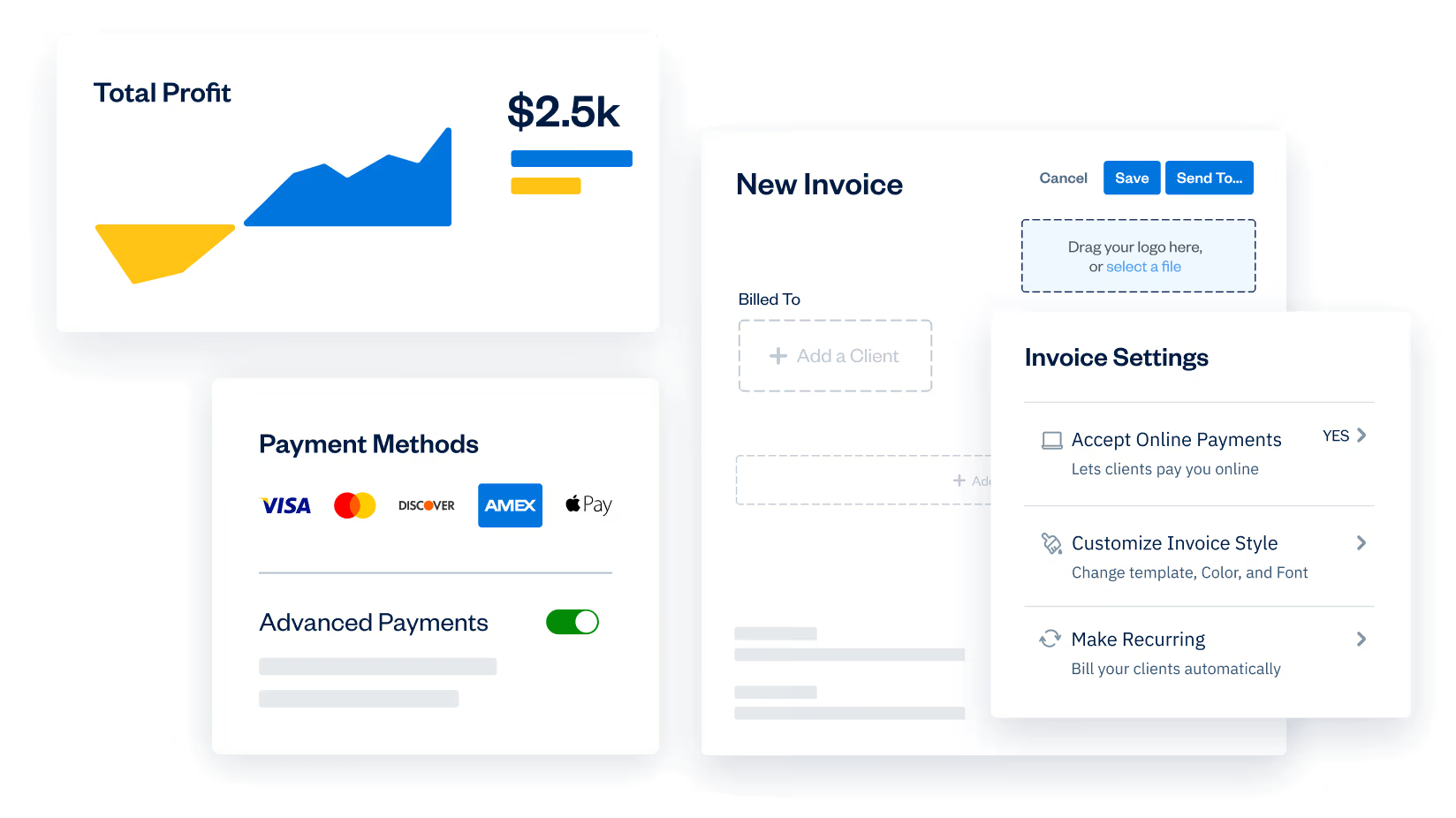
FreshBooks' templates help you stay organized by tracking invoice statuses, payment dates, and outstanding balances for all your software development projects. You save time and money, reduce billing errors, and get paid faster with automated payment reminders and clear payment terms.
Get your free software development invoice template
Download your free template in multiple formats, including PDF, Excel, Google Sheets, or Google Docs, depending on what works best for your workflow. Customize each invoice with your business name, logo, client details, project specifications, and hourly rates for testing, mobile app development, or other development services.
You don't need design skills. Simply fill in the fields, add late fees if needed, calculate taxes, and send invoices directly to clients. You can adjust payment terms, set up recurring invoices for ongoing projects, or enable online payments so clients can pay you quickly and conveniently.
Download an invoice template for software development services





What details should a software development invoice include?
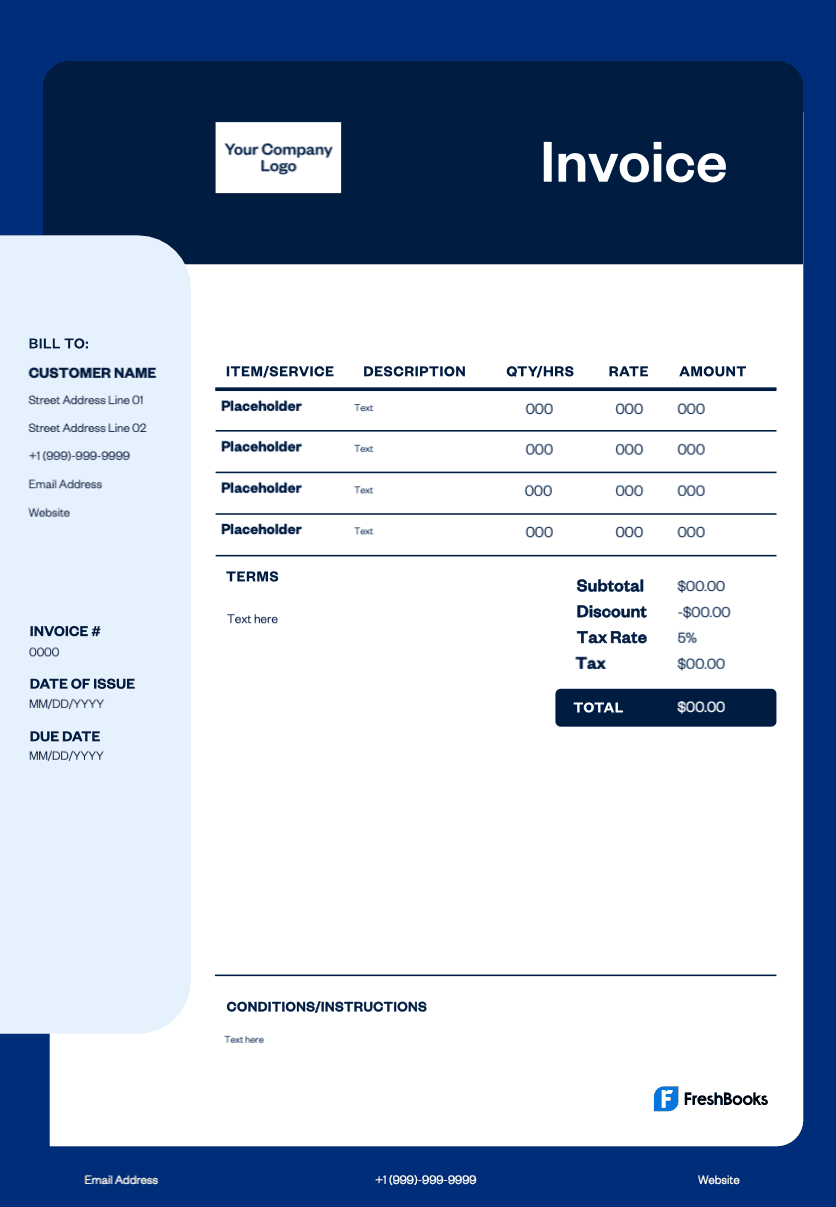
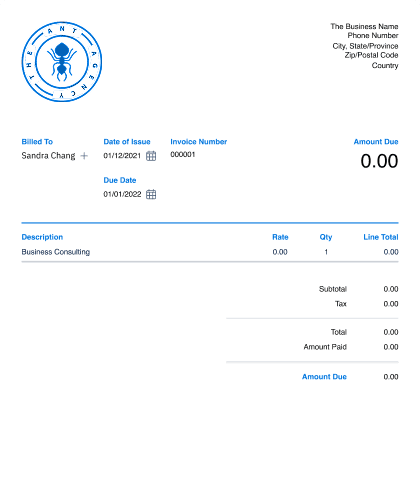
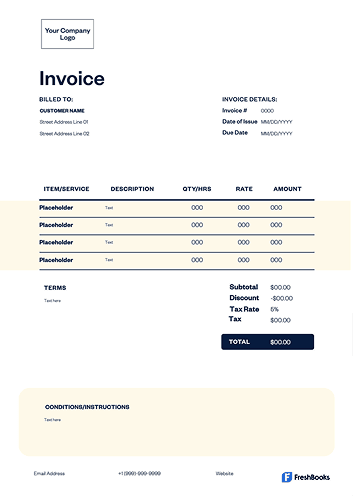
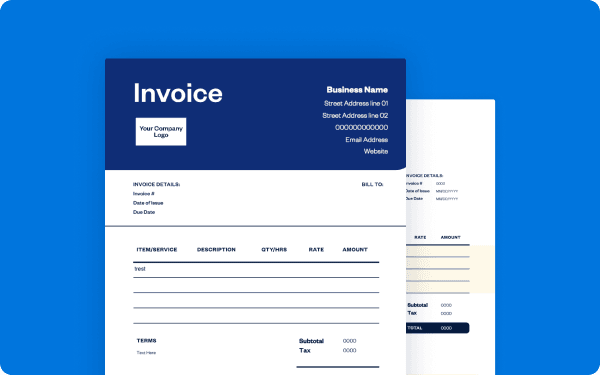
A comprehensive software development invoice should contain key identifying information for both you and your client, including names, addresses, and contact details. It needs a unique invoice number, an issue date, and a payment due date for proper tracking. The core of the document is a detailed, itemized list of all services rendered, showing the hours worked and the rates charged for each specific task.
For financial clarity, the invoice should present a clear summary that includes a subtotal of all charges, any applicable taxes or discounts, and the final total amount due. To support a smooth transaction, it should also specify the payment terms (for example, payment due in 30 days), list the accepted payment methods, and note any potential late fees.
Access free software development invoice templates designed for programmers, IT services, and software development agencies.
Create software development invoices instantly
Free. No credit card required.
How do you create an invoice for software development services?
To create an invoice for software development services, begin by selecting a professional developer invoice template and personalizing it with your business name, logo, and contact information, along with the client's details. Assign a unique invoice number and specify both the issue date and the payment due date.
The main section of the invoice should clearly itemize each service provided, including a description of the work, the number of hours spent, and the hourly rate. After listing all services, calculate the subtotal for each item and then sum these to determine the total amount owed. State your payment terms, including the deadline for payment, and list the accepted payment methods, such as bank transfer or credit card. Finally, review the entire document carefully for accuracy before sending it to your client by email or through an invoicing platform.
Invoice types for software developers
The software development invoice template lets you itemize hours, phases, milestones, and retainer work in a clean, professional format suited for any development workflow.
Here are the most common invoice types used by developers:
Standard invoice
A standard invoice is a straightforward bill listing completed development tasks, hours worked, and the total amount due for the project.
Recurring invoice
A recurring invoice is ideal for ongoing support, maintenance, monthly retainers, SLA contracts, or continuous improvement work.
PREpayment invoice
Used when requesting a deposit before starting development, a prepayment invoice is especially helpful for large builds or multi-phase projects with upfront costs.
Time-based invoice
A time-based invoice is perfect when billing by the hour for coding, debugging, testing, integrations, or consulting.
Credit invoicE
A credit invoice is issued when adjusting a previous invoice, offering a partial refund, correcting an overcharge, or reducing the fee after scope changes.
Debit invoice
A debit invoice is sent when additional work or new features are added beyond the original agreement, resulting in extra charges.
Mixed invoice
Combining credits and new charges in one bill, a mixed invoice is ideal for projects that evolve over time or shift in scope during development.
Download an invoice template for your software development work
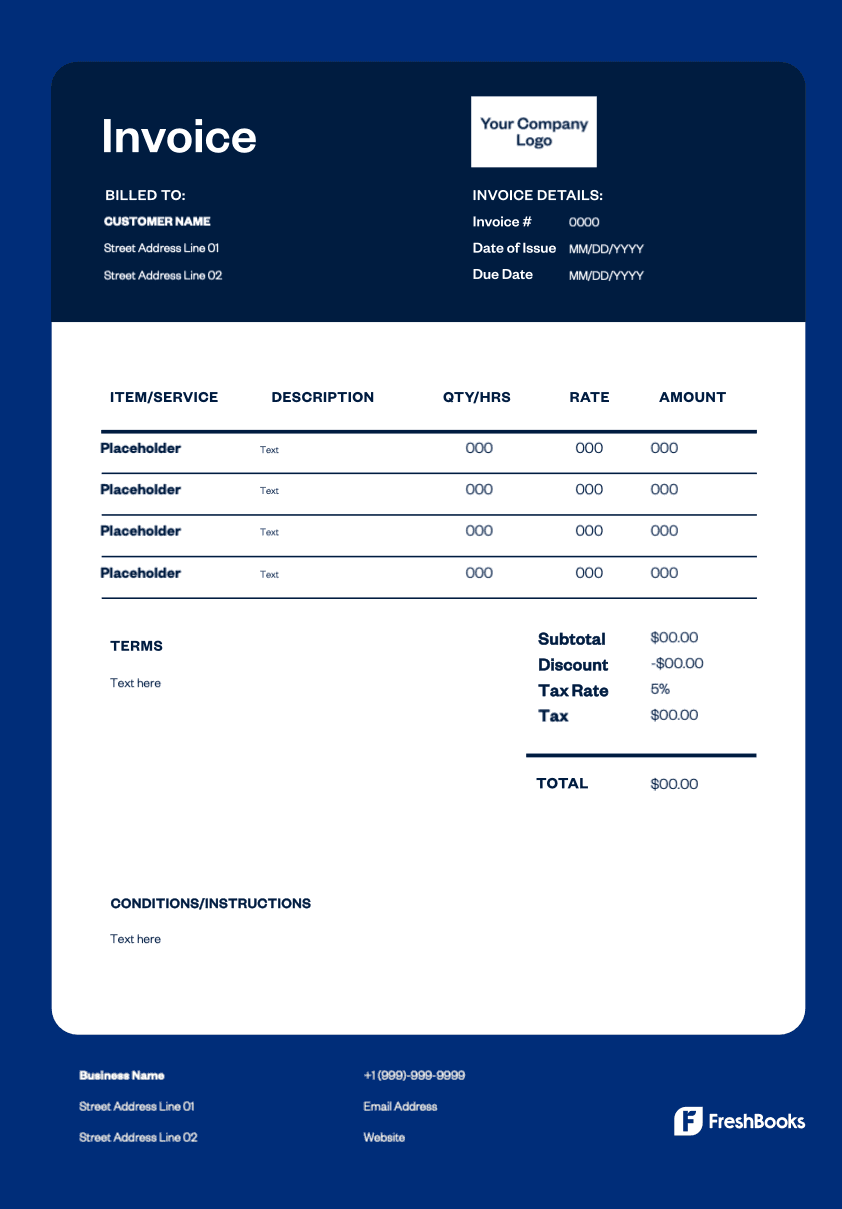
Get paid faster with FreshBooks' free software development invoice template. Create professional invoices in minutes that clearly itemize hourly rates, project milestones, and deliverables. Available in Word, Excel, PDF, or Google Docs, so you can customize, send digitally, or print as needed. Start billing like a pro with FreshBooks today.
Ready to get started?