Limited-time offer: Get 60% off for 3 months. Buy now & save
60% Off for 3 Months Buy now & save



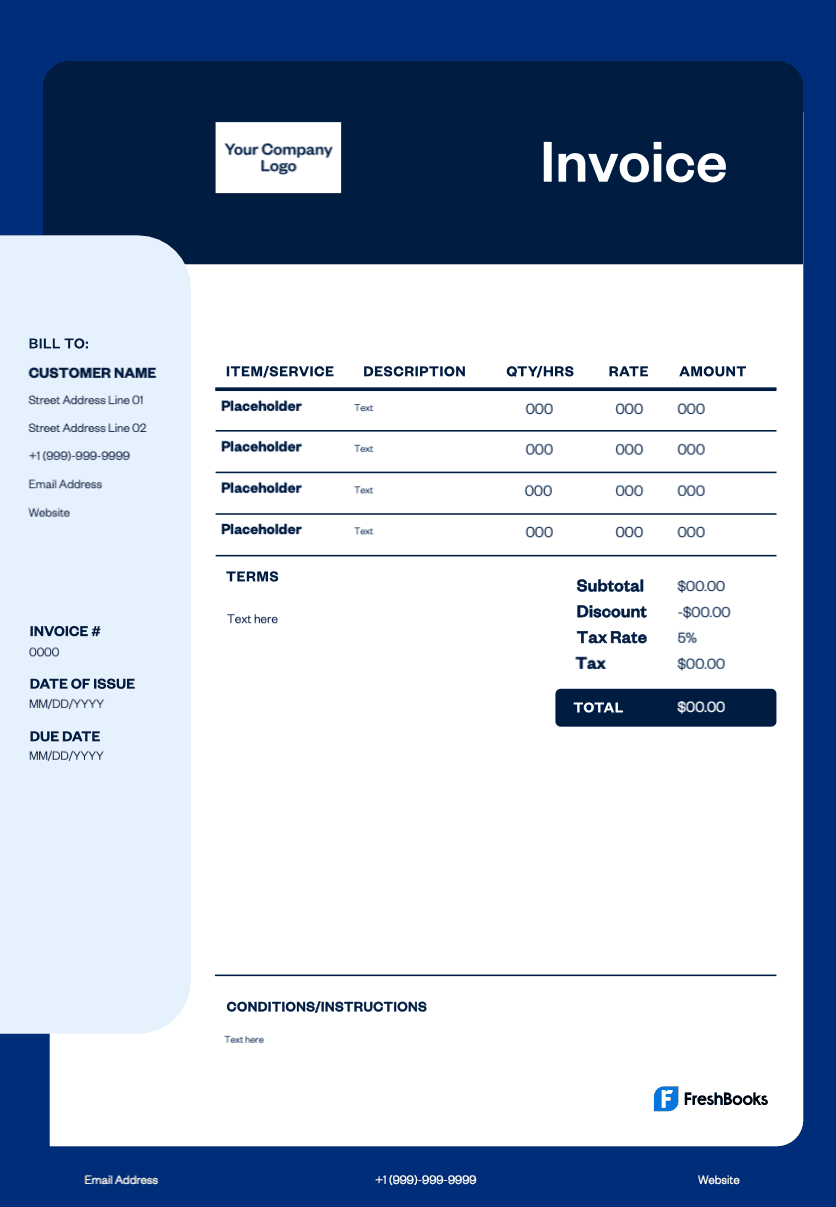
Professional videographer invoice template
Using a videographer invoice template saves time spent creating invoices from scratch and ensures you never miss critical billing details like equipment rental costs or late fees. Professional invoices improve client trust and payment speed, while standardized templates streamline your billing process for ongoing work. The template helps video producers focus on creative tasks instead of administrative work, and organized invoicing means faster bank transfers and reduced payment delays.
Get your video production invoice template
Our invoice template requires no design skills to personalize with your business name, logo, and unique branding. Simply fill in project details, hours worked, services rendered, and equipment costs using the user-friendly format. Download in multiple formats, including PDF, Excel, and Word, to match your workflow preferences. Customize payment terms, add discounts, calculate taxes, and generate professional invoices that reflect your videography business at the right time for every client and project.
Note: Download in the format you prefer: Word (DOC), Excel (XLS), PDF, Google Docs, or Google Sheets. Plus, explore our entire library of free invoice templates.
Download a video production invoice template





What specific details must I include on my video production invoice?
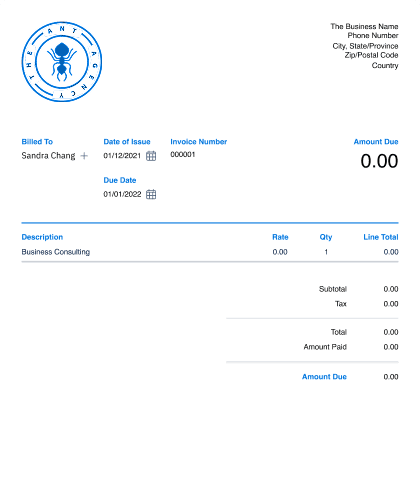
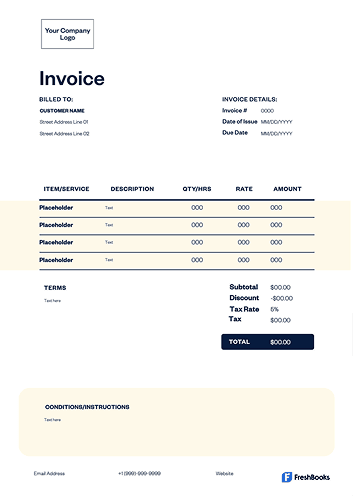
A professional video production invoice must include your company's name, logo, and contact details, as well as the client's billing information. Here are the key components to include:
Invoice details: Include your and your client's contact details, a unique invoice number, the issue date, and the payment due date.
Itemized services and costs: List each service provided (e.g., filming, editing) with its specific rate and quantity, leading to a subtotal.
Total amount due: Clearly display any taxes and the final, total amount the client owes.
Payment details: State your payment terms (e.g., net 30), accepted payment methods, and any late fee policies.
Explore free video production invoice templates designed for independent videographers and film production.
Create videography invoices instantly
Free. No credit card required.
How to create a freelance videography invoice
Follow these steps to create a freelance videography invoice:
Add header and details:
Include your and your client's contact info.
Add a unique invoice number, issue date, and due date.
Itemize all work and costs:
List each service and expense with a price (e.g., full-day shoot, video editing, music license).
Calculate the total:
Show the subtotal, add tax (if applicable), and display the final total due in bold.
State payment info:
List how to pay you (e.g., bank transfer, bKash, Nagad) and include the necessary account details.
Send as a PDF:
Save the file as a PDF and email it to your client.
Invoice types for video production services
The video production invoice template supports every stage of the creative process, allowing you to itemize filming, equipment rentals, editing hours, travel fees, and more in a clear, professional layout.
Here are the most common invoice types used by videographers and producers:
STANDARD INVOICE
This is a simple bill showing what a client owes for completed filming, editing, or production services.
Recurring invoice
A recurring invoice is useful for ongoing content creation, such as monthly social videos, retainer-based editing, or long-term production agreements.
Prepayment invoice
This is sent when you require a deposit before starting a shoot, especially for large productions with upfront equipment or location costs.
Time-based invoice
A time-based invoice is perfect when billing for hourly or day-rate work, like on-set labor, editing sessions, or consulting.
Credit invoice
This is issued to adjust a previous bill, refund unused hours, or apply a discount agreed upon after project delivery.
Debit invoice
A debit invoice is sent when additional charges need to be added, such as extra editing rounds, added shoot days, or last-minute equipment hires.
Mixed invoice
This combines credits and new charges into one document, keeping your client’s account accurate and easy to reconcile across multi-phase projects.
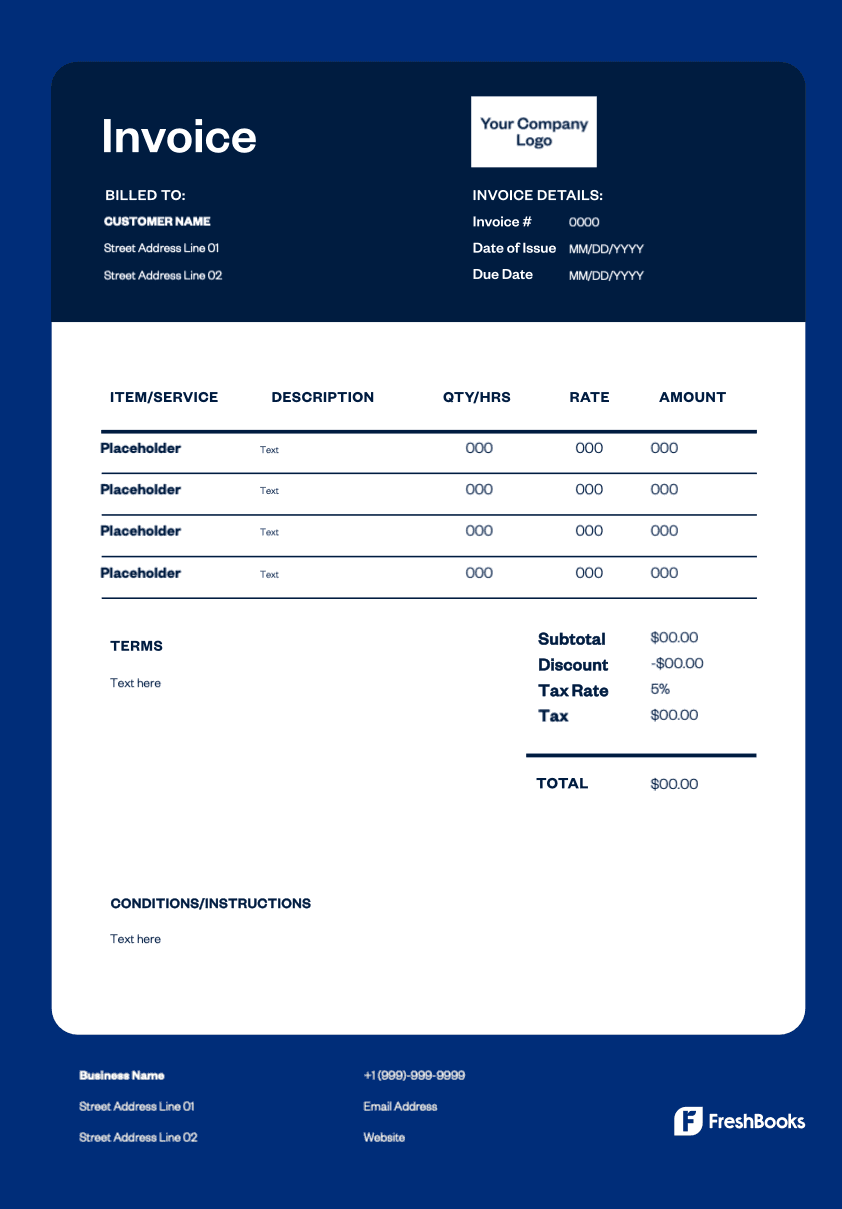
Download a video production invoice template
Create a professional videographer invoice for every job and get paid faster. Skip the paperwork with our free template and easily personalize all the critical details. Itemize each service provided, list your hourly rate, add equipment charges and travel fees, and calculate the total cost in minutes.
Ready to get started?