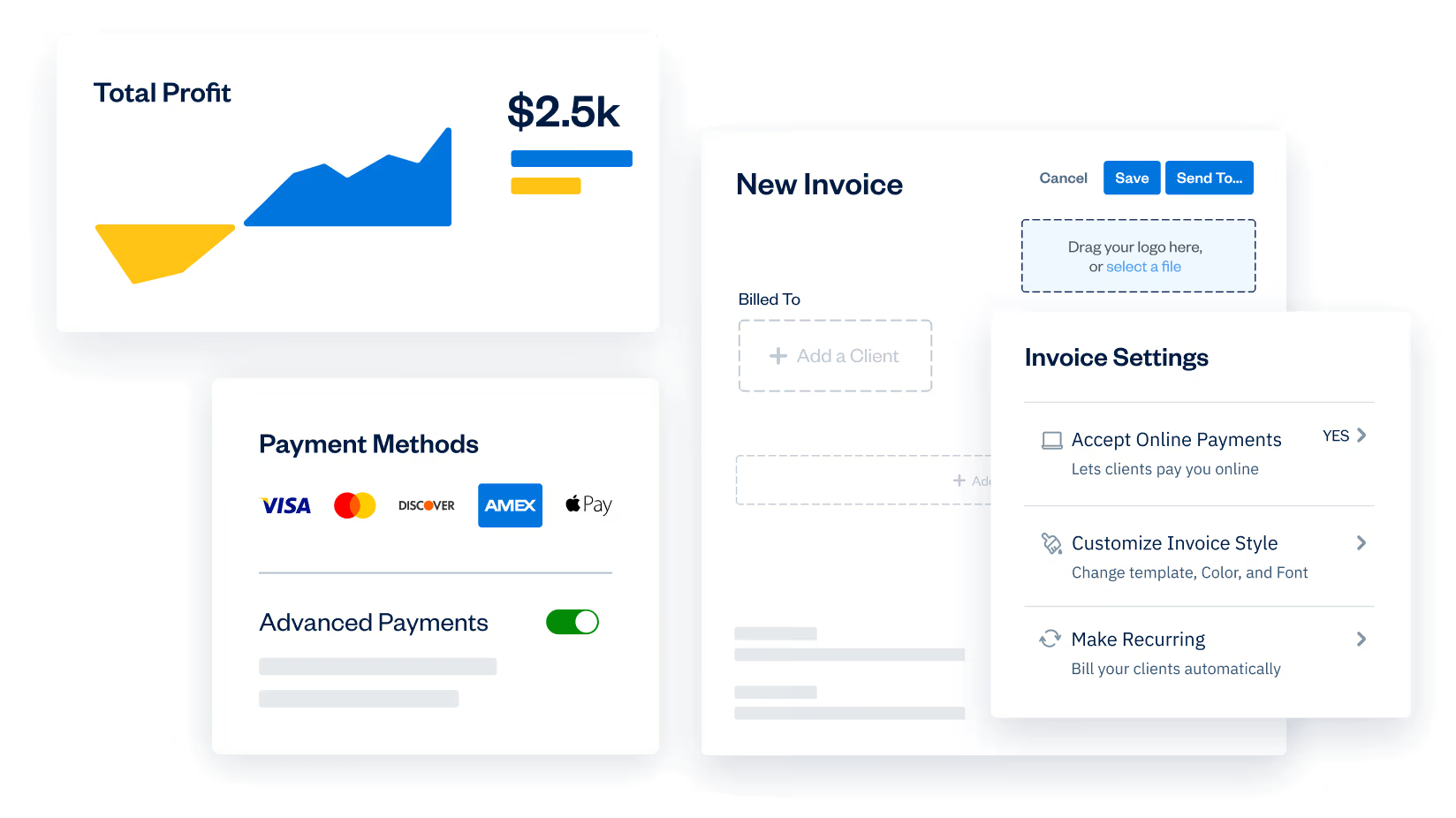
Limited-time offer: Get 60% off for 3 months. Buy now & save
60% Off for 3 Months Buy now & save



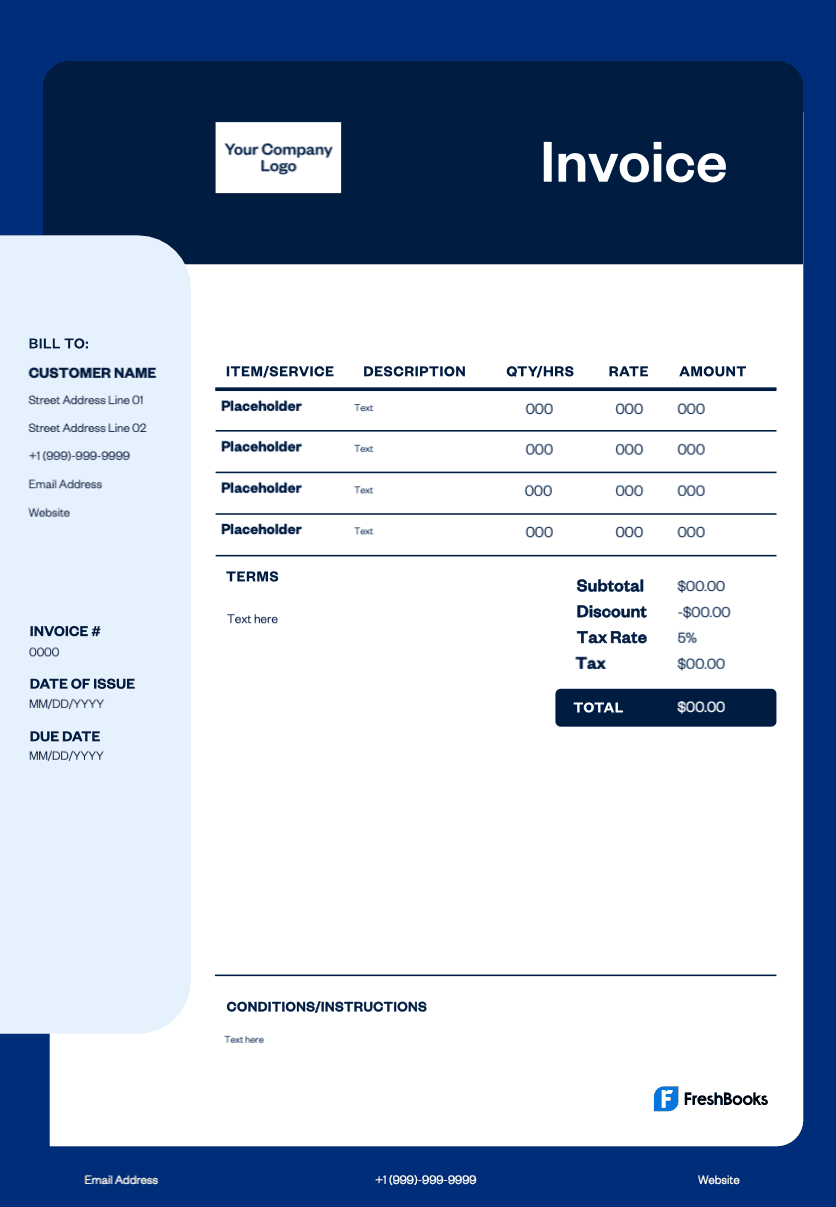
Professional web design invoice template
Here are the specific reasons why web designers should send professional invoices:
Ensure timely payment: They prompt clients and establish due dates for consistent cash flow.
Legal protection: They create enforceable documentation for disputes and contract breaches.
Document work scope: They're a clear record of services and costs, preventing misunderstandings.
Professional brand image: Well-designed invoices reflect expertise and credibility.
Financial record keeping: They're essential for tracking sales, managing finances, and tax obligations.
Reduce admin work: They automate payment processes and minimize follow-up communications.
Get your free web developer invoice template
Online templates are a great place to start if you’re looking for a quick, simple way to create and send professional invoices for web design services. The invoice templates below save you time on creating invoices, meaning you’ll be able to get paid for your hard work that much sooner.
Note: Now available in DOC, XLS, PDF, Google Docs, and Google Sheets. View the entire free invoice library here.
Download a video production invoice template
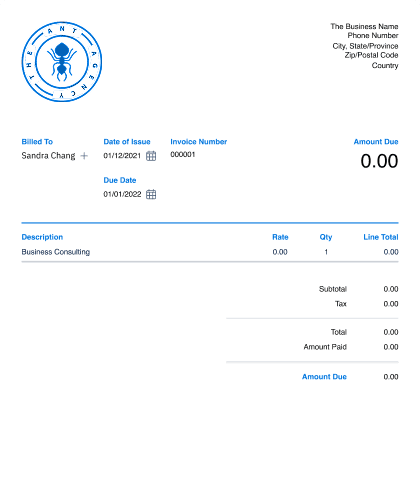
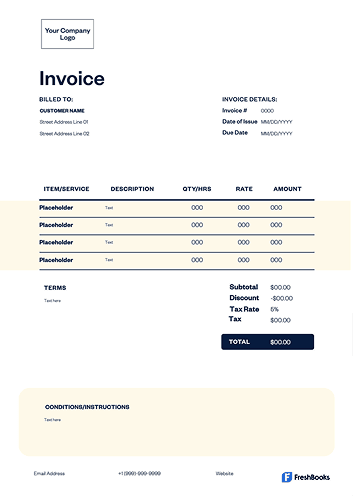
Invoice template for freelance web designers
Invoicing is a key part of becoming a successful freelancer, and the same is true for web developers and designers. Look for a freelance invoice template that gives you a space for essential details like your payment details and description of services.





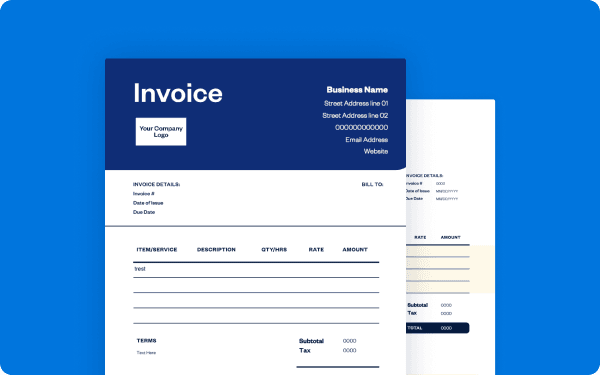
How to create a web developer invoice
Follow this step-by-step guide to create a web developer invoice.
Download a template from FreshBooks.
Add the business info: company name, logo, and contact details.
Enter the client details: name, address, and contact information.
Include the invoice specifics: unique number, issue date, and due date.
List the services: detailed description, hours, rates, and costs.
Calculate the totals: subtotal, taxes, and final amount.
Set the payment terms: due date and accepted payment methods.
Add notes: project details or terms of service.
Convert it to a PDF and save it for your records.
Send it to your client via email.
This process ensures professional billing, clear documentation, and faster payment for web development services.
Access free web design invoice templates designed for independent designers, e-commerce builds, and WordPress specialists.
Create web developer invoices instantly
Free. No credit card required.
What to include in a web development invoice?
Essential elements to include:
business information: business name, contact details, logo
client information: name, business, contact details
invoice specifics: unique number, issue date, due date
project description: brief overview of services
itemized services: detailed breakdown with quantities and costs
rates: hourly or project-based fees
totals: subtotal, applicable sales taxes, total price
payment terms: accepted methods, late fees
Invoice types for web designers and developers
The web design invoice template supports everything from design tasks to complex development milestones, making it easy to present a professional, accurate bill for any digital project.
Here are the most common invoice types used by web designers and developers:
STANDARD INVOICE
This is a straightforward bill outlining the cost of completed design or development work, including hours, tasks, and deliverables.
Recurring invoice
A recurring invoice is ideal for ongoing maintenance, hosting fees, retainer agreements, or monthly update packages.
Prepayment invoice
This is sent when you require a deposit before beginning a website build, redesign, or phase-based development project.
Time-based invoice
A time-based invoice is used when billing hourly for wireframing, coding, debugging, UX improvements, or ad hoc digital tasks.
Credit invoice
This is issued when adjusting a previous bill, applying a discount, or refunding unused project hours.
Debit invoice
A debit invoice is sent when additional costs arise after the initial quote, such as new feature requests or extended development time.
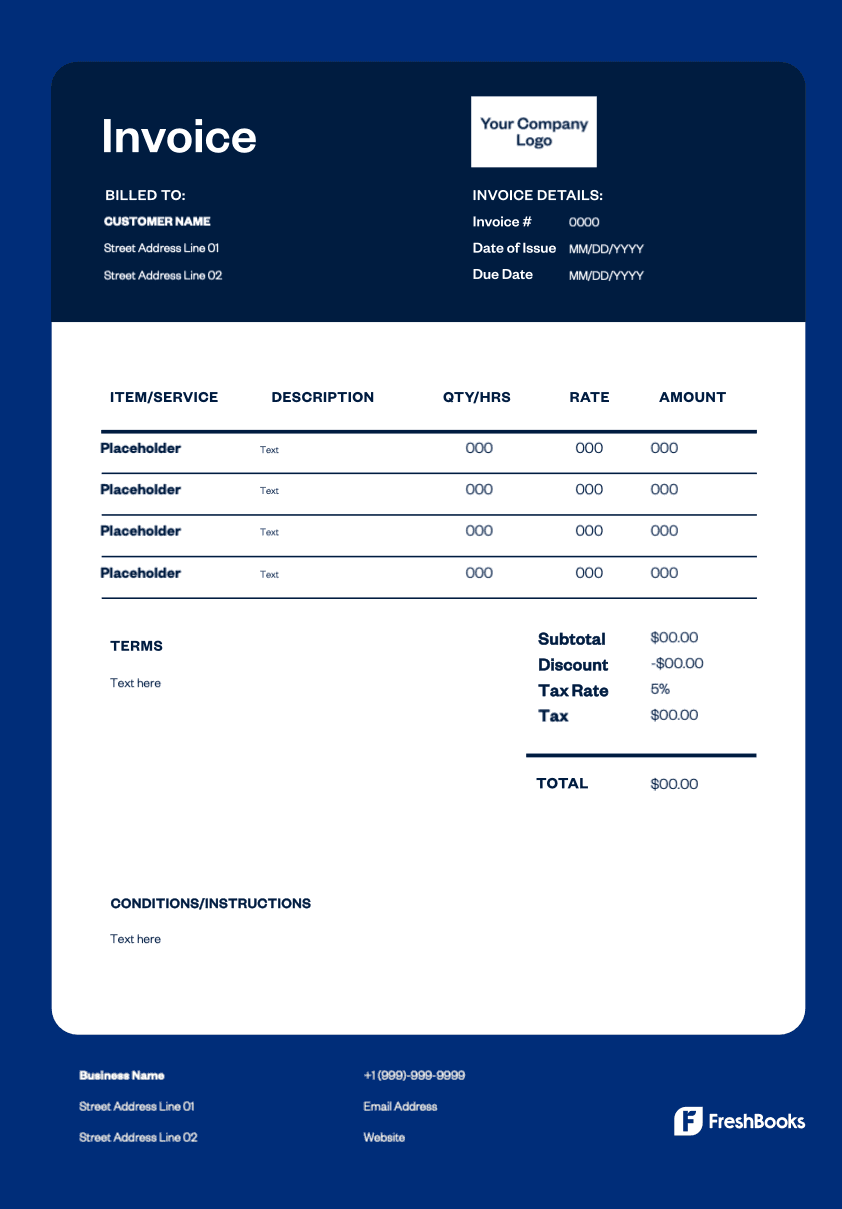
Download a web designer invoice template
Streamline your web design business with professional invoicing that gets you paid faster. Download our free invoice template and transform your billing process in minutes. These free templates are powerful tools that help you manage your paperwork, save time, and not worry about missing details—whether you bill for hourly work or by the project.
Choose from Word, Excel, PDF, or Google Docs to find the format that works best for your business. Send polished, branded invoices to your customers that reflect your design expertise and make it simple for them to get you paid online, ensuring faster payments.
Ready to get started?