What’s New in FreshBooks: Faster Payouts, Smarter Payroll, and More Ways to Get Paid
Updated on December 1, 2025 | 4 min. read


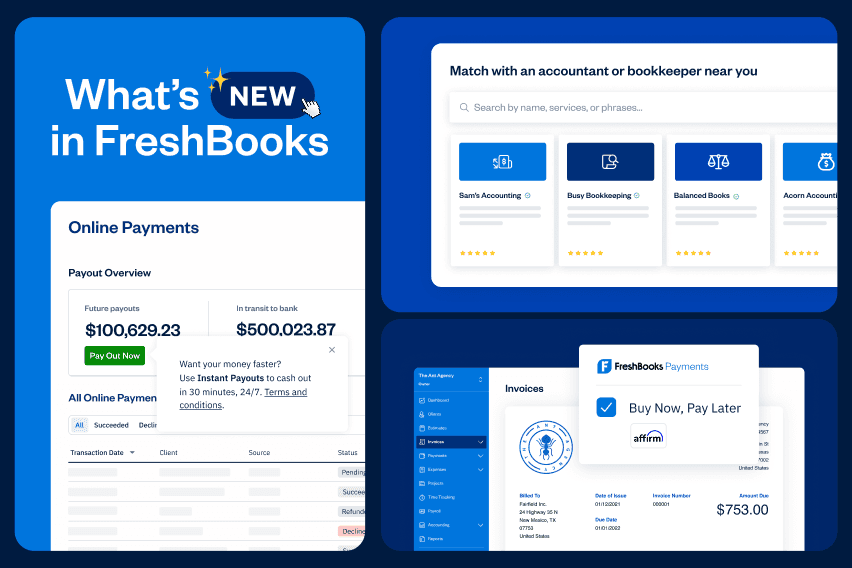
We’re always upgrading the FreshBooks software to help owners grow their businesses. Here’s what’s new.
Running a business means juggling clients, invoices, and sometimes a lot of admin. These updates help you move money faster, pay your team with confidence, and spend less time on back-office chores, giving you more time on the work that actually pays.
An easier way to pay your team and track benefits (U.S.)
FreshBooks Payroll (U.S.) now lets you record and manage employee benefits like health insurance and retirement, so everything you need for year-end is organized in one place. You’ll also get a clean benefits history right on each employee profile.
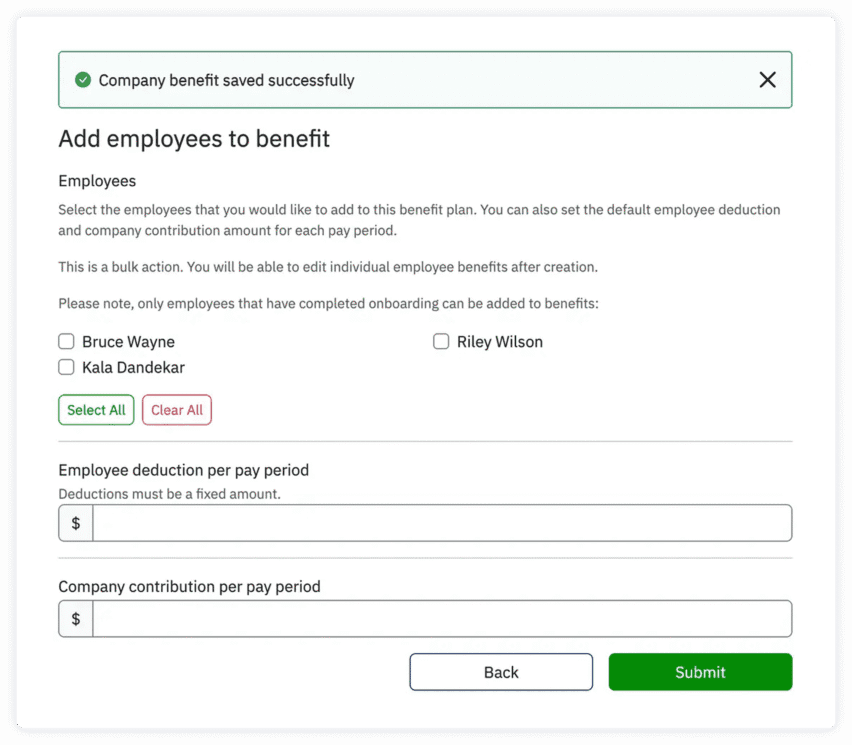
And because time matters, 2-day direct deposits for payroll are now available to eligible customers, so you can enjoy more predictable cash flow and your team spends fewer days waiting for payments.
Get started with FreshBooks Payroll.
Offer pay-over-time options at checkout (and still get paid upfront)
You can now add Buy Now, Pay Later (BNPL) with Affirm as a payment option.* Your clients get the flexibility of paying in convenient installments, and you get paid upfront. It’s a win-win that can help grow your business and boost cash flow.
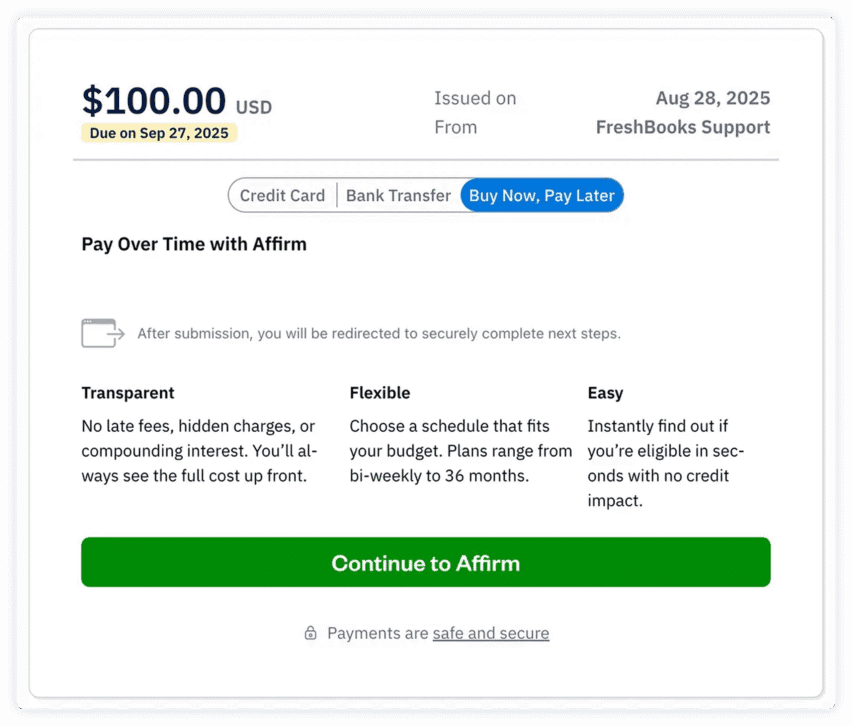
BNPL is offered through FreshBooks Payments and is subject to eligibility.
A smarter way to manage payment options
Pick your preferred payment options from credit card to ACH/bank transfer, and FreshBooks will apply them by default to new invoices, recurring templates, and retainers. That means fewer clicks for you, a consistent checkout for clients, and less “who can pay, and how?” back-and-forth.
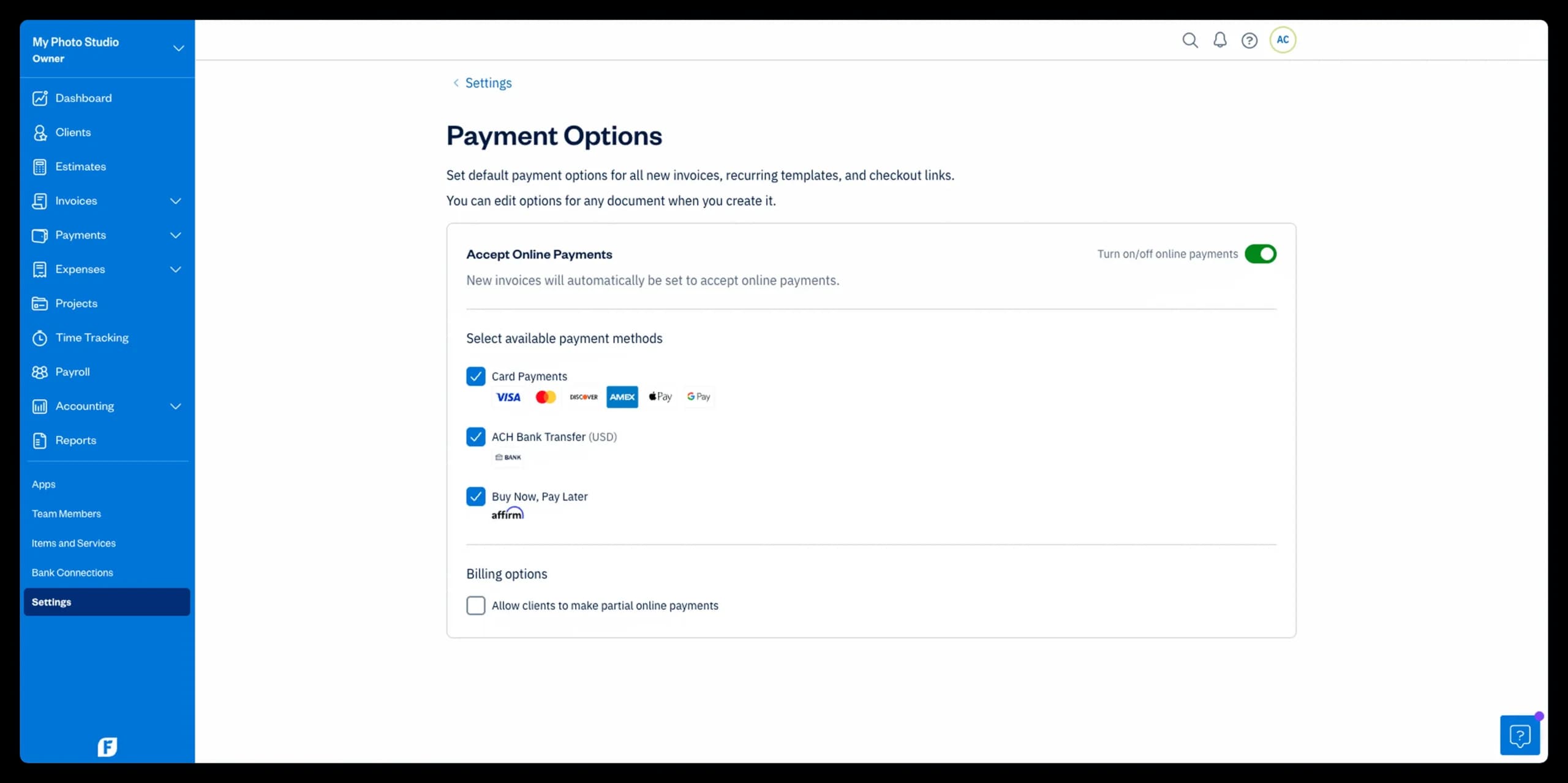
Need to change it up? You can still override options on any one invoice.
Sync payroll automatically with Wagepoint
Running payroll with Wagepoint in Canada? Turn those runs into clean, automatic entries in FreshBooks, no CSV files or late-night duplicate-entry sessions. This new integration means fewer errors and a truer, up-to-date picture of your books.
Learn more about this Wagepoint x FreshBooks collab.
Track mileage your way on iOS
Mileage Tracking on iOS now puts you in control. Instead of auto-logging every drive, you can start or stop the tracker when you’re on a business trip, or add a trip manually after the fact. We’ve also improved route accuracy so your logs reflect the path you actually took. Visit the feature page or help center for general mileage-tracking details and FAQs.
Import vendors in just a few clicks (auto-match for CSVs)
Bulk-adding vendors for Bills? Upload your CSV, and FreshBooks will auto-match common columns so you don’t have to map everything by hand. For example:
- A column named organization name maps to the Company field.
- Any column with email addresses maps to Email.
- Columns containing websites, phone numbers, states/provinces, or countries map to the right fields automatically.
Read all about how you can use this time-saving feature and how you can import vendors from a file.
Preview receipts and bill PDFs instantly
You can now preview PDF attachments directly on expenses and bills right in FreshBooks, making it easier to detail, re-check totals, or attach proof for rebilling.
You can attach receipts (JPEG, PNG, or PDF) to any expense or bill in a couple of quick ways. Upload them from the Expenses area (check the Uploads tab), or forward them to your unique email-in address, and FreshBooks will place them in Uploads for you. Then open the expense or bill, choose Add Attachment (or pick a file from Uploads), and it’s linked. Click the attachment thumbnail to preview it instantly so you can confirm totals and details before you file or rebill.
Learn more about scanning receipts and attaching receipts to bills and expenses.
Import CSVs without wrestling with date formats
When importing expenses or bank transactions, FreshBooks now auto-detects date formats based on your file, so you spend less time mapping columns and more time doing literally anything else.
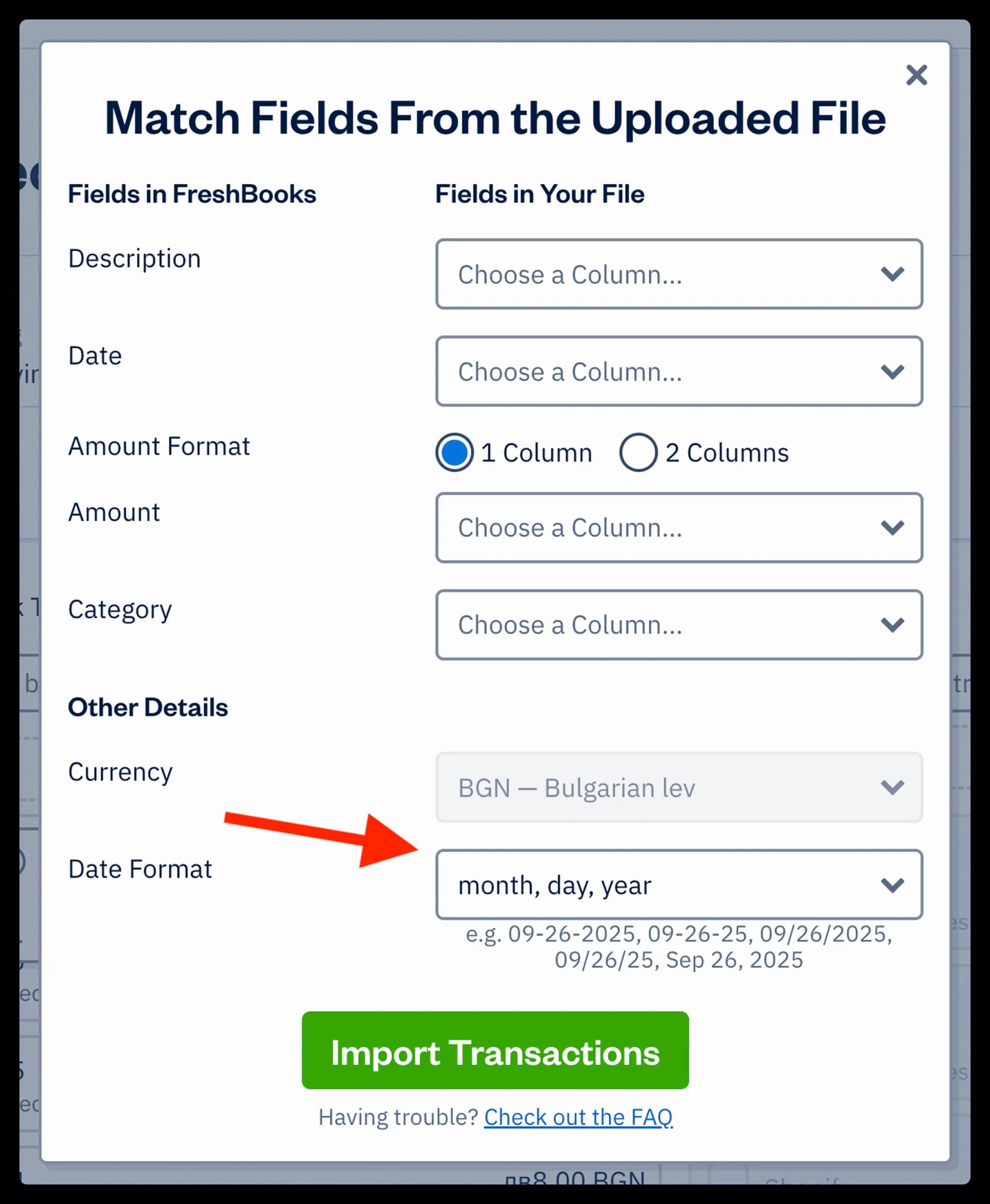
Start here to import expenses from a file or import other data via CSV.
Shop and compare health coverage with Stride (U.S.)
Finding affordable health insurance in the U.S. just got easier. Through our collaboration with Stride, you can compare affordable plans, filter by your preferred doctors, and get personalized recommendations in minutes.
See how you can secure affordable health insurance today.
Find the right accountant or bookkeeper, faster
Hire a pro who truly gets your niche through the FreshBooks Advisor Directory. You’ll get matched with certified accounting partners who work the way you do.
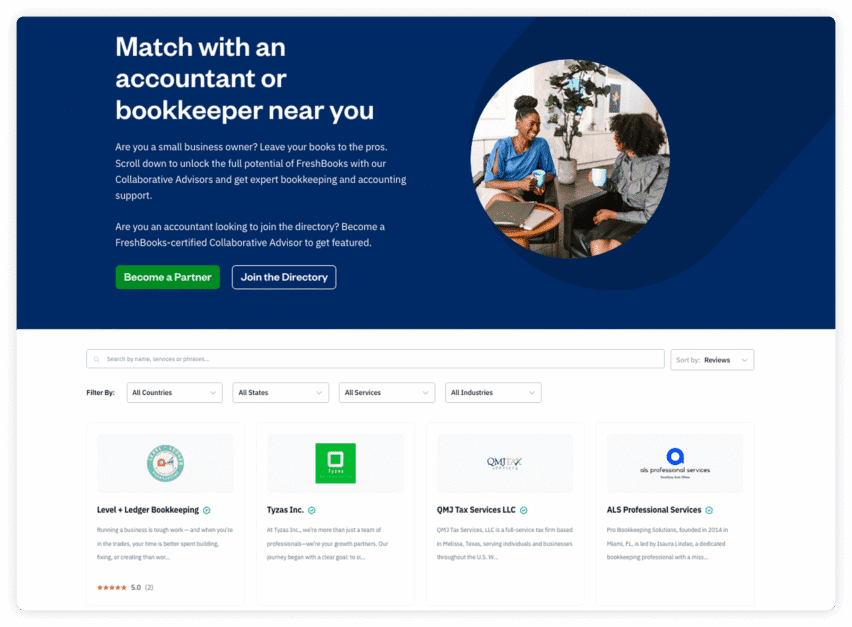
Browse the directory and connect with an advisor.
Try FreshBooks (if you haven’t already)
Whether you’re sending invoices, paying your team, chasing receivables, closing out books, or onboarding new staff, these updates are here to lighten the load. Turn on the tools that move money faster and keep your finances crystal clear.
Try FreshBooks free or log in to enable payments, set defaults, and explore the latest features today.