WHICH BUSINESS SOFTWARE IS BETTER FOR YOUR NEEDS?
FreshBooks vs. Jobber
Jobber is built around field work and scheduling. FreshBooks gives service-based businesses a simpler way to manage invoices, payments, expenses, accounting, reports, and more in one place. If you need field service invoicing software with stronger financial tools, FreshBooks is built to help you run the business behind every job.
Keep your work moving and your finances organized with FreshBooks, a smarter Jobber alternative for accounting.
Only available to new subscribers via this page.
No credit card required.
Cancel anytime.

4.5 Excellent




How FreshBooks compares to Jobber
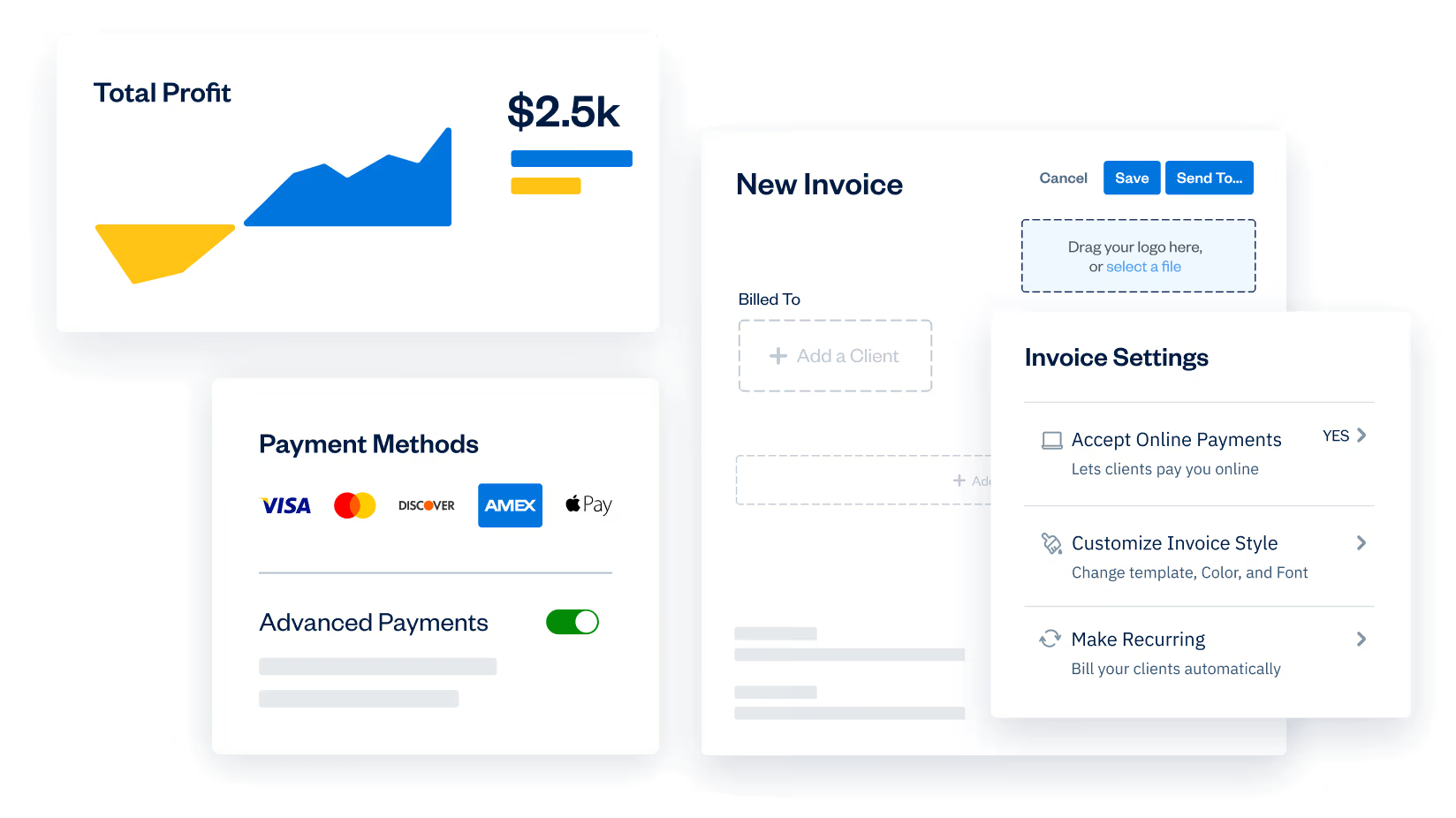
Need more than just scheduling and dispatch? FreshBooks helps you create estimates, send invoices, accept payments, track expenses, reconcile accounts, run reports, and collaborate with your accountant—all in one place, without adding more tools to the mix.
If you’re looking for a Jobber invoicing alternative or doing a Jobber accounting features comparison, FreshBooks gives you a more complete way to run the business side of every job.
| Features |  | Jobber |
|---|---|---|
Free trial | 30-day trial | 14-day trial |
Advanced invoices |  | Limited capabilities |
Recurring invoices | | Tied to job schedules |
Expense tracking and receipt capture | | Not available on all plans |
Time tracking | | Not available on all plans |
Built-in accounting | | Requires accounting software integration |
Financial reports | | |
Online payments | | |
Estimates and proposals | | |
Project profitability tools | | |
Automatic late fees | |  |
Bank reconciliation | | |
Payroll | | |
Invite your accountant | Free | Accountants count against user limit |
FreshBooks helps you do the work and easily track and understand the money side of your business.
FreshBooks gives you the right tools for your business
Do the work without losing the back office
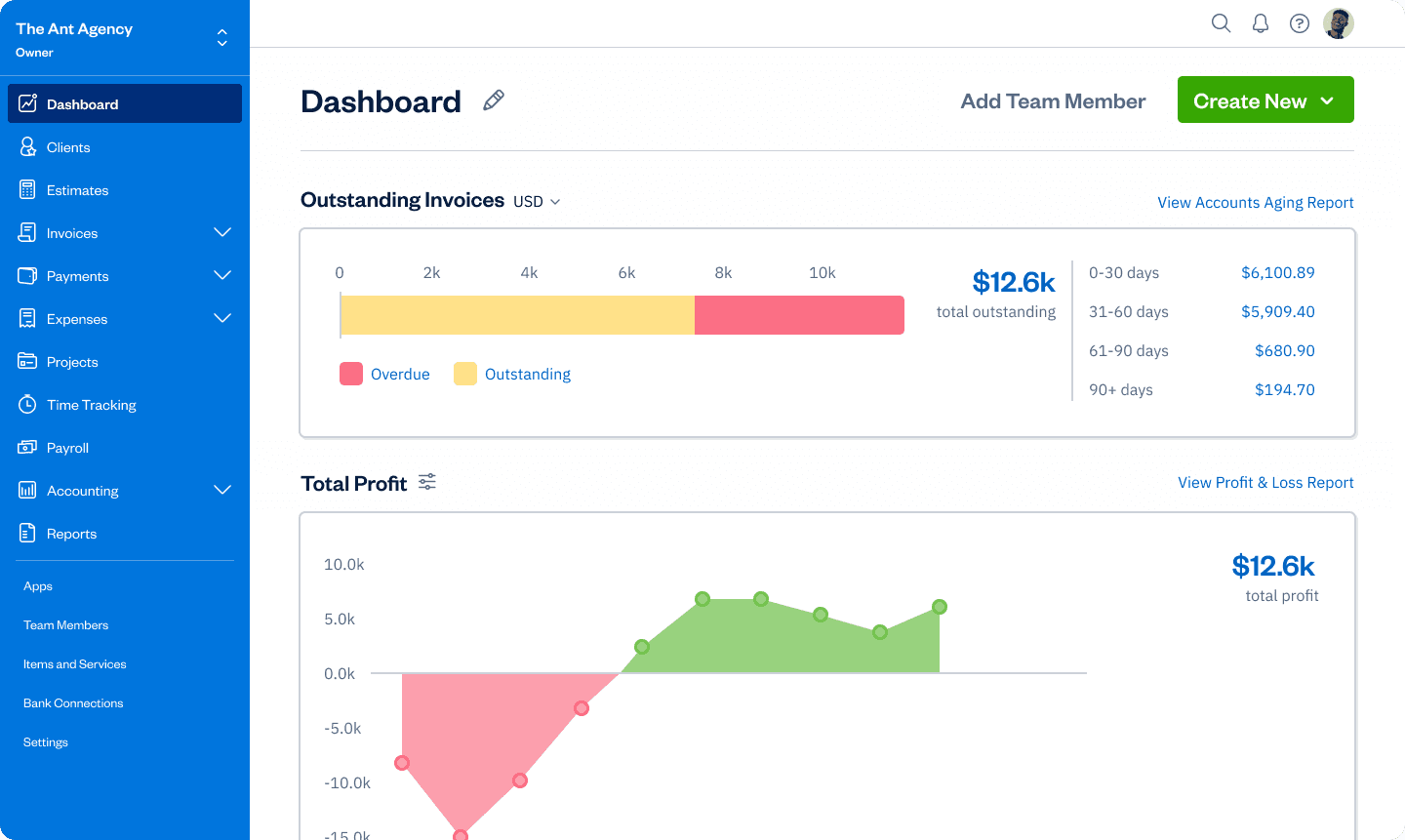
Stay on top of what happens once the actual work is done, with estimates, invoices, payments, expenses, and reporting all connected in one place.
Get paid faster and with less follow-up
FreshBooks helps turn completed work into cash faster with professional invoices, recurring invoices, online payments, and automatic payment reminders and late fees that keep cash flow moving.
See your business clearly
FreshBooks gives you financial visibility, from expense tracking and bank reconciliation to reports and built-in accounting tools that help you make smarter business decisions. It’s one of the best business tools for contractors who need stronger financial clarity.
The features you need.
All in one place.
Invoicing
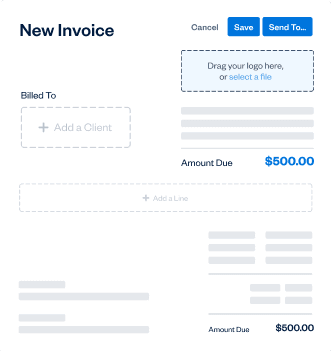
Create polished invoices in minutes and send them as soon as the job is done. Add tracked time and expenses, add taxes, and customize payment options without slowing down your day.
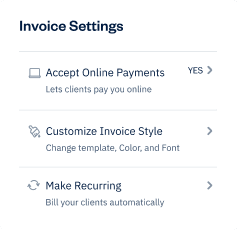
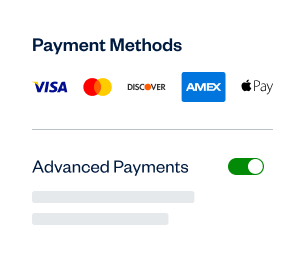
Online Payments
Bill quickly, get paid faster, and automate the admin with recurring invoices, online payments, payment reminders, and auto-billing.
Expenses
Track expenses with receipt capture, bank imports, and cleaner categorization so your books stay organized without another accounting tool in the mix.
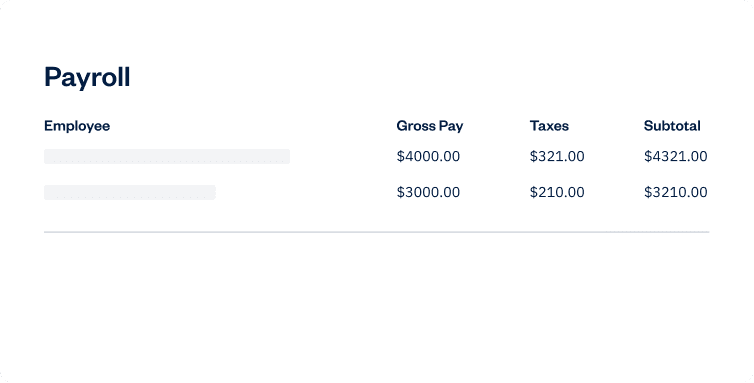
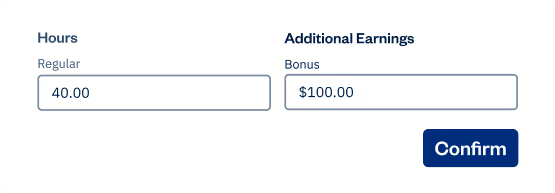
Payroll
Pay yourself and your team with less friction. Keep payroll, expenses, and reporting closer together so the financial side of your business feels a lot less scattered.
Ready to switch but dreading the work?
With Easy Switch, our specialists handle the heavy lifting, moving all your important info (like expenses, invoices, and client details) from Jobber to FreshBooks.
Choosing FreshBooks vs Jobber doesn’t need to be hard. Let us help you make an Easy Switch to a better Jobber alternative for accounting.

Is FreshBooks better than Jobber?
According to these users? Yes.
Leandro A.

We were on a super time-sensitive project, and I could log hours right from my phone as I finished tasks—those hours went straight onto the invoice. What impressed me most was the built-in time tracking. For once, tracking my time actually felt productive instead of like wasted effort. Another lifesaver is the visual invoice calendar. It shows me when payments are due, which customers have already paid, and who I need to follow up with. That kind of clarity takes a lot of stress off me every month.
Faith N.
One of the standout aspects of the FreshBooks user experience is its simplicity and ease of use. The platform's navigation is straightforward, with clearly labeled menus and intuitive workflows that guide users through tasks such as creating invoices, tracking time, and managing expenses. Even those with limited technical expertise can quickly learn to navigate the platform and become productive.
Meghan A.
My overall experience with FreshBooks was a pleasant one. I use this daily and it has made my job easier by using it.
Is FreshBooks better than Jobber?
According to these users? Yes.
Faith N.
One of the standout aspects of the FreshBooks user experience is its simplicity and ease of use. The platform's navigation is straightforward, with clearly labeled menus and intuitive workflows that guide users through tasks such as creating invoices, tracking time, and managing expenses. Even those with limited technical expertise can quickly learn to navigate the platform and become productive.



Find the right FreshBooks plan for your business
Plus
FreshBooks Select
Do you have a business with complex needs?




Frequently Asked Questions
Ready to get started?