Shopify 1099-K: Filing Requirements and Steps
Updated on February 20, 2026 | 5 min. read



🌟 KEY TAKEAWAYS

Shopify will send you a 1099-K directly and also file it with the IRS on your behalf if you earned over $20,000 and had over 200 transactions in 2025.
If you don’t receive your form, you can contact Shopify to request a new one.
If you need a little extra assistance with Shopify reports or handling tax details and expenses, try an online accounting software like FreshBooks.
So what are the rules for reporting and paying tax if you use third-party payment networks? What about specific Shopify tax forms or Shopify tax documents?
Read on to learn everything you need to know about Shopify taxes and filing your 1099-K tax form.
Why is the Shopify 1099-K form important?
The Shopify 1099-K is important because it details the total revenue you brought in with Shopify Payments the previous year. Shopify submits this form to the IRS on your behalf and sends you a matching 1099-K copy by January 31 each year.
You can use this form to calculate your yearly gross income when filing your federal and state income tax returns.
The 1099-K helps ensure compliance with IRS regulations and simplifies income tracking for self-employed individuals. Note that the 1099-K issued by Shopify only accounts for transactions that have been processed by Shopify Payments, meaning if you have more than one online shop or earn other income from gift cards, debit cards, or credit cards, you’ll need to report these earnings separately.


Criteria for receiving a 1099-K form
The criteria you need to meet to receive a Form 1099-K are as follows:
- For the 2024 calendar year, you qualified for 1099-K reporting if you processed any number of transactions and gross payments totaling more than $5,000 through your online account.
- For the tax year 2025, you must have had more than 200 transactions and earned more than $20,000 in gross payments during the calendar year.
- In 2026 and after, the threshold will be the same as in 2025. The One Big Beautiful Bill Act repealed the planned $600 threshold in July 2025.
- You satisfy your state’s individual tax threshold requirements.
The US tax year generally runs from January 1st to December 31. If you meet the criteria described above for the tax year, Shopify is legally required to send you a Form 1099-K.
1099-K form availability
Shopify emails the account owner when the 1099-K is ready. You can log in and access your form for the previous year in the Shopify admin section under “Finance.” It’s typically available between January 31 and February 28, though there have been past delays due to approved IRS extensions granted to the company.
How to file taxes with the Shopify 1099-K form
When you sell on Shopify, you have to pay income taxes. Shopify collects your taxpayer information when you set up your store, like your Social Security Number (SSN) or Employer Identification Number (EIN). The company will report your earnings to the IRS using this information.
You’ll also report these earnings to the IRS once Shopify sends you your copy.
1099-K form reports total gross payments, with no adjustment for credits, refunds, fees, or shipping. You should maintain records of your selling expenses to claim them on Schedule C (Form 1040) to offset your gross income.
The income you earn should be reported on Schedule C of your individual income tax return, along with any other business income you’ve earned and any expenses you qualify for to determine your profit or loss.
Even if you don’t earn the required amount to qualify for a 1099-K, you must still report your earnings to the IRS. All your transactions are available in your dashboard, making it easy to see your gross annual income.
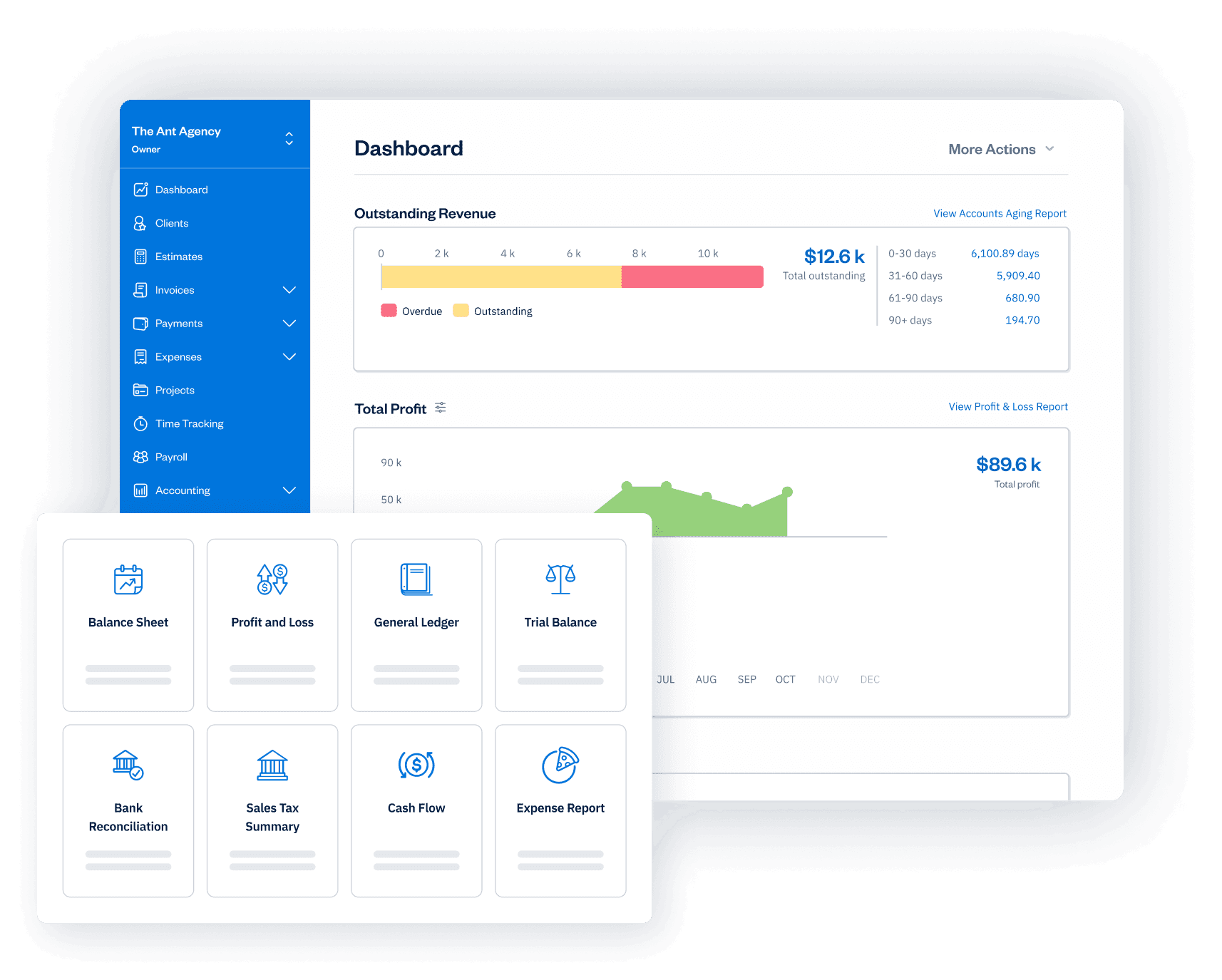
If you need help navigating your expenses and taxes, try FreshBooks accounting software. This powerful cloud-based solution makes it easy to reconcile your Shopify gross receipts, track payments and tax information, and stay organized.
Shopify 1099-K requirements
Sales tax and income tax are the tax categories that Shopify sellers need to be aware of. Sales tax is a tax levied on the sale of goods. It takes on different forms worldwide, such as VAT and GST, so if you sell domestically and abroad, you’ll need to look into all applicable requirements, as you are responsible for collecting sales tax from your customers and remitting it to the state. Shopify does not file or remit sales taxes on your behalf.
Other forms you’ll need to be aware of, besides the Shopify 1099-K form include:
- A Schedule C form, which is where you report all of your expenses and gross business income.
- A Schedule SE form, where all your self-employment taxes are calculated.
- 1040 tax form, where you report relevant taxable income and calculate your taxes.
To fill out the Schedule C form, you must include all your income and all your other business expenses, as well as your cost of goods sold (COGS).
How to get the 1099-K form from Shopify
There are two ways to get your 1099-K form from Shopify:
1. Email
If you meet the requirements outlined above, then you can ask Shopify to email you a copy of the form before January 31.
2. Shopify dashboard
Go to your Shopify account and log in using your account details. Once you are logged in, you can navigate to the Payment section, click “Documents”, and you’ll see your 1099-K form listed there.
Even if you earn less than $20,000 and have fewer than 200 transactions, you can still see your transaction history and total sales, which will allow you to file your taxes properly.
Make your Shopify 1099-K reporting hassle-free with FreshBooks
FreshBooks helps Shopify sellers manage their 1099-K tax reporting, helping small business owners and entrepreneurs stay on top of their taxes with automated expense tracking, income reporting, and tax-ready financial statements. Using this helpful expense tracking software, you’ll feel confident at tax time, knowing your records are tax compliant and organized.
Want to learn more about how FreshBooks can simplify your life as a Stax-compliant? Try FreshBooks for free today, or sign up now and see how easy it can be to run a successful small business and stay tax compliant.


FAQs about the Shopify 1099-K tax form
Does Shopify send you a 1099-K form?
Yes, Shopify will automatically send you your 1099-K form if you earned over $20,000 and had more than 200 transactions during the calendar year. You can also request one or download it directly from your Shopify dashboard for your record-keeping.
Where do I find my 1099-K form on Shopify?
Once you log in to your Shopify account, you can access Form 1099-K by clicking on the Documents tab. In there, you will find the relevant information you need.
Does Shopify include PayPal?
One of Shopify’s default payment processors is PayPal. You receive a PayPal Express Checkout account when you launch a Shopify store, and it is linked to the email address you used to register.