Limited-time offer: Get 60% off for 3 months. Buy now & save
60% Off for 3 Months Buy now & save


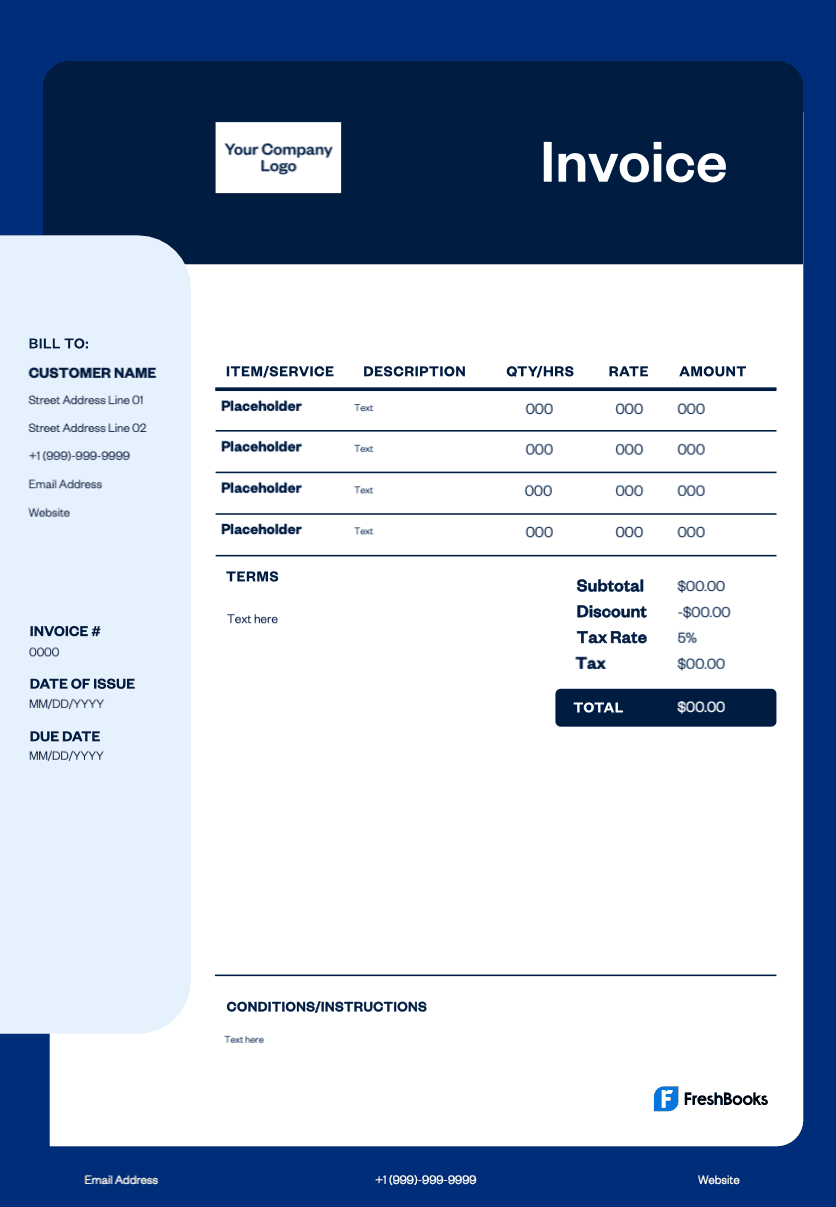
Professional invoice format in Excel
Using a pre-made invoice format in Excel saves you time and ensures you include all necessary details and payment details. It provides a clear, organized layout for services and costs, preventing confusion and helping you get paid faster. For more advanced features, consider using accounting software to manage your billing efficiently.
Get your free Excel invoice template
Running a business often means juggling projects, deadlines, and payments. Are you managing clients with recurring invoices or handling detailed billing information? With FreshBooks' Excel invoice templates, you can streamline invoicing, assist with tracking invoices—including any outstanding invoices—and prevent missed details while maintaining a professional look. Save time and reduce stress with a free template that works for you.
Download a photography invoice template





How do you create an invoice in Excel?
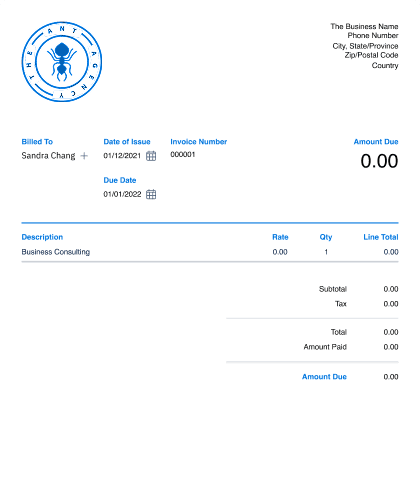
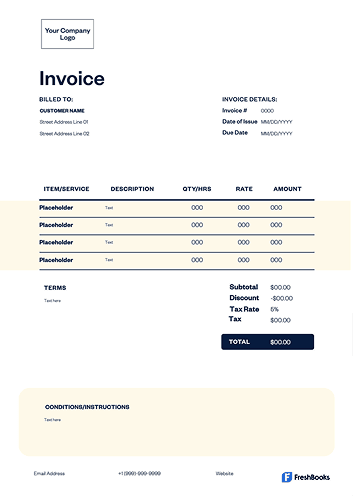
Start by downloading your free invoice template in Excel to save time. Open the file and customize it by adding your business name, brand's logo, contact information, and custom fonts.
Next, enter your customer's information on the page. Assign a unique invoice number and add the invoice date and payment due date. List each product or service on a separate line, including a description, quantity, rate, and total for each. The template will automatically calculate the subtotal.
Finally, the main goal is to add any applicable taxes and the final total amount due. Include your payment terms, clear payment instructions, and a space for the client to sign. Once paid, the invoice can also serve as a receipt. For security, you can even make the file password-protected. You then have the option of printing the invoice, sending it by mail, or sending it directly to your client.
Create Google Docs invoices instantly
Free. No credit card required.
What should an Excel invoice include?
A complete invoice format in Excel should contain several key elements to ensure clarity and prompt payment. Include your business name and contact information, as well as the client’s name and contact details, on the main page.
Every invoice also needs a unique invoice number for tracking, along with an issue date and a clear payment due date. This is especially important for recurring invoices. It must feature an itemized list of products or services provided, detailing the quantity, rate, and total cost for each sale.
The invoice should clearly show the subtotal, any taxes or discounts applied, and the final total amount due. Lastly, state your payment terms clearly, including acceptable payment methods like cash, and details on any late fees to help avoid late payments. You might also want a section where both parties can sign.
Download your free invoice template for Excel
Ready to simplify your billing? Download your free Excel invoice template today. This template helps you create clear, accurate invoices in minutes, saving you time and money. Send invoices professionally from your computer or mobile devices, and spend less time on paperwork. Choose the file format that works for you and start getting paid faster.
Ready to get started?