Limited-time offer: Get 60% off for 3 months. Buy now & save
60% Off for 3 Months Buy now & save


Invoice template for Google Docs
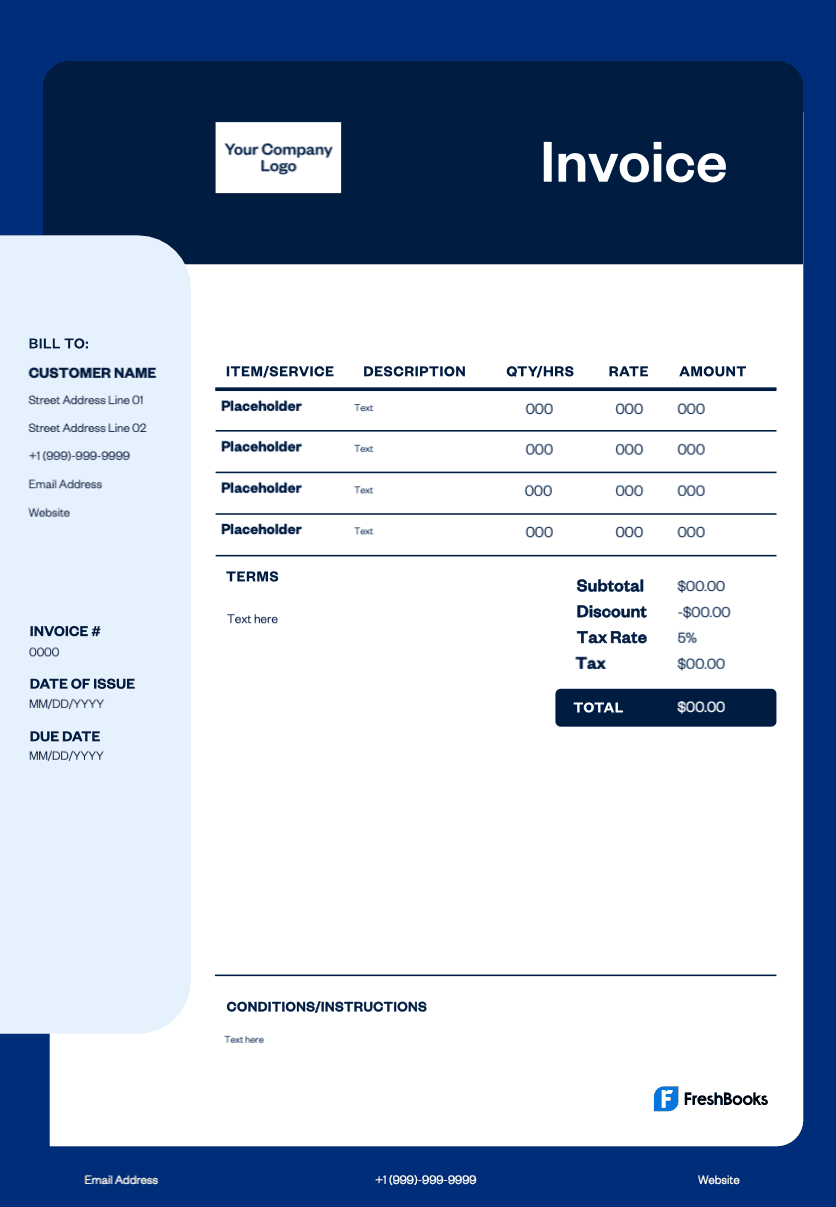
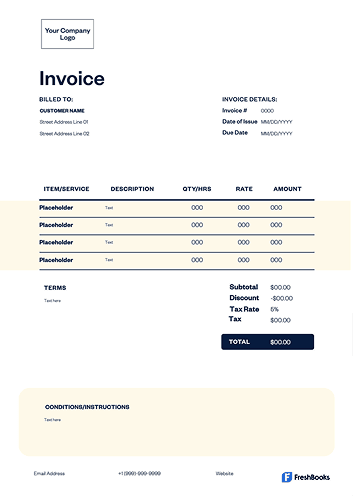
Using a pre-made Google Docs template for invoice creation can save time and ensure accuracy. It provides a professional layout with all necessary fields, so you don't miss crucial details like payment terms, due date, price, or itemized services, helping you get paid without delay.
Get your free Google Docs invoice template
For professionals who manage their own clients and multiple projects, an efficient way to handle billing is essential. Managing projects is your focus, and making new invoices shouldn't be a complex task. With the Google Docs invoice templates from FreshBooks, you can generate invoices directly from Google Drive. Because it's a cloud-based solution, your templates are always accessible, simplifying how you bill clients.
Download a photography invoice template





How do you create an invoice in Google Docs?
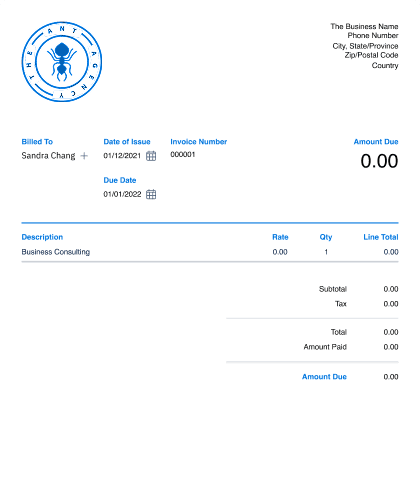
Start by downloading a free template in Google Docs format. Open the template file in your Google Drive, where you can then save a copy. Customize the invoice by adding your company logo and contact information. Then, fill in your client’s details, including their address, a unique invoice number, and the issue date. For each job or project, itemize all your products or services with a detailed description and prices, including your hourly rate if applicable. Calculate the subtotal, add any applicable taxes or discounts, and show the final amount due. Before sending, make sure your payment terms are clear, and you've had a chance to edit for any errors. You can then send invoices directly or download the file as a PDF.
Create invoices instantly
Free. No credit card required.
What should a Google Docs invoice include?
A professional invoice is an essential business document that must contain all key information to ensure transparency between you and your clients. A professional invoice is clear, legally compliant, and a must-have for tax purposes. Start with your business name and contact details, including your full address, followed by your client’s information.
Include a unique invoice number for tracking (especially if you handle multiple projects) and the date the invoice was issued. This helps you track payments efficiently. List all services rendered or products sold with a brief description of the work performed and the cost and price for each. Remember to include any miscellaneous charges. Calculate a subtotal, then add any taxes or discounts to arrive at the final total amount due. Finally, clearly state the payment due date and the payment methods you accept, such as bank account transfers, credit cards, or debit cards.
Download your free Google Docs invoice template
Stop building new invoices from scratch. Whether you need a simple invoice template or a detailed contractor invoice template, download your chosen free invoice template in Google Docs to easily create professional, polished bills in just minutes. It's the perfect Google Docs template for small businesses and freelancers looking to streamline their invoicing process, get paid faster, save time, and focus on what they do best.
Ready to get started?