Limited-time: Buy now and get 80% off for 4 months. Buy now & save
80% Off for 4 Months Buy now & save


More Payment Options Means Getting Paid Instantly

No credit card required.
Cancel anytime.
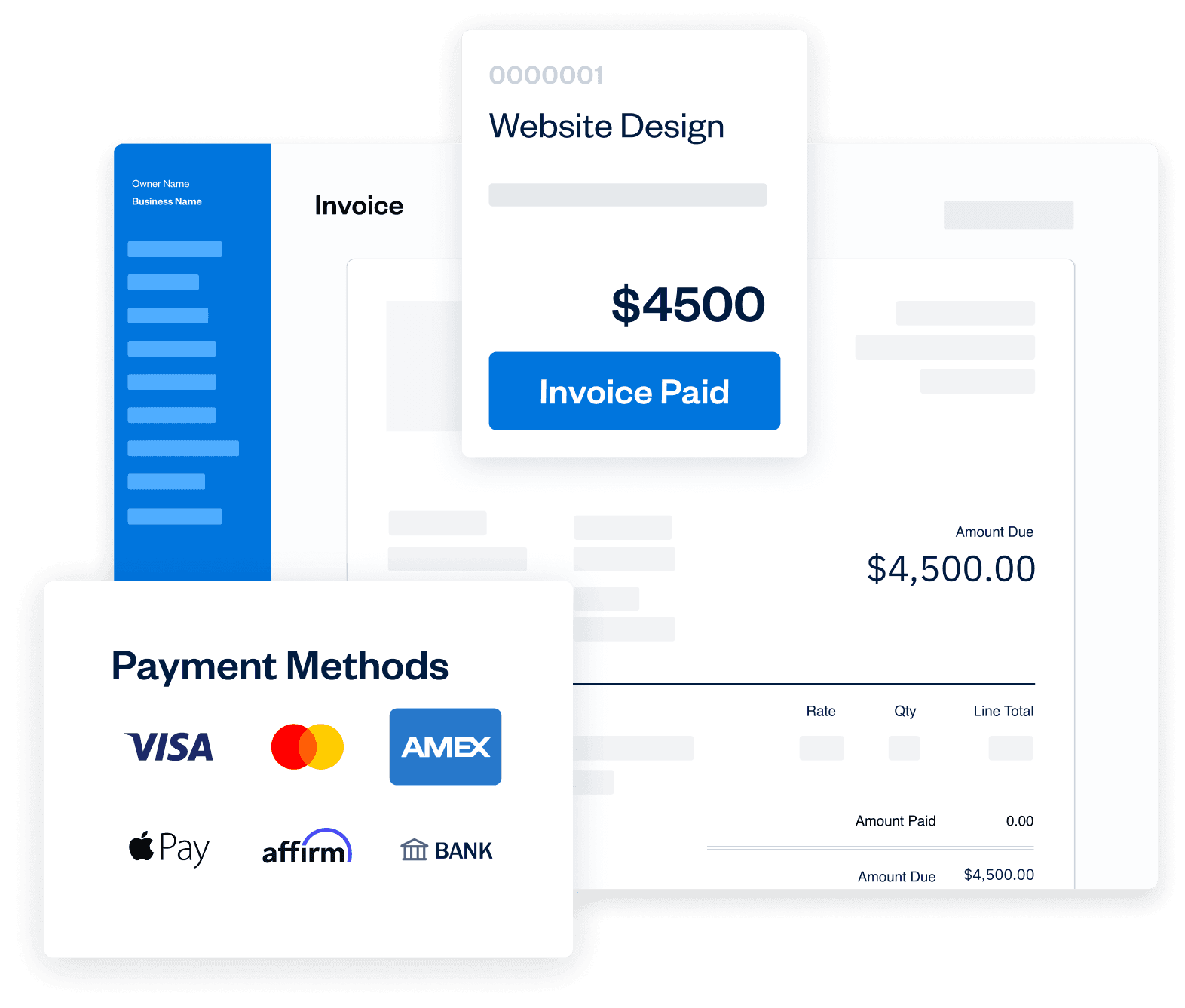




Hands-Off Payment Features
Take the “work” out of your billing workflow. Accept credit card payments, store card information, set up recurring payments, create automated subscription-based billing and manage relationships with repeat clients for both one-off transactions and subscriptions. Yes, getting paid instantly is really that easy.
Get StartedCompetitive Pricing
Unlock the convenience, security and speed all in one feature and all at one great price.
$25/month (add-on charge) + 3.5% + 30¢ ( per transaction )
In Person and Over the Phone
Advanced Payments: a better virtual terminal
- Securely save client cards on file for future billing.
- Set up automated recurring billing profiles for repeat services.
- Create subscription-based client profiles with predictable, automatic payments.
Wow! Subscription-Based Billing
In Person and Over the Phone
Advanced Payments: a better virtual terminal
- Securely save client cards on file for future billing.
- Set up automated recurring billing profiles for repeat services.
- Create subscription-based client profiles with predictable, automatic payments.
Wow! Subscription-Based Billing

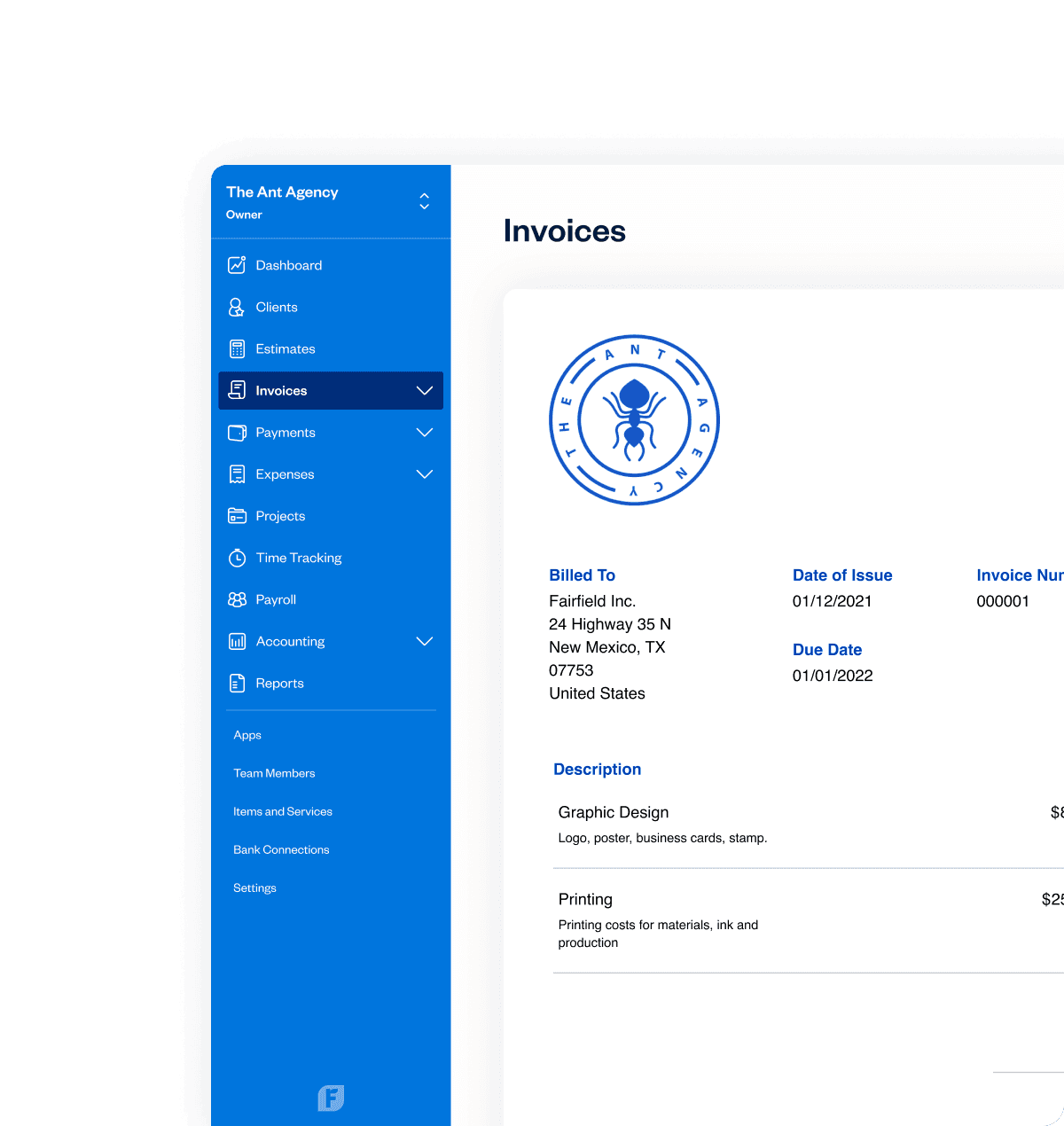
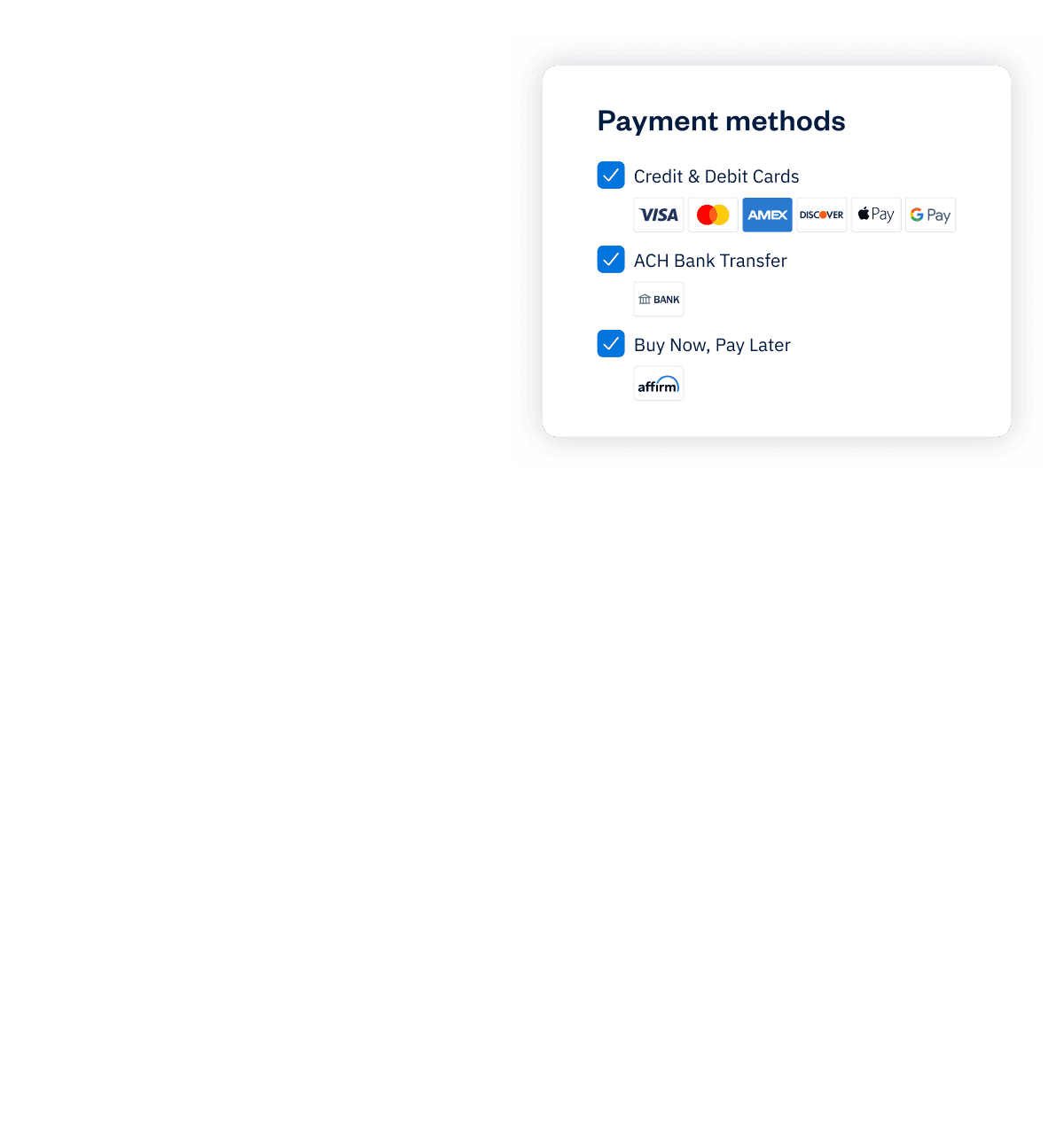
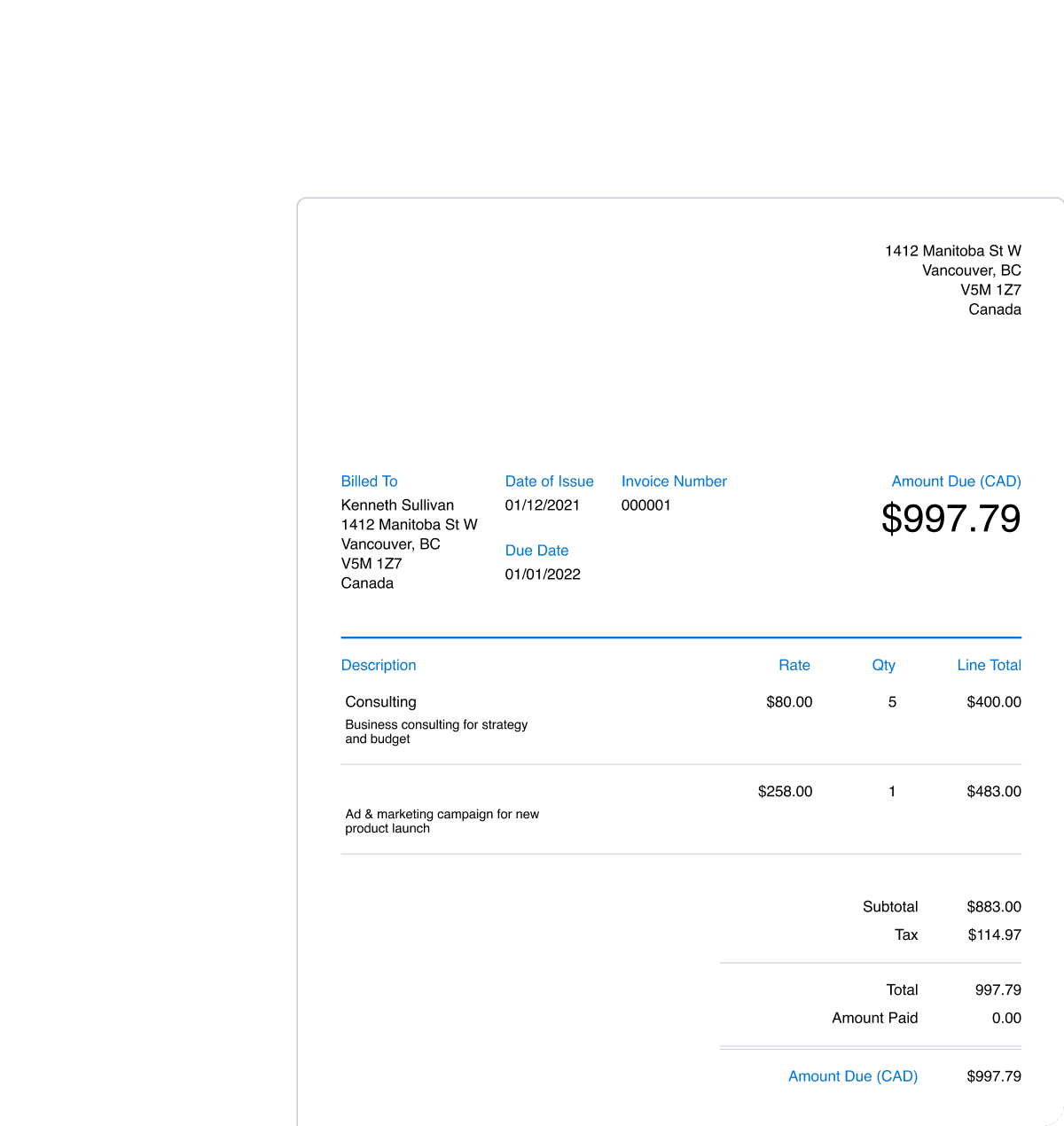

In Person and Over the Phone
Advanced Payments: a better virtual terminal
- Securely save client cards on file for future billing.
- Set up automated recurring billing profiles for repeat services.
- Create subscription-based client profiles with predictable, automatic payments.
Wow! Subscription-Based Billing
Frequently Asked Questions
An add-on is a feature you can selectively add or remove from your account that provides functionality that’s not available with regular FreshBooks’ plans. The Advanced Payments add-on can be selected through the Billing & Upgrade page in your account or directly at this link. All add-ons are charged to your account monthly.
You do not need to have used online payments before! However, you will need to set-up a new or existing Stripe account in FreshBooks before you see the option to add Advanced Payments to your account. Review the instructions for connecting your Stripe account here.
Nope! Recurring invoices are still available for free in all FreshBooks plans and you can even add the option for clients to pay you with a credit card for free as well. The additional functionality offered with Advanced Payments is the ability to require a credit card on the recurring invoice, so your client must choose this method of payment instead of other available options. Once they add their card, they will also be automatically charged every month, similar to a subscription-service.
This is not a safe way to store client data, let alone credit card data. There are regulations in the credit card industry that most companies choose to follow because it is the safe way to store client card data (this is called PCI Compliance). Advanced Payments (and all of New FreshBooks) is PCI Compliant, so you know your client data is completely safe and secure. If you choose not to safely store credit card data, you risk being charged if the information is compromised.
Advanced Payments charges 3.5% + 30¢/transaction (rates will vary depending on region) for all credit cards processed through it, which is higher than the rate for most cards regularly processed with FreshBooks Payments. This is a standard pattern for all keyed-in card transactions across most providers because these types of charges are a higher fraud risk.
If you haven’t completed connecting your Stripe account to FreshBooks, you won’t be able to see the option to purchase Advanced Payments. You will need to answer a few questions and connect your bank in order to be fully set-up. Review the instructions for completing your Stripe account set-up here.
