Limited-time offer: Get 60% off for 3 months. Buy now & save
60% Off for 3 Months Buy now & save


Past Due Invoice Template
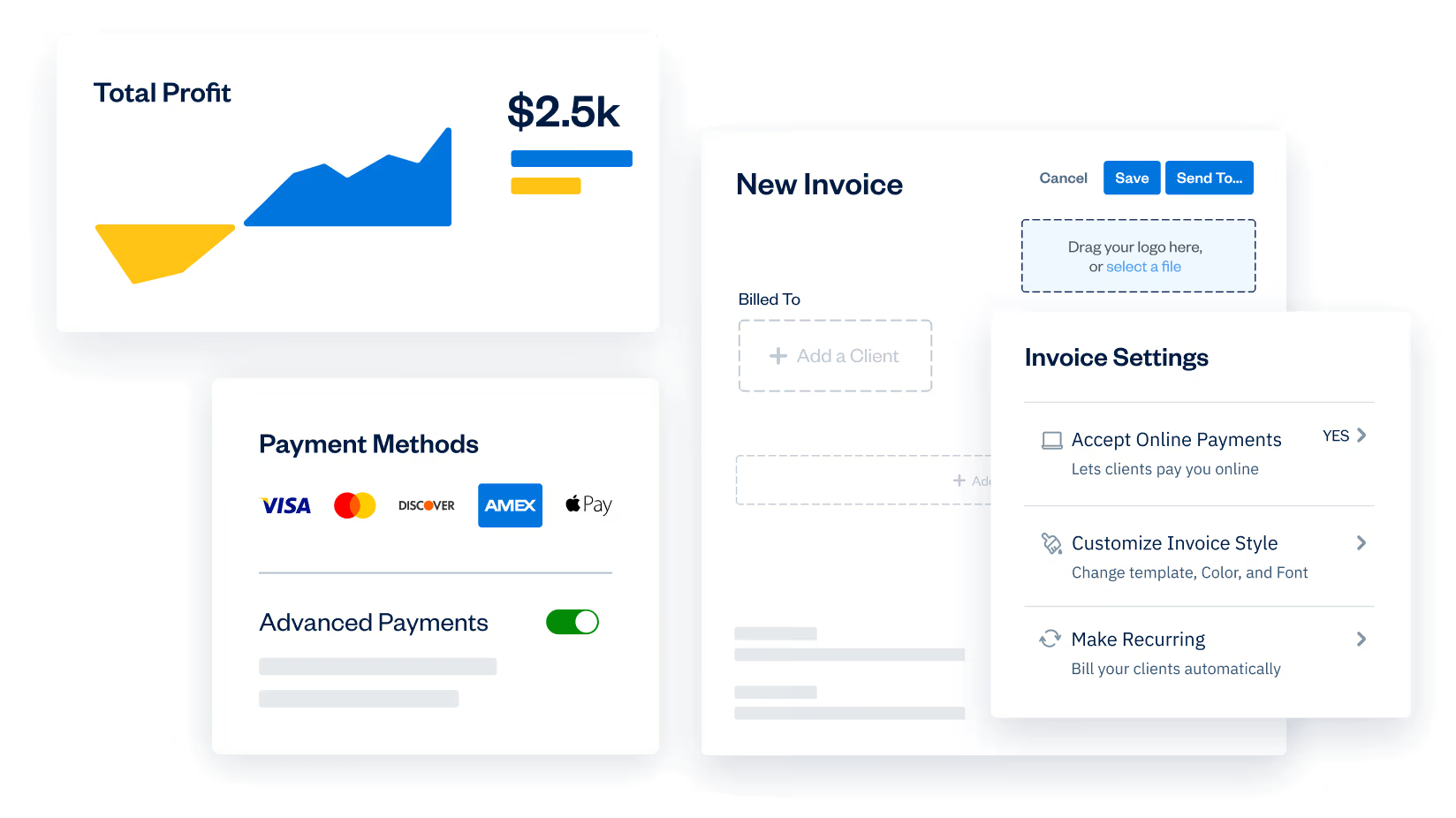
Here’s your ticket to getting paid 2x faster: FreshBooks invoicing software. Accept past due payments online, automatically send reminders and add late fees easily.
Join 30 million people who have used FreshBooks
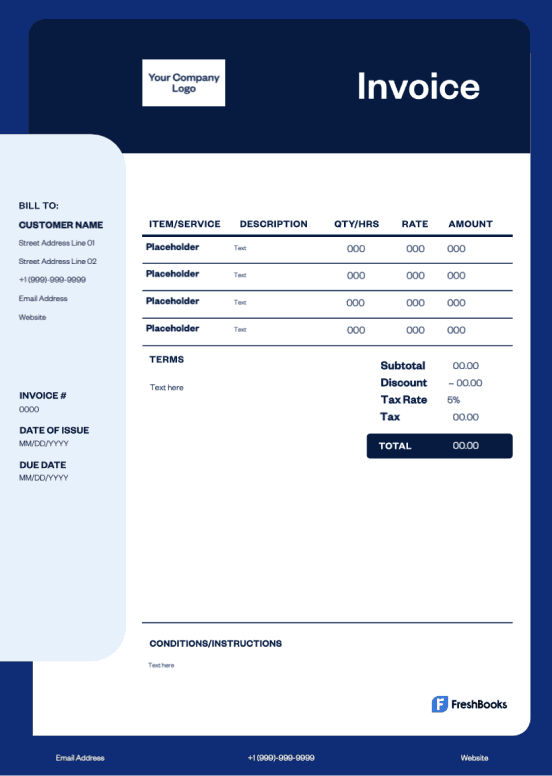
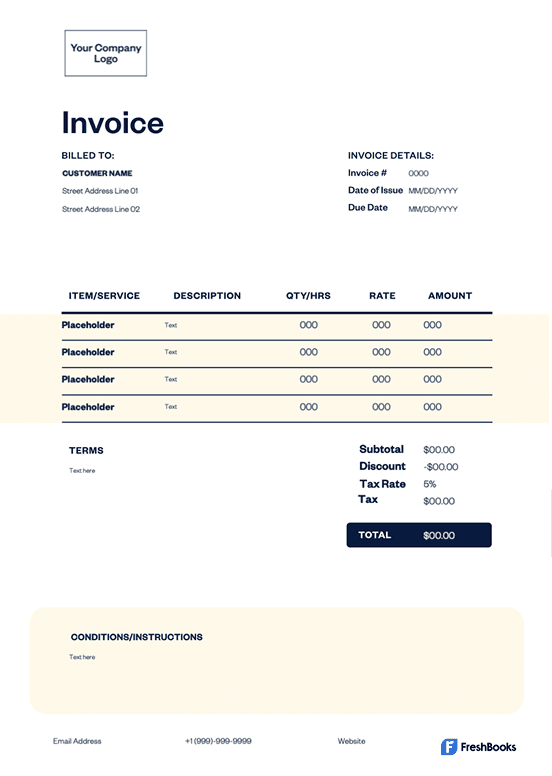
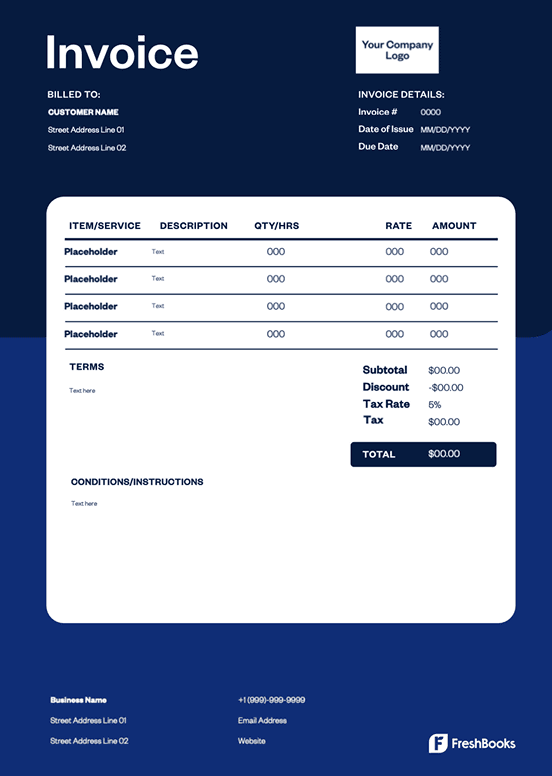
Get Your Free Past Due Invoice Template
You work hard every day to keep your business running. Whether you create and sell a product or you offer a valuable service to your customers, you deserve to be paid promptly and in full for what you do.
But the reality of business is that customers don’t always pay their bills on time. You’ve got past due invoices piling up, meaning you’re spending hours each month following up with those customers to collect payment.
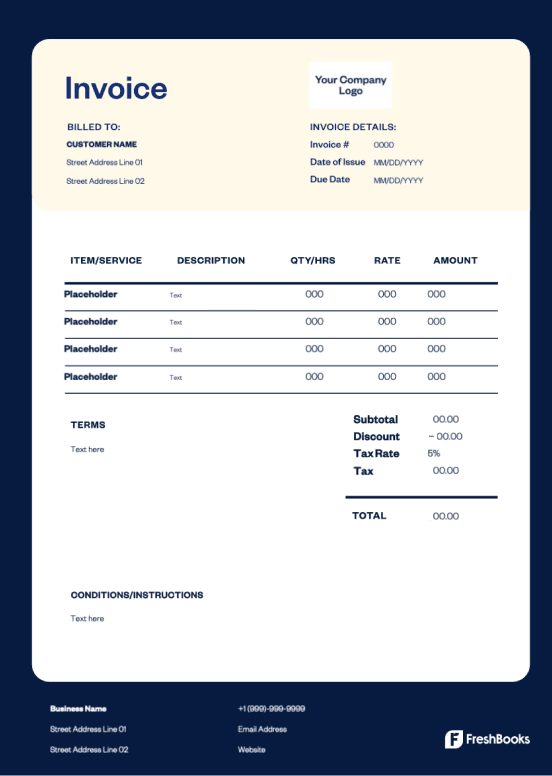
With a free past due invoice template from FreshBooks, you can cut down your follow-up time and decrease the number of unpaid invoices on your books.
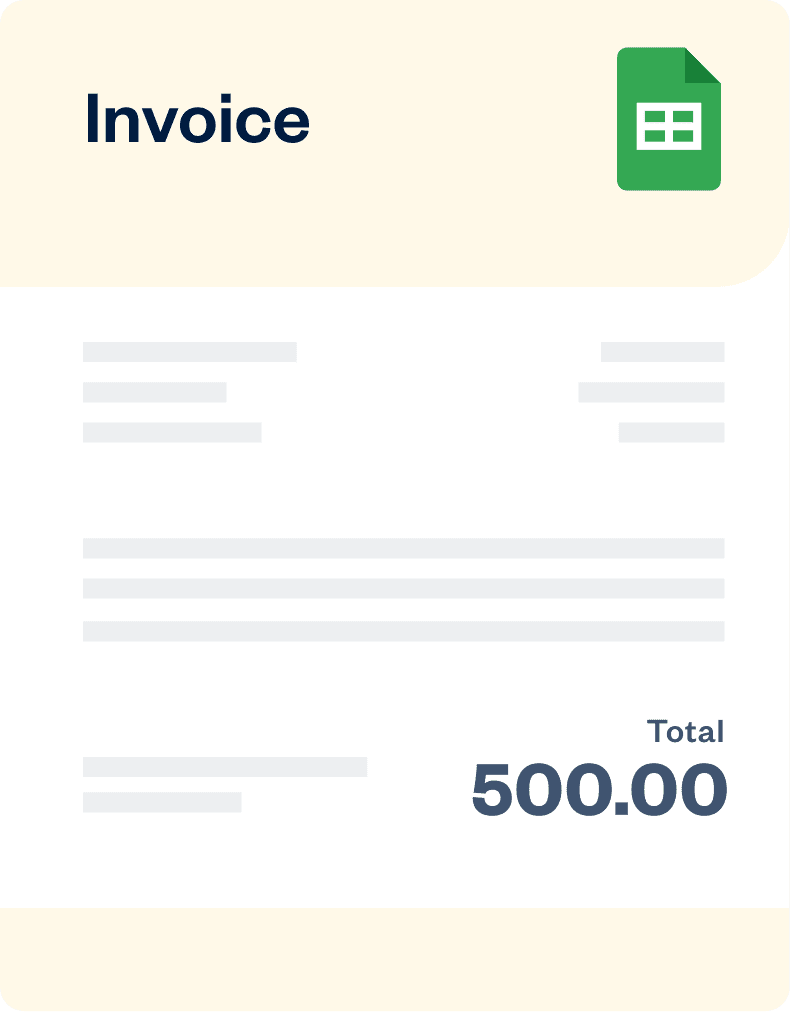
Available in .DOC, .XLS, or .PDF., Google Docs and Google Sheets. Visit our main page for more free templates.
If you have some time and want to create your own template, we provide that option for free.
Generate Custom Invoice for Free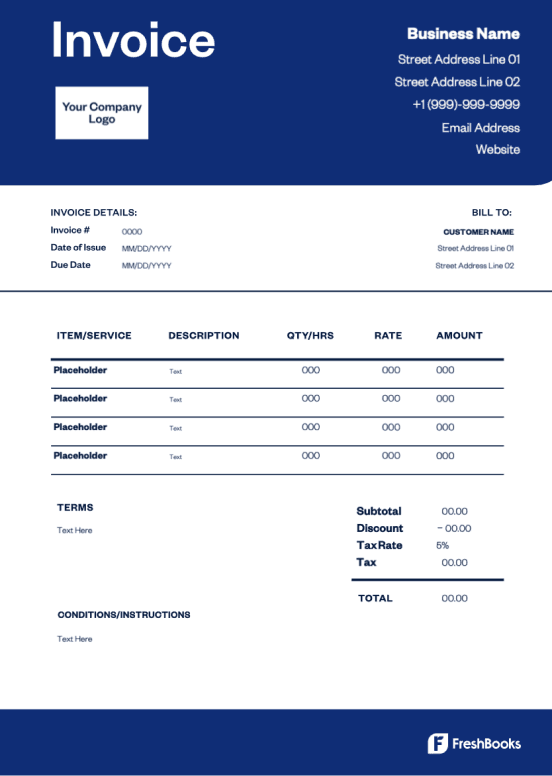
FreshBooks Invoice Generator
Drag your logo here, or select a file
Bill From:
Bill To:
Invoice Number:
Date:
Amount Due (USD)
$0.00
| Description | Rate | Qty | Line Total |
|---|---|---|---|
Enter an item name Describe this item | 0.00 | 1 | 0.00 |
| Subtotal | 0.00 |
|---|---|
| 0.00 | |
| Total | 0.00 |
| Amount Due (USD) | $0.00 |
Download the Past Due Invoice Template
Chasing late payment probably isn’t your favorite part of running a small business. Luckily, the free past due invoice template can help you collect overdue bills the professional way.

Word invoice template
Word invoice templates provide a simple solution for invoicing on a widely used program, offering compatibility with many different types of devices and software.
Excel invoice template
Excel invoice templates are easy to edit and offer formulas that make calculations a breeze. They help save time and reduce errors by doing the math for you.

Google Docs invoice template
The Google Docs invoice template makes it simple to download and customize a pre-made fillable template that’s ready to send in minutes.

Google Sheets invoice template
Google Docs invoice templates offer a collaborative experience. Different users can edit documents simultaneously, making it ideal for businesses with remote teams or client collaboration.

PDF invoice template
PDF invoice templates offer a file format that is widely used and accessible to many. These templates have the option of password protection to keep sensitive payment information secure.
Past Due Invoice Template vs. FreshBooks
One-time invoice templates are great, but when running small businesses, you need in-depth solutions. FreshBooks invoicing software lets you accept online payments, make professional invoices, send recurring invoices, and create invoices on your mobile device. Following are the differences between past due invoice templates and Freshbooks’ invoicing software.
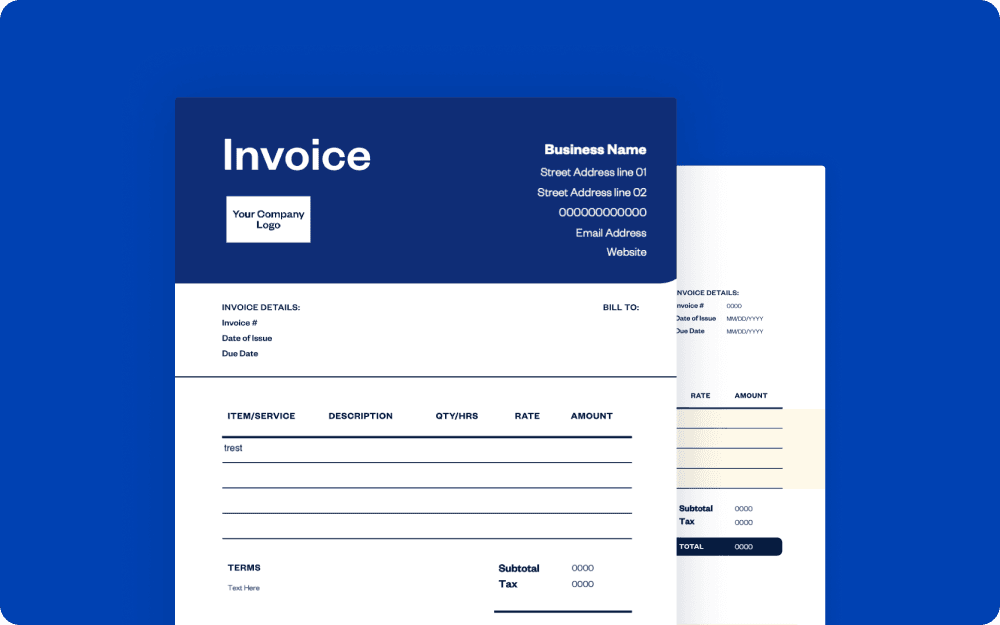
Downloadable estimate template
vs
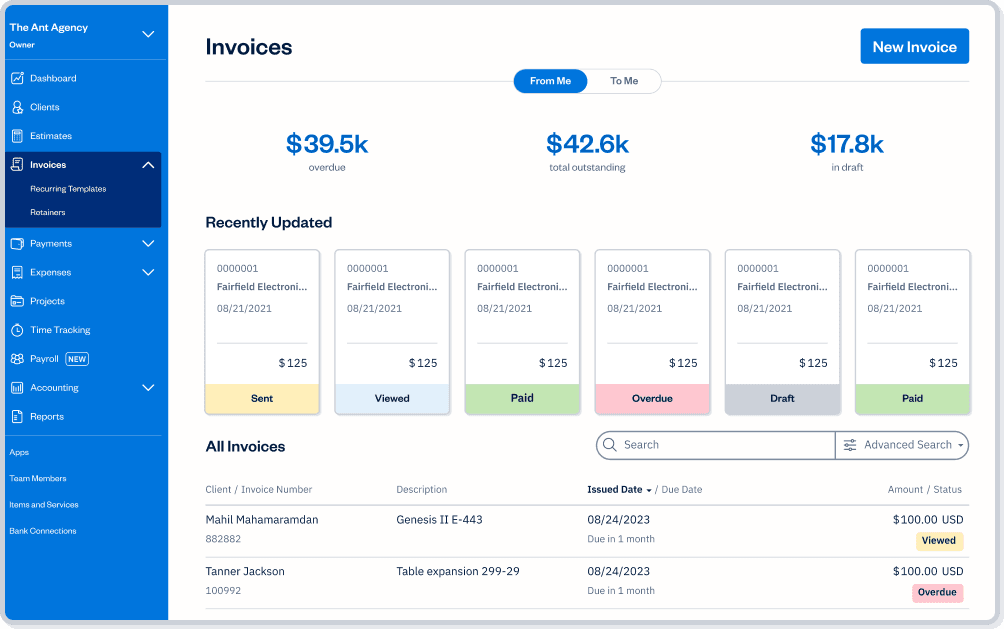
FreshBooks
| Features | Free invoice template |  |
|---|---|---|
Flexible invoice templates |  | |
Printable formats | | |
Email invoices at no cost | | |
Accept payments on invoices |  | |
Schedule invoices | | |
Automate payment reminders and late fees | | |
Manage paid and outstanding invoices | | |
Set up deposits for projects | | |
Add discounts and credits to invoices | | |
Automate recurring subscription invoices | | |
Create and send invoices via mobile devices | | |
Access your invoices FOREVER on the cloud | | |

Sign up for a free FreshBooks trial today!
Try It FreeTry It Free for 30 Days. No credit card required.
Cancel anytime.
Ready to get started?