Black Friday: 90% off + add free payroll* Buy now & save


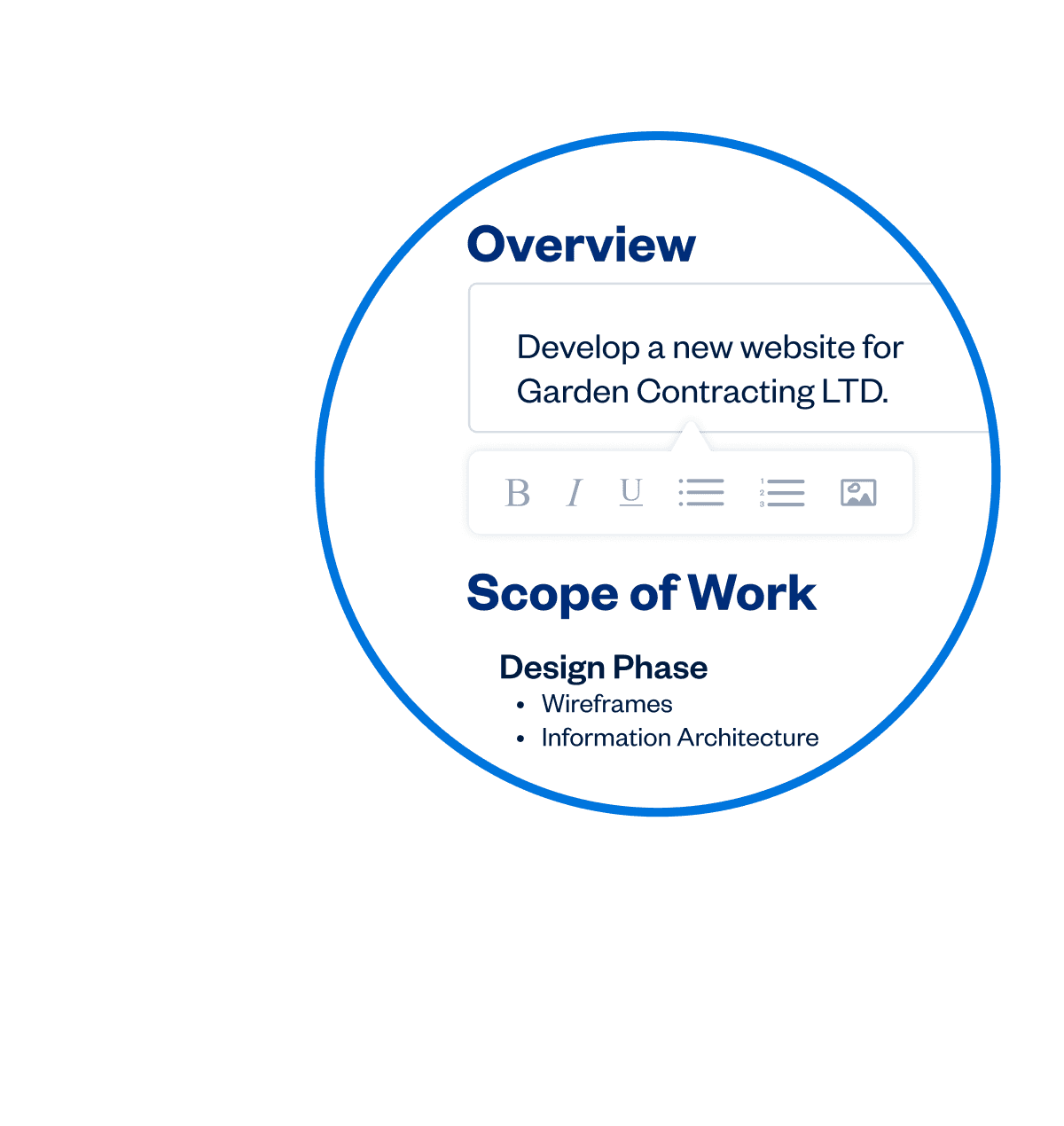

Simple scope of work (SOW) templates for service-based businesses
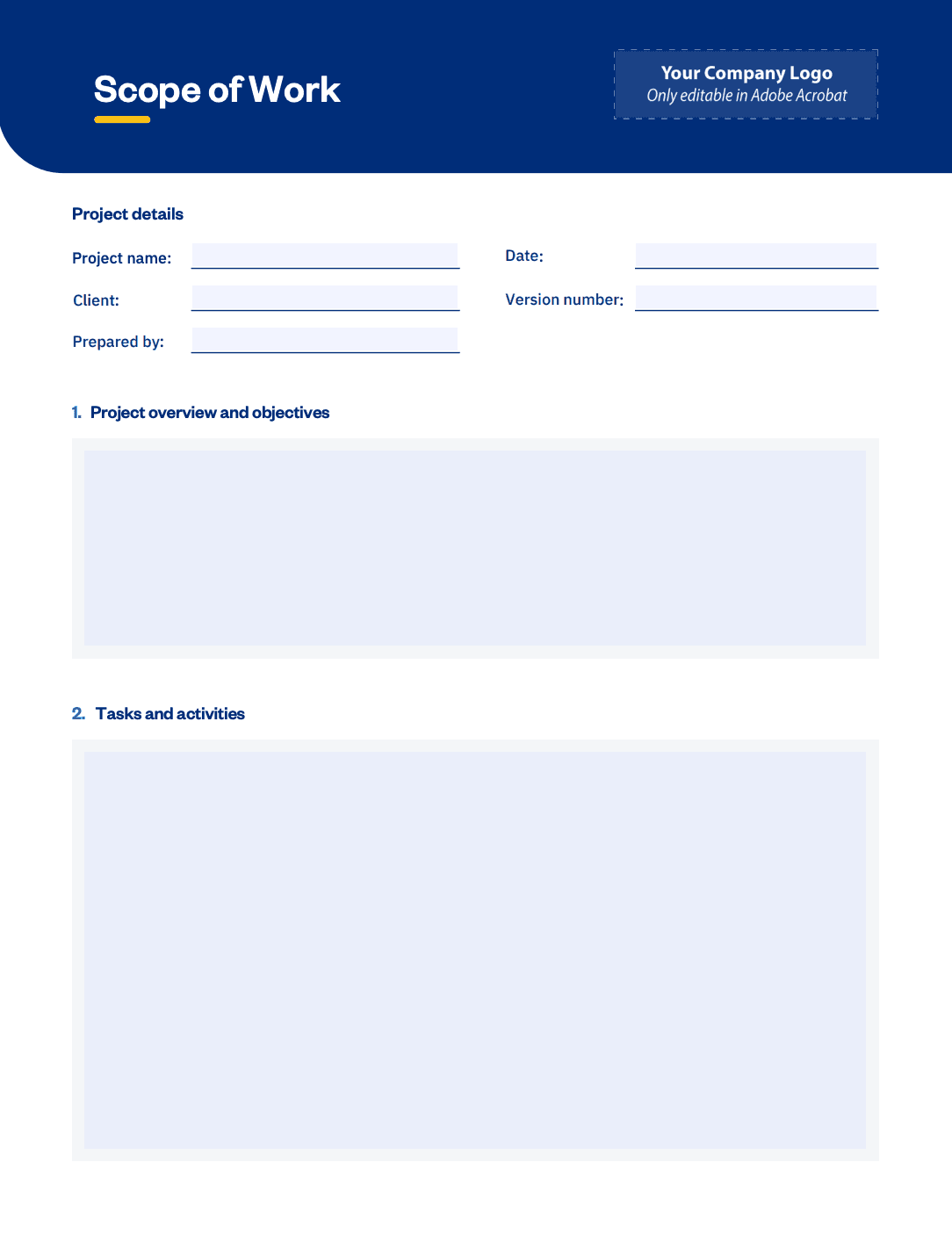
Each template covers the same seven sections, so you can re-use them for all clients and projects. Pick the SOW template format that matches how you work. Once you’re aligned on the SOW with your client, you can create a proposal with FreshBooks to get the project moving.
Choose your free scope of work template
 Google Docs
 Adobe PDF
Which scope of work template should I use?

Microsoft Word
Word is ideal for SOWs that need some narrative to explain project stages, workflows, and materials sourcing. It also handles tracked changes efficiently, letting you keep a record of all client edits before signing.
Free. No credit card required.
Who needs a scope of work template?
A scope of work is an agreement between two sides of a commercial transaction: the person doing the work and the client paying for it. Both sides should review, understand, and approve the SOW before anything starts.
Here are some examples of who needs a scope of work template:
Consultants and freelancers defining client work
Contractors and subcontractors clarifying job responsibilities
Agency owners coordinating client and team deliverables
Web and software developers defining acceptance criteria
Tradespeople pricing materials, site conditions, and change orders
Businesses attaching scope to a proposal or contract
What to include in a scope of work template
A clear scope of work can prevent disputes later. Nick Heimlich, a San Jose attorney with more than 15 years of business-contract experience, says many problems begin when the boundaries of an engagement are unclear.
“You need to be very clear on what’s included, how revisions happen, whether a client can request work outside of an agreement, and what happens when they do. Most disputes I see stem from these areas,” Heimlich says.
This means your SOW needs to include:
Project overview and objectives
Start with what the project is and the business result it supports. “Rebuild the booking flow so customers can book in under a minute” gives the work a clear target. “Build a new website” doesn’t.
Tasks and activities
List the actual work, broken down far enough that both sides picture the same job. “Design phase” hides too much work to hold anyone to.
Deliverables
Specify what the client receives, and define what done looks like for each one. “Design a homepage” is vague. “Three homepage concepts, 2 revision rounds, final Figma files” is clear.
Timeline and milestones
Give dates for phases and major deliverables, then name what the client owes you and by when.
Exclusions and out-of-scope items
Write down what the project does not include, especially the requests you can predict. Naming them turns a later ask into a change order instead of an argument.
Cost, payment terms, and assumptions
Include the price, the payment schedule, and the assumptions behind them, like material costs. Set a revision limit too, so a fourth round of changes becomes a new quote.
Stakeholders and approvals
Name one person who approves the work, not a committee. Add a signature block, and don’t start until it’s signed.
Work breakdown structure (optional)
For larger projects, break deliverables and complex tasks into smaller work packages, each with its own timeline and dependencies.
Benefits of using a scope of work template
Using a template for your scope of work offers many benefits, including;
Less scope creep
Work that isn't listed is easier to decline when the exclusions are already in writing.
Aligned expectations
Both sides read the same description before work starts.
Faster quoting
Reuse the structure and fill in details instead of rebuilding the document.
Source of truth
If a disagreement comes up mid-project, there's a document to check.
Easier coordination
Subcontractors and team members see which parts are theirs.
A professional first impression
A clear scope signals how you'll run the project.
Less scope creep
Work that isn't listed is easier to decline when the exclusions are already in writing.
Put your scope of work to work with FreshBooks
Once you and your client agree on the scope, FreshBooks moves it through approval, project tracking, time, and billing:
Proposals
Turn your scope into a client-facing proposal with a built-in Scope of Work section, then collect approval and an eSignature online.
Projects
Keep the agreed work, shared files, and client feedback in one place, and track the project against its budget.
Time Tracking
Log hours against the scoped work so that what you bill matches what you agreed to do.
Invoicing
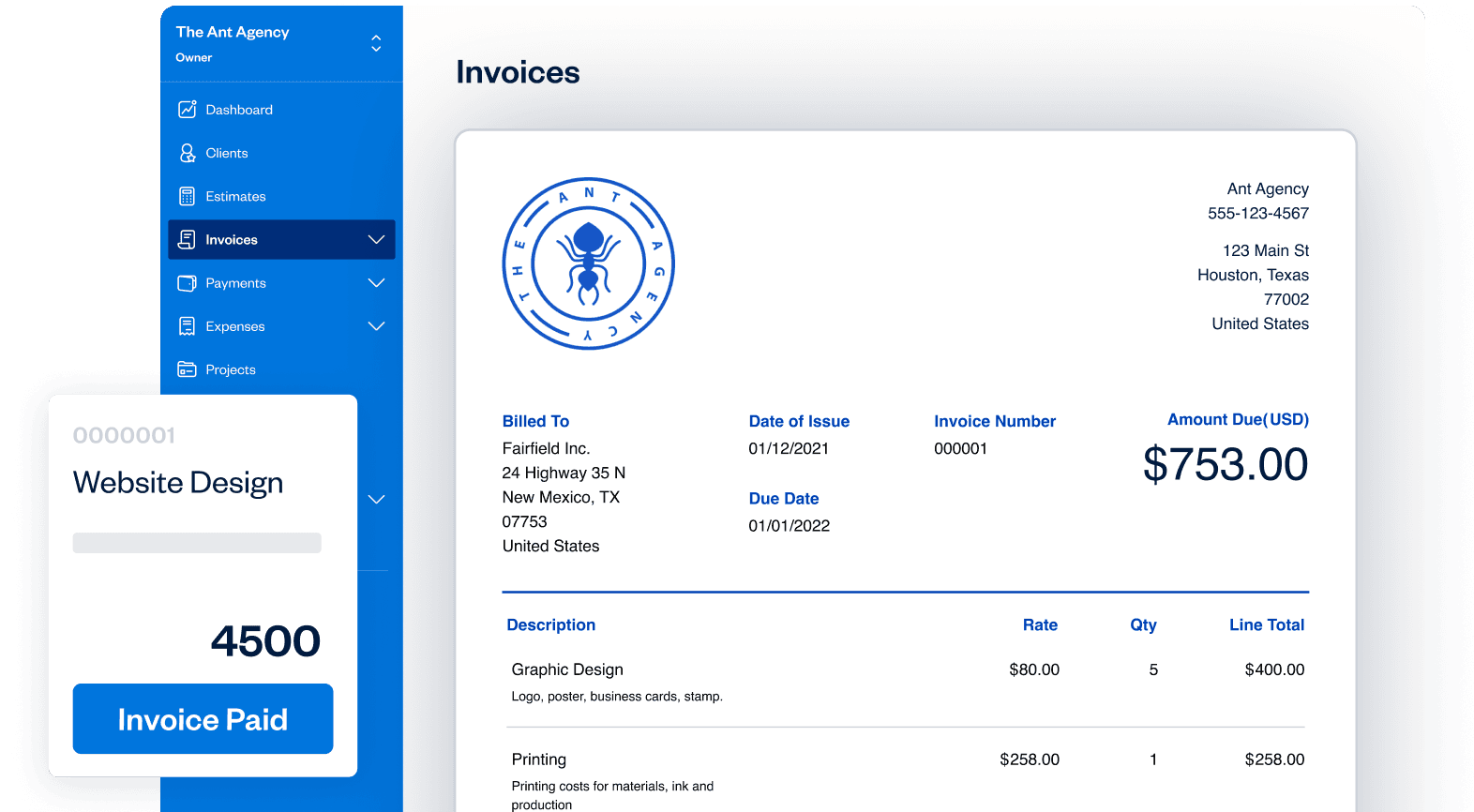
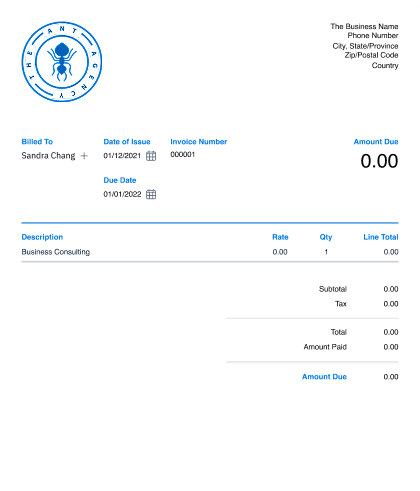
Once work is completed, create your invoice and deliver it to the client for payment.
Scope the work, then run it with FreshBooks
Frequently asked questions
Yes, the scope of work template is free to download in Word, Google Docs, or PDF. There's no cost, and no obligation to use FreshBooks.
To write a scope of work, start with the project's objective, then list the tasks, deliverables, timeline, exclusions, costs, and approvals. A template keeps you from leaving out the sections that cause problems. Exclusions and acceptance criteria are the two most often missed.
A scope of work often describes the specific work to be done, while a statement of work may include the scope plus commercial terms, milestones, responsibilities, and other project details. In practice, businesses often use the terms interchangeably.
A proposal pitches the work and the price. A scope of work describes what will be done. A contract sets the legal terms for the relationship. Whether a scope of work is legally binding depends on how it's executed—signed on its own, referenced in a contract, or attached as an exhibit. If that matters for your project, it's worth a legal review.
Yes. The Google Docs version supports real-time comments, so a client can respond in-line before anything is signed. You can also use the MS Word version to add comments and track changes to your files.