Black Friday: 90% off + add free payroll* Buy now & save


Track weekly hours with a ready-to-use timesheet
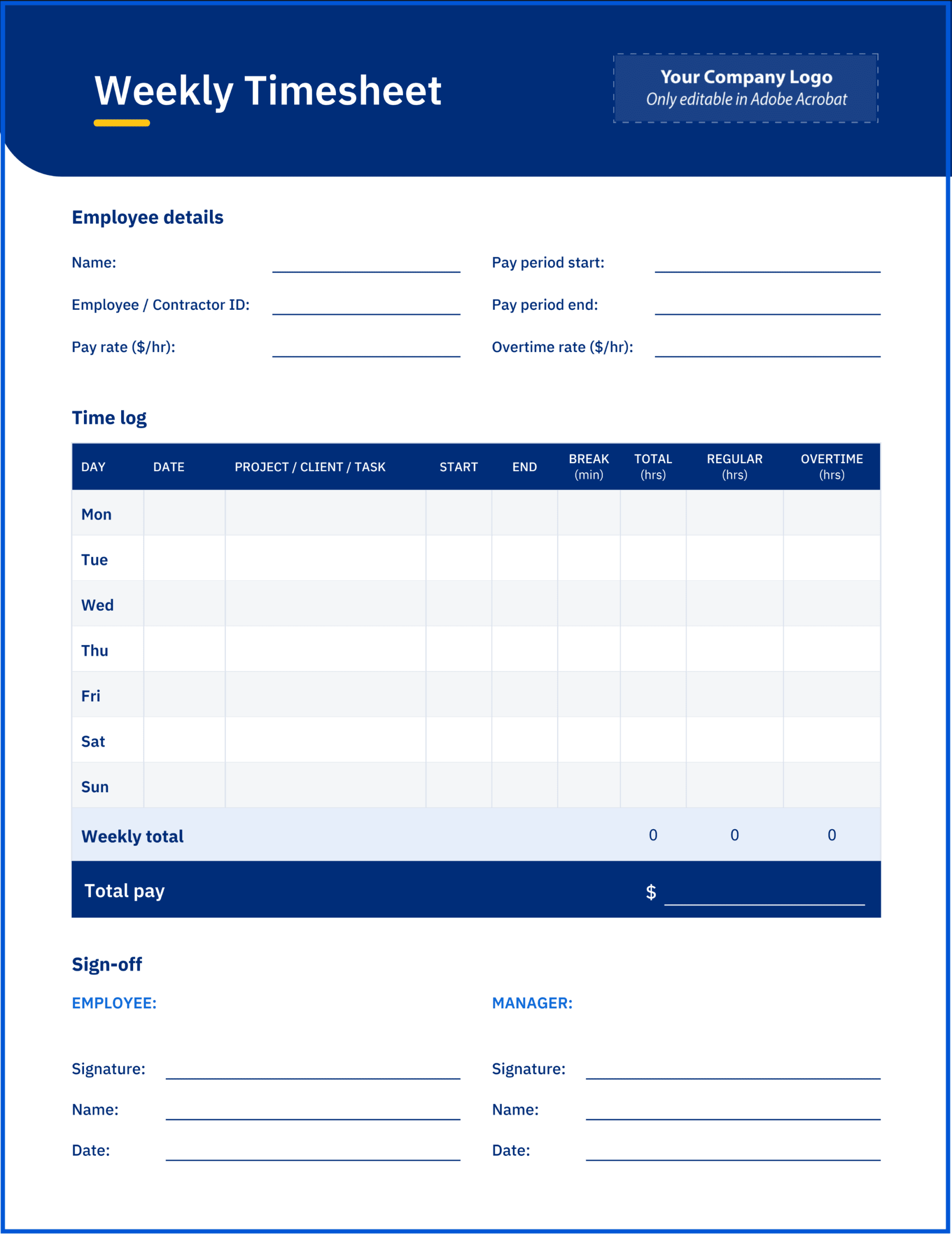
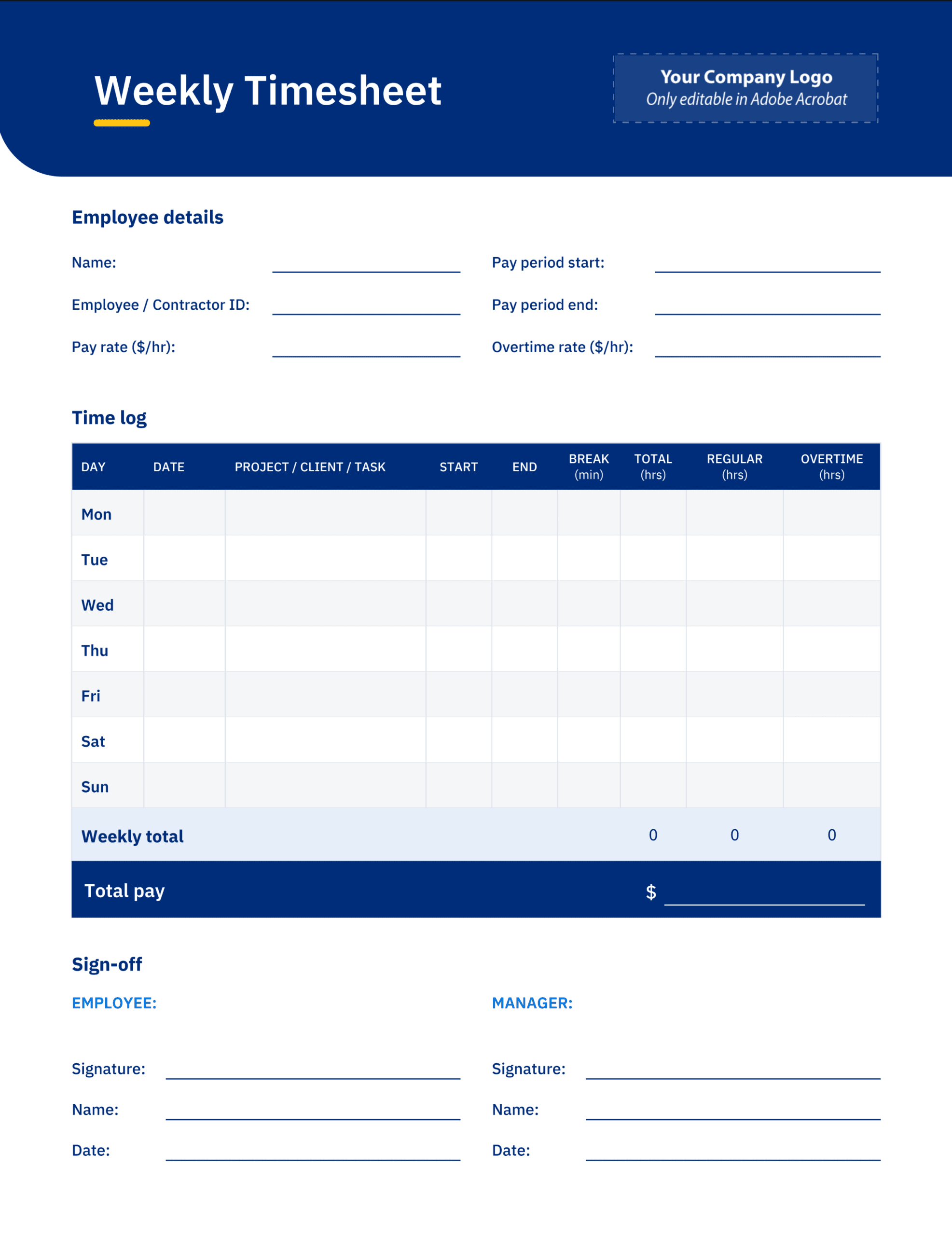
Our free weekly timesheet comes in Excel, Google Sheets, and PDF. It totals hours and calculates pay for you, so there’s no formula work. Add your names and rates, and you’re set from day one.
Download your free weekly timesheet template
 Microsoft Excel
 Google Sheets
 Adobe PDF
Which timesheet template format should I use?

Microsoft Word
Free. No credit card required.
Who needs a timesheet template?
A timesheet template helps anyone track work hours accurately for payroll, invoicing, or project costing. It records start and end times, breaks, and total hours—creating a clear record of time worked and what needs to be paid. Timesheet templates are useful for:
Hourly employees submitting weekly hours for payroll
Small business owners running payroll for a few people without dedicated software
Freelancers and consultants billing clients by the hour
Project managers comparing estimated hours with actual time worked
Construction and field crews logging time across multiple job sites in a day
Agency owners keeping tabs on billable hours across a small team
What to include in a timesheet template
Every field on a timesheet exists for a reason: accurate hours, correct pay, and billable time that holds up when it becomes an invoice. Here’s what belongs on the sheet and why.
Employee or contractor name and ID
Payroll needs to know exactly whose hours these are. For contractors, tie the sheet to a specific project or engagement, not just a name.
Pay period and date range
The dates anchor the sheet to one payroll cycle, so nothing gets paid twice or missed. Match it to your pay cycle: weekly, biweekly, or monthly.
Daily start, end, and break times
Daily start and end times, plus any unpaid break time, create a clear record of hours worked. That's the record payroll and overtime calculations rely on.
Regular hours, overtime hours, and pay rate
Overtime is where timesheet errors get expensive. Splitting it from regular hours, with the rate for each, keeps pay accurate and easy to check.
Project, client, or task code
This is the field that connects hours to billable time. Tag each entry to a client or project, and the timesheet is already most of the invoice.
Total hours and total pay
The summary row is what payroll or your invoice pulls from. In Excel or Sheets, let the formulas add it up, since this is the step where manual math can go wrong.
Employee and manager sign-off
A signature from both sides means the hours were reviewed and agreed to before payment. If a question comes up later, there's a record both people approved.
Benefits of using a timesheet template
A template gives you a consistent way to capture hours from the start. Benefits include:
Fewer pay calculation errors
Every employee’s hours logged the same way
Hours already organized for invoicing
Overtime is easier to spot and pay
Works with the tools you already use
Easy to adapt per role, project, or job
Fewer pay calculation errors
Put your timesheet to work with FreshBooks
The hours you’re logging on a timesheet are the same hours FreshBooks tracks, except they don’t need to be re-typed anywhere.
Track time against a client or project, and it’s ready to bill.
Time Tracking
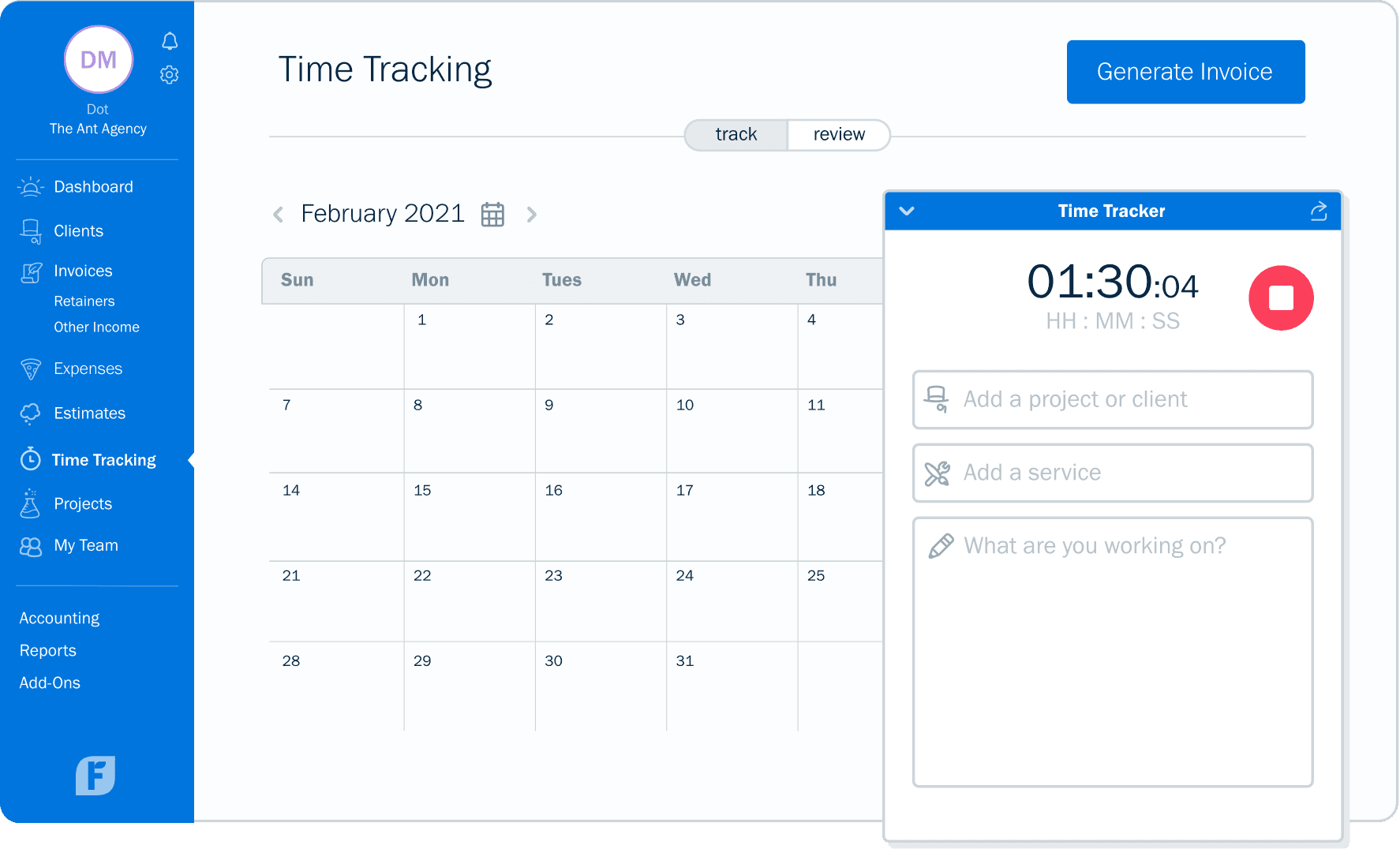
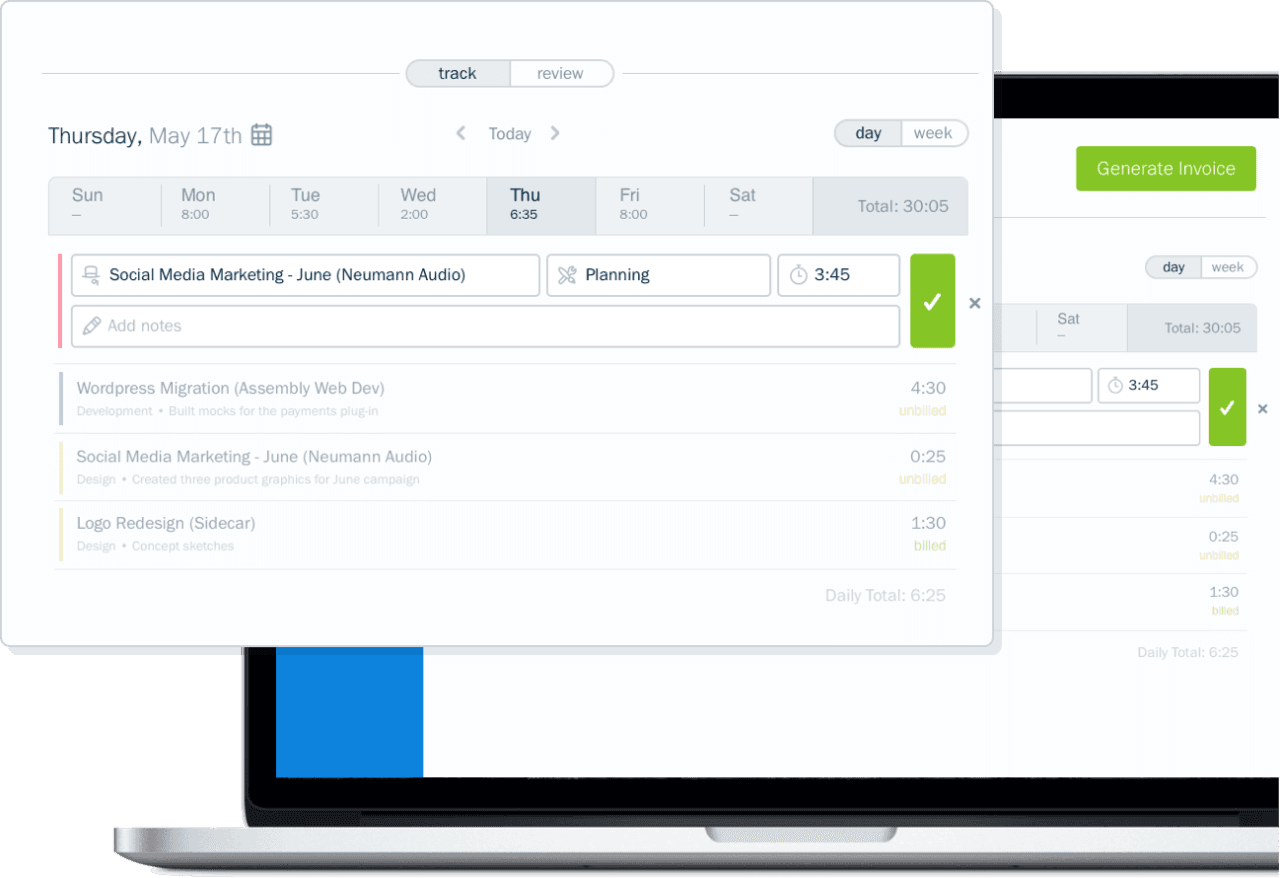
Log hours with a timer or enter them by hand on your desktop or in the mobile app. Every entry is tied to a client or project and marked billed or unbilled.
Invoicing
Generate an invoice from unbilled time in one click. Tracked hours pull straight onto the bill, so nothing gets missed and nothing gets copied twice.
Project Profitability
See how tracked hours and expenses stack up against what a project is earning, in real time, so you know which jobs are paying off before they wrap.
Shared Projects
Team members log their own time on shared projects, you see everyone’s hours in one place, and clients can share files and feedback right in the project.
Track your hours. Bill them with FreshBooks
A timesheet captures the time, and FreshBooks turns it into invoices, project insights, and payments, all in one place, so no hour gets lost between the sheet and the bill.
Start Your Free TrialFrequently asked questions
Yes, the timesheet template is free to download in Excel, Google Sheets, or PDF. No signup, no trial, no strings. If you decide you want to track time and turn it into invoices automatically, that’s what a FreshBooks trial is for, but the template is free either way.
A timesheet template should include the employee’s name, the pay period, daily start and end times with break time, regular and overtime hours, the pay rate, a total, and sign-off lines for the employee and a manager.
If you have hourly employees in the U.S., the Fair Labor Standards Act requires employers to keep accurate records of hours worked and pay overtime for hours over 40 in a workweek. A timesheet with a separate overtime column makes those hours easier to see, but it’s one part of your records, not the whole requirement. Rules vary by state and by worker classification, so check the U.S. Department of Labor’s overtime guidance or your state labor office.
A time card records when someone clocked in and out. A timesheet organizes hours worked by day, project, or client, then totals them for a pay period. There is some overlap, but a time card is the raw record, and a timesheet is the summary that payroll or invoicing actually uses.
Yes, if you use the Google Sheets version. A manager and an employee can open the same sheet at the same time, so hours can be logged and reviewed without emailing files back and forth. If your team grows beyond what a shared sheet can handle, FreshBooks Time Tracking lets each team member log their own hours on shared projects, and you see everyone's time in one place.