Black Friday: 90% off + add free payroll* Buy now & save


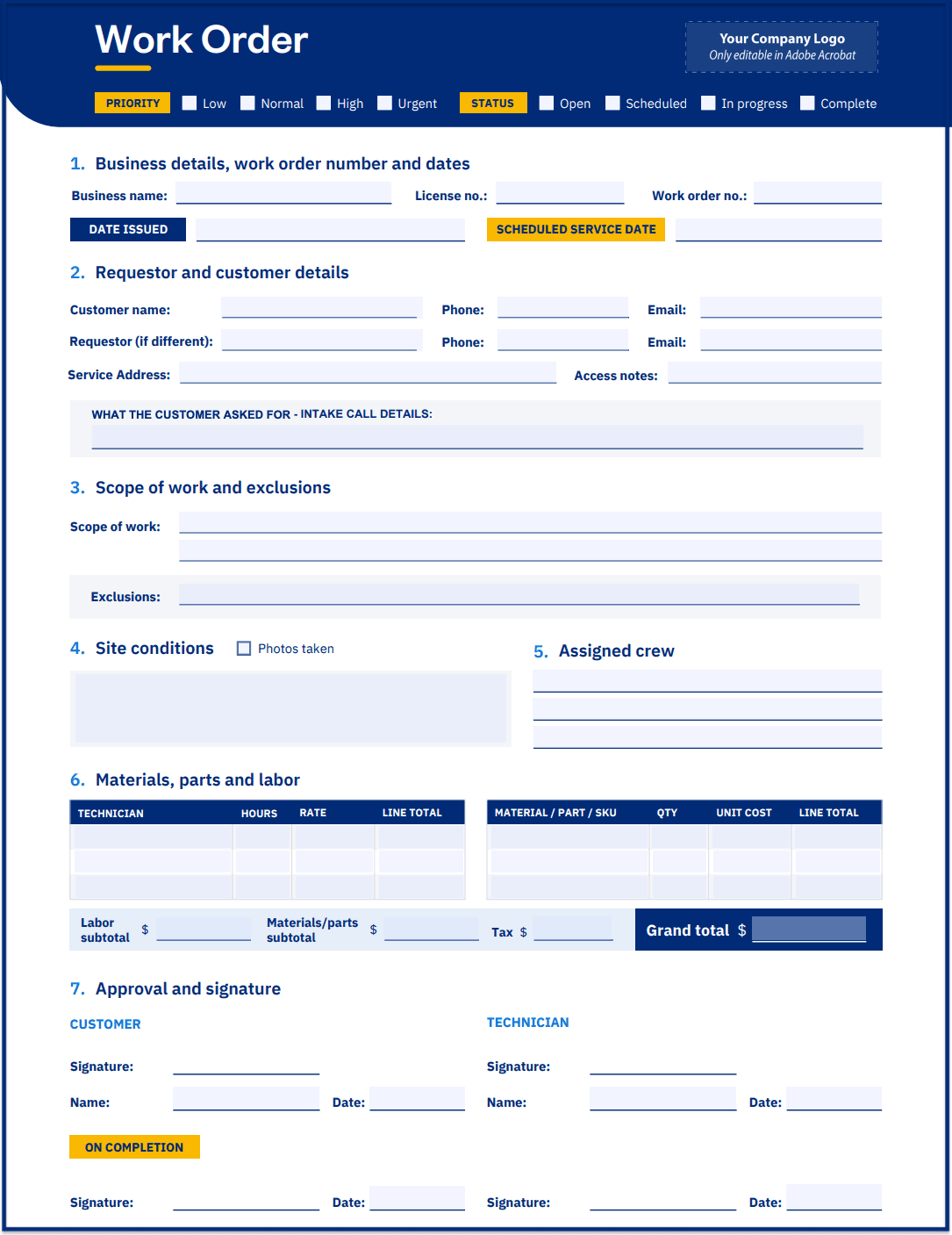
Simple work order templates for service-based businesses.
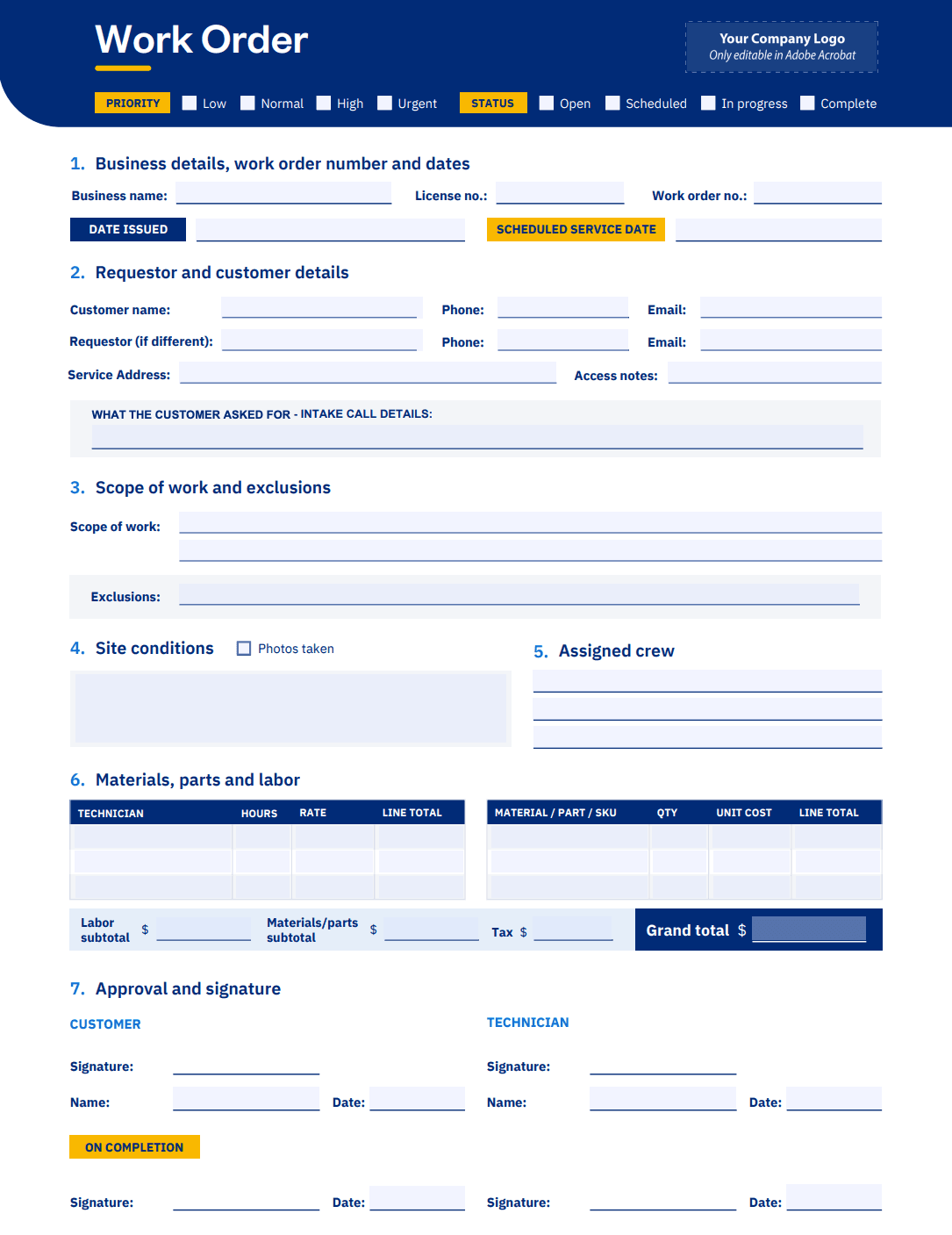
Each template covers the same seven sections, so you can reuse them across every job. Once the work is done, you can create an invoice with FreshBooks and bill from what your crew recorded on site.
Choose your free work order template
 Google Docs
 Microsoft Excel
 Google Sheets
 Adobe PDF
Which work order template format should I use?

Microsoft Word
Microsoft Word gives you the most flexibility for customizing your work order. Add your logo, adjust the layout, and save a separate version for each job type.
Free. No credit card required.
Who needs a work order template?
A work order is more than a task list. It can authorize a job, tell the technician or crew the details they need, and record what was done so the invoice matches the work. Often, it sits between the estimate and the invoice.
Work order templates can be useful for:
HVAC technicians logging calls and replaced parts
Plumbers and electricians logging labor and materials
General contractors issuing work to subcontractors
Landscaping and cleaning crews managing jobs across sites
Auto repair shops recording work, parts, and approval
Property managers assigning maintenance to vendors
Work order vs invoice vs purchase order
These three documents often get mixed up, and the main difference comes down to who writes them and when.

Created by
The business doing the work
The business doing the work
The buyer
Created when
Usually after the job is approved, but before work starts
After the work is finished, or at an agreed milestone
Before goods are ordered or services begin
What it captures
Scope, site, schedule, assigned crew, parts, and labor
Services delivered, amounts, taxes, payment terms
Items ordered, quantities, agreed price, and terms
What to include in a work order
A complete work order gives your crew clear instructions and gives you something to point to if the job gets questioned later. Without it, you're relying on memory.
Benjamin Gibber, owner of New Jersey attic and crawl space company Atticrawl, learned that when, after an insulation job, a client complained about damage to their HVAC ductwork.
“We didn't have any pictures of ductwork prior to beginning or notes on what the team started with,” Gibber says. Without that documentation, Gibber was stuck paying for the repair.
To avoid misunderstandings like this, a complete work order should include:
Business details, work order number, and dates
Head the form with your business name and license number, which some states require on customer paperwork. Give every job a unique number, then record two dates—when you issued it and when work is scheduled.
Requestor and customer details
Record who requested the work and who gets billed, since a property manager or tenant may request a job the owner pays for. Add the site address and access notes, then write down what the customer asked for in their own words.
Scope of work and exclusions
Spell out what the job covers and, just as importantly, what it does not. Naming the exclusions up front is what prevents a disagreement later about whether something was included in the price.
Site conditions
Note what you found before you started, and photograph anything already damaged where you are permitted to. This is the record that protects you if a customer later blames your crew for a pre-existing problem.
Assigned crew, schedule, and priority
Name the technician or crew, a start date, and an expected completion window rather than an open-ended promise. Mark the job high, medium, or low priority, and track whether it is open, in progress, or complete.
Materials, parts, and labor
Itemize the parts used and the hours worked against a rate, then roll them into the cost summary. Recording this on site beats rebuilding it from memory three days later, and it is what your invoice is built from.
Approval and signature
Leave space for the customer to sign off on the scope before work starts, and on the finished job after. Written contract rules also vary by state, so check with your state's contractor licensing board to understand what your paperwork has to cover.
Benefits of using a work order template
Using a template for your work orders offers several benefits, including:
Fewer missed details
Every job captures the same fields, so nothing gets skipped in a hurry.
Faster to fill in on-site
Your tech fills in blanks instead of writing a job description from scratch.
Clearer expectations
The customer sees the scope and the cost in writing before anyone picks up a tool.
Easier handoffs
A new tech or subcontractor can pick up the job without a phone call to explain it.
A record for if things go wrong
A signed work order supports you on warranty claims and billing questions.
A shorter path to payment
The parts and hours are already itemized, making it easier to write the invoice later on.
Fewer missed details
Every job captures the same fields, so nothing gets skipped in a hurry.
Put your work order to work with FreshBooks
A work order covers the job itself. Quoting it, tracking hours, and billing for what was delivered are where FreshBooks comes in.
Estimates
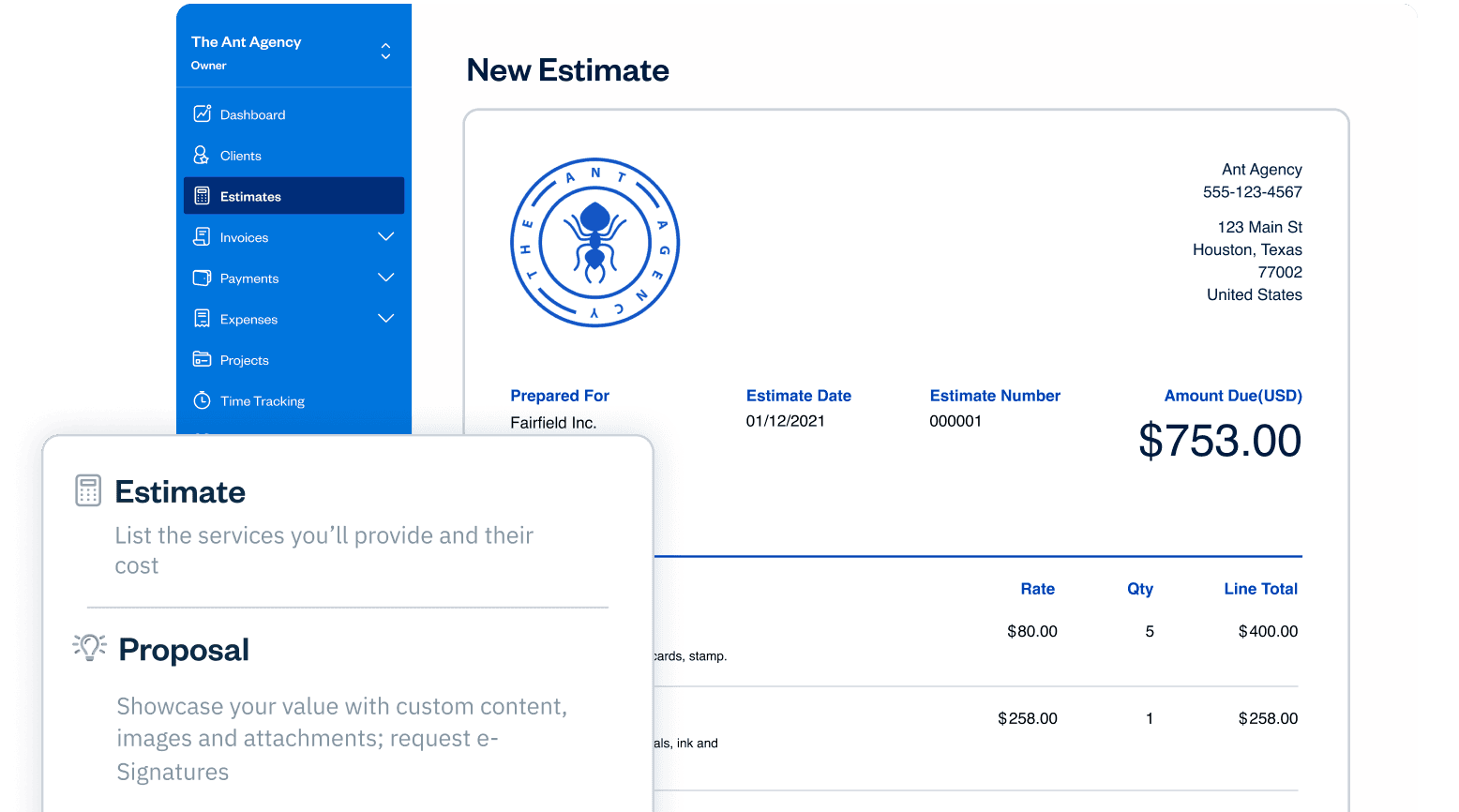
Quote the job before work starts, get client approval, and turn the accepted estimate into an invoice.
Time Tracking
Start a timer against a client or project from the mobile app or the Chrome timer, then pull those hours onto the invoice.
Expenses
Scan receipts for parts and materials, mark them billable, add a markup, and pull them onto the customer's invoice.
Invoicing
Bill for exactly what the work order captured, then collect online instead of waiting for a check.
Do the work, then get paid with FreshBooks
Frequently asked questions
Yes. The work order template is free to download in PDF, Word, Excel, Google Sheets, or Google Docs. There's no cost and no obligation to use FreshBooks.
A work order should include your business and license details, a work order number and dates, requestor and customer details, what the customer asked for, a clear scope of work with exclusions, the site conditions you found, the assigned crew and schedule, and itemized parts and labor with a cost summary. It should also leave space for priority and customer approval.
A work order and an invoice do different jobs at different points in time. The work order describes and directs the job before and during the work, while the invoice requests payment for it. Authorization often comes from a signed estimate or service agreement rather than the work order itself, and an invoice can be issued at a deposit or milestone rather than only after completion.
A work order and a purchase order differ in purpose more than direction. A work order directs and records service work, and it can go to your own crew, a subcontractor, or an outside vendor. A purchase order is a procurement document: a buyer issues it to a supplier to order supplies or services on agreed terms.
Yes. Print the PDF to complete by hand at the job site, or fill it out on a device with a compatible PDF app. Google Docs and Sheets versions let the crew and the office see and update the same shared file.