Black Friday: 90% off + add free payroll* Buy now & save


WHICH INVOICING SOFTWARE IS BETTER FOR YOUR NEEDS?
Top Invoice Home alternatives for contractors
Invoice Home is great for getting an invoice out the door, fast. But once you’re tracking expenses, watching project margins, and trying to keep the books straight, it can start to feel a bit limited. If you’re starting to feel those growing pains, here’s how the top Invoice Home alternatives for contractors compare.
Only available to new subscribers via this page.
No credit card required.
Cancel anytime.

4.5 Excellent



What is Invoice Home for contractors?
Invoice Home is a straightforward invoicing and billing app built around one thing: helping small businesses create, send, and get paid for invoices without a complicated setup. It comes with 100+ invoice templates, lets you add your logo, customize your forms, and collect payments through Stripe or PayPal.
For busy contractors on the go, that simplicity can be a real plus. You can whip up an invoice or estimate, copy an old invoice when you need something similar, send it off, and move on with your day.
But invoicing is only one part of running a business. Invoice Home doesn’t offer the tools to track expenses, monitor profit margins, and manage your accounting—things that become harder to keep on top of as your business grows.
Invoice Home pros and cons for contractors
Invoice Home makes invoicing quick and easy, but it may not cover all your needs.
Pros:
100+ customizable templates, with support for logos, multiple currencies, and flexible tax settings.
Create estimates, quotes, purchase orders, invoices, receipts, and credit memos from your phone or desktop.
Accept payments directly through Stripe or PayPal.
Simple interface and zero prior bookkeeping experience needed
Cons:
No direct accounting software sync.
No expense tracking or receipt scanning for job-related costs.
No real-time project cost or profitability tracking.
Free plan limits invoicing to $1,000 per rolling 30 days and adds Invoice Home branding to PDF exports.
Why contractors are looking for Invoice Home alternatives
With Invoice Home, there’s no way to track project expenses, see how profitable a job is, or keep your books organized in the same place. The free plan also adds Invoice Home branding to PDF documents, which can make invoices look less polished when you’re trying to present a professional image to customers.
What growing contractors need is a platform that keeps invoicing connected to the rest of the business—from expenses and profitability to bookkeeping and day-to-day financial management.
Top Invoice Home alternatives for contractors: quick comparison
Contractors managing complex trade jobs often need more functionality than simple billing templates can offer. Here is how the top Invoice Home alternatives stack up on key contractor features.
| Features | FreshBooks | Invoice Home | Joist | Wave | Invoice Simple | Pronto Invoice |
|---|---|---|---|---|---|---|
|  |  | | | | Requires Pro plan |
Time tracking | | | | | | |
Invoice automation and integrated payments | | | | | Premium plan or higher | Recurring invoices on Growth and Pro; integrated payments on all plans |
Built-in accounting | Native double-entry ledger | | | Native double-entry ledger | | |
Expense tracking | | | Pro plan or higher | Included with Pro; paid add-on for Starter | | |
Projects and project profitability | Premium plan or higher | | | Pro plan; tags-based profitability reporting | | |
Estimates and proposals | Proposals available on Plus plans and higher | Estimates only | Estimates only | Estimates only | Estimates only | |
Retainers | Plus plan and higher | | | | | |
Features | FreshBooks | Invoice Home |
|---|---|---|
| | |
Time tracking | | |
Invoice automation and integrated payments | | |
Built-in accounting | Native double-entry ledger | |
Expense tracking | | |
Projects and project profitability | Premium plan or higher | |
Estimates and proposals | Proposals available on Plus plans and higher | Estimates only |
Retainers | Plus plan and higher | |
Ready to manage your finances in one place?
FreshBooks makes it easy.
Try It FreeWhat are the top Invoice Home app alternatives for contractors?
FreshBooks
What to expect:
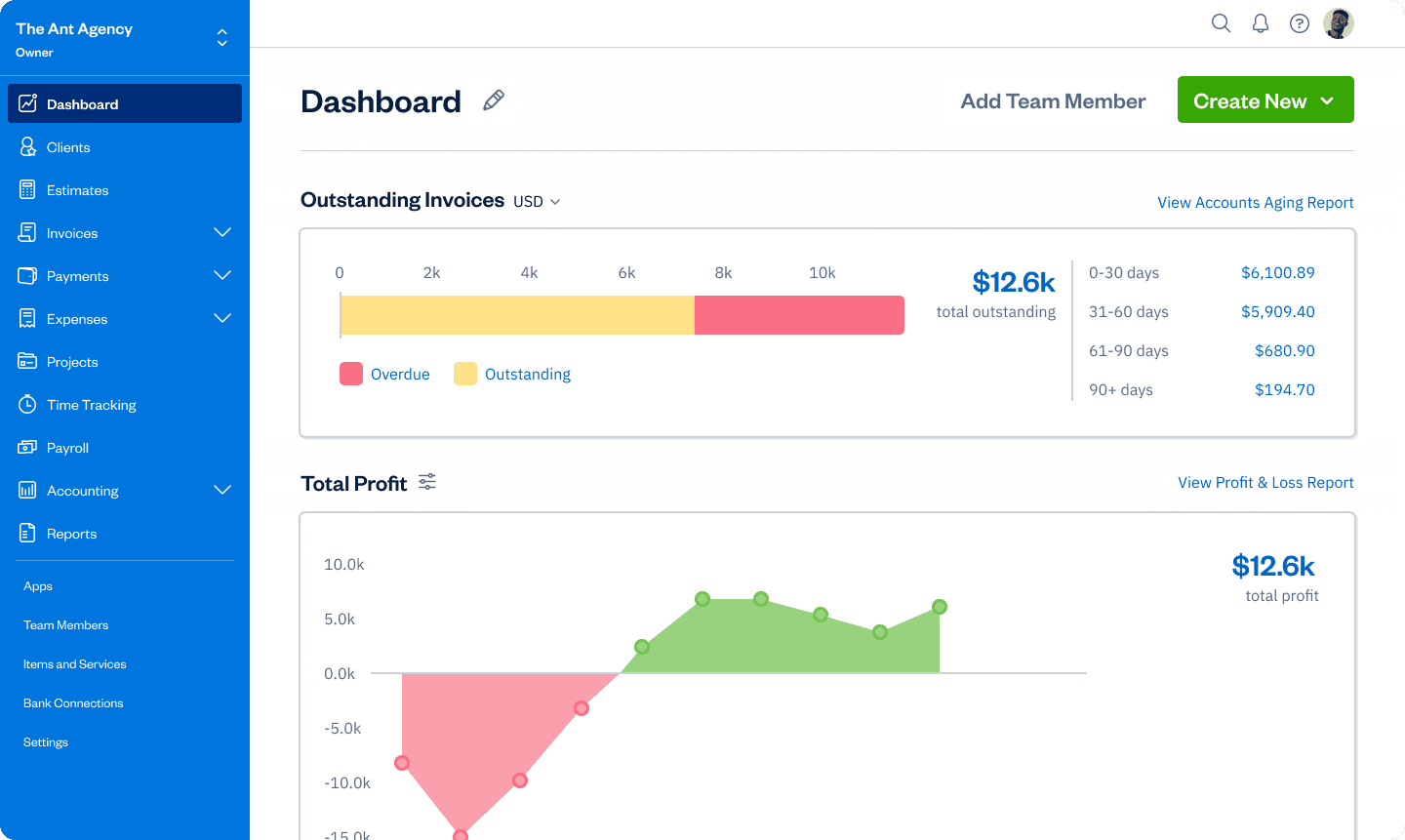
FreshBooks has a 4.5-star rating on Capterra, with positive feedback from contractors and other construction professionals. One Project Manager described it as “great and simple to use,” adding that he could “create invoices directly from the app.”
Joist
With Joist, you can:
Joist handles field paperwork and deposit collection better than basic billing tools. But its focus is mainly on jobsite estimating—meaning you’ll still need separate software if you want full tax-ready accounting.
Wave
With Wave, you can:
Wave gives you a real financial foundation with tax-ready reports, but it's essentially an office-first tool. So, if you need to generate quick quotes while standing in a client's driveway, a more mobile-friendly platform will save you time.
Invoice Simple
With Invoice Simple you can:
Invoice Simple makes sending quick bills on the go a breeze, but it skips key back-office tools like client portals, job profit tracking, and full bookkeeping. As your business grows, you'll likely want an all-in-one platform that handles your job costs and tax-ready reports in one place.
Pronto Invoice
With Pronto Invoice, you can:
Pronto is great for dictating estimates hands-free or billing in dead zones, but it lacks built-in accounting, time tracking, and client portals. If you want a single hub to keep your client chats, quotes, and overall finances organized, you may want to look into a full-service platform instead.
What are the top Invoice Home app alternatives for contractors?
What to expect:
FreshBooks has a 4.5-star rating on Capterra, with positive feedback from contractors and other construction professionals. One Project Manager described it as “great and simple to use,” adding that he could “create invoices directly from the app.”
Why FreshBooks is the best invoicing software for contractors
Invoice Home covers the estimate-to-payment cycle, but contractors need more than the basics. FreshBooks gives you the tools to keep jobs organized, expenses tracked, and payments moving.

Project and profitability tracking
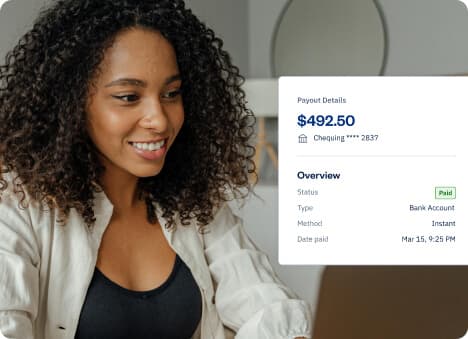
Monitor labor, materials, and receipts against project margins in real time (Premium and Select plans).
Fieldwork tools
Send proposals, capture e-signatures, and automatically log GPS mileage while you drive.
Progress invoicing
Request upfront deposits or bill by project milestones to keep cash flow moving.
Built-in accounting
Create fast, polished invoices on site, backed by tax-ready double-entry accounting for your back office.
FreshBooks: complete invoicing and accounting for contractors
Love the fast, easy invoicing and estimates of Invoice Home, but sick of manually tracking everything else?
FreshBooks helps you manage the whole job—from quoting work on the go to tracking project costs and keeping your financials organized come tax season.
Frequently Asked Questions
Yes. You can export your client list and transaction history from Invoice Home as an Excel/CSV file, then upload it directly into FreshBooks to keep your records intact without typing everything manually.
Most of the platforms covered here handle both invoicing and expense tracking, but they differ in how much accounting they include. FreshBooks, QuickBooks Online, Xero, and Wave combine invoicing with broader accounting tools. Joist adds contractor-focused features like estimates and payments, while Invoice Home and Pronto Invoice focus more on creating and sending invoices. If you need accounting alongside invoicing, FreshBooks, QuickBooks Online, Xero, and Wave are the more complete options.
Yes, but the free options work differently. Wave offers unlimited invoices without the $1,000 monthly cap or document branding on Invoice Home's free tier. Joist and Pronto Invoice also offer free invoicing options, with some features limited. FreshBooks, QuickBooks Online, and Xero offer free trials rather than free plans.
It depends on what you need beyond invoicing. FreshBooks, Joist, and Pronto Invoice all support mobile invoicing. FreshBooks combines invoicing with quotes, receipt scanning, expenses, and project billing. Joist focuses on estimates, invoices, and payments for contractors, while Pronto Invoice keeps things centered on creating and sending invoices. For contractors who need a broader set of field tools, FreshBooks offers more functionality in one app.
FreshBooks, Wave, Invoice Home, and Pronto Invoice (Growth+) let you automate recurring invoices and card payments. Joist and Invoice Simple require you to send bills manually each billing cycle.
Yes. FreshBooks, QuickBooks Online, Xero, Wave, and Joist support both one-time and recurring invoices. Invoice Home and Pronto Invoice are more focused on straightforward invoice creation. If you bill for individual projects as well as ongoing services, FreshBooks, QuickBooks Online, Xero, Wave, and Joist can handle both.