Limited-time offer: 80% off for 4 months + free onboarding support with FreshBooks.* Buy now & save
80% off for 4 months + free onboarding support*. Buy now & save


Free receipt templates for every business
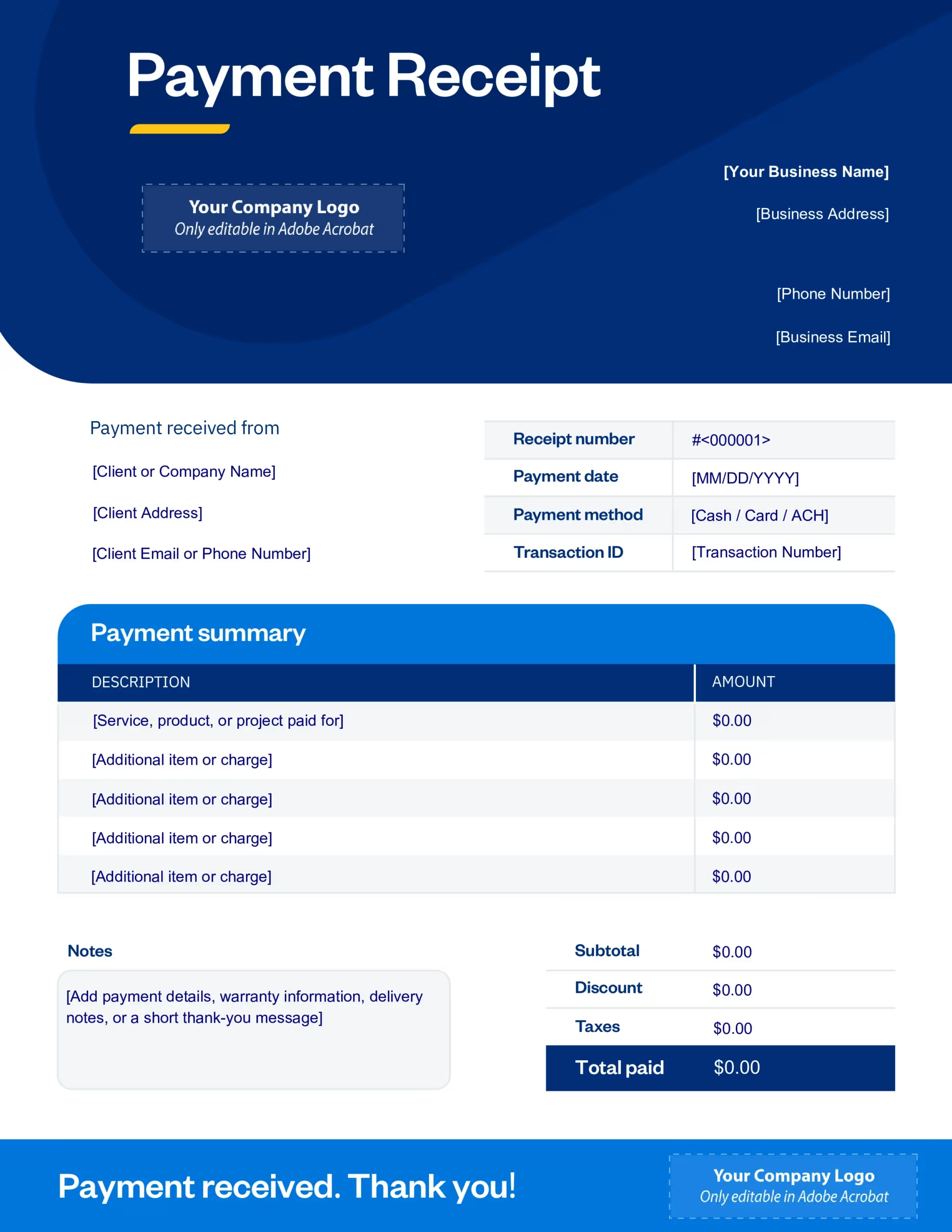
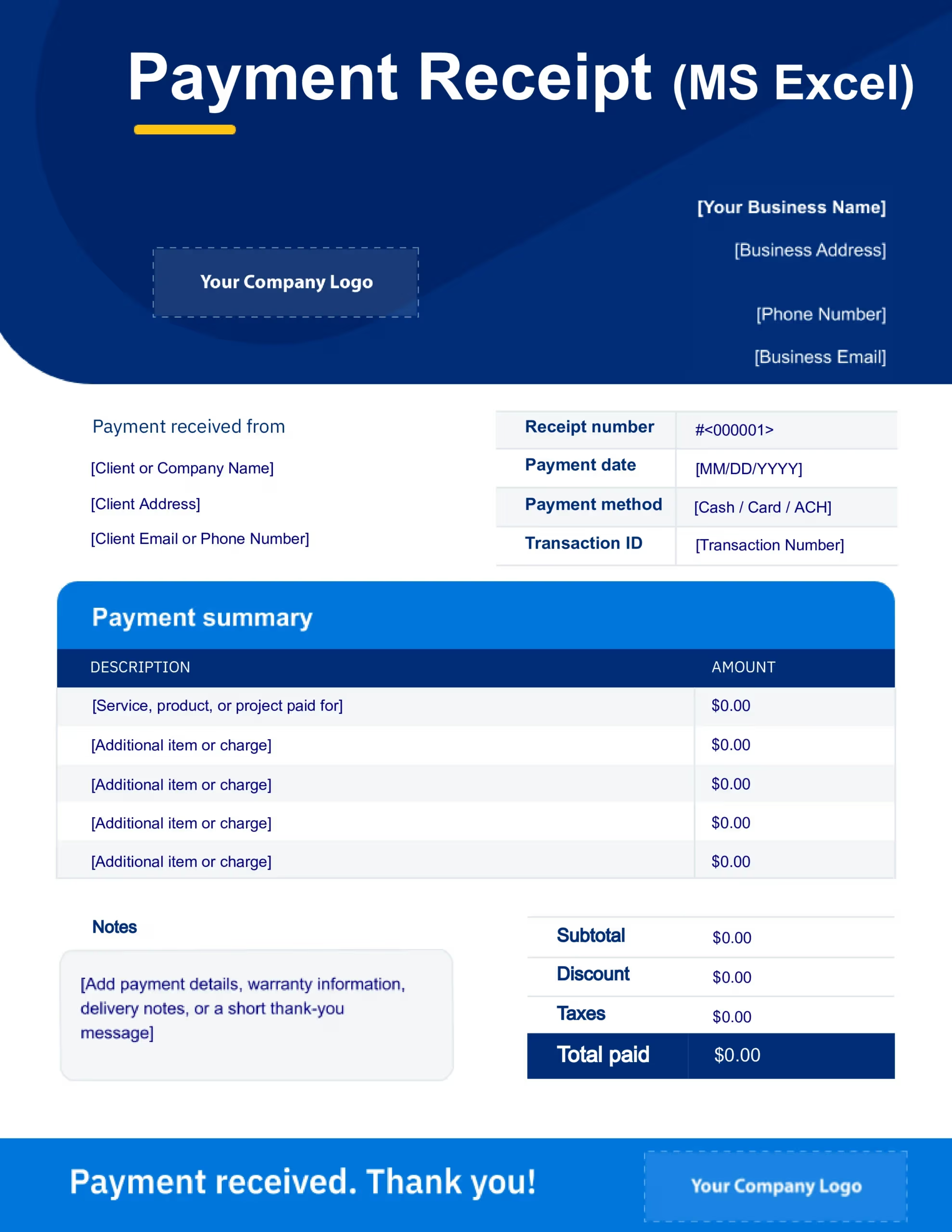
Whether you’re wrapping up a service call or confirming a paid invoice, FreshBooks’ free receipt templates help you send polished receipts fast. Each receipt template can be customized with your business details, client information, payment amounts, taxes, and notes. Simply download your preferred format, fill it out, and hit send.
Download your free receipt template
 Microsoft Excel
 Google Sheets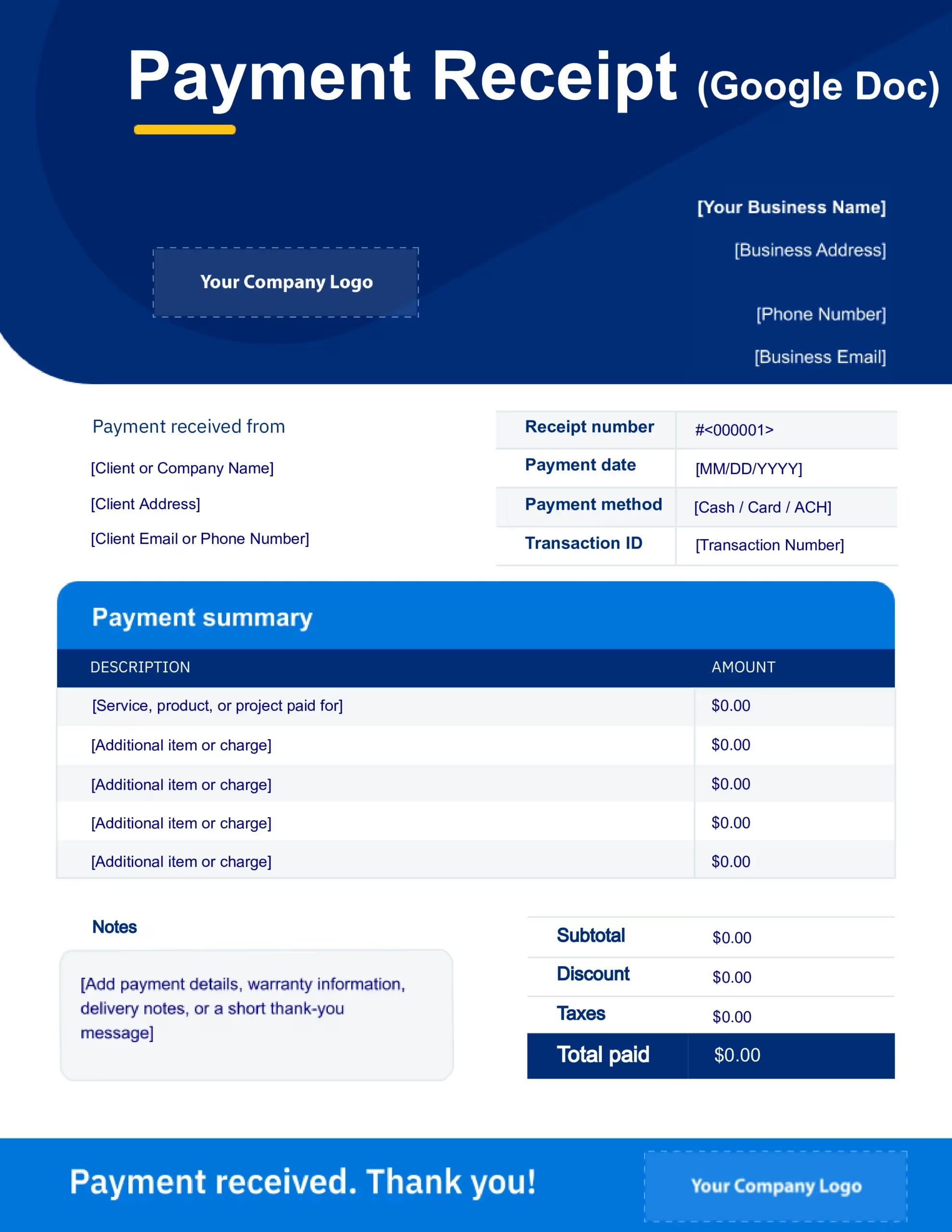
 Google Docs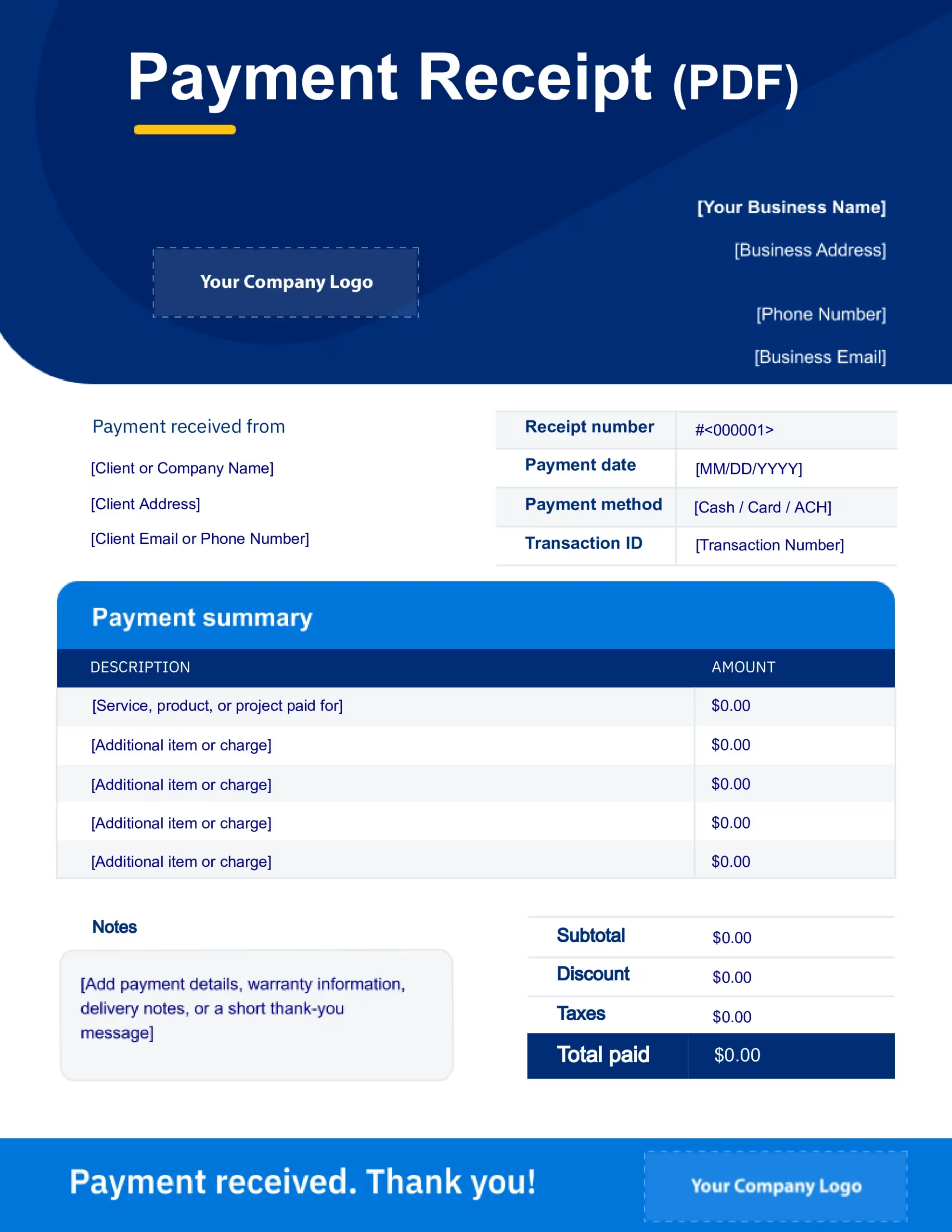
 Adobe PDF
Which receipt template format should I use?
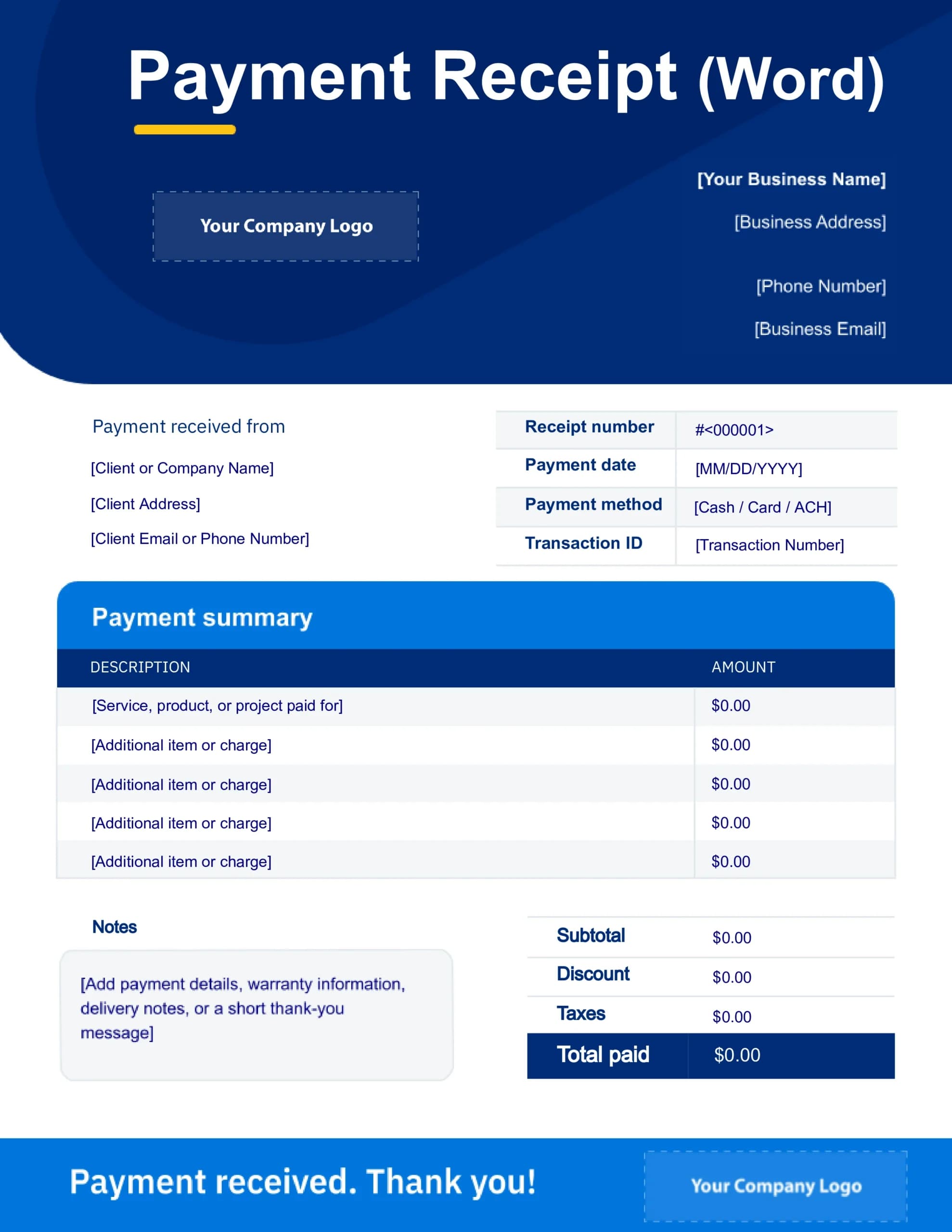

Microsoft Word
Word receipt templates give you the flexibility to customize receipts for different jobs, clients, or payment types. They’re a good fit for consultants, freelancers, and other service-based businesses with less standardized transactions.
Who needs a receipt template?
A receipt template gives you a simple, fill-in-the-blank way to send clients proof of payment and clearly document transaction details.
Wondering if you really need receipts and invoices? Most businesses do. Invoices ask clients to pay you, while receipts serve as proof that the payment has been made.
Whether you’re documenting a cash payment, providing proof of service, or creating a receipt for a completed job, there's a template for it:
receipt template for small business
receipt template for cash payment
receipt template for rent payment
receipt template for services
receipt template for contractors
simple receipt template
sales receipt template
What to include in a receipt template
Before sending your receipt, make sure these important transaction details are filled out clearly:
Your business name and contact information.
Client or business name.
Receipt number for tracking.
Payment date.
Description of products or services provided.
Quantity, rate, or unit price.
Taxes or discounts applied.
Total amount paid.
Payment method (cash, card, bank transfer, check, etc.)
Notes or additional details if needed.
Benefits of using a free receipt template
Using a professional receipt template comes with a few simple but important benefits:
Spend less time on payment paperwork
Keep every client payment documented
Deliver a consistent and professional client experience
Avoid missed payment details
Customize receipts with your branding
Download, print, or email receipts easily
Spend less time on payment paperwork
Getting paid is only part of the job
A receipt template helps you close out one payment. FreshBooks keeps your invoices, expenses, receipts, and bookkeeping connected, so everything stays in sync behind the scenes.
Less admin for you. More momentum for your business.
From invoice to paid
Send invoices, accept payments, and automatically keep every transaction organized.
Receipt scanner
Snap a photo of a receipt and let FreshBooks store the details for you.
Online payments, built in
Give clients multiple ways to pay online: by card, ACH, or mobile wallet.
Expense tracking
Stay on top of every expense without digging through spreadsheets or paper receipts.
Your next job is waiting.  Try FreshBooks for free.
Don’t let receipts, payments, and admin work slow you down. FreshBooks keeps it all connected, so you can spend less time catching up and more time moving on to the next job.
Start Your Free TrialFrequently asked questions
Yes. FreshBooks offers free receipt templates you can download, customize, print, or send digitally in Word, Excel, PDF, and Google Docs formats.
An invoice requests payment before a client pays you. A receipt confirms that payment has already been made. Both help keep your business records organized.
Yes. A cash receipt gives both you and your client a clear record of when the payment was made, how much was paid, and how it was paid.
If you use FreshBooks, your receipts, invoices, and payments are already connected in one place, so you don’t need a separate receipt template. But downloadable templates are still useful for cash transactions, one-off payments, or situations where you need an offline record.
A professional receipt should include your business information, client details, payment date, itemized charges, taxes, total amount paid, and payment method. Keeping the layout clean and adding your logo or brand colors can also make your receipts feel more polished and professional.
Yes. You can customize your receipt template with your logo, brand colors, business contact details, and payment information so your receipts feel consistent with the rest of your business.
Once your receipt is filled out, you can download it as a PDF or print it directly from Word, Excel, or Google Docs. FreshBooks offers a full guide on how to print receipts if you need more help.
Usually, yes. Receipts help document business income, payments, and expenses for tax and bookkeeping purposes.
