Limited time: $1/month for your first year


WHICH ACCOUNTING SOFTWARE IS BETTER FOR YOUR NEEDS?
FreshBooks vs. QuickBooks
FreshBooks and QuickBooks share many core features. The biggest difference? FreshBooks is built for small business owners, so managing your business finances feels simple and stress-free.
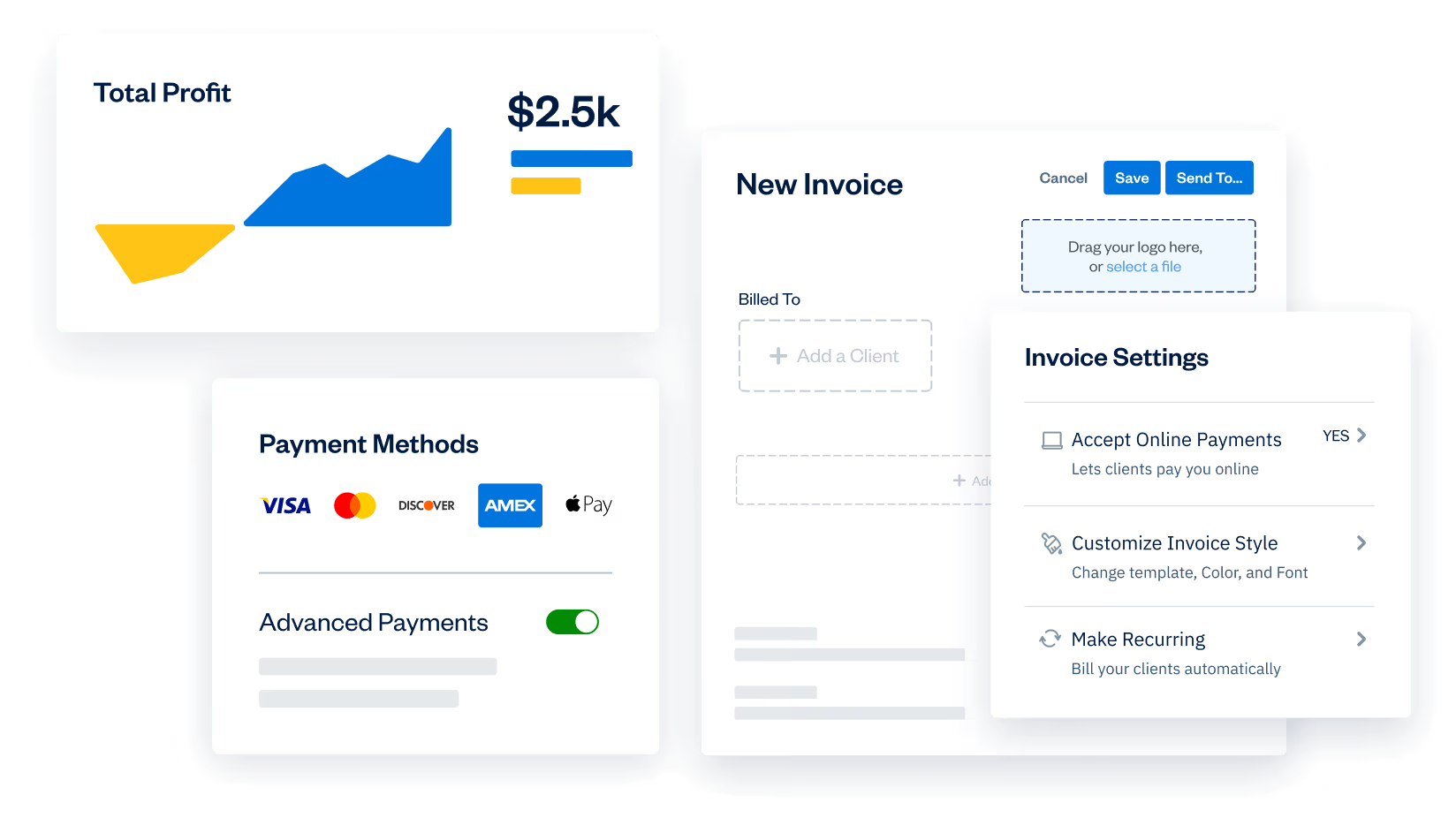
Get easy-to-use accounting tools, built-in payments, and PCI compliance all in one place, so you can run your business and accept payments with confidence. No surprise fees or extra setup.
Only available to new subscribers via this page.
No credit card required.
Cancel anytime.

4.5 Excellent




PCI Compliance Shouldn’t Cost You More
If you accept credit card payments, PCI compliance isn’t optional. It’s required.
Some payment providers now charge separate PCI compliance fees on top of standard payment processing costs. That means higher monthly expenses for something that should already be included.
FreshBooks takes a different approach. When you use FreshBooks Payments, PCI compliance is included. No separate compliance fee. No surprise add-ons. Just secure, streamlined payments built directly into your accounting software.
Learn how FreshBooks compares to QuickBooks
FreshBooks is built for both business owners and accountants. You don’t need an accounting degree to use FreshBooks, because it was built with usability in mind, allowing you to effortlessly manage your books and run your business on the same platform.
The same can’t be said for QuickBooks. According to a 2022 report published by Digital Adoption: “QuickBooks accounting software is the most confusing office tool with approximately 67,710 related monthly searches.”
| Features |  | QuickBooks |
|---|---|---|
Free Trial | Free 30-Day Trial Included | Free 30-Day Trial Included |
Easy-to-Use-Interface |  |  |
PCI Compliance Fees | $0 (Included) | Additional fee |
Online Payments (Credit Cards) | | |
Adding Multiple Users | Available on all plans | Only on higher-tiered plans |
Double-Entry Accounting | | |
Business Health Reports | | |
Payroll | | |
Bookkeeping | | |
Mileage Tracking | | |
Bills & Receipt Scanning (OCR) | | |
Chart of Accounts | | |
Expense Tracking | | |
Unlimited Invoicing | | |
Proposals & Estimates | Available on all plans | |
Time Tracking | Available on all plans | Only on higher-tiered plans |
Client Communications | | |
FreshBooks gives you the right tools for your job
Minimize your learning curve
With a user-friendly interface and a smart selection of automated tools, you’ll have more time to build your business (now that you’re not spending it on your paperwork).
Support teams that support you
With expert-level insight and award-winning service, FreshBooks Support teams are here to help you succeed.
Invoice to Cash
FreshBooks Payments streamlines your entire billing cycle ensuring a steady cash flow with support available every step of the way.
The features you need.
All in one place.
Invoicing
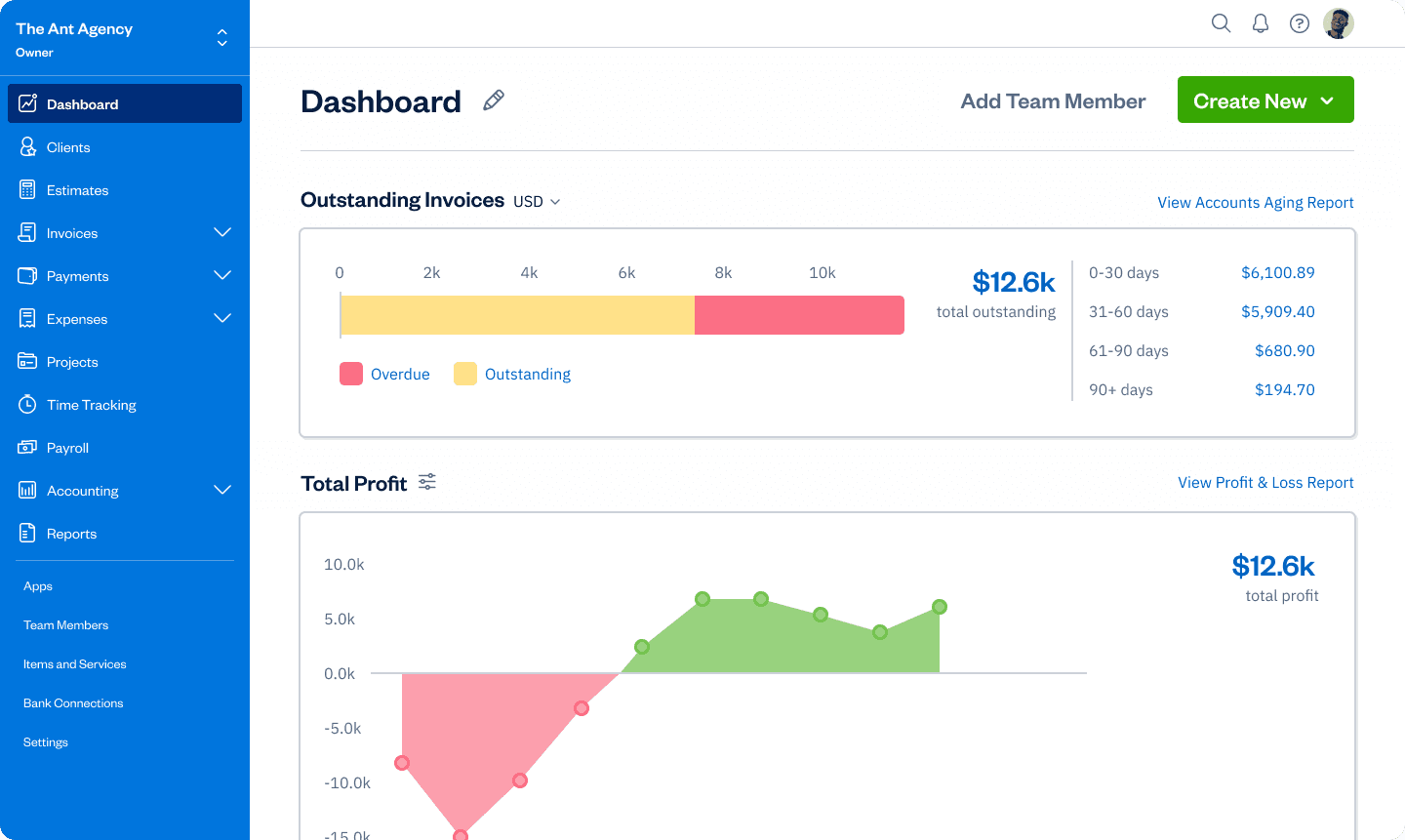
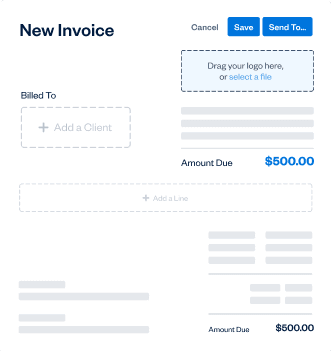
Create professional invoices in minutes. Automatically add tracked time and expenses, calculate taxes, and customize your payment options.
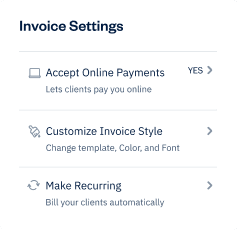
Billing and Payments
Bill fast, get paid even faster, and automate the rest with recurring invoices, online payments, and late payment reminders.
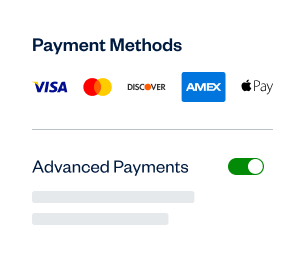
Expenses
Keep track of your expenses with mobile receipt scanning, bank account imports, and automated expense categorization.
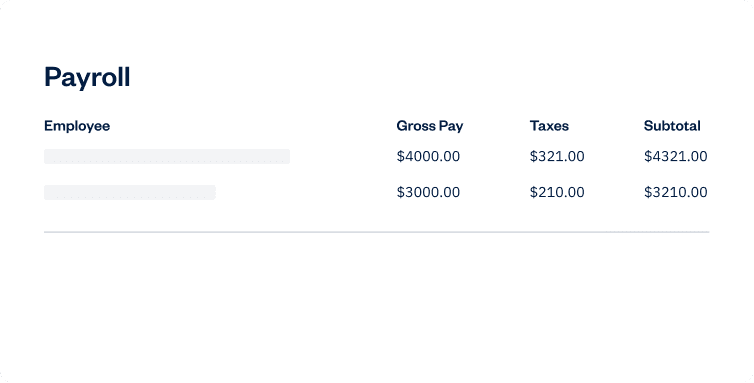
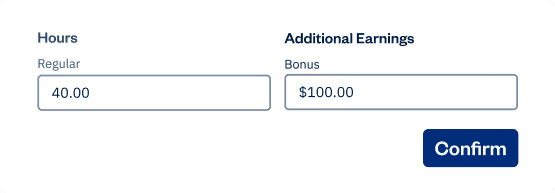
Payroll
The simplest way to pay yourself and your team. Seamlessly run payroll, track expenses, and calculate taxes without juggling separate tools.
Are you ready to switch but dreading the work?
Don’t let the amount of data tied up in your current accounting software stop you from finding the right fit for you and your business. With Easy Switch, our specialists will handle the heavy lifting, moving all your important info (like expenses, invoices, and client details) from QuickBooks to FreshBooks.
Choosing FreshBooks vs QuickBooks doesn’t need to be hard. Let us help you make an Easy Switch.



Is FreshBooks better than QuickBooks?
According to these users? Yes.
Rich. P

I use to use Quickbooks Online. However, I found it was too much for me, as I do not have an accounting background, and own a small business. After checking out other competitors, and some open-source software, I decided on Freshbooks. I could not be happier for my choice. The software is very easy to use, and there support is TOP NOTCH. There is no install, so it's just a matter of using your web browser, and it was very easy to integrate it with my bank accounts. I use it on a daily basis, and I cannot recommend this software enough, and it's perfect for my small business needs. (Link)
Patricia C.
Unfortunately, I had spent far too much money on a cumbersome and overrated product through QuickBooks. Due to that experience, I vetted long and hard before deciding which company to work with. FreshBooks is very user-friendly and fun! It meets all of my needs. Their reports are great, and I can easily track my income and expenses. FreshBooks is also very cost-effective. I have had some questions over the years, and their customer service is exceptional - quick responses from knowledgeable staff. They have my highest recommendation! (Link)
Dave J.
Freshbooks is intuitive and easy to use. I can easily track my time and spending. It's a reliable program. Their customer service has been very good. It's easy to write and track invoices. I do recommend this product to other small businesses.(Link)
Is FreshBooks better than QuickBooks?
According to these users? Yes.
Patricia C.
Unfortunately, I had spent far too much money on a cumbersome and overrated product through QuickBooks. Due to that experience, I vetted long and hard before deciding which company to work with. FreshBooks is very user-friendly and fun! It meets all of my needs. Their reports are great, and I can easily track my income and expenses. FreshBooks is also very cost-effective. I have had some questions over the years, and their customer service is exceptional - quick responses from knowledgeable staff. They have my highest recommendation! (Link)



Find the right FreshBooks plan for your business
Plus
FreshBooks Select
Do you have a business with complex needs?




Frequently Asked Questions
The long answer is as follows:
When setting up a FreshBooks account, you can start fresh, or transfer over existing data from any previous software like QuickBooks, HoneyBook QuickBooks Online, Zoho Books, or Xero.
If you’re not a fan of the automatic transfer option, you can import your Clients, Expenses, and Items by following the steps below. For Taxes, you can email us the below details, and we’ll take care of it for you.
NOTE: If you choose a Select Plan, your information will be migrated for you by one of our account specialists.
Below are the types of data FreshBooks can import:
Clients: Clients can be imported using the steps here yourself.
Expenses: You can now import Expenses yourself with the steps here.
Items: Import Items using the steps outlined here.
Taxes: For Taxes, you can put together a CSV file for each type of data with the required columns below first. Then send this from your owner’s email (that matches your account) with written permission for us to upload.
Required Fields
- Tax Name – i.e. ‘Sales Tax’
- Percentage – i.e. ’13’ for a 13% tax
Optional Fields
- Tax Number – Government-registered tax number
Vendors: Import Vendors using the steps outlined here.
We don’t charge extra for basic features. FreshBooks offers essential features on all plans:
- Unlimited Customized Invoices
- Unlimited Expense Entries
- Unlimited Time Tracking
- Unlimited Estimates
You can also check out how FreshBooks compares to other programs and details about its function as a viable alternative on our comparison page.
You sure can.
Many FreshBooks customers have service-based businesses that have them constantly on the go. Not all small business accounting software options allow you to bring your software along with you while serving billable clients.
FreshBooks offers mobile access with iOS (iPhone Mobile) and Android Mobile apps that let you painlessly invoice your clients and track expenses wherever and whenever you need to. FreshBooks also has mileage tracking on iOS and Android.
Now you can bring your account everywhere. It can be easily accessed from any device, from your PC (Windows desktop) or Mac desktop to your mobile phone.
Being able to create and send invoices on the go means no delays and no accounting headaches waiting for you. You can use FreshBooks wherever you have access to the internet, so let FreshBooks take care of your invoicing worries while you sit back and relax.
With the FreshBooks Mobile App, you can take it easy as you travel and rely on real-time notifications to keep you updated on billing and invoicing. From business trips to business lunches, keeping track of your payments will be a piece of cake. This mobile access is all part of your free trial too!
Learn how easy it is to use the FreshBooks mobile app in this 30-second video.
As a client, receiving a FreshBooks invoice with line items for subscription-based products or services, it’s easy to pay. All you have to do is save your credit card, banking, or other payment details online in the FreshBooks application so you’re automatically billed each time an invoice comes due. Imagine doing this without invoicing software—dealing with paper invoices and receipts and having to keep track of phone and address records separately.
Automatic Recurring Invoices in FreshBooks combined with Recurring Payments make it simple for clients to pay and for you to accept payments for products or services rendered—hands-free. Recurring Payments works together with Recurring Templates to automatically bill clients every time an invoice is generated and sent.
Saved payment information can always be removed if you want to opt out of Recurring Payments at any time.
Customizable invoices packed with billable hours and expenses, using advanced features like recurring subscription billing and online payments make it easy for self-employed professionals to get paid faster.
When it comes to making online payments easy for you and your clients and comparing QuickBooks vs FreshBooks it’s easy to see why people choose FreshBooks.
FreshBooks’ features automate most of your accounting so you can spend more time focusing on your work and your clients. You can have invoices automatically generated and sent, expenses automatically tracked, and even have your payments automatically recorded, all without you lifting a finger.
Instead of wasting time laboring over manual inputs or struggling to keep track of bulky receipts, you can use the FreshBooks accounting application to safely automate your accounting.
With FreshBooks, you can rest easy knowing that your accounting struggles are behind you.
FreshBooks vs QuickBooks: When it comes to accounting software, there is no comparison. We simply couldn’t recommend QuickBooks with a clear conscience.
Learn how easy FreshBooks is to use in this 30-second video.
The payment providers we utilize are FreshBooks Payments powered by Stripe in order to provide the following payment methods:
- Major credit and debit cards
- Apple Pay
- Google Pay
- Bank Transfer ACH
Online payments get you paid 2x faster, but did you know you can get paid even faster and more often with the right Invoice Payment Terms?
You can import expenses from our expense tracker by uploading a CSV file as well as having FreshBooks automatically track them by connecting your bank accounts or credit cards.
If you want to import your expenses in bulk with a CSV file, you just need to ensure your file is populated with the necessary fields, and then select “Import Expenses from a File” from the “More Actions” button in the Expenses section of your FreshBooks account.
You can also connect your small business bank account and credit cards to your FreshBooks account to automatically track your expenses right in FreshBooks online accounting software.
You can easily test out expense tracking and importing during your 30-day free trial.
Related articles:
4 Reasons You Should Track Your Business Expenses Daily
Capture Expenses and Invoices on Project Pages in FreshBooks
Everything in your FreshBooks accounting software, from client time tracking to expense tracking to credit card information, is completely secure in FreshBooks.
FreshBooks protects your personal information. For the security of transactions, we use the Secure Sockets Layer (SSL) protocol, which encrypts any information such as credit card numbers and billing information that you send us electronically. The encryption process protects your information by scrambling it before it is sent to us from your computer. In addition, your data is backed up automatically and is accessible from any device, so you can always stay connected and up-to-date.
Want to learn more? Check out this article from our blog: How Secure Is Your Data in the Cloud?
This is one of the biggest differences when comparing QuickBooks vs FreshBooks.
FreshBooks is built specifically for small business owners, letting you easily do everything yourself. However, when it comes to using all the tools available to you as a small business owner, your accountant should definitely be part of your toolbox.
Sending customizable invoices and managing billing and invoicing for several businesses in FreshBooks might be right up your alley, but leveraging insights from accounting reports might be something you want a second set of eyes on.
Not only does FreshBooks allow you to add your accountant to your account, but FreshBooks also has an Accountant Partner Program that pairs you, the small business owner, with accountants. This ensures that businesses are matched with accountants that suit their specific needs.
Talk to your accountant and start a free trial to see how easy it is to work together. And if you need a hand, our phone support with a live rep extends to both you and your accountant with no additional fees.
One thing we recommend while comparing QuickBooks vs FreshBooks is to learn all about the FreshBooks Accountant Partner Program.
Want to hear what it’s like to be part of the Accountant Partner Program? Here’s a great article: How FreshBooks’ Accounting Partner Program Helps CMA Lindsay Support Clients
No. PCI compliance is included when you use FreshBooks Payments. We include industry-leading PCI Level 1 security in all of our plans. There are no annual compliance subscriptions or hidden security fees.
Some providers structure compliance as an add-on. FreshBooks includes it as part of our payments offering to keep pricing transparent.
Yes. FreshBooks Payments is built to meet PCI standards for secure payment processing.
Ready to get started?