FreshBooks Payroll Benefits: What’s Included and Who It’s For
Updated on September 18, 2026 | 4 min. read



Pay your employees and contractors, file payroll taxes, and see your whole financial picture, all without leaving FreshBooks.
Running payroll for your business is hard enough. Switching back and forth between multiple systems makes it that much more difficult.
Disconnected systems are time-consuming, whether you’re paying employees and contractors, filing and paying payroll taxes, viewing payroll reports, or simply trying to get a complete picture of your business finances.
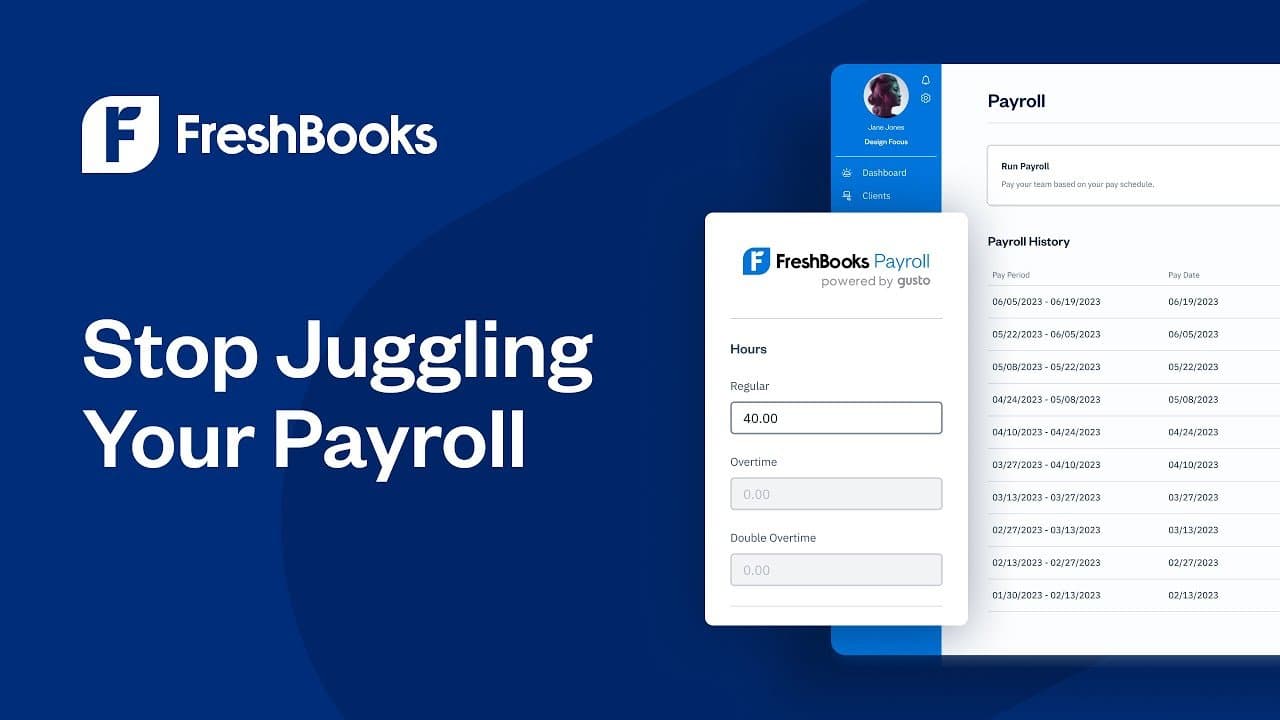
FreshBooks Payroll powered by Gusto gives you a single platform for all your billing, accounting, and payroll needs, all from the FreshBooks account you already use.
When you run payroll with FreshBooks, tax filings, W-2s, 1099s, unlimited payroll runs, and direct deposit come standard. Every transaction shows up automatically in your books, so you always know where your business stands.
🌟 KEY TAKEAWAYS

FreshBooks Payroll powered by Gusto lets you pay employees and contractors right from your FreshBooks account
FreshBooks Payroll costs $40 per month plus $6 per employee on top of your FreshBooks plan, and it includes payroll tax filings, W-2s, 1099s, and direct deposit
Every pay run posts to FreshBooks automatically, so your books stay up-to-date and accurate without manual entry
What is FreshBooks Payroll?
FreshBooks Payroll powered by Gusto is a full-service payroll solution that lets you pay W-2 employees and 1099 contractors without leaving your FreshBooks account. Every payroll transaction posts to your FreshBooks automatically, so your financial reports always reflect what you paid your team. You can see the full picture of your business in one easily accessible platform.


What’s included in FreshBooks Payroll?
Here’s what comes standard when you run payroll through FreshBooks:
- Payroll tax filing: The system calculates federal income tax, FICA, and federal unemployment tax, remits payments to the appropriate agency, and files payroll tax returns. We also handle state and local payroll taxes, based on your business and employees' locations.
- W-2s and 1099s: We generate year-end tax forms and file them automatically. Your team can access their forms through a self-service portal.
- Unlimited payroll runs: Run payroll as often as you need, including off-cycle runs for bonuses or corrections, at no extra charge.
- Direct deposit: Pay your team electronically on schedule, without printing checks or making separate trips to the bank.
- Automatic bookkeeping: Every payroll transaction records itself in FreshBooks, so your books stay accurate and up to date without manual entry.
FreshBooks Payroll powered by Gusto costs $40 per month plus $6 per employee, on top of your existing FreshBooks plan.
Why Gusto?
Gusto is one of the most popular payroll platforms for small businesses in the U.S., and it does more than run payroll. It’s an all-inclusive solution that supports hiring, onboarding, benefits, and compliance support, so you get more than tax filing and direct deposit.
FreshBooks Payroll runs on Gusto’s technology, meaning you get Gusto’s payroll expertise built directly into the FreshBooks account you already use to manage your business. More than 500,000 small businesses across the U.S. rely on Gusto to handle their payroll and compliance needs.
Who is FreshBooks Payroll for?
FreshBooks Payroll powered by Gusto is for business owners who want to pay their team without juggling a separate payroll platform. It’s a fit if you:
- Want payroll built into the FreshBooks account you already use instead of syncing data between different systems
- Need an easier way to pay employees and independent contractors
- Want payroll taxes calculated, paid, and filed for you automatically
- Value a support team you can reach quickly when you have a question or need help
FreshBooks Payroll powered by Gusto is currently available to U.S.-based businesses with employees and contractors located in the U.S., excluding U.S. territories.
FreshBooks Payroll powered by Gusto isn’t available to Canadian businesses yet, but you can pair FreshBooks with Wagepoint. Wagepoint handles your payroll runs, and its FreshBooks integration automatically records the transaction in your books, so you don’t have to enter payroll data twice.
How to get started with FreshBooks Payroll
U.S. business owners can sign up for FreshBooks Payroll directly through their FreshBooks account. Head to the Payroll section, add your employees and contractors, and connect your business bank account to start paying your people, right from FreshBooks.
Payroll setup typically takes up to 2 business days to review before you can run your first payroll, so be sure to sign up a few days ahead of your first pay date.
Once you’re set up, you'll manage everything in the Payroll section. You can add new hires, review your payroll history, access tax filings and documents, and run payroll reports whenever you need them.
Ready to make payday the easy part?
You’ve got a team to pay and a business to run, and FreshBooks Payroll powered by Gusto keeps both moving together. When we handle tax filings, W-2s, 1099s, and direct deposit, and automatically record every transaction in your books, you have more time for the work that grows your business.