Limited-time offer: 80% off for 4 months + free onboarding support with FreshBooks.* Buy now & save
80% off for 4 months + free onboarding support*. Buy now & save


Free estimate template
Professionally designed and fully customizable, the free Estimate Template makes it easy to create and send detailed work estimates to your customers.
Create My Free Estimate
Download free estimate template
Create, customize, and send professional work estimates to customers with the FreshBooks Estimate Templates. Designed with businesses in mind, the free, downloadable templates make it easy to create tailored estimates for contract jobs, service requests, freelancing, and more. Simply add your business branding, service descriptions, product and labor costs, and payment details. Download the estimate template to get started.
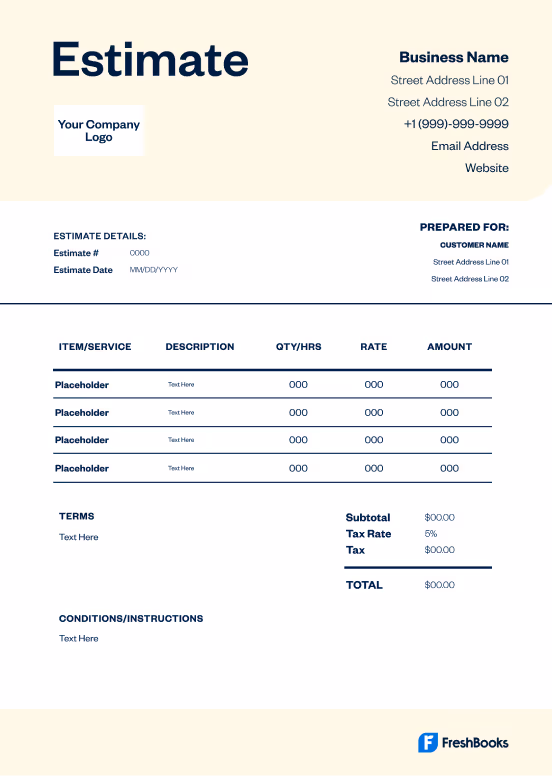
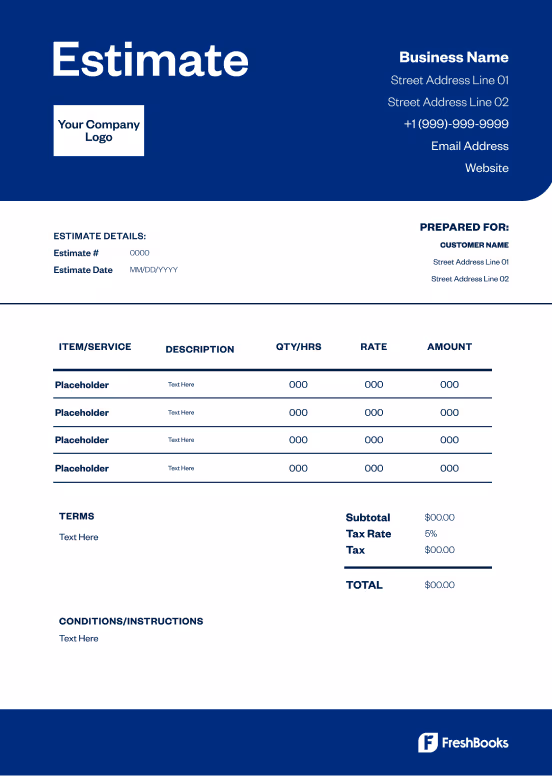
 Microsoft Excel
 Microsoft Word
 Google Doc
 Google Sheets
 PDF
PDFEstimate template formats for your business needs
FreshBooks Estimate Templates are available in Word, Excel, Google Docs, Google Sheets, and PDF formats. Choose one of our free estimate templates to create a custom work estimate today.

Word estimate template
The Microsoft Word Estimate Template is perfect for creating professional cost estimates, all with your business details and branding. Add custom images, colors, and more.

Excel estimate template
Download the free Estimate Template for Microsoft Excel. Excel’s easy-to-use formulas allow you to itemize your products, services, and prices.

Google Docs estimate template
Take advantage of Google’s user-friendly platform with Estimate Templates for Google Docs. Customize your design, add business information, and send estimates to customers in seconds.

Google Sheets estimate template
The FreshBooks Estimate Template for Google Sheets makes it easy to itemize long lists of services and products for your customers. Simply fill out the template, add your branding, and send to customers.

PDF estimate template
Now you can create and download professional estimate sheets in PDF format. Simply customize your design, add your details, and download the completed PDF estimate.
Accounting solutions for your industry
No matter your business, FreshBooks offers powerful accounting software to save you time and stay organized. We understand that each industry has unique requirements, so we've created tailored resources to show how FreshBooks can address your specific challenges. Find your industry below and see how FreshBooks can work for you.
Free estimate templates vs. FreshBooks
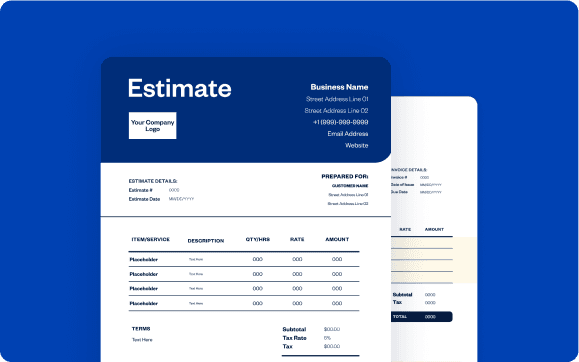
Free estimate forms allow you to create and send professional estimates to help you land more customers, but they don’t provide the scalable features that are available with automated estimating software. With FreshBooks estimating software, you can create detailed work estimates, send estimates to clients, track open status, and monitor payments all in one place.
Downloadable estimate template
vs
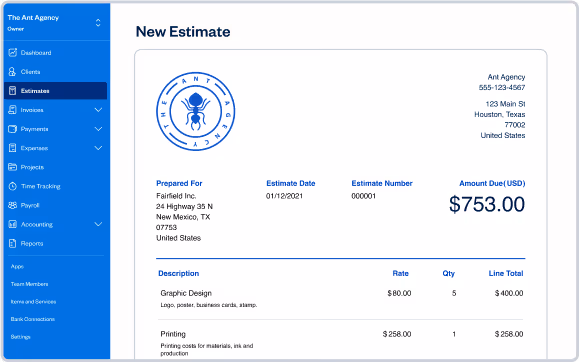
FreshBooks
| Features | Free estimate template |  |
|---|---|---|
Flexible estimate templates |  | |
Printable formats | | |
Email estimates at no cost | | |
Track estimate status from viewed to accepted |  | |
Turn an estimate into an invoice | | |
Add discounts to estimates | | |
Create and send estimates via mobile devices | | |
Access your estimates FOREVER on the cloud | | |

Sign up for a free FreshBooks trial today!
Try It FreeTry it free for 30 days. No credit card required. Cancel anytime.
Helpful resources
FreshBooks Resource Hub has a wealth of information and educational resources to help you stay organized and make informed decisions about your business. Check out our primers on estimating basics, plus in-depth guides for specific needs like work estimates for small businesses or creating estimate sheets as a consultant.
5 Estimate Terms and Conditions for Your Small Business
The 4 Key Types of Estimates: A Guide for Trades and Home Services
Is A Quote A Contract: A Primer for Small Businesses


Tips and tricks for creating estimates
It doesn’t take a professional to create detailed, customer-friendly estimate forms. Whether you’re a freelancer, own a small business, are an independent contractor, or operate a larger company, you can create professional work estimates in seconds with the help of the FreshBooks Estimate Template.
Here are a few tips for creating estimates for your business.
Add customer details
Once you have downloaded the free Estimate Template doc, you can add your customer name, address, email address, phone number, and other relevant information. This ensures that you have the correct information for each and every customer and are sending your final estimate to the correct contact.
Include contingency
If your work estimates include specific requirements regarding deadlines for payment, accepted payment methods, or refunds, you can include these in your work estimates as well. Including contingency information will help ensure that you are paid on time and through the appropriate method.
Customize your estimate
Work estimates don’t have to be plain or boring. With the Estimate Template from FreshBooks, you can add your brand logo, color, fonts, and even images to make your estimates stand out. Plus, you can include your business information to make it easy for customers to contact you.
Follow up with customers
FreshBooks makes it easy to follow up with customers after you’ve sent them an estimate. With FreshBooks accounting and invoicing software, you can set automatic reminders, send manual reminders, or schedule recurring notifications to ensure you are paid on time.
Why small businesses choose FreshBooks.
The reviews say it all.
4.5 Outstanding

FreshBooks offers a well-rounded, intuitive, and attractive double-entry accounting experience. It anticipates the needs of freelancers and small businesses well—better than competitors in this class.

4.5 Excellent
FreshBooks automates daily accounting activities namely invoice creation, payment acceptance, expenses tracking, billable time tracking, and financial reporting.

4.5 Excellent
FreshBooks is an online accounting and invoicing service that saves you time and makes you look professional – Fortune 500 professional.

4.7 Excellent
FreshBooks makes it easy to stay organized, keep track of payments owed and expenses made, send invoices and accept payments.

4.5 Outstanding
FreshBooks offers a well-rounded, intuitive, and attractive double-entry accounting experience. It anticipates the needs of freelancers and small businesses well—better than competitors in this class.
Frequently Asked Questions
An estimate template is a downloadable, customizable document that contractors, freelancers, and business owners can use to send detailed cost estimates to potential customers. They typically include details regarding the services offered, hourly rates, or the cost for each service. This is what customers review before deciding to move forward with services and issuing payment.
Estimate templates make it easier to create work estimates by providing a ready-to-use template instead of requiring the service provider to create the detailed estimate from scratch. The template is downloadable, easy to customize, and can be sent to customers in a matter of minutes. Using an estimate form saves you time and money when it comes to your business invoicing.
The examples of estimate templates are nearly endless, given that there are so many different types of businesses. Some examples of the most common estimate templates include Contractor Estimate Templates, HVAC Estimate Templates, Marketing Estimate Templates, Job Estimate Templates, and Auto Repair Estimate Templates.
Estimates, invoices, and quotes are financial documents used in business transactions, but they serve different purposes. A cost estimate is a document that outlines the anticipated costs of a product or service and is typically sent to a potential customer before a sale. An invoice is a formal document that’s issued to the customer once the transaction has taken place, requesting payment for the product(s) or service(s). A quote is similar to an estimate in that it outlines the anticipated costs of a service. If the customer accepts the quote, the quote may be converted into an invoice.
A work estimate should provide detailed information about the scope of work, costs, and terms of the project or service. It is important to include your company’s name and contact information, your client’s name and contact information, the date the estimate is issued, the project timeline, an estimate number, a description of the work to be performed, payment terms, Terms and Conditions, the validity period for the estimate, and attachment of any additional documents or materials.
The FreshBooks Estimate Template is available to download in Google Docs format. If you prefer to use Google Docs as your platform of choice for creating work estimates, the free Estimate Template makes it easy to create detailed estimates in seconds. Simply download the template, open a new document in Google Docs, and fill in the relevant details for your new work estimate.
Create professional work estimates with the help of FreshBooks estimating software. While the free downloadable job estimate templates allow you to create simple cost estimates, FreshBooks offers many more professional tools for creating detailed, branded work estimates. Save your customer information to your contacts, set recurring reminders, collect payment online, and more with the help of FreshBooks invoicing and accounting tools.
