Limited-time offer: 80% off for 4 months + free onboarding support with FreshBooks.* Buy now & save
80% off for 4 months + free onboarding support*. Buy now & save


Business Invoice Templates
Detailed, professional invoices can enhance your business’s credibility. Create them in just a few clicks using a business invoice template from FreshBooks for free.
Create My Free Invoice
Download Business Invoice Templates
There’s no one-size-fits-all when it comes to owning a business. That’s why FreshBooks offers free business invoice templates that allow you to quickly download and easily edit invoices to suit the services you provide. Check out our selection of customizable invoice templates below.
If you have some time and want to create your own template, we provide that option for free.
Generate Custom Invoice for Free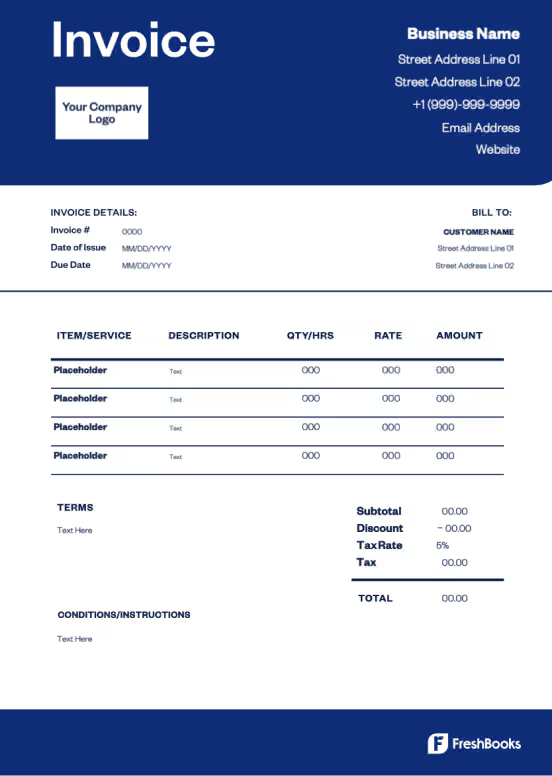
FreshBooks Invoice Generator
Drag your logo here, or select a file
Bill From:
Bill To:
Invoice Number:
Date:
Amount Due (USD)
$0.00
| Description | Rate | Qty | Line Total |
|---|---|---|---|
Enter an item name Describe this item | 0.00 | 1 | 0.00 |
| Subtotal | 0.00 |
|---|---|
| 0.00 | |
| Total | 0.00 |
| Amount Due (USD) | $0.00 |
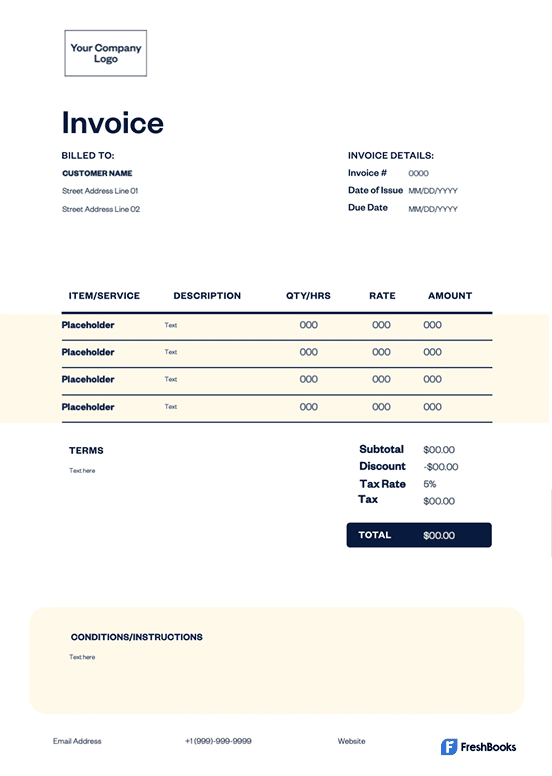
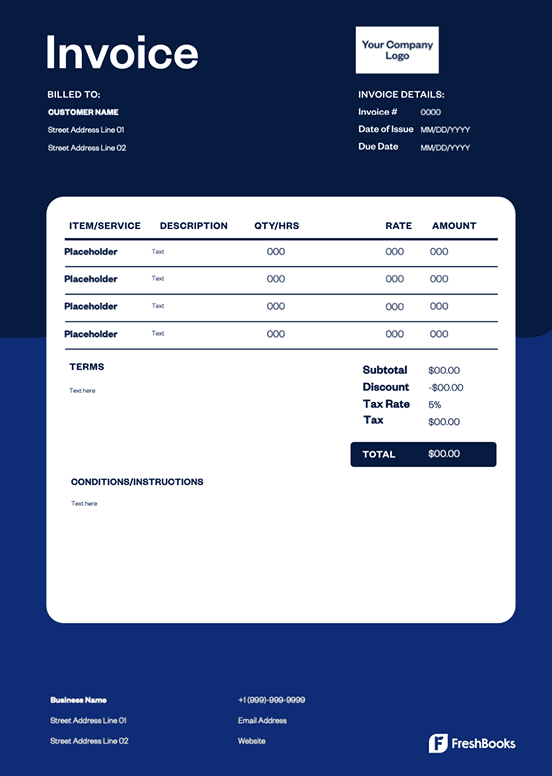
Business Invoice Template
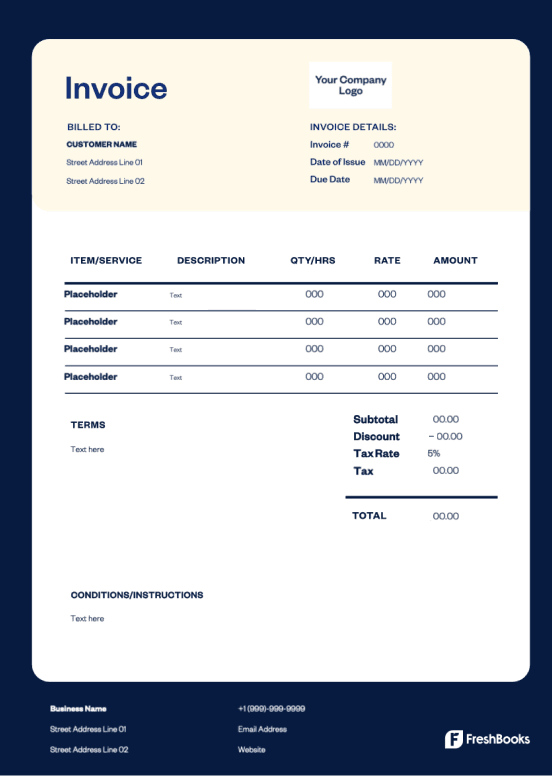
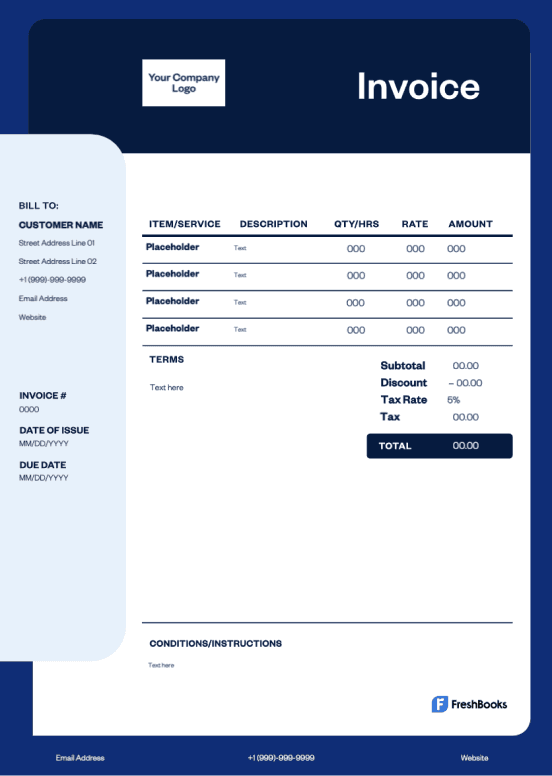
Don’t waste time building the perfect invoice. Focus on your business growth and quickly create a free invoice using a simple, beautiful template.

Word invoice template
Word invoice templates provide a simple solution for invoicing on a widely used program, offering compatibility with many different types of devices and software.

Excel invoice template
Excel invoice templates are easy to edit and offer formulas that make calculations a breeze. They help save time and reduce errors by doing the math for you.

Google Docs invoice template
The Google Docs invoice template makes it simple to download and customize a pre-made fillable template that’s ready to send in minutes.

Google Sheets invoice template
Google Docs invoice templates offer a collaborative experience. Different users can edit documents simultaneously, making it ideal for businesses with remote teams or client collaboration.

PDF invoice template
PDF invoice templates offer a file format that is widely used and accessible to many. These templates have the option of password protection to keep sensitive payment information secure.
More Invoice Templates by Industry
There’s a lot that goes into running a business, and you might need to bill for services that aren’t directly related to what your business offers. That’s why FreshBooks provides a wide range of industry-specific invoice templates. Here are a few that you might be interested in.
If you don’t see what you need on this list, take a look at our invoice template gallery to find the perfect invoice for you.
Keep track of every order, sale, and customer with free invoice templates for your bakery business. You can even add your own logo!
You can sweeten any business deal when you offer catering. Use free invoice templates for caterers to get paid quickly and efficiently.
Hospitality is a great business to be in, and it’s crucial to keep the payment process as detailed and simple as possible. Get paid on time with an easy-to-use hotel invoice template.
A good freight invoice needs a lot of clear details, but adding them doesn’t have to take a lot of time when you use customizable templates for freighting services.
If you offer an accounting service, you deserve payment for your work. Get paid faster with a blank invoice template that lets you include all the client and payment details you need.
Consulting is a lot of things—maybe you offer marketing services, software development consulting, or web design consulting. No matter what business, you need a template that ensures a timely payment.
Tutoring is profitable, especially during summer when students want extra practice. Make sure your clients have you in mind for next year with an invoice that includes your company logo.
Non-profits have different tax requirements than for-profits—and your invoice template should reflect that. That’s why you need one that you can adjust to your unique needs.
Business Invoice Template vs. FreshBooks
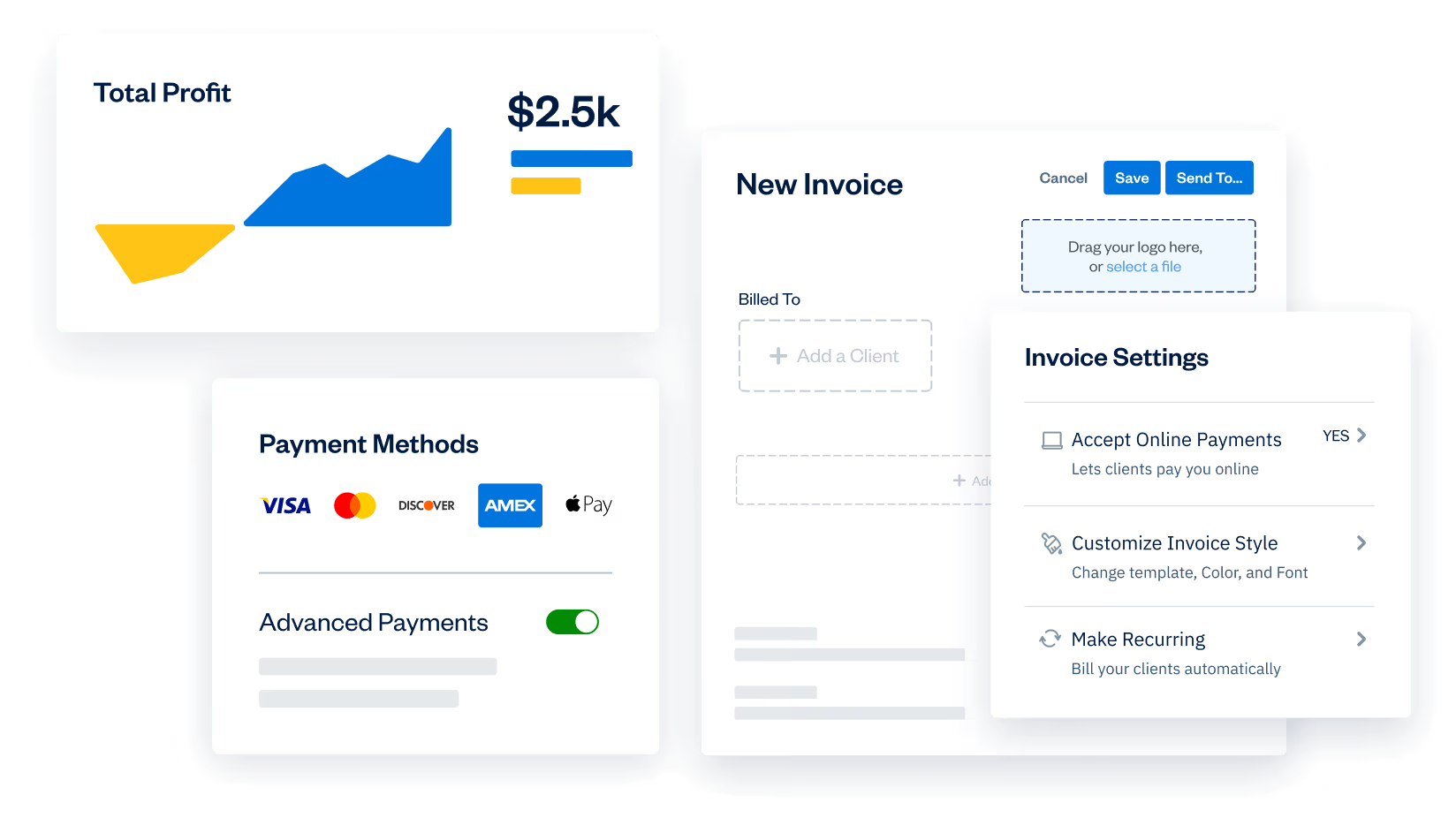
Industry-tailored online templates are perfect for one-time payments. However, if you need to set up automatic reoccurring payments for regular customers, consider FreshBooks. Our invoicing software makes it easy for you to set payment terms, send payment links, get online payments, and set them up on a mobile device.
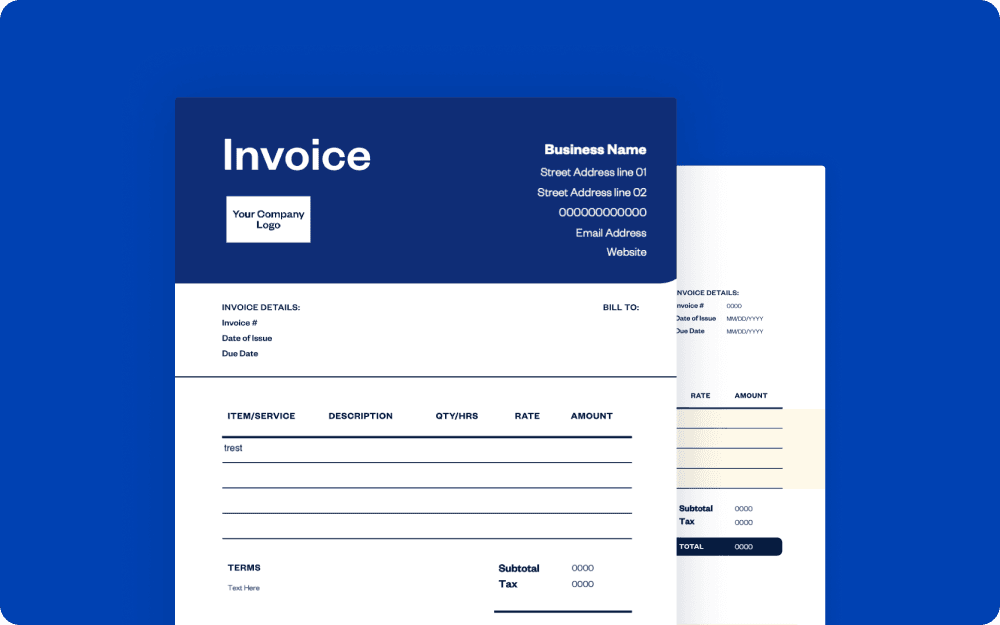
Downloadable estimate template
vs
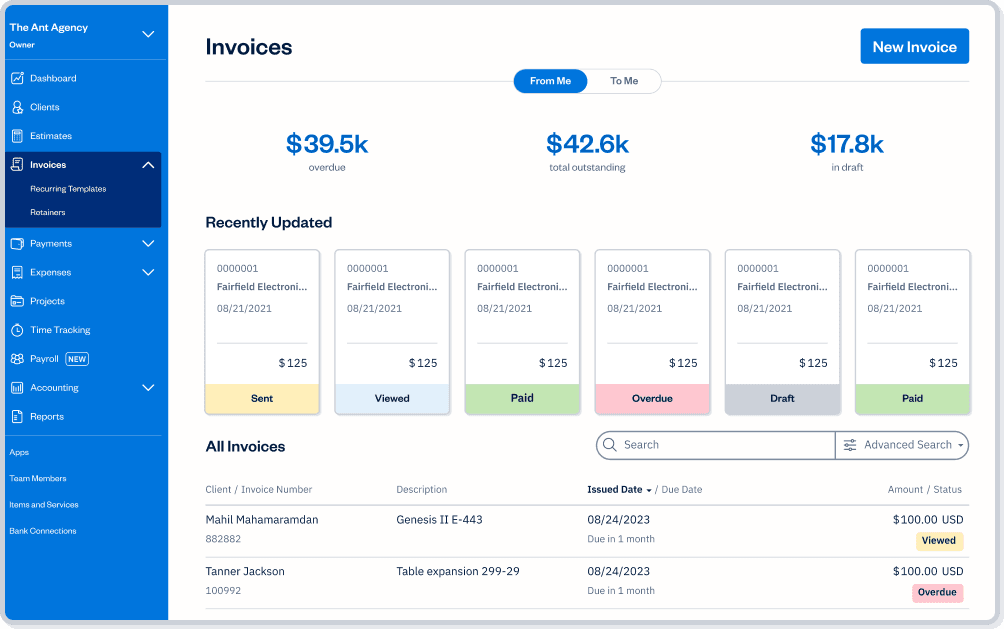
FreshBooks
| Features | Free invoice template |  |
|---|---|---|
Flexible invoice templates |  | |
Printable formats | | |
Email invoices at no cost | | |
Accept payments on invoices |  | |
Schedule invoices | | |
Automate payment reminders and late fees | | |
Manage paid and outstanding invoices | | |
Set up deposits for projects | | |
Add discounts and credits to invoices | | |
Automate recurring subscription invoices | | |
Create and send invoices via mobile devices | | |
Access your invoices FOREVER on the cloud | | |

Sign up for a free FreshBooks trial today!
Try It FreeTry It Free for 30 Days. No credit card required.
Cancel anytime.
Business Invoicing 101: Helpful Resources for Your Business
There’s more to invoicing than design. You need to know how to send invoices out and receive the payment you deserve by the due date you need. Learn more about billing best practices with these resources from FreshBooks.
How to Invoice a Company: A Step-By-Step Guide for Businesses
How to Make an Invoice
13 Types of Invoices Every Business Should Know
Ready to get started?



Frequently Asked Questions
You could create your own invoices from scratch using your preferred processing software. However, it’s much easier if you use FreshBooks’ templates. You can choose almost any file format based on your preferences. We offer business invoice template in PDF, Microsoft Word, Microsoft Excel, Google Docs, and Google Sheets formats.
Generating an invoice shouldn’t cost you anything unless you’re using a paid generator tool. FreshBooks has a Free Online Generator, so it’s easy to design high-quality invoices without the cost. You can also try FreshBooks’ more advanced invoice software for a free 30-day trial. This comes with the added benefits of being able to track payment statuses, track work time, and manage any other accounting tasks.
Your invoice must include your business information, such as your company name, invoice number, and address. If your company address is the same as your personal address, you should include it on your invoice. You’re also not required to be a registered business to generate invoices—you can generate them as an individual.
Calculating the taxes on your invoice is relatively simple as far as tax calculations go. Here’s a 3-step process for you to keep in mind.
1. Determine what types of taxes are required for your transaction and applicable regional taxes.
2. Use this equation to determine your total after taxes: Total = Initial Cost * (1 + Tax Rate).
3. Clearly state the total amount with tax and break down the initial cost vs. taxes on the invoice for your client.
There aren’t any legal requirements around invoice templates in the US. An invoice must clearly state that it is an invoice, but other than that, there is no regulatory law specifying how invoices need to be presented. You can add as many details as necessary to communicate with your customers.
