Limited-time offer: 80% off for 4 months + free onboarding support with FreshBooks.* Buy now & save
80% off for 4 months + free onboarding support*. Buy now & save

Best accounting software for iPad
No credit card required. Cancel anytime.

Access financial data anytime, anywhere
Access your financial data securely from any location with FreshBooks’ accounting software for iPad. Whether you're in the office, at home, or traveling, your important financial information is always at your fingertips.
Simplify on-the-go invoicing and payments
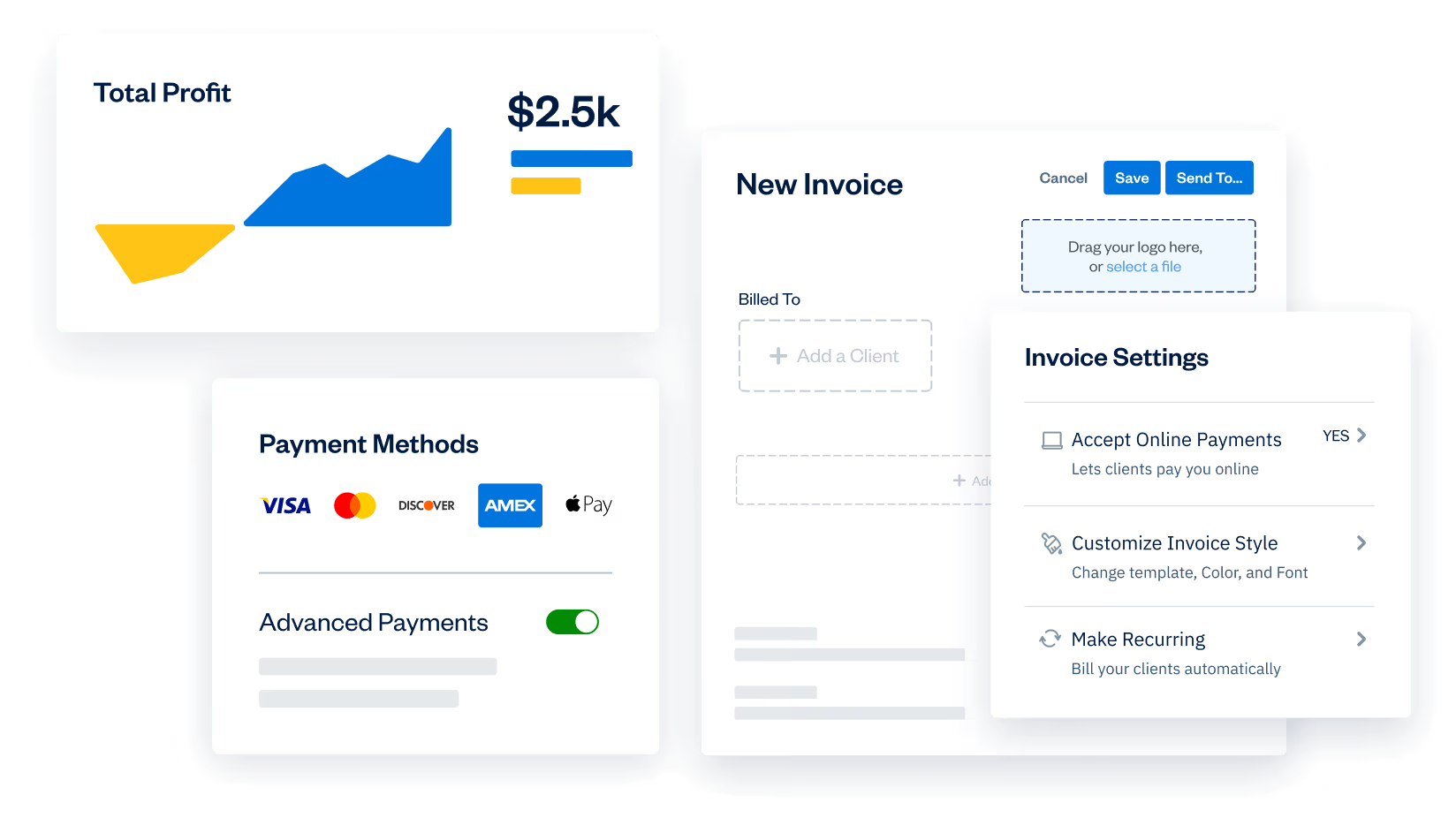
Create and send professional-looking invoices, and accept payments from your iPad. Completing transactions is seamless, ensuring that all user interactions are validated for security and access. FreshBooks’s mobile invoicing feature streamlines the billing process, helping you get paid faster and more efficiently, no matter where you are.
Manage expenses and track receipts instantly
Easily manage your expenses and track receipts using FreshBooks on your iPad. You can quickly record transactions, categorize expenses within your budget, and even capture receipts with your iPad’s camera, keeping your financial records up-to-date.
Generate real-time reports on your iPad
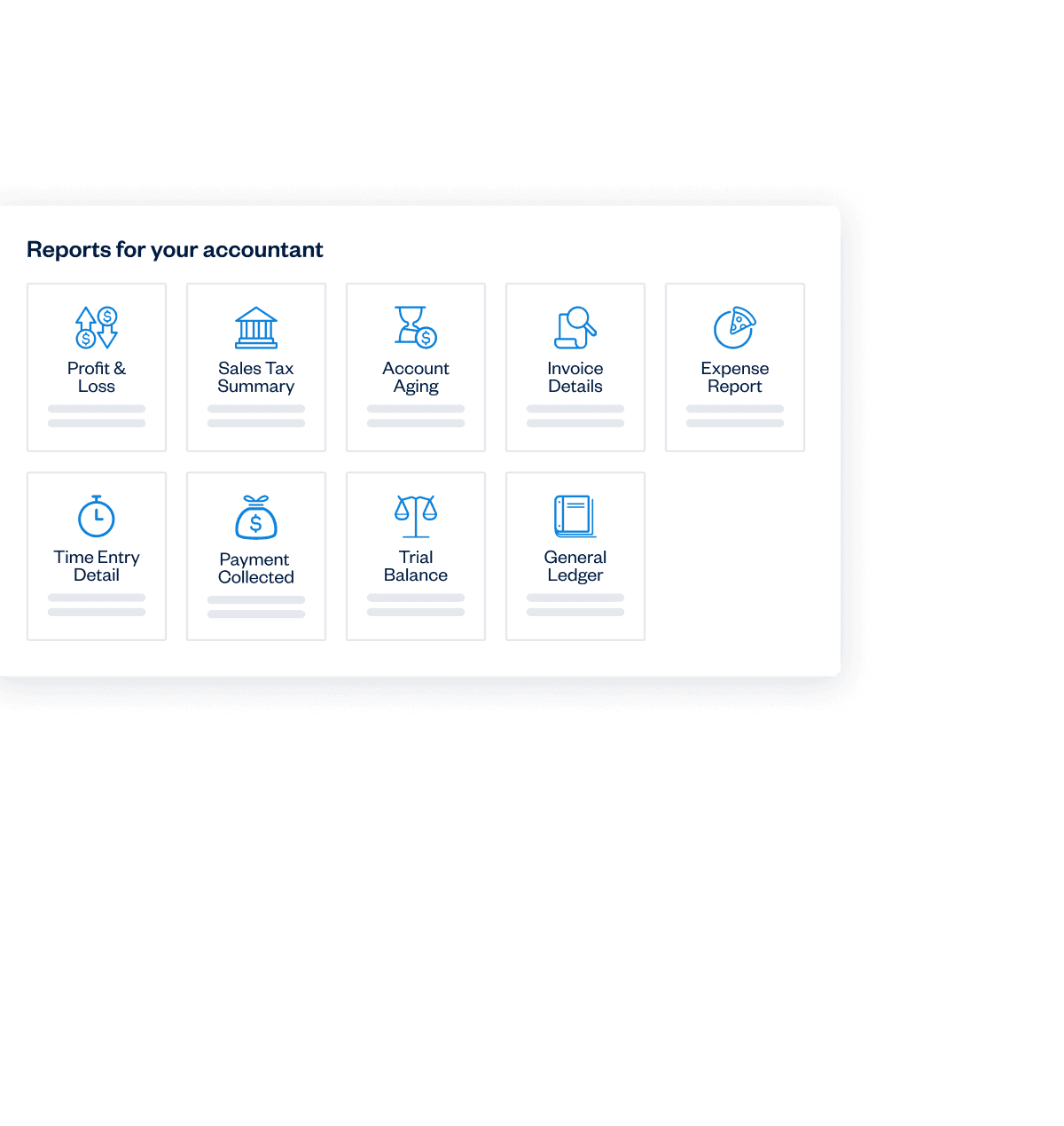
Generate detailed financial reports directly from your iPad with FreshBooks. Monitor your business's performance with real-time data on revenue, expenses, and profits, enabling you to make informed decisions instantly.
Simplify on-the-go invoicing and payments
Create and send professional-looking invoices, and accept payments from your iPad. Completing transactions is seamless, ensuring that all user interactions are validated for security and access. FreshBooks’s mobile invoicing feature streamlines the billing process, helping you get paid faster and more efficiently, no matter where you are.
iPad accounting software with all the features you need
Invoicing
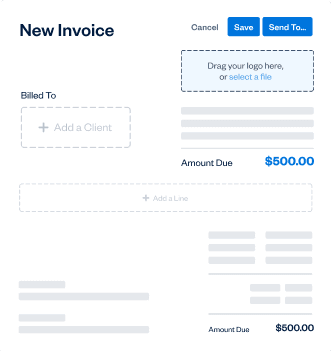
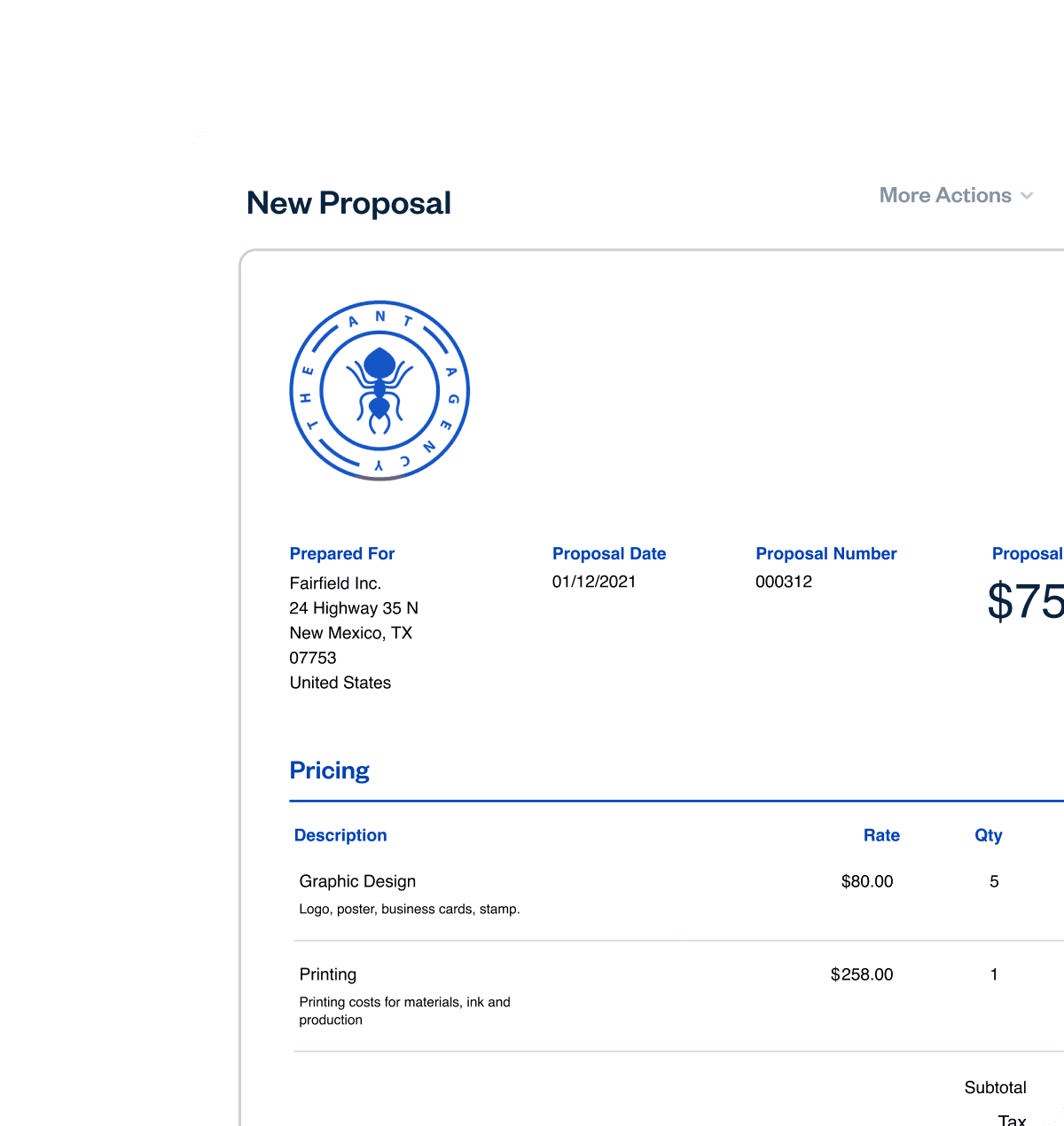
Create professional invoices in minutes. Automatically add tracked time and expenses, calculate taxes, and customize your payment options.
Billing and Payments
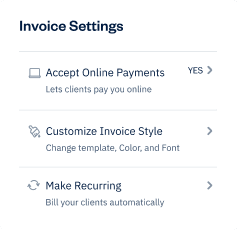
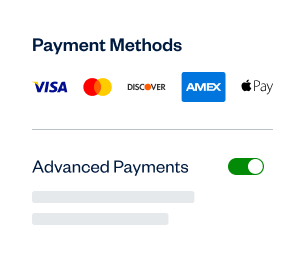
Bill fast, get paid even faster, and automate the rest with recurring invoices, online payments, and late payment reminders.
Expenses
Keep track of your expenses with mobile receipt scanning, bank account imports, and automated expense categorization.
Payroll
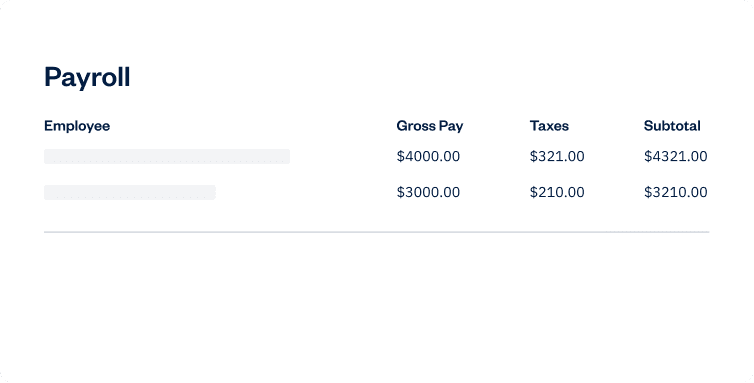
The simplest way to pay yourself and your team. Seamlessly run payroll, track expenses, and calculate taxes without juggling separate tools.
Automate your finances on your iPad and save time
Faster payments with effortless mobile invoicing
Stay on top of your business finances in real-time on your iPad
Automate your finances on your iPad and save time
Faster payments with effortless mobile invoicing
Stay on top of your business finances in real-time on your iPad




Automate your finances on your iPad and save time
Faster payments with effortless mobile invoicing
Stay on top of your business finances in real-time on your iPad
Free vs. FreshBooks iPad accounting software
Free accounting software for iPads might seem attractive for small businesses, but it often lacks essential features. These include invoicing, detailed expense tracking, bank reconciliation, and in-depth financial reports, which are crucial for growing businesses.
FreshBooks offers a strong alternative designed for small business needs. Its iPad accounting software provides tools to easily track expenses, create professional invoices, and accept payments.
FreshBooks also includes secure data storage, customer support, and integrations with other iPad apps, offering a complete solution for managing finances and business growth efficiently.
Why iPad users choose FreshBooks:
The reviews say it all.
4.5 Outstanding

FreshBooks offers a well-rounded, intuitive, and attractive double-entry accounting experience. It anticipates the needs of freelancers and small businesses well—better than competitors in this class.

4.5 Excellent
FreshBooks automates daily accounting activities namely invoice creation, payment acceptance, expenses tracking, billable time tracking, and financial reporting.

4.5 Excellent
FreshBooks is an online accounting and invoicing service that saves you time and makes you look professional – Fortune 500 professional.

4.7 Excellent
FreshBooks makes it easy to stay organized, keep track of payments owed and expenses made, send invoices and accept payments.

4.5 Outstanding
FreshBooks offers a well-rounded, intuitive, and attractive double-entry accounting experience. It anticipates the needs of freelancers and small businesses well—better than competitors in this class.















100+ apps.
Accounting apps and integrations for iPad users
FreshBooks integrates with 100+ apps, helping you control your business’s accounting on iPad and customize your FreshBooks workflows.
See All Apps




Support that actually supports you 

Help From Start to Finish
Our Support team is knowledgeable and never transfers you to other departments.
4.8/5.0 Star Reviews
Yup, that’s our Support team approval rating across 120,000+ reviews
Global Support
We’ve got over 100 Support staff working across North America
Help From Start to Finish
Our Support team is knowledgeable and never transfers you to other departments.
Accounting software
by industry
Feeling overwhelmed by bookkeeping? FreshBooks offers industry-specific accounting software that simplifies finances and boosts efficiency so you can focus on what truly matters. Visit our industry pages below to learn how FreshBooks can fulfill all your accounting needs!
Resources to support iPad users
Top 7 Digital Wallet Apps to Know in 2025
Top 8 Receipt Scanner App Picks to Track Expenses in 2025
11 Construction Apps Builders Must Try In 2025



Frequently Asked Questions
Yes, you can do accounting on an iPad. FreshBooks offers a mobile app that allows you to handle invoicing, expenses, and reporting directly from your iPad.
While you can use a traditional ledger with an iPad, FreshBooks eliminates the need for a manual ledger. The app provides digital ledgers and automated tracking.
Yes, FreshBooks syncs your accounting data across multiple devices. You can start on your iPad and continue on your computer or phone, ensuring your data is always up-to-date.
FreshBooks uses strong security measures to protect your financial data. These include encryption and secure servers to keep your information safe.
Yes, you can generate financial reports using FreshBooks on your iPad. You can create reports such as profit and loss statements, balance sheets, and expense reports.
Yes, FreshBooks provides customer support for iPad accounting applications. You can access help through various channels, including email, phone, and chat, to receive a quick response.
Accounting on your
iPad made easy